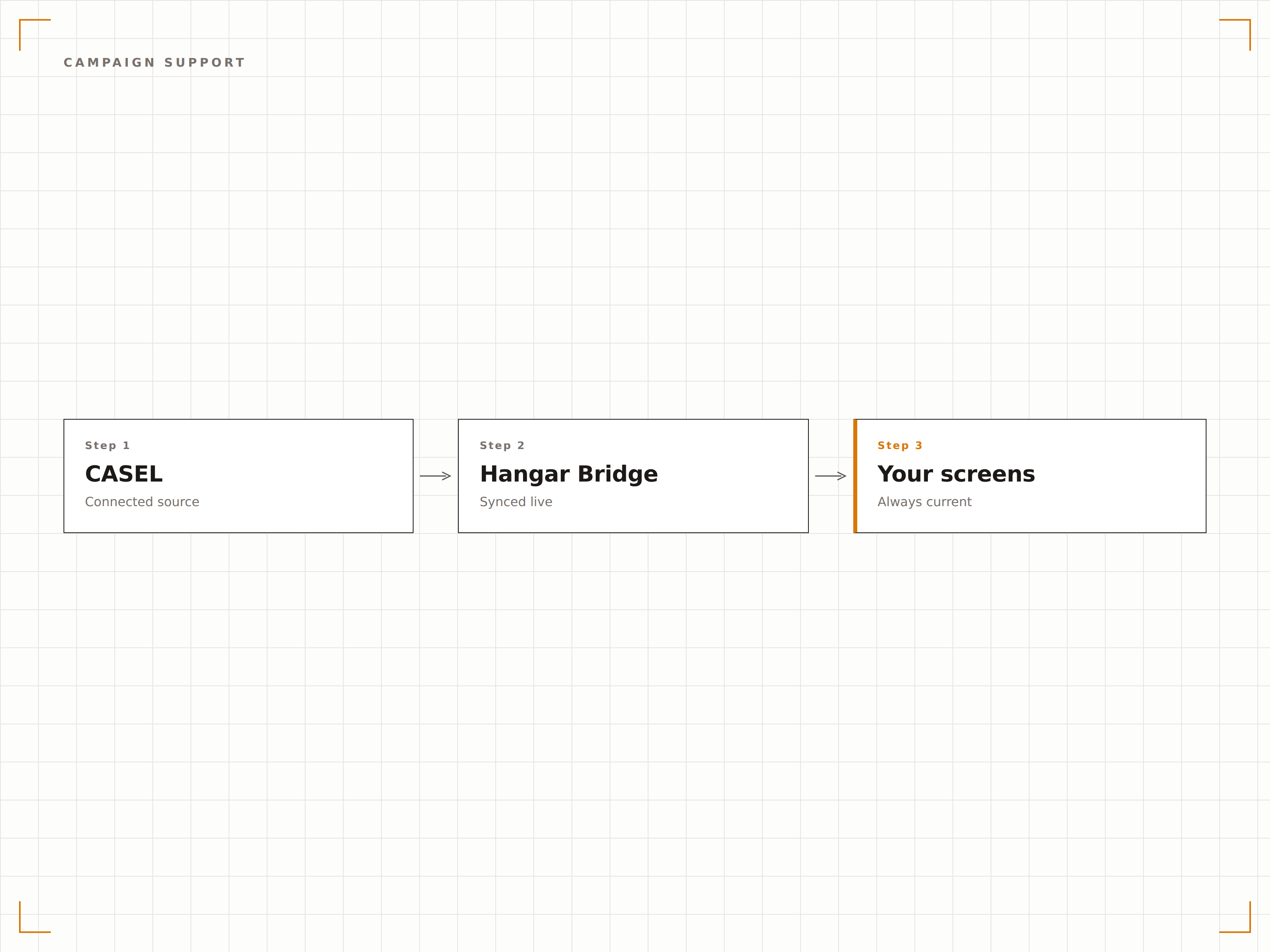
Contenu SEL CASEL. Sur chaque écran de l'établissement.
Affichez les référentiels d'apprentissage socio-émotionnel CASEL, des invites SEL quotidiennes, des contenus d'éducation au caractère et des activités de développement des compétences sur vos écrans d'affichage dynamique dans l'ensemble de votre établissement ou district scolaire.
L'apprentissage socio-émotionnel, visible sur tout le campus.
L'intégration CASEL de Hangar.Media apporte le référentiel CASEL pour l'apprentissage socio-émotionnel à votre affichage dynamique scolaire. Affichez des invites SEL quotidiennes, des définitions de compétences, des questions de réflexion et des mises en valeur de traits de caractère sur les écrans des couloirs, les affichages de la cafétéria et les moniteurs de classe. Les contenus sont alignés sur les cinq compétences CASEL et peuvent être personnalisés par cycle scolaire.
Ce que vous pouvez faire avec Sur chaque écran de l'établissement.
Trois fonctionnalités qui rendent cette intégration indispensable pour votre réseau d'affichage dynamique.
Rotation automatique du contenu SEL quotidien
Chaque jour, vos écrans affichent une nouvelle invite SEL, une question de réflexion ou un message d'éducation au caractère aligné sur le référentiel CASEL. Le contenu alterne automatiquement entre les compétences de conscience de soi, de gestion de soi, de conscience sociale, de compétences relationnelles et de prise de décision responsable.
Un nouveau point de départ pour la conversation SEL sur chaque écran, chaque matin.
Une invite par compétence par semaine avec rotation quotidienne
Un langage adapté au niveau scolaire, du primaire au lycée
Format de déclencheur de discussion favorisant le suivi en classe
Approfondissements par compétence
Planifiez des approfondissements d'une semaine ou d'un mois sur des compétences CASEL spécifiques. Les écrans affichent la définition de la compétence, les aptitudes associées, des exemples concrets et des explications accessibles aux élèves qui renforcent la compréhension au fil du temps.
Consacrez une semaine à la conscience de soi et tout l'établissement en parle.
Définitions des compétences dans un langage accessible aux élèves
Exemples de scénarios réels pour chaque compétence
Des thèmes hebdomadaires qui se construisent progressivement
Contenus pour les mois de sensibilisation et les campagnes
Des packs de contenu préchargés pour le mois de sensibilisation à la santé mentale, la semaine contre le harcèlement, les campagnes de bienveillance et d'autres initiatives à l'échelle de l'établissement. Les écrans affichent les messages de campagne, les défis quotidiens et les indicateurs de participation qui mobilisent toute la communauté scolaire.
La semaine de la bienveillance investit chaque couloir, pas seulement les classes qui s'y inscrivent.
Contenus prêts à l'emploi pour les principaux mois de sensibilisation et campagnes
Invites de défis quotidiens pour une participation à l'échelle de l'établissement
Identité visuelle et messages de campagne personnalisables
Quatre étapes vers écrans connectés.
De la configuration au contenu en direct en quelques minutes, pas en jours.
Sélectionnez vos niveaux scolaires
Indiquez si votre établissement accueille des élèves du primaire, du collège ou du lycée afin de recevoir des contenus CASEL adaptés à leur âge.
Configurez le calendrier de contenu
Définissez le planning de rotation pour les invites quotidiennes, les thèmes hebdomadaires et les mises en avant mensuelles des compétences.
Personnalisez vos messages
Ajoutez le nom de votre établissement, votre mascotte et votre identité visuelle aux modèles de contenu CASEL pour une expérience sur mesure.
Publiez sur les écrans de l'établissement
Assignez les contenus SEL aux écrans des couloirs, de la cafétéria et des espaces communs — la rotation quotidienne démarre automatiquement.
Conçu pour chaque secteur.
Découvrez comment différents secteurs utilisent cette intégration pour obtenir des résultats.
Affichage SEL dans les couloirs scolaires
Affichez des invites SEL quotidiennes et des messages d'éducation au caractère sur les écrans des couloirs afin que les élèves soient exposés à l'apprentissage socio-émotionnel tout au long de la journée scolaire.
ÉducationCampagnes SEL à l'échelle du district
Déployez des campagnes SEL coordonnées dans tous les établissements d'un district avec des contenus synchronisés sur chaque écran de campus.
CorporateIntelligence émotionnelle en entreprise
Adaptez les contenus des compétences CASEL aux environnements d'entreprise pour soutenir le développement de l'intelligence émotionnelle et des compétences interpersonnelles.
SantéContenu pour les salles d'attente pédiatriques
Affichez des contenus SEL adaptés à l'âge et des conseils de régulation émotionnelle sur les écrans des salles d'attente des cliniques pédiatriques.
Questions fréquentes. Réponses directes : réponses.
Le contenu est-il officiellement sous licence CASEL ?
Le contenu s'inspire du référentiel CASEL pour l'apprentissage socio-émotionnel et y est aligné. Hangar.Media crée des contenus originaux couvrant les cinq compétences fondamentales du CASEL. Les établissements peuvent également téléverser leurs propres contenus SEL pour enrichir la bibliothèque.
Les enseignants peuvent-ils personnaliser les invites quotidiennes ?
Oui. Les enseignants et les administrateurs peuvent modifier, remplacer ou enrichir la bibliothèque d'invites quotidiennes via le tableau de bord Hangar.Media. Les invites personnalisées peuvent être ciblées vers des écrans ou des niveaux scolaires spécifiques au sein de l'établissement.
Comment le contenu varie-t-il selon le niveau scolaire ?
Le contenu pour le primaire utilise un langage simplifié, des exemples concrets et des messages axés sur le caractère. Le contenu pour le collège introduit des scénarios plus nuancés et des thèmes liés aux relations entre pairs. Le contenu pour le lycée aborde des applications concrètes et la préparation aux responsabilités de la vie adulte.
Puis-je programmer des contenus spécifiques pour les semaines d'examens ou les vacances ?
Oui. Le calendrier de contenu prend en charge des remplacements à des dates précises. Vous pouvez programmer des contenus sur la gestion du stress pendant les semaines d'examens, des thèmes de gratitude avant les vacances, et des contenus motivants en début de semestre.
Un seul tarif. La plateforme complète.
C'est ainsi que nous pensons que l'affichage dynamique devrait fonctionner. Éditeur de contenu, gestion des écrans et plus de 200 intégrations d'applications — tout inclus dès le premier jour.
14 jours gratuits, jusqu'à 3 écrans — sans carte bancaire.