Datadog-Monitoring an der Wand.
Streamen Sie Datadog-Infrastruktur-, APM- und Log-Monitoring-Dashboards auf Digital Signage Bildschirme für kontinuierliche operative Transparenz.
Observability jenseits des Browsers
Datadog überwacht Ihre Infrastruktur, Anwendungen und Logs. Hangar.Media bringt diese Monitoring-Daten auf gemeinsam genutzte Bildschirme, wo Ihre Entwicklungs- und Betriebsteams sie einsehen können – ganz ohne Kontextwechsel. Zeigen Sie Shared Dashboards, Screenboards und Timeboards auf NOC-Wänden, in Entwicklungsbereichen und Bürolobbys an – mit automatischer Aktualisierung und Vollbild-Darstellung.
Was Sie mit an der Wand. tun können
Drei Funktionen, die diese Integration für Ihr Digital Signage-Netzwerk unverzichtbar machen.
Einbettung öffentlicher URL-Dashboards
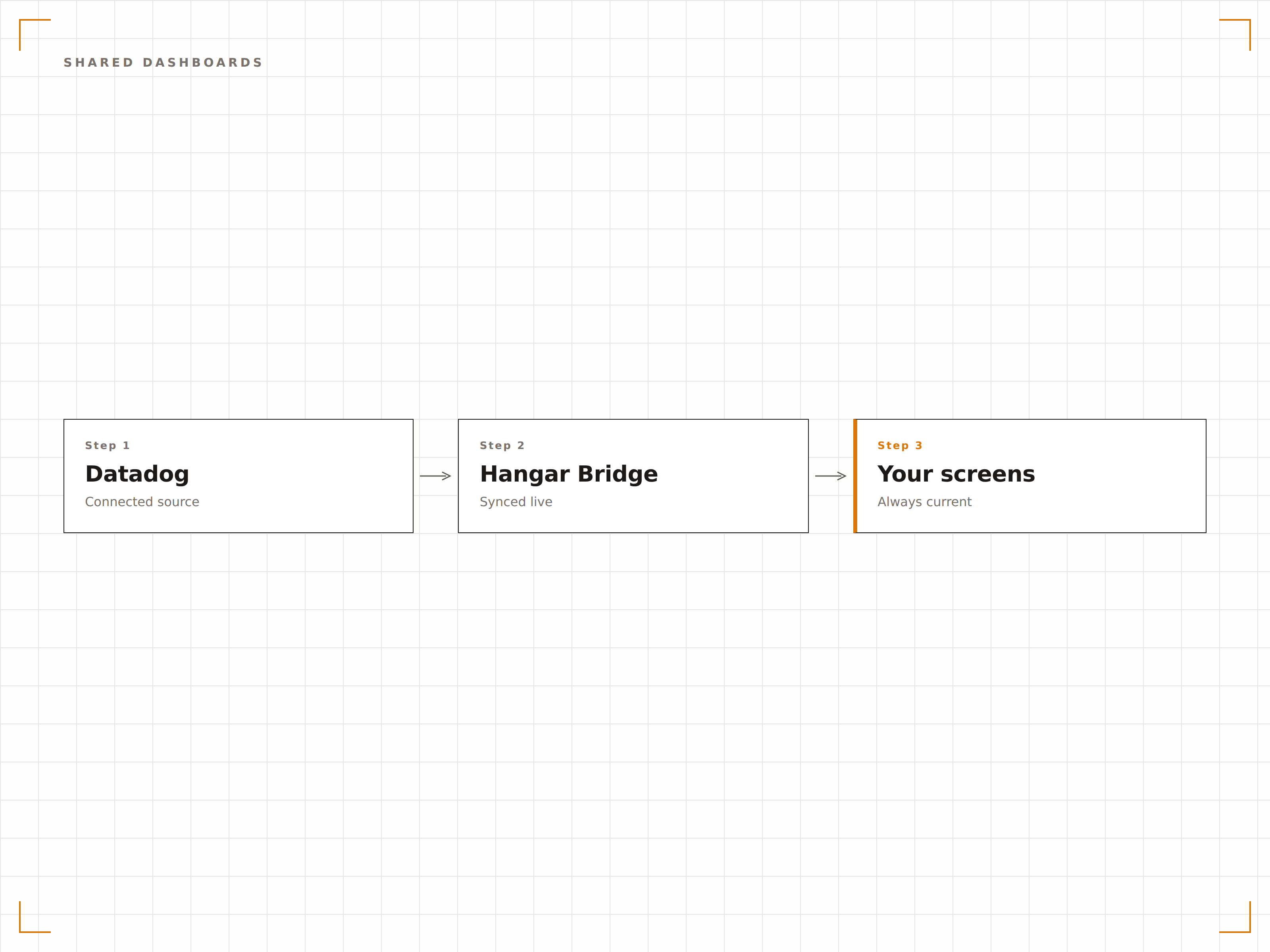
Datadog ermöglicht es Ihnen, öffentliche Freigabe-URLs für einzelne Dashboards zu generieren. Fügen Sie diese URLs in Hangar.Media ein, und das Dashboard wird auf Ihren Digital-Signage-Bildschirmen mit Live-Daten gerendert – ohne Authentifizierung auf dem Player-Gerät.
Eine einzige geteilte URL verwandelt jeden Bildschirm in eine Monitoring-Station.
Unterstützung öffentlicher Datadog-Dashboard-URLs
Keine Zugangsdaten auf Player-Geräten gespeichert
Vollständige Dashboard-Darstellung auf dem Bildschirm
Speziell für Operations Centres entwickelt
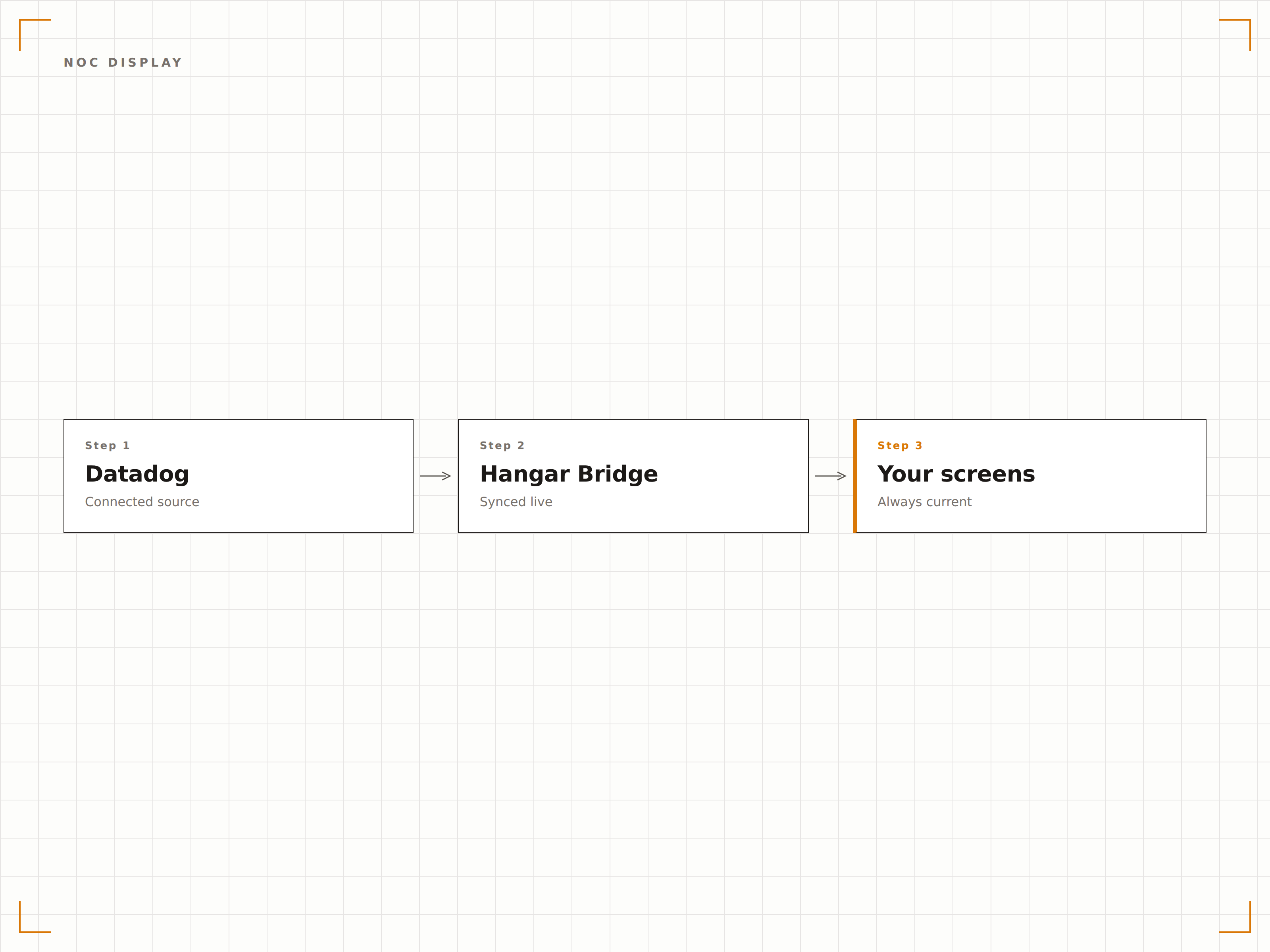
Zeigen Sie Datadog-Dashboards auf NOC-Wänden mit mehreren Bildschirmen an, wobei jeder Bildschirm eine andere Monitoring-Domäne zeigt. Infrastruktur auf einem Bildschirm, APM auf einem anderen, Logs auf einem dritten. Hangar.Media verwaltet alle Bildschirme über ein einziges Steuerungspanel.
Jeder Bildschirm in Ihrem NOC, zentral verwaltet.
Verwaltung von NOC-Wänden mit mehreren Bildschirmen
Unterschiedliche Dashboards pro Bildschirm oder Zone
Zentralisierte Steuerung aller Monitoring-Displays
Monitor- und Alert-Status auf dem Bildschirm
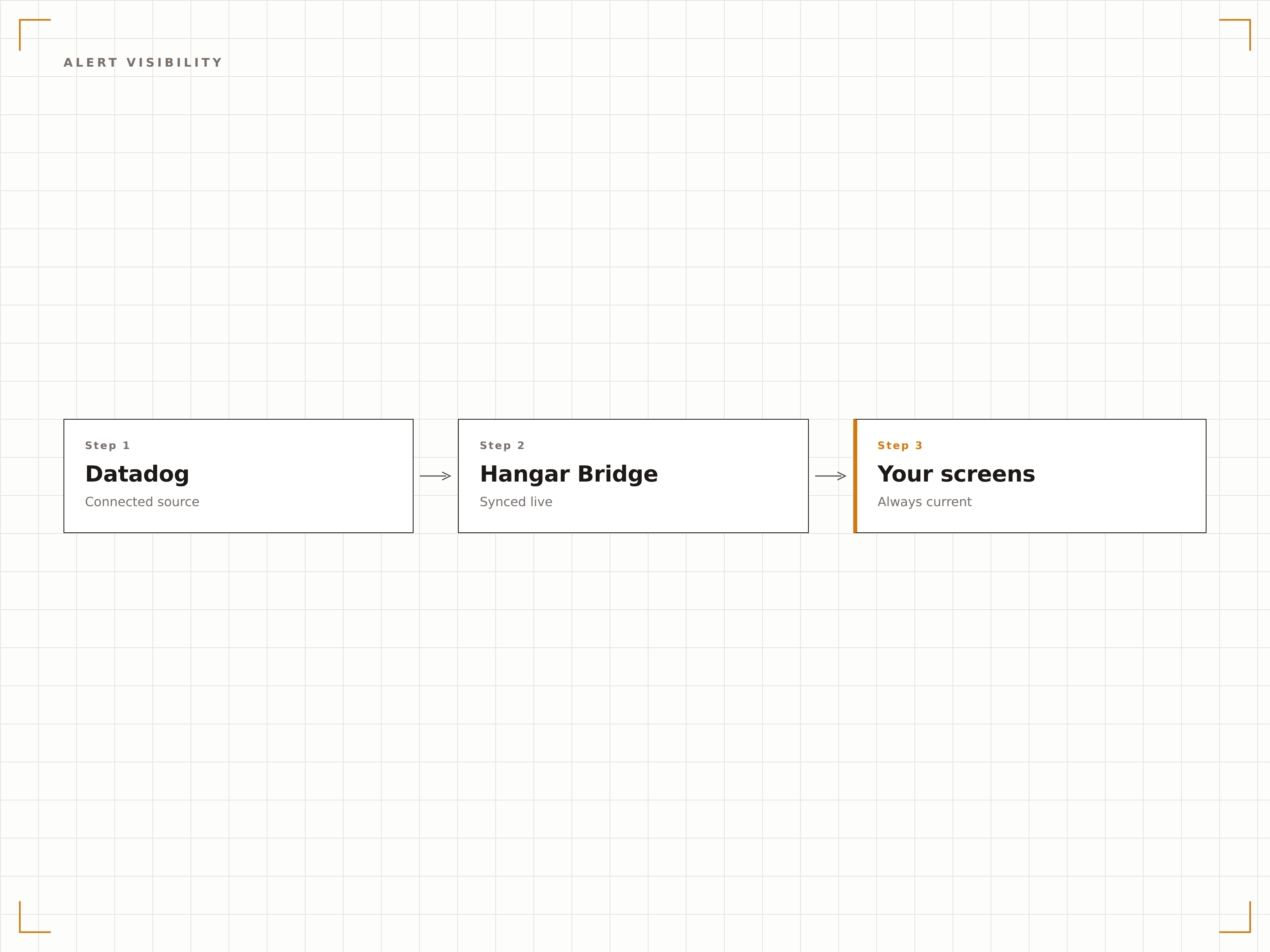
Datadog-Dashboards, die Monitor-Status-Widgets und Alert-Zusammenfassungen enthalten, zeigen ihren aktuellen Zustand auf Digital-Signage-Bildschirmen an. Wenn ein Alert ausgelöst wird, ist die Statusänderung beim nächsten Aktualisierungszyklus auf dem Wand-Display sichtbar.
Der Alert-Status ist für das gesamte Team sichtbar – nicht nur für den diensthabenden Engineer.
Monitor-Status-Widgets werden auf dem Bildschirm gerendert
Alert-Zustandsänderungen sind bei der nächsten Aktualisierung sichtbar
Farbcodierte Schweregradindikatoren
Vier Schritte zu verbundene Bildschirme.
Von der Einrichtung bis zu Live-Inhalten in Minuten, nicht Tagen.
Öffentliche URL generieren
Öffnen Sie in Datadog Ihr Dashboard und generieren Sie eine öffentliche Freigabe-URL aus den Dashboard-Einstellungen.
Zu Hangar.Media hinzufügen
Fügen Sie die öffentliche Datadog-Dashboard-URL in den Hangar.Media-Content-Manager ein.
Anzeige einrichten
Legen Sie Aktualisierungsintervalle, den Vollbildmodus und eine optionale Rotation zwischen mehreren Datadog-Dashboards fest.
Im NOC veröffentlichen
Weisen Sie Dashboards Ihren NOC-Bildschirmen, Engineering-Displays oder Büromonitoren zu und veröffentlichen Sie diese.
Entwickelt für jeden Branche.
Erfahren Sie, wie verschiedene Branchen diese Integration nutzen, um Ergebnisse zu erzielen.
Engineering-Floor-Display
Zeigen Sie Anwendungsleistung, Fehlerquoten und Deployment-Status auf Bildschirmen im Engineering-Bereich an, damit das gesamte Team einen Überblick über den Systemzustand hat.
FinanzwesenTransaktionsüberwachung
Zeigen Sie Zahlungsverarbeitungslatenz, Transaktionsdurchsatz und Fehlerquoten auf Bildschirmen im Operations Centre von Finanzdienstleistungsunternehmen an.
HandelE-Commerce-Plattform-Gesundheit
Überwachen Sie Website-Antwortzeiten, den Zustand des Warenkorb-Services und die Checkout-Performance auf Bildschirmen während umsatzstarker Handelszeiträume wie Verkaufsevents.
GesundheitswesenKlinisches System-Monitoring
Zeigen Sie Verfügbarkeits- und Leistungsmetriken für kritische klinische Systeme – einschliesslich EHR-, Labor- und Apothekenplattformen – auf Bildschirmen im IT-Operations-Centre an.
Häufige Fragen. Direkte Antworten.
Benötige ich einen bestimmten Datadog-Plan für diese Integration?
Die öffentliche Dashboard-Freigabe ist in den Datadog-Plänen Pro und Enterprise verfügbar. Prüfen Sie Ihr Datadog-Abonnement, um sicherzustellen, dass die Generierung öffentlicher URLs für Ihre Dashboards aktiviert ist.
Kann ich Datadog-Dashboards anzeigen, ohne sie öffentlich zu machen?
Die einfachste Methode verwendet öffentliche Datadog-Freigabe-URLs. Wenn Sie private Dashboards anzeigen müssen, kann die Funktion «Authentifizierte Dashboards» von Hangar.Media Datadog-Anmeldesitzungen auf dem Player-Gerät verwalten.
Wie oft werden die Daten aktualisiert?
Hangar.Media lädt das Datadog-Dashboard in dem von Ihnen gewählten Intervall neu. Die Daten auf dem Dashboard selbst werden gemäss Ihrem Datadog-Dashboard-Zeitfenster und den Einstellungen für die automatische Aktualisierung aktualisiert, in der Regel alle 10 bis 60 Sekunden.
Kann ich mehrere Datadog-Dashboards auf einem Bildschirm anzeigen?
Ja. Sie können mit der Playlist-Rotation von Hangar.Media zwischen mehreren Datadog-Dashboards auf einem einzigen Bildschirm wechseln oder Bildschirmzonen verwenden, um zwei oder mehr Dashboards gleichzeitig auf einem grossen Display anzuzeigen.
Ein Preis. Die gesamte Plattform.
So stellen wir uns Digital Signage vor. Inhaltseditor, Bildschirmverwaltung und 200+ App-Integrationen – alles von Anfang an inklusive.
14 Tage kostenlos, bis zu 3 Bildschirme – keine Kreditkarte erforderlich.