Il monitoraggio Datadog a parete.
Trasmetti i dashboard di infrastruttura, APM e monitoraggio dei log di Datadog su schermi di segnaletica digitale per una visibilità operativa continua.
Osservabilità oltre il browser
Datadog monitora la tua infrastruttura, le applicazioni e i log. Hangar.Media porta quei dati di monitoraggio su schermi condivisi, dove i tuoi team di engineering e operations possono consultarli senza dover cambiare contesto. Visualizza dashboard condivisi, screenboard e timeboard su pareti NOC, piani engineering e reception aziendali con aggiornamento automatico e rendering a schermo intero.
Cosa puoi fare con a parete.
Tre funzionalità che rendono questa integrazione indispensabile per la tua rete di segnaletica digitale.
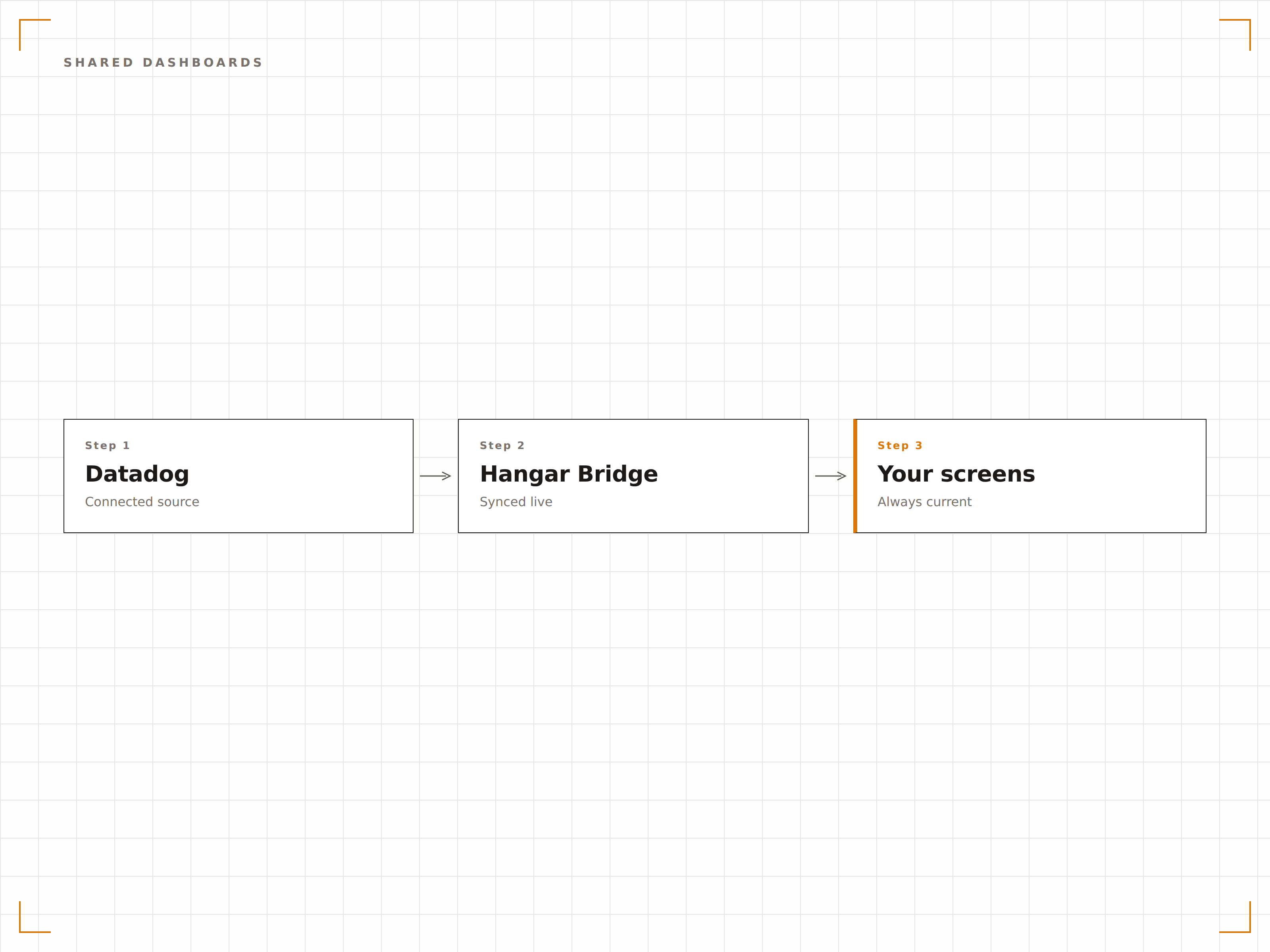
Incorporamento di dashboard tramite URL pubblico
Datadog ti consente di generare URL di condivisione pubblica per i singoli dashboard. Incolla questi URL in Hangar.Media e il dashboard viene visualizzato sugli schermi di segnaletica digitale con dati in tempo reale, senza necessità di autenticazione sul dispositivo player.
Un unico URL condiviso trasforma qualsiasi schermo in una stazione di monitoraggio.
Supporto URL dashboard pubblici Datadog
Nessuna credenziale memorizzata sui dispositivi player
Fedeltà completa del dashboard sullo schermo
Progettato per i centri operativi
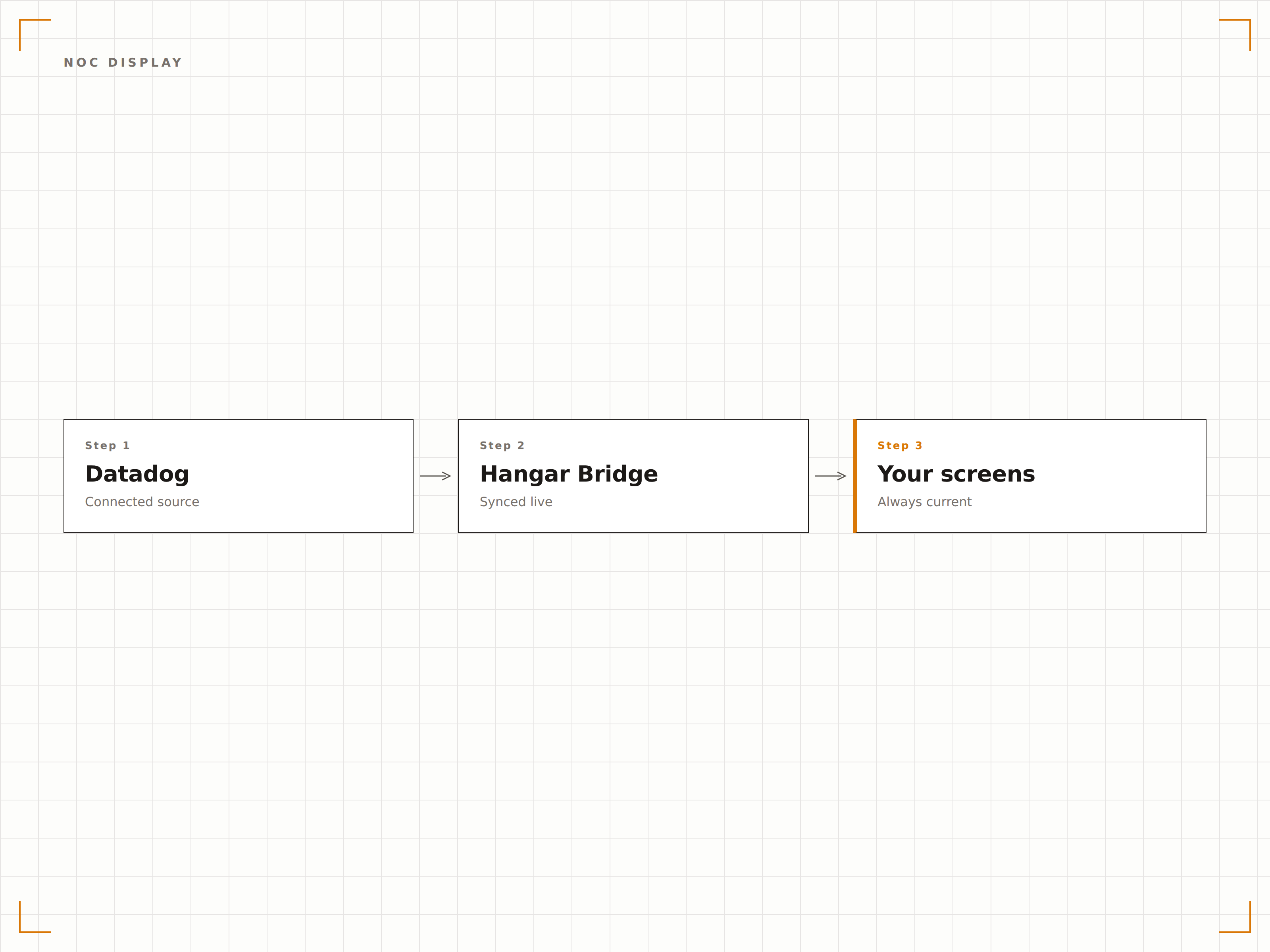
Visualizza i dashboard Datadog su pareti NOC multi-schermo, con ogni schermo dedicato a un diverso dominio di monitoraggio. L'infrastruttura su uno schermo, l'APM su un altro, i log su un terzo. Hangar.Media gestisce tutti gli schermi da un unico pannello di controllo.
Ogni schermo del tuo NOC, gestito da un unico punto.
Gestione di pareti NOC multi-schermo
Dashboard diverso per ogni schermo o zona
Controllo centralizzato di tutti i display di monitoraggio
Stato di monitor e alert sullo schermo
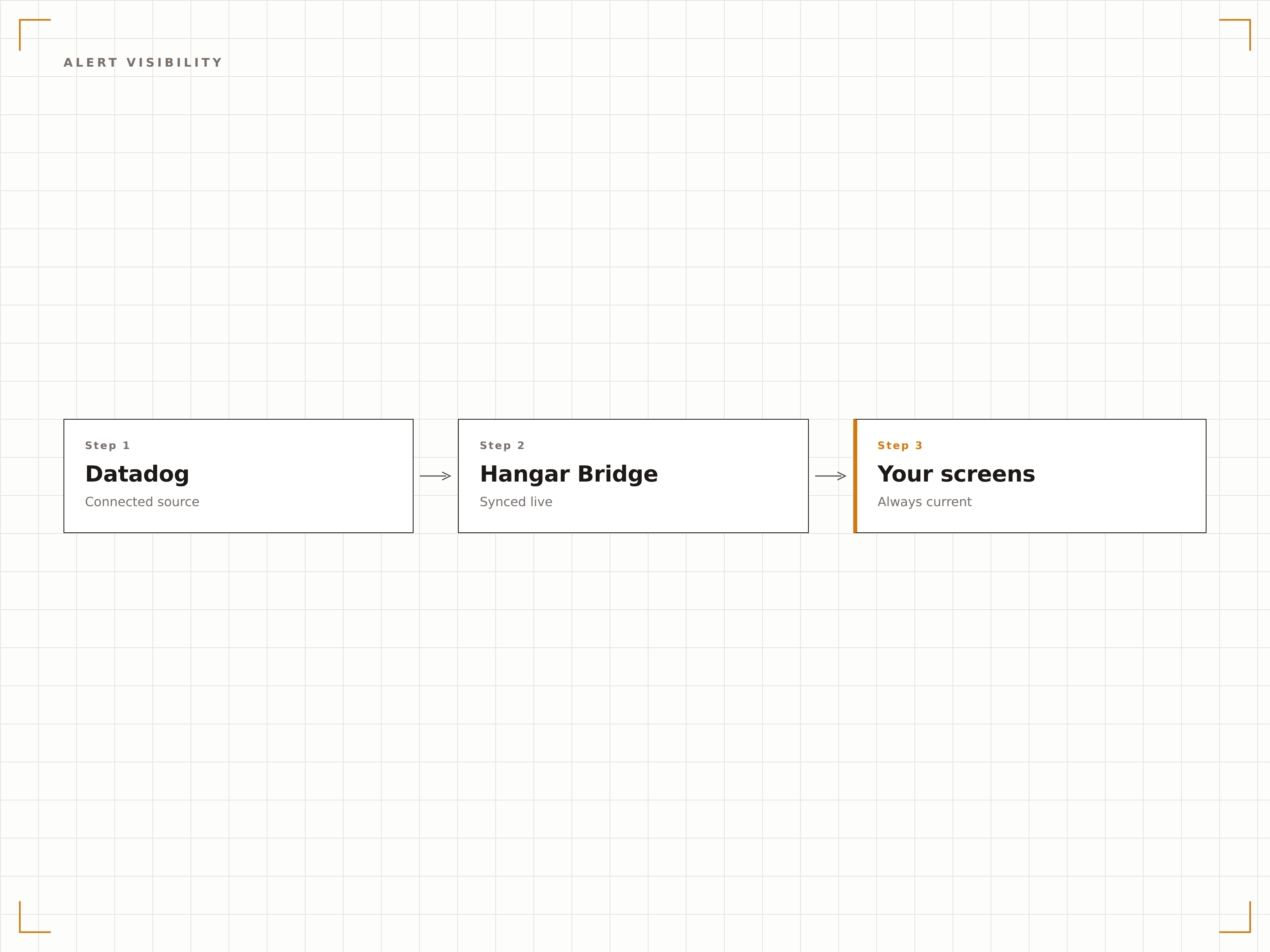
I dashboard Datadog che includono widget di stato dei monitor e riepiloghi degli alert mostrano il loro stato attuale sugli schermi di segnaletica digitale. Quando scatta un alert, la variazione di stato è visibile sul display a parete al successivo ciclo di aggiornamento.
Lo stato degli alert visibile a tutto il team, non solo all'ingegnere di turno.
Widget di stato dei monitor visualizzati sullo schermo
Variazioni dello stato degli alert visibili al prossimo aggiornamento
Indicatori di gravità con codice colore
Quattro passaggi verso schermi connessi.
Dalla configurazione ai contenuti live in minuti, non giorni.
Genera l'URL pubblico
In Datadog, apri il tuo dashboard e genera un URL di condivisione pubblica dalle impostazioni del dashboard.
Aggiungi a Hangar.Media
Incolla l'URL del dashboard pubblico di Datadog nel content manager di Hangar.Media.
Configura il display
Imposta gli intervalli di aggiornamento, la modalità a schermo intero e la rotazione opzionale tra più dashboard Datadog.
Pubblica sul NOC
Assegna i dashboard agli schermi del tuo NOC, ai display engineering o ai monitor in ufficio e pubblica.
Costruito per ogni settore.
Scopri come diversi settori utilizzano questa integrazione per ottenere risultati concreti.
Display per il reparto engineering
Mostra le performance delle applicazioni, i tassi di errore e lo stato dei deployment sugli schermi nell'area engineering, così l'intero team ha visibilità sulla salute del sistema.
FinanziarioMonitoraggio delle transazioni
Visualizza la latenza nell'elaborazione dei pagamenti, il throughput delle transazioni e i tassi di errore sugli schermi nel centro operativo di aziende di servizi finanziari.
RetailSalute della piattaforma e-commerce
Monitora i tempi di risposta del sito, la salute del servizio carrello e le performance del flusso di checkout sugli schermi durante i periodi di picco come gli eventi promozionali.
SanitàMonitoraggio dei sistemi clinici
Visualizza le metriche di uptime e performance dei sistemi clinici critici, tra cui EHR, laboratorio e piattaforme farmaceutiche, sugli schermi del centro operativo IT.
Domande frequenti. Risposte dirette risposte.
È necessario un piano Datadog specifico per questa integrazione?
La condivisione pubblica dei dashboard è disponibile nei piani Datadog Pro ed Enterprise. Verifica il tuo abbonamento Datadog per assicurarti che la generazione di URL pubblici sia abilitata per i tuoi dashboard.
Posso visualizzare i dashboard Datadog senza renderli pubblici?
Il metodo più semplice utilizza gli URL di condivisione pubblica di Datadog. Se hai bisogno di visualizzare dashboard privati, la funzionalità Authenticated Dashboards di Hangar.Media è in grado di gestire le sessioni di accesso a Datadog sul dispositivo player.
Con quale frequenza si aggiornano i dati?
Hangar.Media ricarica il dashboard Datadog all'intervallo da te scelto. I dati sul dashboard si aggiornano in base alla finestra temporale e alle impostazioni di aggiornamento automatico del tuo dashboard Datadog, in genere ogni 10-60 secondi.
Posso mostrare più dashboard Datadog su un unico schermo?
Sì. Puoi alternare più dashboard Datadog su un singolo schermo tramite la rotazione della playlist di Hangar.Media, oppure utilizzare le zone dello schermo per visualizzare due o più dashboard contemporaneamente su un display di grandi dimensioni.
Un prezzo. L'intera piattaforma.
Così pensiamo che la segnaletica digitale dovrebbe funzionare. Editor di contenuti, gestione degli schermi e oltre 200 integrazioni di app — tutto incluso fin dal primo giorno.
14 giorni gratis, fino a 3 schermi — senza carta.