Domo-Daten-Apps – auf jedem Bildschirm. Jeder Bildschirm.
Streamen Sie Domo-Karten, Dashboards und Daten-Apps auf Digital Signage-Bildschirme für unternehmensweite Business-Intelligence-Transparenz in Echtzeit.
Business Intelligence für alle
Domo verbindet sich mit über 1000 Datenquellen und verwandelt diese Daten durch Karten, Dashboards und Daten-Apps in verwertbare Erkenntnisse. Hangar.Media bringt diese Domo-Karten auf Digital Signage-Bildschirme, sodass Business Intelligence alle im Unternehmen erreicht – nicht nur die Personen mit Domo-Lizenzen. Zeigen Sie KPIs, Trenddiagramme und Benachrichtigungskarten auf Bildschirmen in Lobbys, Pausenräumen und Besprechungsräumen an.
Was Sie mit Jeder Bildschirm. tun können
Drei Funktionen, die diese Integration für Ihr Digital Signage-Netzwerk unverzichtbar machen.
Domo-Karten auf Signage
Domo-Karten sind darauf ausgelegt, Daten klar und prägnant zu kommunizieren. Auf Signage-Bildschirmen werden diese Karten in voller Auflösung mit übersichtlichen Layouts gerendert, die auch aus der Distanz gut lesbar sind. Jeder Diagrammtyp, jede Anzeige und jede Tabelle wird einwandfrei dargestellt.
Datenkarten, die für Klarheit konzipiert und für Wirkung eingesetzt werden.
Alle Domo-Kartentypen unterstützt
Darstellung in voller Auflösung
Optimiert für das Lesen aus der Distanz
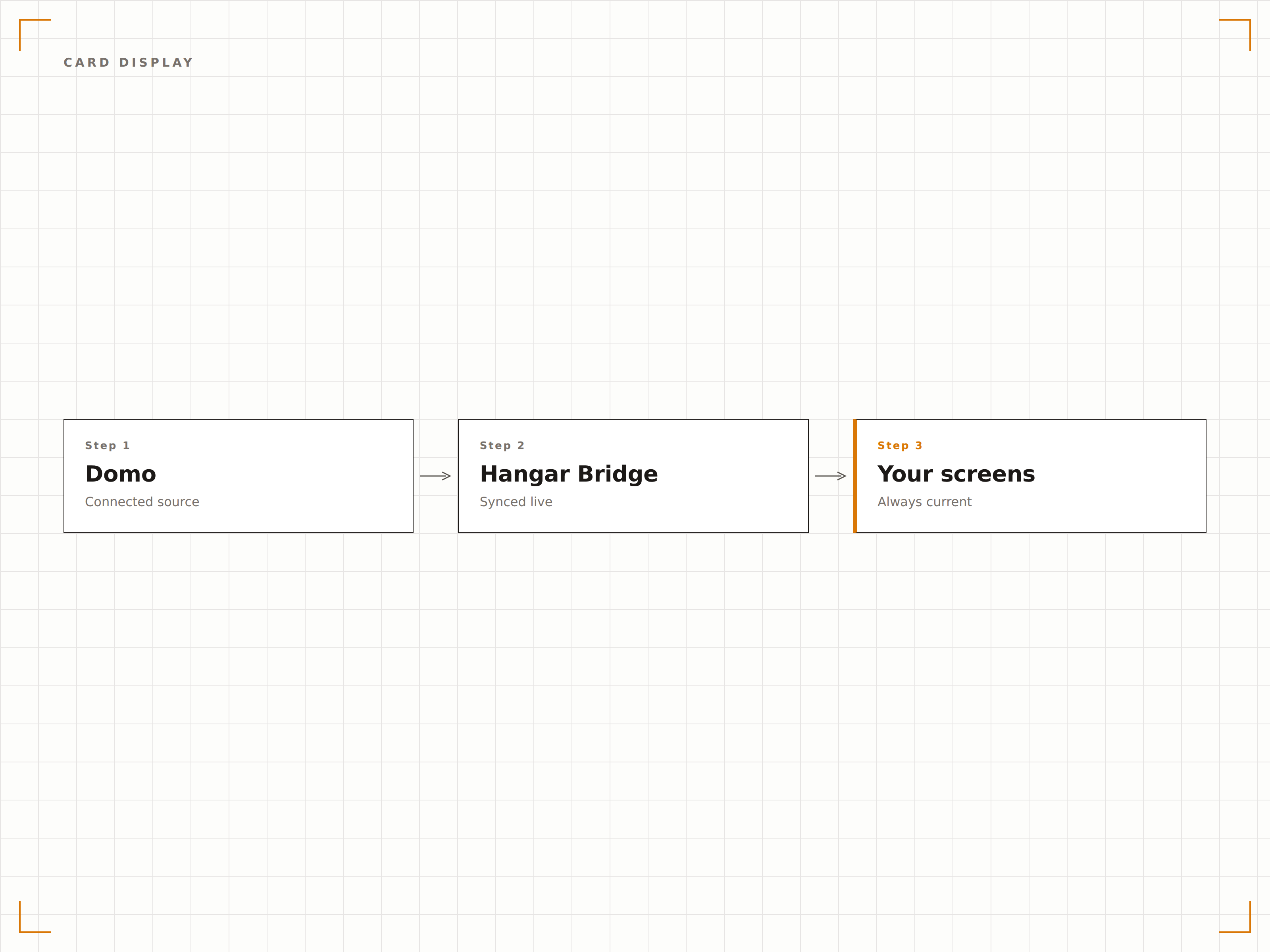
Individuelle Daten-Apps auf dem Bildschirm
Domo-Daten-Apps kombinieren Visualisierungen, Logik und Interaktivität. Zeigen Sie diese Apps auf touch-fähigen Signage-Bildschirmen für interaktive Datenerkundung an – oder auf Standard-Bildschirmen in einem geführten Auto-Play-Modus, der die App-Ansichten automatisch durchläuft.
Interaktive Daten-Apps, die über den Browser hinausgehen.
Einbettung von Daten-Apps in Signage
Touch-Interaktion auf kompatiblen Bildschirmen
Auto-Play-Modus für Standard-Displays
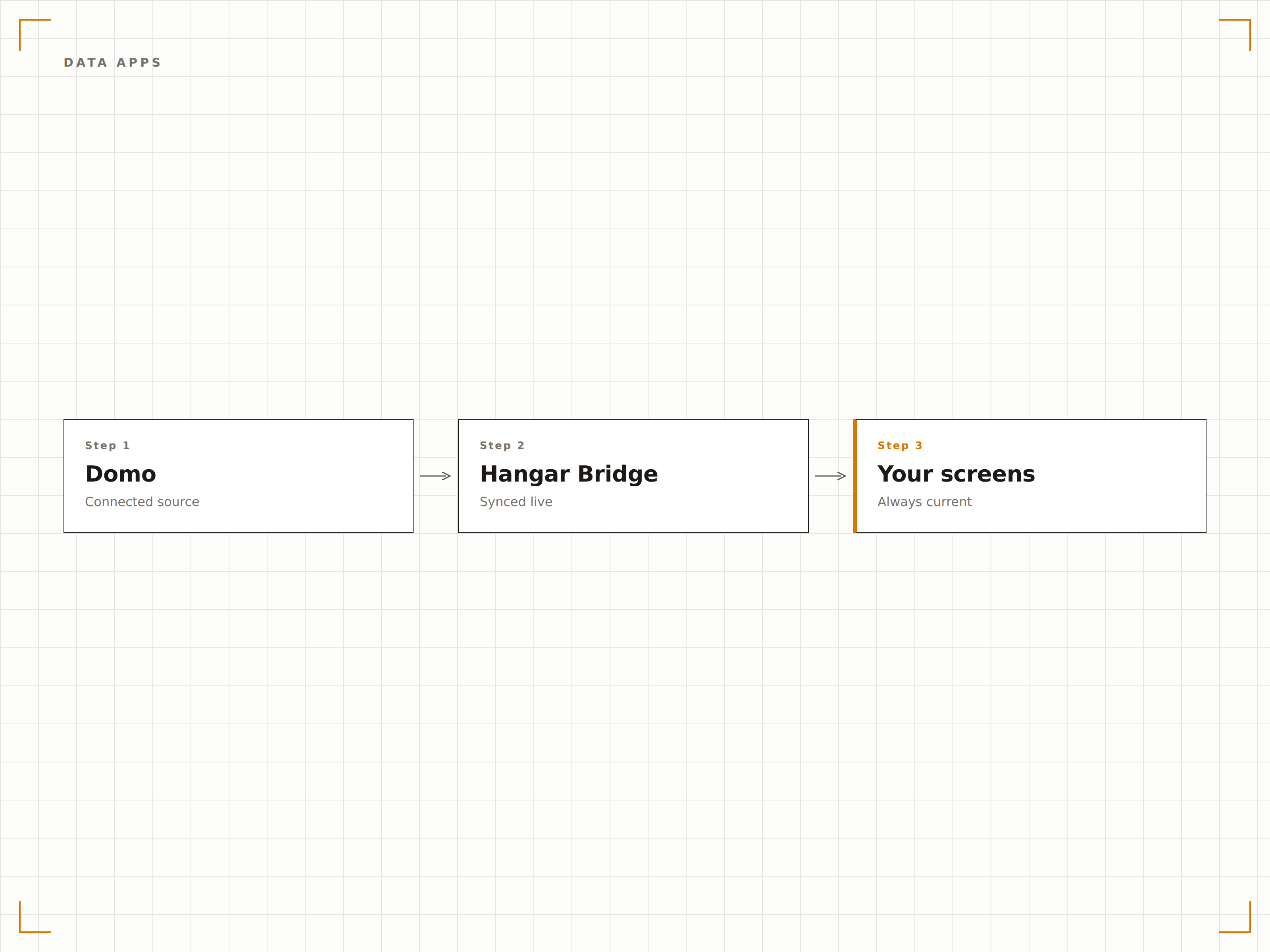
Visuelle Alert-Indikatoren
Domo-Alert-Karten ändern ihre Farbe und zeigen Warnhinweise an, wenn Daten definierte Schwellenwerte überschreiten. Auf Signage-Bildschirmen fallen diese visuellen Alerts sofort auf und warnen das Team frühzeitig, wenn KPIs ausserhalb akzeptabler Bereiche geraten.
Schwellenwert-Alerts, die für alle im Raum sichtbar sind.
Farbkodierte Schwellenwert-Indikatoren
Alert-Status auf einen Blick erkennbar
Anpassbare Schwellenwertregeln in Domo
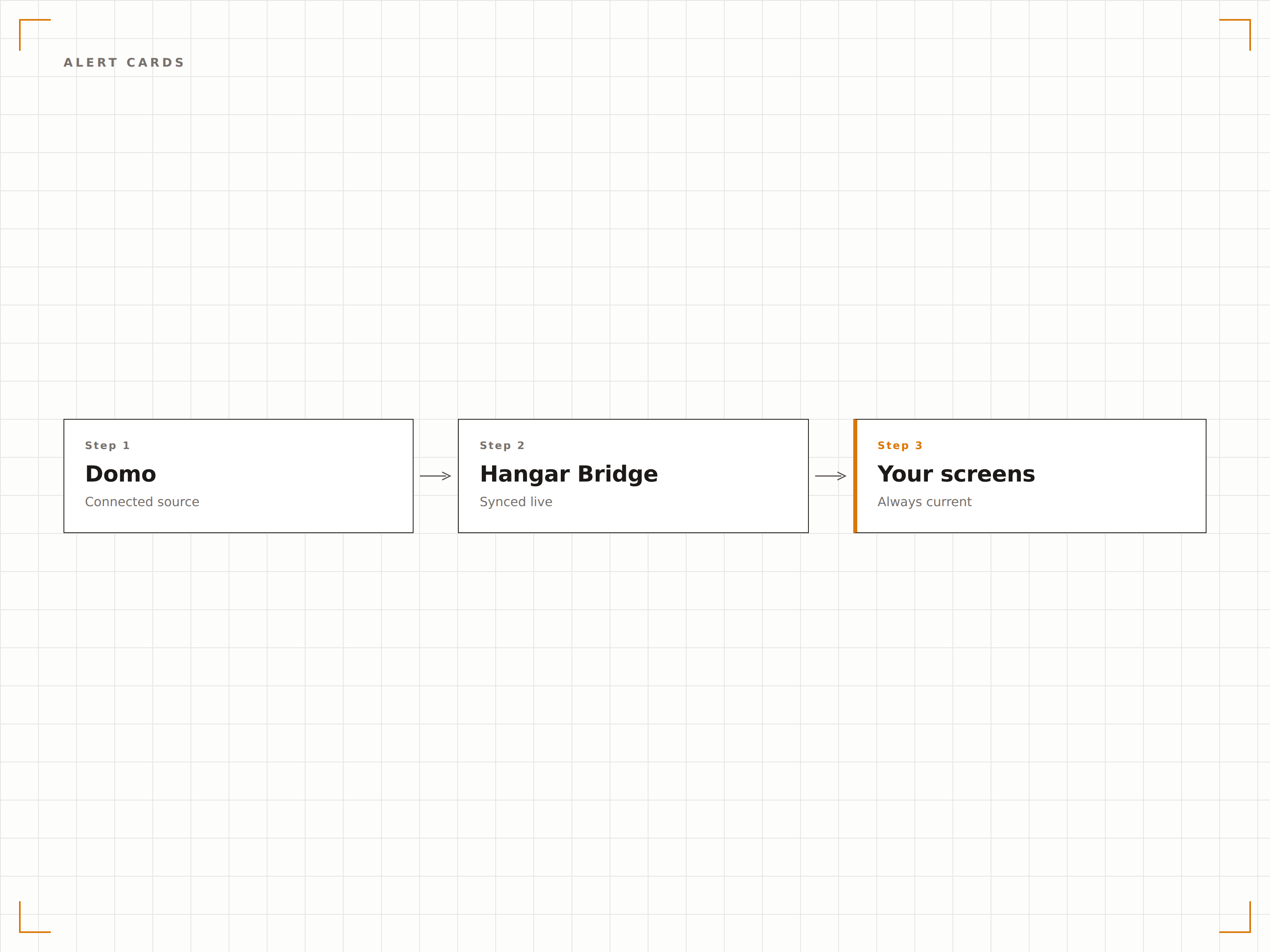
Vier Schritte zu verbundene Bildschirme.
Von der Einrichtung bis zu Live-Inhalten in Minuten, nicht Tagen.
Embed-Links generieren
Generieren Sie in Domo Embed-Links für die Karten oder Dashboard-Seiten, die Sie auf Signage-Bildschirmen anzeigen möchten.
Zu Hangar.Media hinzufügen
Fügen Sie Domo-Embed-Links in den Hangar.Media-Content-Manager ein und legen Sie die Anzeigeoptionen fest.
Rotationsregeln festlegen
Richten Sie Rotationspläne für Karten oder Seiten, Aktualisierungsintervalle und Bildschirmzuweisungen ein.
Live schalten
Veröffentlichen Sie auf Ihren Zielbildschirmen – und Domo-Daten erscheinen sofort auf Ihren Digital Signage Bildschirmen.
Entwickelt für jeden Branche.
Erfahren Sie, wie verschiedene Branchen diese Integration nutzen, um Ergebnisse zu erzielen.
KPI-Anzeige für alle Mitarbeitenden
Zeigen Sie unternehmensweite KPI-Karten in der Bürolobby und in den Pausenräumen an, damit jede Mitarbeiterin und jeder Mitarbeiter – nicht nur das Management – sehen kann, wie das Unternehmen performt.
HandelFilialleistungs-Karten
Zeigen Sie tägliche Umsatzzahlen, Warenkorbgrössen und Besucherfrequenz-Karten auf Bildschirmen im Backoffice von Filialen an, damit Führungskräfte den ganzen Tag über informiert bleiben.
GesundheitswesenQualitätskennzahlen-Anzeige
Zeigen Sie Patientenzufriedenheitswerte, Wiederaufnahmeraten und Qualitätsindikator-Karten auf Bildschirmen in der Krankenhausverwaltung und in Bereichen für Qualitätsverbesserung an.
BildungEinschreibungs-Dashboard
Zeigen Sie aktuelle Einschreibungszahlen, Annahmequoten und demografische Aufschlüsselungen auf Bildschirmen im Zulassungs- und Rekrutierungsbüro während der Bewerbungsphase an.
Häufige Fragen. Direkte Antworten.
Benötige ich für jeden Signage-Bildschirm eine Domo-Lizenz?
Nein. Mit Domo-Embed-Links können Sie Dashboards auf Signage-Bildschirmen anzeigen, ohne eine Lizenz pro Bildschirm zu benötigen. Sie brauchen ein Domo-Konto mit Embedding-Berechtigungen, um die Embed-Links zu generieren.
Kann ich Karten aus mehreren Domo-Datensätzen anzeigen?
Ja. Domo-Dashboards können Karten aus verschiedenen Datensätzen und Datenquellen kombinieren. Das gesamte Dashboard wird – unabhängig davon, wie viele Datenquellen es speisen – als einheitliche Ansicht auf Ihrem Signage-Bildschirm angezeigt.
Wie oft werden die Daten aktualisiert?
Hangar.Media lädt das Domo-Embed in dem von Ihnen gewählten Intervall neu. Die Aktualität der zugrunde liegenden Daten hängt von Ihren Domo-DataFlow- und Datenconnector-Zeitplänen ab. Die meisten Domo-Connectors unterstützen stündliche oder häufigere Aktualisierungen.
Kann ich das Erscheinungsbild von Domo-Karten für Signage anpassen?
Sie passen das Erscheinungsbild der Karten in Domo mit dem visuellen Editor an. Für Signage empfehlen wir grössere Schriften, schlichtere Layouts und kontrastreiche Farbschemata, um die Lesbarkeit auf grossen Bildschirmen aus der Distanz sicherzustellen.
Ein Preis. Die gesamte Plattform.
So stellen wir uns Digital Signage vor. Inhaltseditor, Bildschirmverwaltung und 200+ App-Integrationen – alles von Anfang an inklusive.
14 Tage kostenlos, bis zu 3 Bildschirme – keine Kreditkarte erforderlich.