Data app Domo, su ogni schermo.
Trasmetti schede, dashboard e app di dati Domo su schermi di segnaletica digitale per una visibilità in tempo reale della business intelligence in tutta la tua organizzazione.
Business Intelligence per tutti
Domo si connette a oltre 1000 fonti di dati e le trasforma in intelligence operativa attraverso schede, dashboard e app di dati. Hangar.Media porta quelle schede Domo su schermi di segnaletica digitale, così la business intelligence raggiunge tutti in azienda — non solo chi dispone di una licenza Domo. Mostra KPI, grafici di tendenza e schede di avviso negli schermi delle reception, nelle sale pausa e negli spazi riunioni.
Cosa puoi fare con ogni schermo.
Tre funzionalità che rendono questa integrazione indispensabile per la tua rete di segnaletica digitale.
Schede Domo sulla Segnaletica
Le schede Domo sono progettate per comunicare i dati in modo chiaro e conciso. Sugli schermi di segnaletica, queste schede vengono renderizzate ad alta risoluzione con layout puliti e leggibili da qualsiasi punto della stanza. Ogni tipo di grafico, indicatore e tabella viene visualizzato perfettamente.
Schede dati progettate per la chiarezza, visualizzate per l'impatto.
Tutti i tipi di schede Domo supportati
Rendering ad alta risoluzione
Ottimizzato per la lettura a distanza
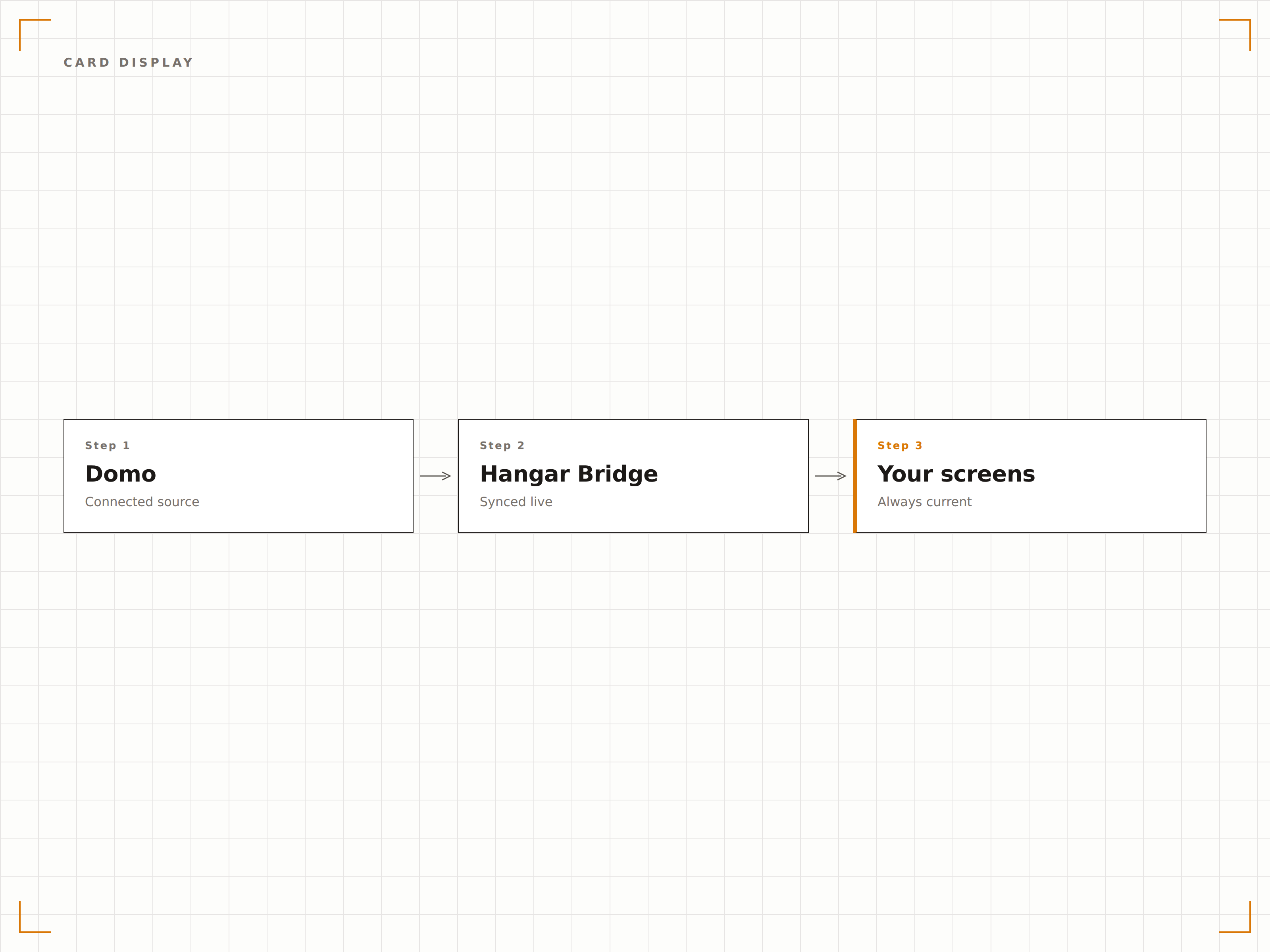
Data App Personalizzate sullo Schermo
Le data app di Domo combinano visualizzazioni, logica e interattività. Visualizza queste app su schermi di segnaletica touch per un'esplorazione interattiva dei dati, oppure su schermi standard in una modalità auto-play guidata che scorre le viste dell'app.
App dati interattive che vanno oltre il browser.
Incorporamento di data app sulla segnaletica
Interazione touch su schermi compatibili
Modalità auto-play per display standard
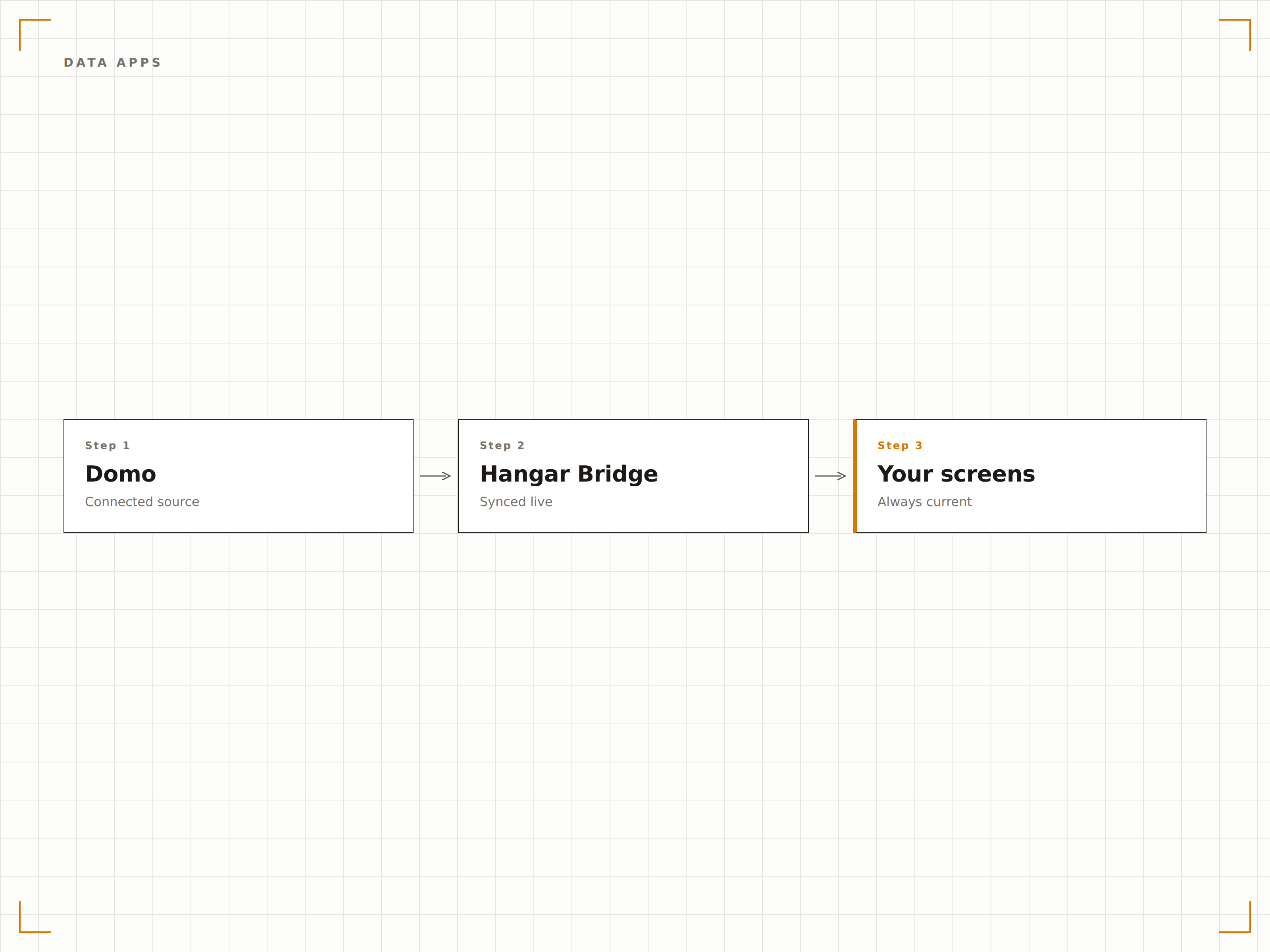
Indicatori Visivi di Avviso
Le schede di avviso di Domo cambiano colore e mostrano indicatori di avvertimento quando i dati superano le soglie definite. Sugli schermi di segnaletica, questi avvisi visivi sono immediatamente percepibili, fornendo al team un segnale tempestivo quando i KPI escono dai range accettabili.
Avvisi di soglia visibili a tutti i presenti in sala.
Indicatori di soglia con codice colore
Stato di avviso visibile a colpo d'occhio
Regole di soglia personalizzabili in Domo
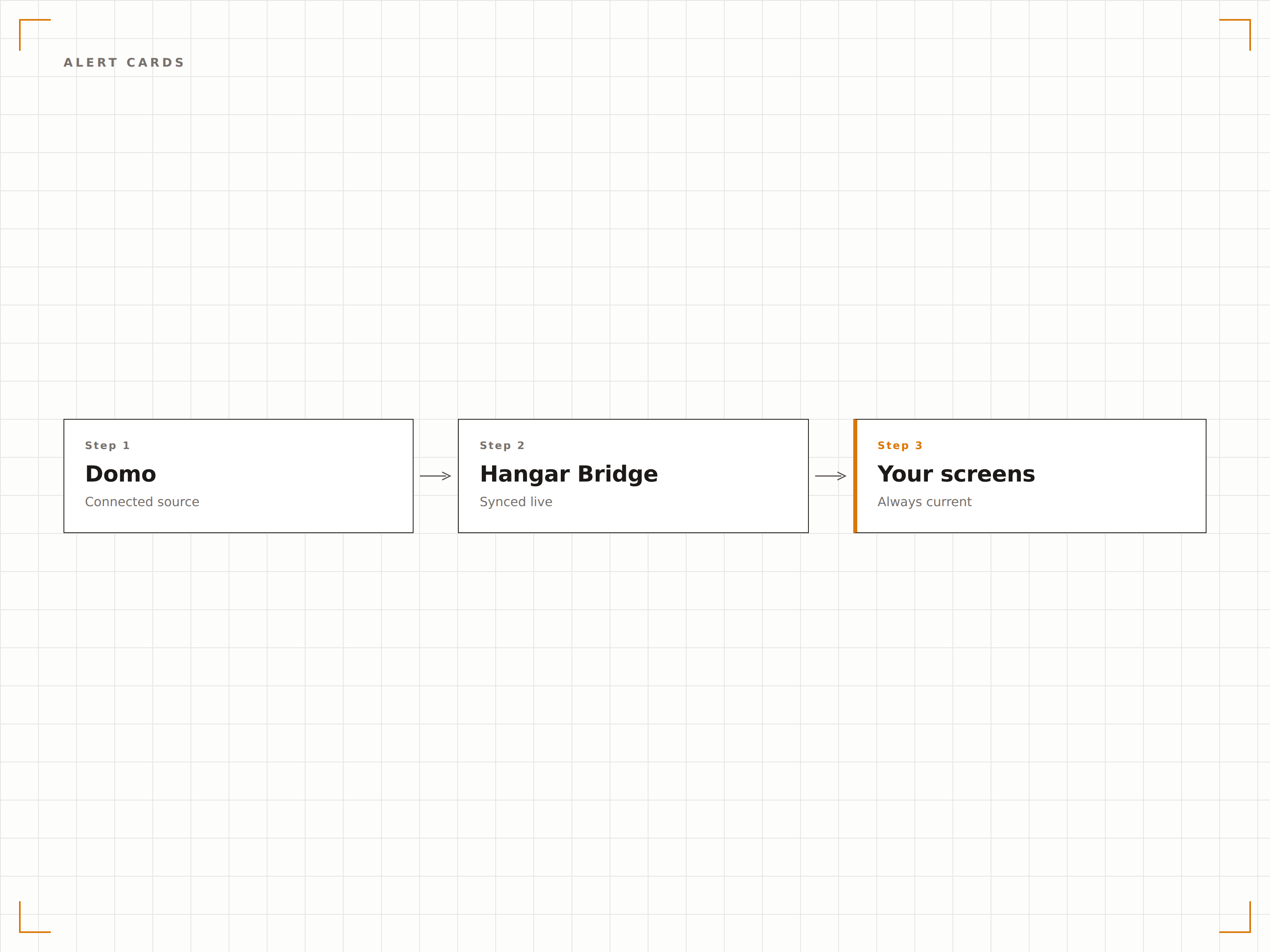
Quattro passaggi verso schermi connessi.
Dalla configurazione ai contenuti live in minuti, non giorni.
Genera i Link di Incorporamento
In Domo, genera i link di incorporamento per le schede o le pagine della dashboard che desideri visualizzare sulla segnaletica.
Aggiungi a Hangar.Media
Incolla i link di incorporamento di Domo nel content manager di Hangar.Media e configura le opzioni di visualizzazione.
Imposta le Regole di Rotazione
Configura le pianificazioni di rotazione delle schede o delle pagine, gli intervalli di aggiornamento e le assegnazioni agli schermi.
Vai Live
Pubblica sugli schermi di destinazione e i dati Domo appariranno immediatamente sulla segnaletica digitale.
Costruito per ogni settore.
Scopri come diversi settori utilizzano questa integrazione per ottenere risultati concreti.
KPI Display per Tutta l'Azienda
Mostra le schede KPI aziendali nella hall dell'ufficio e nelle sale break, così ogni dipendente — non solo i manager — può vedere come sta andando il business.
RetailSchede di Performance del Punto Vendita
Mostra i totali delle vendite giornaliere, lo scontrino medio e le schede sul traffico clienti sugli schermi back-of-house dei negozi retail per tenere i manager aggiornati durante tutta la giornata.
HealthcareVisualizzazione delle Metriche di Qualità
Mostra i punteggi di soddisfazione dei pazienti, i tassi di riammissione e le schede degli indicatori di qualità sugli schermi nelle aree di amministrazione ospedaliera e miglioramento della qualità.
EducationDashboard delle Iscrizioni
Mostra in tempo reale i numeri delle iscrizioni, i tassi di conversione e le analisi demografiche sugli schermi dell'ufficio ammissioni e recruiting durante il periodo delle candidature.
Domande frequenti. Risposte dirette risposte.
Ho bisogno di una licenza Domo per ogni schermo di segnaletica?
No. I link di incorporamento di Domo ti consentono di visualizzare le dashboard sugli schermi di segnaletica senza richiedere una licenza per ogni schermo. È necessario un account Domo con autorizzazioni di incorporamento per generare i link.
Posso visualizzare schede da più dataset Domo?
Sì. Le dashboard di Domo possono combinare schede provenienti da dataset e fonti di dati diversi. L'intera dashboard, indipendentemente dal numero di fonti dati che la alimentano, viene visualizzata sullo schermo di segnaletica come una vista unificata.
Con quale frequenza vengono aggiornati i dati?
Hangar.Media ricarica l'incorporamento Domo all'intervallo da te scelto. L'aggiornamento dei dati sottostanti dipende dai tuoi DataFlow Domo e dalle pianificazioni dei connettori dati. La maggior parte dei connettori Domo supporta aggiornamenti orari o più frequenti.
Posso personalizzare l'aspetto delle schede Domo per la segnaletica?
Puoi personalizzare l'aspetto delle schede all'interno di Domo tramite il suo editor visuale. Per la segnaletica, consigliamo di utilizzare font più grandi, layout più semplici e combinazioni di colori ad alto contrasto per garantire la leggibilità su grandi display visualizzati a distanza.
Un prezzo. L'intera piattaforma.
Così pensiamo che la segnaletica digitale dovrebbe funzionare. Editor di contenuti, gestione degli schermi e oltre 200 integrazioni di app — tutto incluso fin dal primo giorno.
14 giorni gratis, fino a 3 schermi — senza carta.