Klipfolio-Kennzahlen an der Wand.
Zeigen Sie Klipfolio PowerMetrics-Dashboards und KPI-Snapshots auf Digital Signage-Bildschirmen an – für eine kontinuierliche Metriktransparenz.
PowerMetrics auf Ihren Bildschirmen
Klipfolio PowerMetrics verwandelt Rohdaten in übersichtliche, fokussierte Metrik-Displays, die für TV-Bildschirme optimiert sind. Hangar.Media verstärkt dies, indem Klipfolio-Dashboards nahtlos in Ihre übergreifende Signage-Content-Strategie integriert werden. Zeigen Sie Metrik-Snapshots, Trendlinien und KPI-Zusammenfassungen zusammen mit Ankündigungen, Videos und weiteren Inhalten in Ihren Signage-Playlists an.
Was Sie mit an der Wand. tun können
Drei Funktionen, die diese Integration für Ihr Digital Signage-Netzwerk unverzichtbar machen.
Für Fernsehbildschirme entwickelt
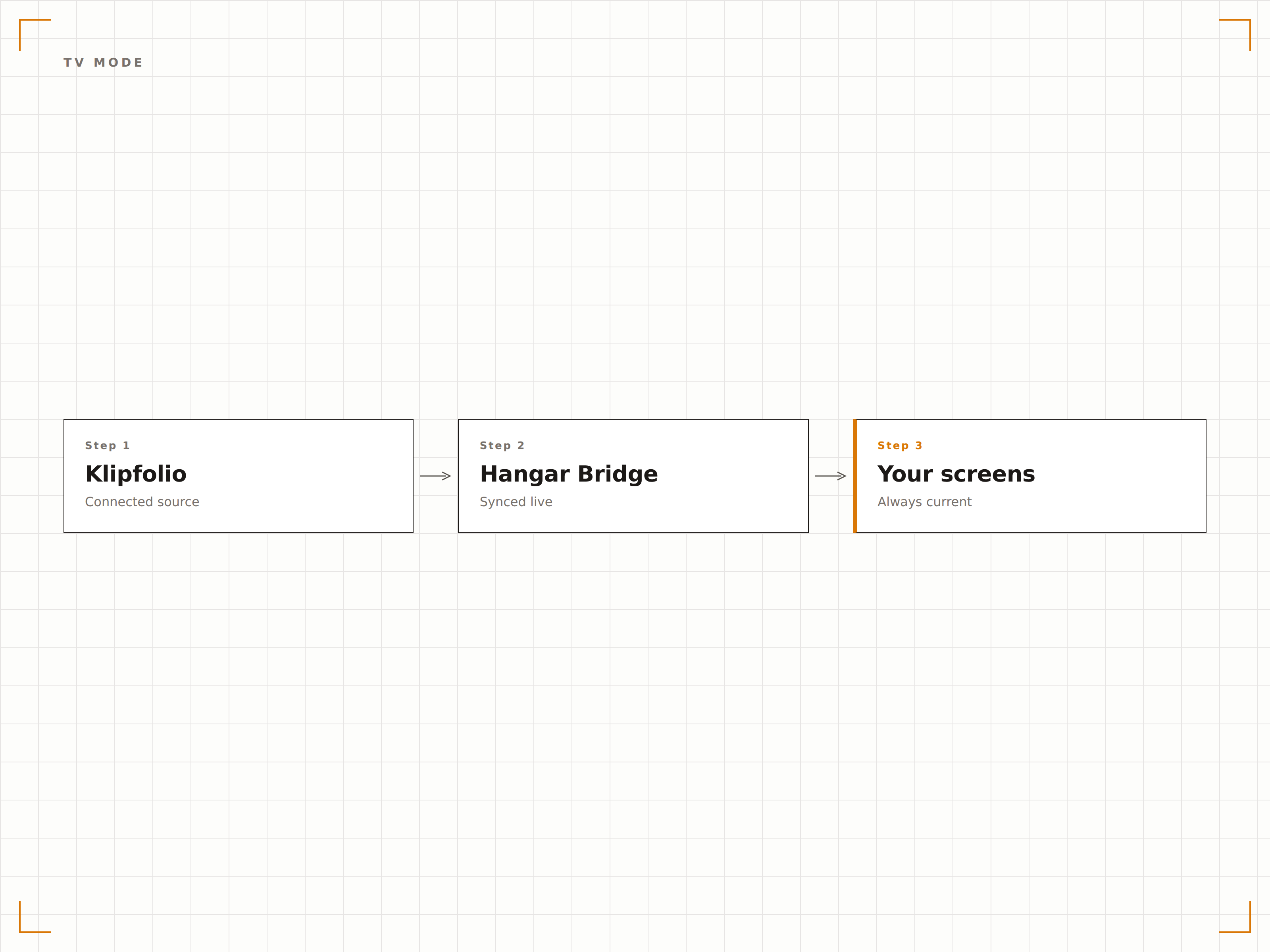
Klipfolio verfügt über einen nativen TV-Modus, der Dashboards im Vollbild mit grossen Schriften und kontrastreichen Farben rendert. Hangar.Media nutzt diesen Modus für optimale Lesbarkeit auf Signage-Bildschirmen jeder Grösse.
Eine Dashboard-Plattform, die die Sprache von TV-Bildschirmen spricht.
Natives TV-Modus-Rendering
Schriften und Farben im Grossformat
Vollbild ohne Browser-Bedienelemente
Fokussierte Kennzahlen-Anzeigen
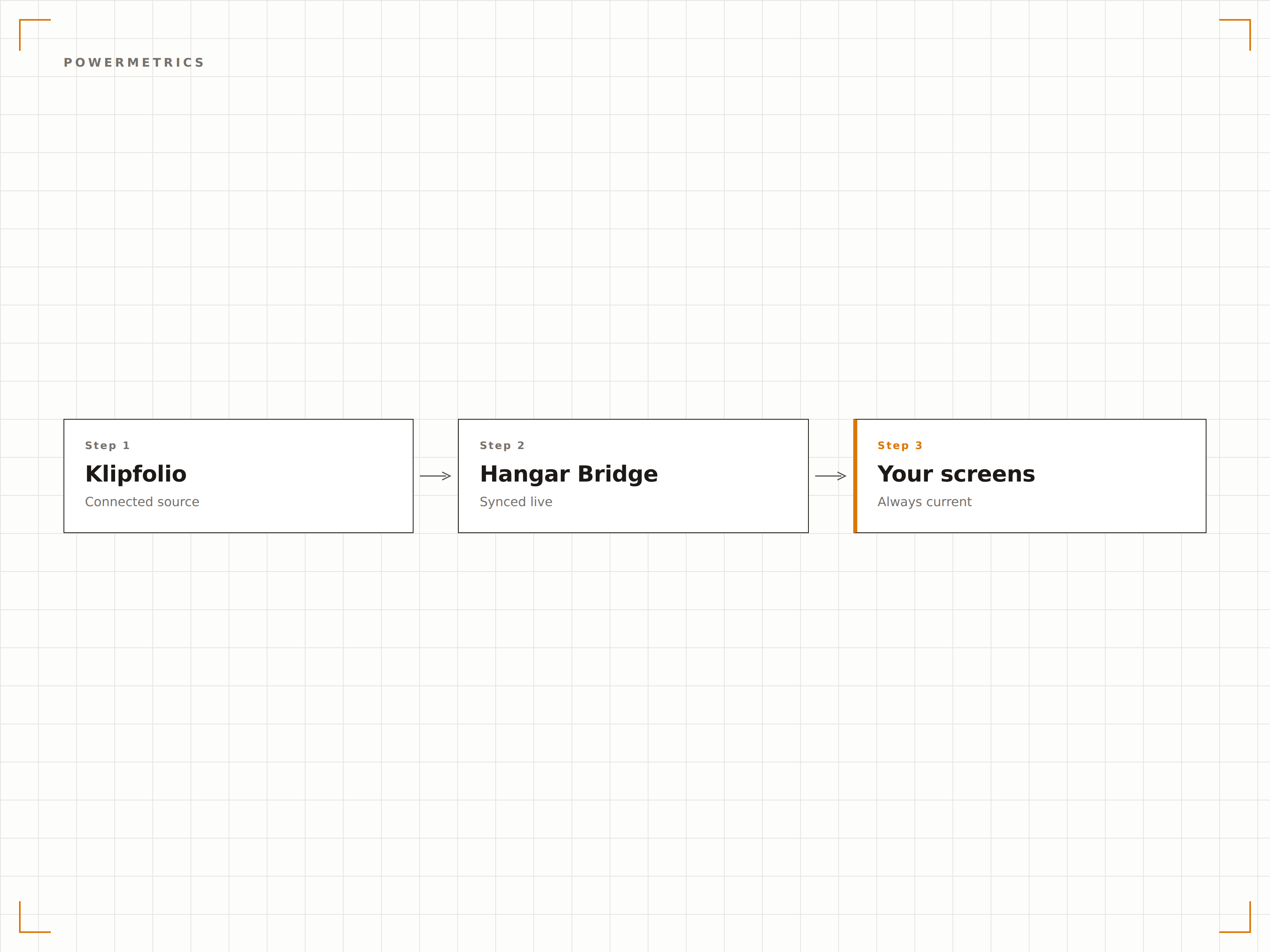
PowerMetrics verdichtet Ihre Daten zu übersichtlichen Einzelkennzahl-Anzeigen mit Trendanzeigen und Vergleichszeiträumen. Auf Signage-Bildschirmen ist jede Kennzahl sofort ablesbar — mit aktuellem Wert, Trendrichtung und Periodenvergleich.
Eine Kennzahl, ein Bildschirm, maximale Klarheit.
Einzelkennzahl-Anzeigeformat
Trendanzeigen und Sparklines
Periodenvergleiche
Multi-Dashboard-Planung
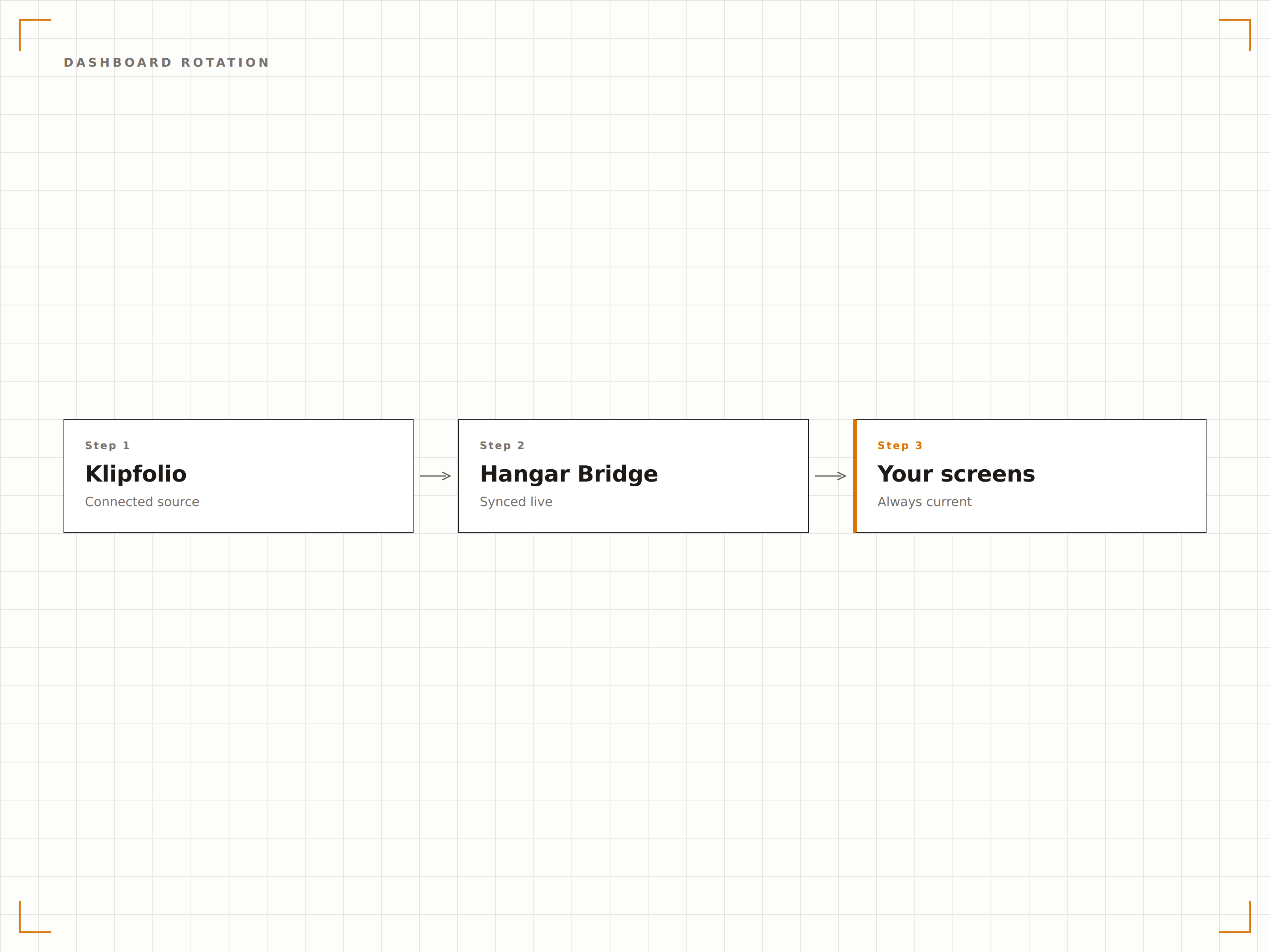
Rotieren Sie zwischen Klipfolio-Dashboards nach einem Zeitplan oder Verweilzeit-Timer. Zeigen Sie morgens Marketing-Kennzahlen, nachmittags Support-Kennzahlen und abends Finanz-Zusammenfassungen — vollständig automatisiert.
Verschiedene Kennzahlen zu verschiedenen Zeiten, derselbe Bildschirm.
Zeitbasierte Rotationsregeln
Individueller Verweilzeit-Timer pro Dashboard
Day-Parting für zielgerichtete Inhalte
Vier Schritte zu verbundene Bildschirme.
Von der Einrichtung bis zu Live-Inhalten in Minuten, nicht Tagen.
TV-Modus aktivieren
Aktivieren Sie in Klipfolio den TV-Modus für Ihr Dashboard und kopieren Sie die TV-Modus-URL oder den veröffentlichten Link.
Zu Hangar.Media hinzufügen
Fügen Sie die Klipfolio-Dashboard-URL in das Hangar.Media-Web-Content-Widget ein.
Rotation festlegen
Fügen Sie optional mehrere Dashboards hinzu und legen Sie Rotationsintervalle sowie Planungsregeln fest.
Veröffentlichen
Weisen Sie die Inhalte Ihren Büro-Bildschirmen, Besprechungsräumen oder Lobby-Displays zu und gehen Sie live.
Entwickelt für jeden Branche.
Erfahren Sie, wie verschiedene Branchen diese Integration nutzen, um Ergebnisse zu erzielen.
Abteilungs-KPI-Bildschirme
Platzieren Sie auf jeder Abteilungsetage einen Klipfolio-Dashboard-Bildschirm mit den für das jeweilige Team relevantesten Kennzahlen — Vertrieb, Marketing, Entwicklung oder Support.
GastgewerbeUmsatzkennzahlen-Anzeige
Zeigen Sie RevPAR, Auslastungsrate und ADR auf Back-of-House-Bildschirmen in Hotels mithilfe von Klipfolio PowerMetrics für eine klare, fokussierte Umsatztransparenz.
EinzelhandelTägliche Verkaufszusammenfassung
Zeigen Sie tägliche Verkaufssummen, Konversionsraten und durchschnittliche Transaktionswerte auf Bildschirmen im Büro des Filialleiters für schnelle Leistungskontrollen an.
EntertainmentVeranstaltungs-KPIs
Zeigen Sie Ticketverkaufsgeschwindigkeit, Merchandise-Umsatz und Social-Engagement-Kennzahlen für bevorstehende Veranstaltungen auf Bildschirmen im Eventmanagement-Büro an.
Häufige Fragen. Direkte Antworten.
Benötige ich einen bestimmten Klipfolio-Plan für den TV-Modus?
Der TV-Modus und veröffentlichte Dashboard-Links sind in kostenpflichtigen Klipfolio-Plänen verfügbar. Prüfen Sie Ihr Klipfolio-Abonnement, um den Zugang zum TV-Modus zu bestätigen. PowerMetrics-Pläne beinhalten standardmässig die Dashboard-Freigabe.
Kann ich Klipfolio zusammen mit anderen Inhalten auf demselben Bildschirm anzeigen?
Ja. Klipfolio-Dashboards können zu jeder Hangar.Media-Playlist hinzugefügt werden. Sie rotieren zusammen mit Videos, Social-Media-Feeds, Ankündigungen und anderen Inhaltstypen in Ihrem Signage-Zeitplan.
Wie werden Klipfolio-Daten auf dem Bildschirm aktualisiert?
Hangar.Media lädt das Klipfolio-Dashboard in dem von Ihnen gewählten Intervall neu. Die Aktualität der Daten hängt auch von den Aktualisierungseinstellungen Ihrer Klipfolio-Datenquelle ab. Die meisten Konnektoren aktualisieren sich alle 5 bis 60 Minuten.
Kann ich Klipfolio auch für nicht-geschäftliche Kennzahlen verwenden?
Ja. Klipfolio kann sich mit Fitness-APIs, IoT-Geräten, Social-Media-Plattformen und vielen anderen Datenquellen verbinden. Jede Kennzahl, die Sie auf einem Klipfolio-Dashboard darstellen können, lässt sich auf Ihren Hangar.Media-Signage-Bildschirmen anzeigen.
Ein Preis. Die gesamte Plattform.
So stellen wir uns Digital Signage vor. Inhaltseditor, Bildschirmverwaltung und 200+ App-Integrationen – alles von Anfang an inklusive.
14 Tage kostenlos, bis zu 3 Bildschirme – keine Kreditkarte erforderlich.