Le metriche Klipfolio, a portata di sguardo. sul muro.
Mostra dashboard e snapshot KPI di Klipfolio PowerMetrics su schermi di segnaletica digitale per una visibilità continua delle metriche.
PowerMetrics sui Tuoi Schermi
Klipfolio PowerMetrics trasforma i dati grezzi in visualizzazioni di metriche chiare e mirate, progettate per gli schermi TV. Hangar.Media amplifica questo potenziale integrando le dashboard Klipfolio nella tua strategia di contenuti per la segnaletica digitale. Mostra snapshot di metriche, grafici di tendenza e riepiloghi KPI insieme ad annunci, video e altri contenuti nelle tue playlist di segnaletica.
Cosa puoi fare con sul muro.
Tre funzionalità che rendono questa integrazione indispensabile per la tua rete di segnaletica digitale.
Progettato per i Display TV
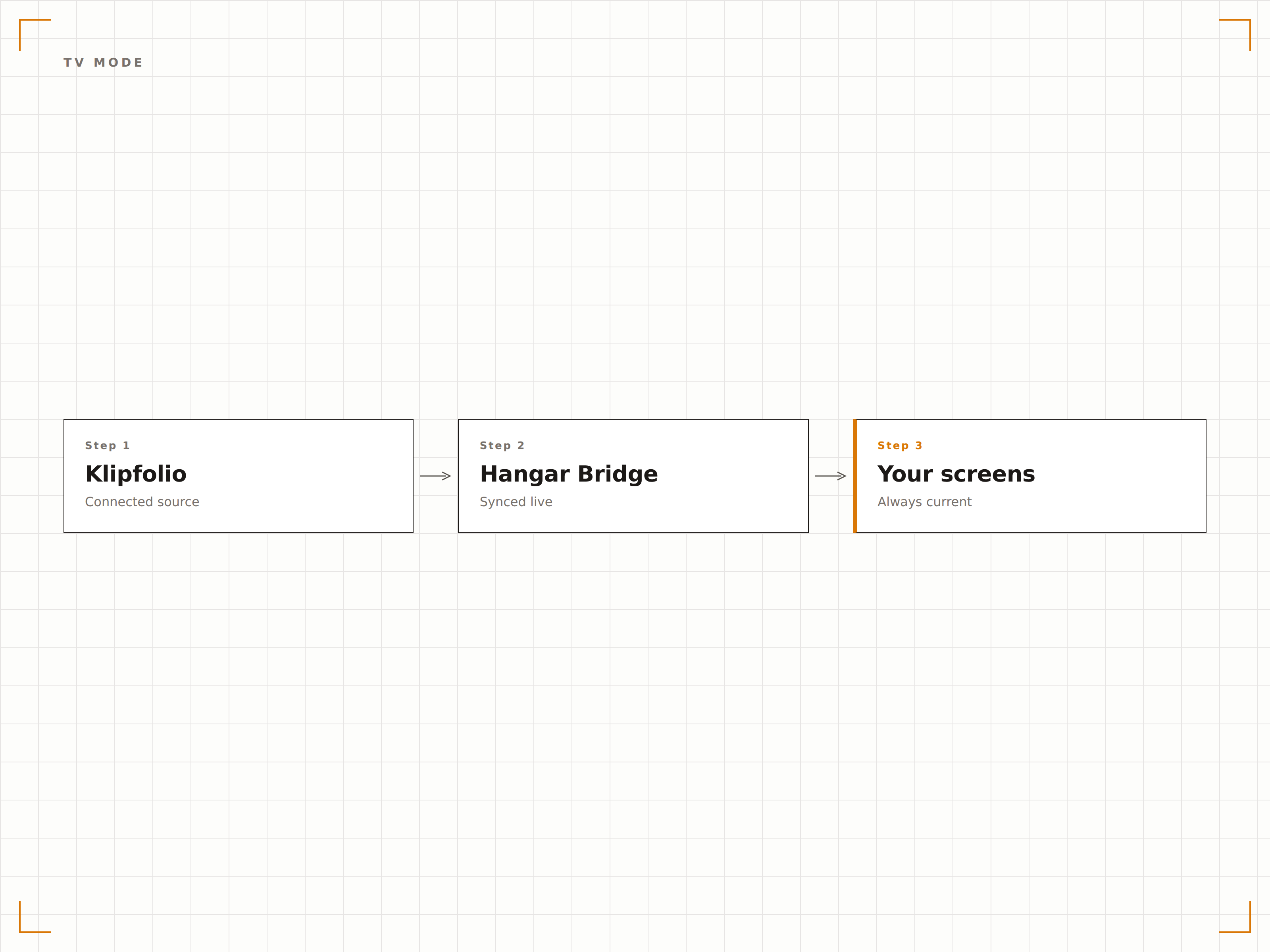
Klipfolio include una modalità TV nativa che visualizza i dashboard a schermo intero con font grandi e colori ad alto contrasto. Hangar.Media utilizza questa modalità per garantire la massima leggibilità sugli schermi di segnaletica digitale di qualsiasi dimensione.
Una piattaforma di dashboard che parla il linguaggio degli schermi TV.
Rendering nativo in modalità TV
Font e colori ottimizzati per grandi formati
Schermo intero senza interfaccia del browser
Display a Metrica Singola
PowerMetrics distilla i tuoi dati in display puliti a metrica singola, con indicatori di tendenza e periodi di confronto. Sugli schermi di segnaletica digitale, ogni metrica è immediatamente leggibile con il valore attuale, la direzione del trend e la variazione periodo su periodo.
Una metrica, uno schermo, chiarezza totale.
Formato di visualizzazione a metrica singola
Indicatori di tendenza e sparkline
Confronti periodo su periodo
Pianificazione Multi-Dashboard
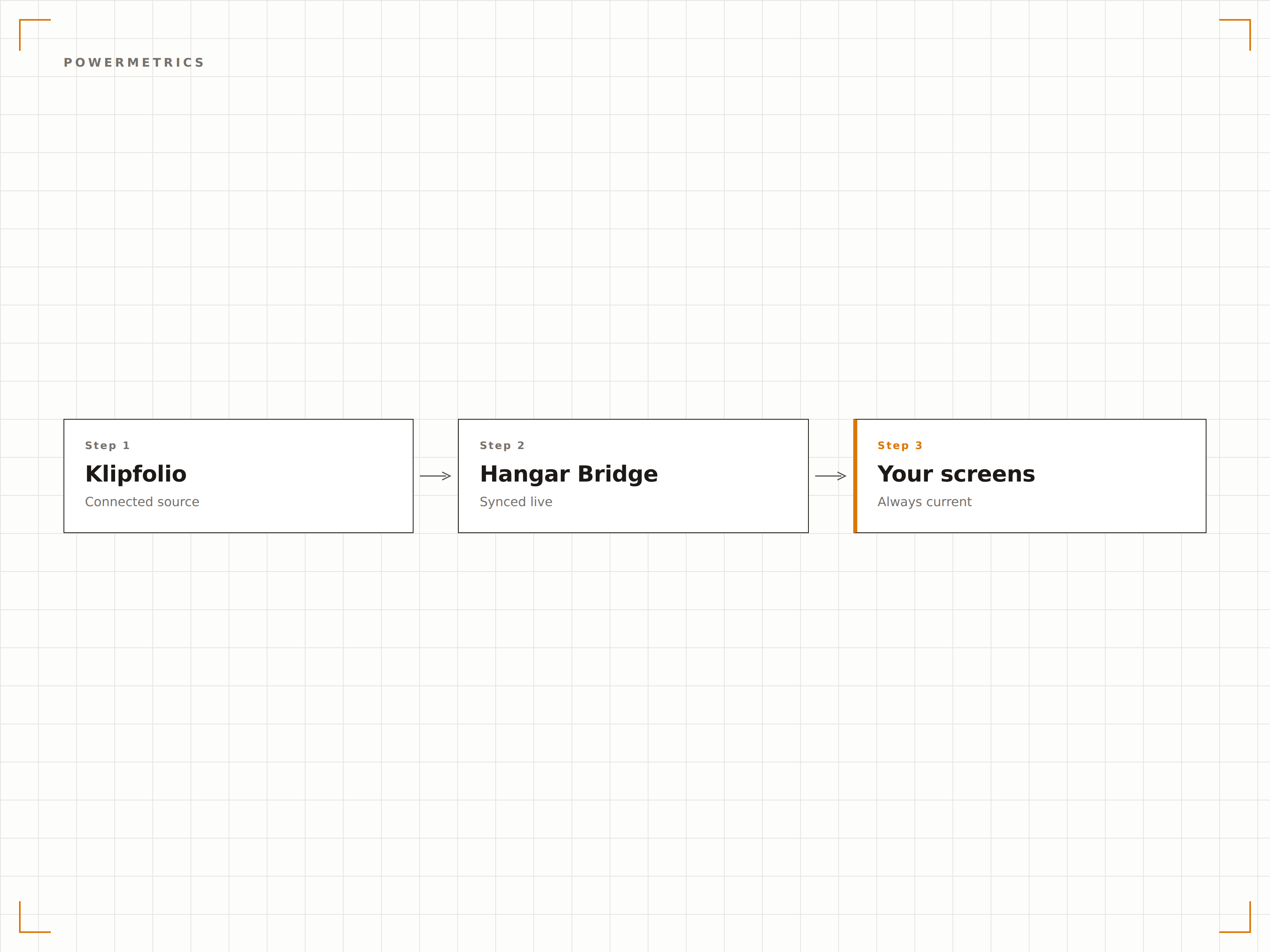
Ruota tra i dashboard Klipfolio in base a una pianificazione o a un timer di permanenza. Mostra le metriche di marketing al mattino, quelle del supporto nel pomeriggio e i riepiloghi finanziari la sera — tutto in modo automatico.
Metriche diverse per momenti diversi, stesso schermo.
Regole di rotazione basate sul tempo
Timer di permanenza per dashboard
Day-parting per contenuti mirati
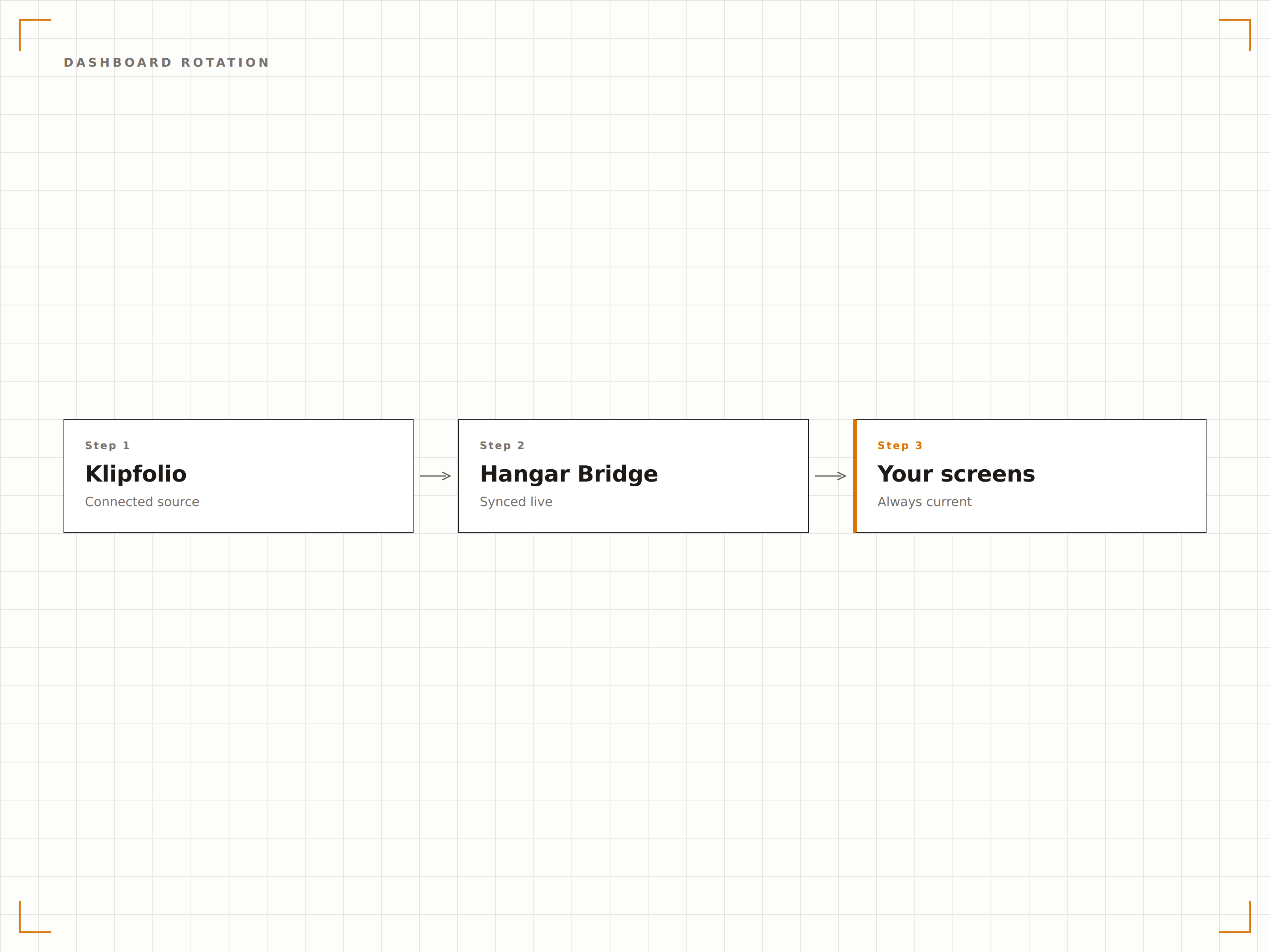
Quattro passaggi verso schermi connessi.
Dalla configurazione ai contenuti live in minuti, non giorni.
Attiva la Modalità TV
In Klipfolio, attiva la modalità TV sul tuo dashboard e copia l'URL della modalità TV o il link pubblicato.
Aggiungi a Hangar.Media
Incolla l'URL del dashboard Klipfolio nel widget per contenuti web di Hangar.Media.
Imposta la Rotazione
Facoltativamente, aggiungi più dashboard e configura gli intervalli di rotazione e le regole di pianificazione.
Pubblica
Assegna agli schermi del tuo ufficio, alle sale riunioni o ai display della reception e vai live.
Costruito per ogni settore.
Scopri come diversi settori utilizzano questa integrazione per ottenere risultati concreti.
Schermi KPI per Reparto
Posiziona un dashboard Klipfolio su ogni piano di reparto con le metriche più rilevanti per quel team — vendite, marketing, engineering o supporto.
HospitalityDisplay delle Metriche di Fatturato
Mostra RevPAR, tasso di occupazione e ADR sugli schermi back-of-house degli hotel utilizzando Klipfolio PowerMetrics per una visibilità chiara e focalizzata sui ricavi.
RetailRiepilogo Vendite Giornaliero
Visualizza i totali di vendita giornalieri, i tassi di conversione e i valori medi delle transazioni sugli schermi dell'ufficio del responsabile del punto vendita per un monitoraggio rapido delle performance.
EntertainmentKPI degli Eventi
Mostra la velocità di vendita dei biglietti, i ricavi da merchandise e le metriche di engagement social per gli eventi in programma sugli schermi dell'ufficio di gestione eventi.
Domande frequenti. Risposte dirette risposte.
Ho bisogno di un piano Klipfolio specifico per la modalità TV?
La modalità TV e i link ai dashboard pubblicati sono disponibili sui piani a pagamento di Klipfolio. Verifica il tuo abbonamento Klipfolio per confermare l'accesso alla modalità TV. I piani PowerMetrics includono la condivisione dei dashboard per impostazione predefinita.
Posso visualizzare Klipfolio insieme ad altri contenuti sullo stesso schermo?
Sì. I dashboard Klipfolio possono essere aggiunti a qualsiasi playlist di Hangar.Media. Ruotano insieme a video, feed social, annunci e altri tipi di contenuto nel tuo palinsesto di segnaletica digitale.
Come si aggiornano i dati di Klipfolio sullo schermo?
Hangar.Media ricarica il dashboard Klipfolio all'intervallo da te scelto. L'aggiornamento dei dati dipende anche dalle impostazioni di refresh della sorgente dati in Klipfolio. La maggior parte dei connettori si aggiorna ogni 5-60 minuti.
Posso usare Klipfolio per metriche non aziendali?
Sì. Klipfolio può connettersi ad API per il fitness, dispositivi IoT, piattaforme social e molte altre sorgenti dati. Qualsiasi metrica che puoi inserire in un dashboard Klipfolio può essere visualizzata sugli schermi di segnaletica digitale di Hangar.Media.
Un prezzo. L'intera piattaforma.
Così pensiamo che la segnaletica digitale dovrebbe funzionare. Editor di contenuti, gestione degli schermi e oltre 200 integrazioni di app — tutto incluso fin dal primo giorno.
14 giorni gratis, fino a 3 schermi — senza carta.