Qlik Sense-Analysen, auf ein neues Niveau gehoben. amplified.
Bringen Sie Ihre Qlik Sense-Dashboards und Analyse-Apps mit voller visueller Wiedergabetreue und automatischer Datenaktualisierung auf Digital Signage-Bildschirme.
Assoziative Analysen auf jedem Bildschirm
Qlik Sense bietet leistungsstarke assoziative Analysen, die verborgene Zusammenhänge in Ihren Daten aufdecken. Mit Hangar.Media können Sie diese Erkenntnisse vom Analysten-Desktop auf gemeinsam genutzte Bildschirme in Ihrem gesamten Unternehmen ausweiten. Zeigen Sie Qlik Sense-Apps, -Sheets und -Storys auf Digital Signage-Bildschirmen an – mit automatischer Aktualisierung und Vollbild-Rendering, optimiert für grosse Displays.
Was Sie mit amplified. tun können
Drei Funktionen, die diese Integration für Ihr Digital Signage-Netzwerk unverzichtbar machen.
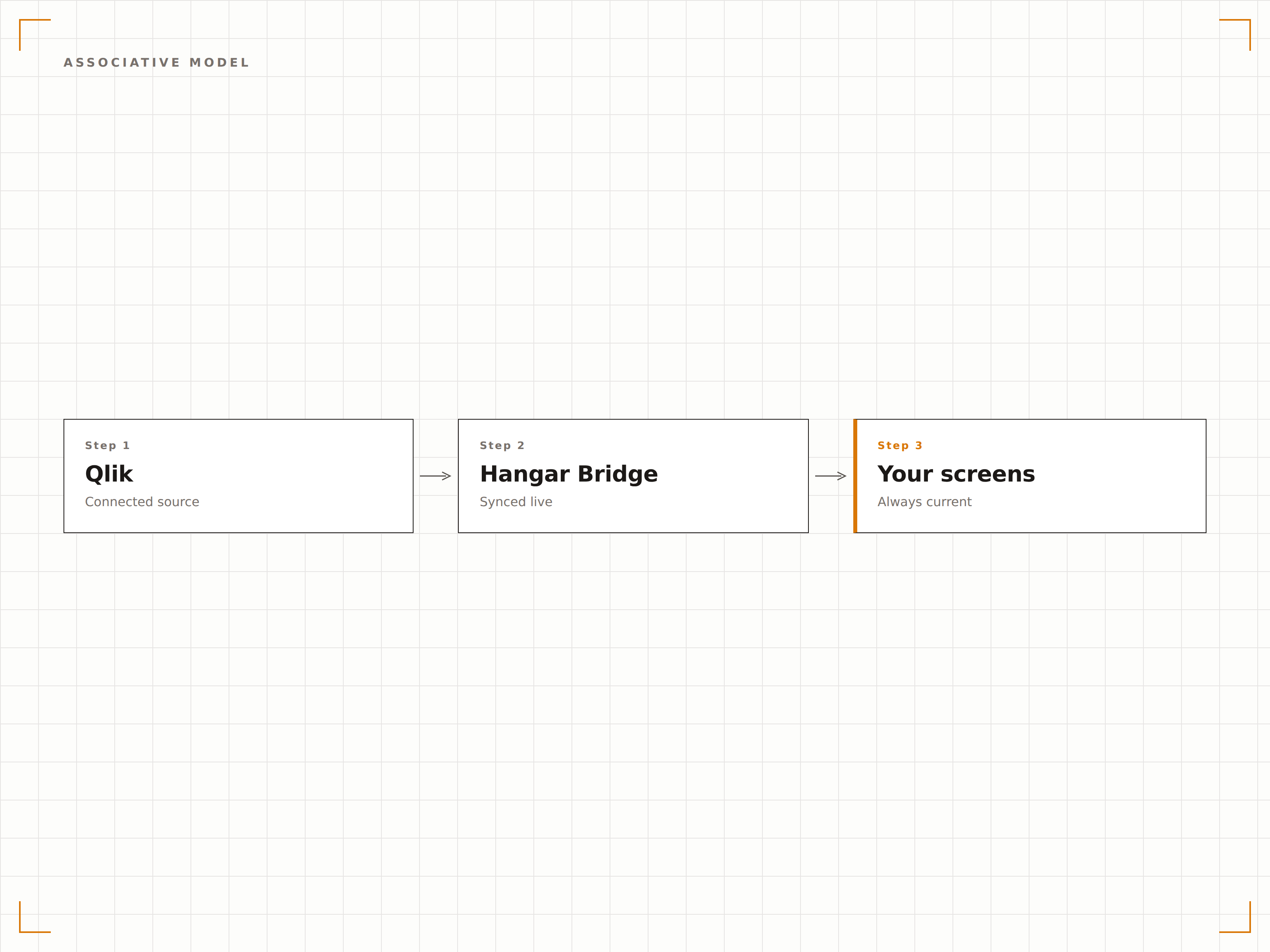
Datenverbindungen auf dem Bildschirm erkunden
Das assoziative Modell von Qlik Sense hebt Beziehungen in Ihrem gesamten Datensatz hervor. Auf Signage-Bildschirmen bedeutet das, dass Ihre Visualisierungen kontextuelle Datenverbindungen zeigen, die herkömmliche Dashboards übersehen – und Betrachtern auf einen Blick tiefere Einblicke bieten.
Sehen Sie, was andere BI-Tools übersehen – Datenverbindungen sichtbar gemacht.
Assoziative Datenerkundung visualisiert
Dimensionsübergreifende Hervorhebung auf dem Bildschirm
Kontextuelle Erkenntnisse jenseits einfacher Filter
Automatische Ansichtsrotation
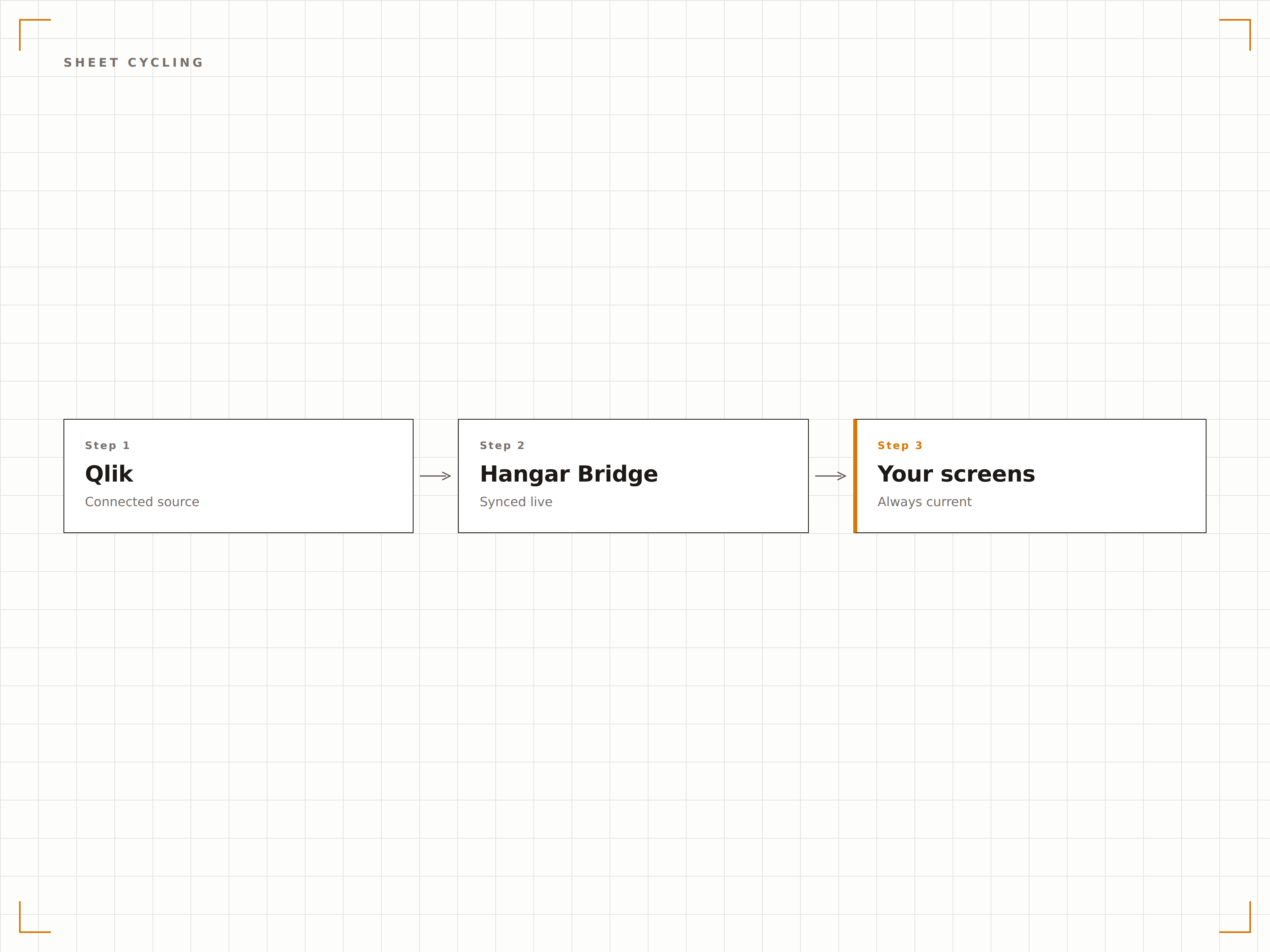
Qlik Sense-Apps enthalten häufig mehrere Sheets, die verschiedene analytische Perspektiven abdecken. Hangar.Media wechselt automatisch durch die Sheets und gibt jeder Ansicht dedizierte Bildschirmzeit, bevor nahtlos zur nächsten übergegangen wird.
Jede analytische Perspektive, ein Bildschirm nach dem anderen.
Automatischer Wechsel durch App-Sheets
Einstellbare Anzeigedauer pro Sheet
Sanfte animierte Übergänge
Geführte Narrative auf Signage
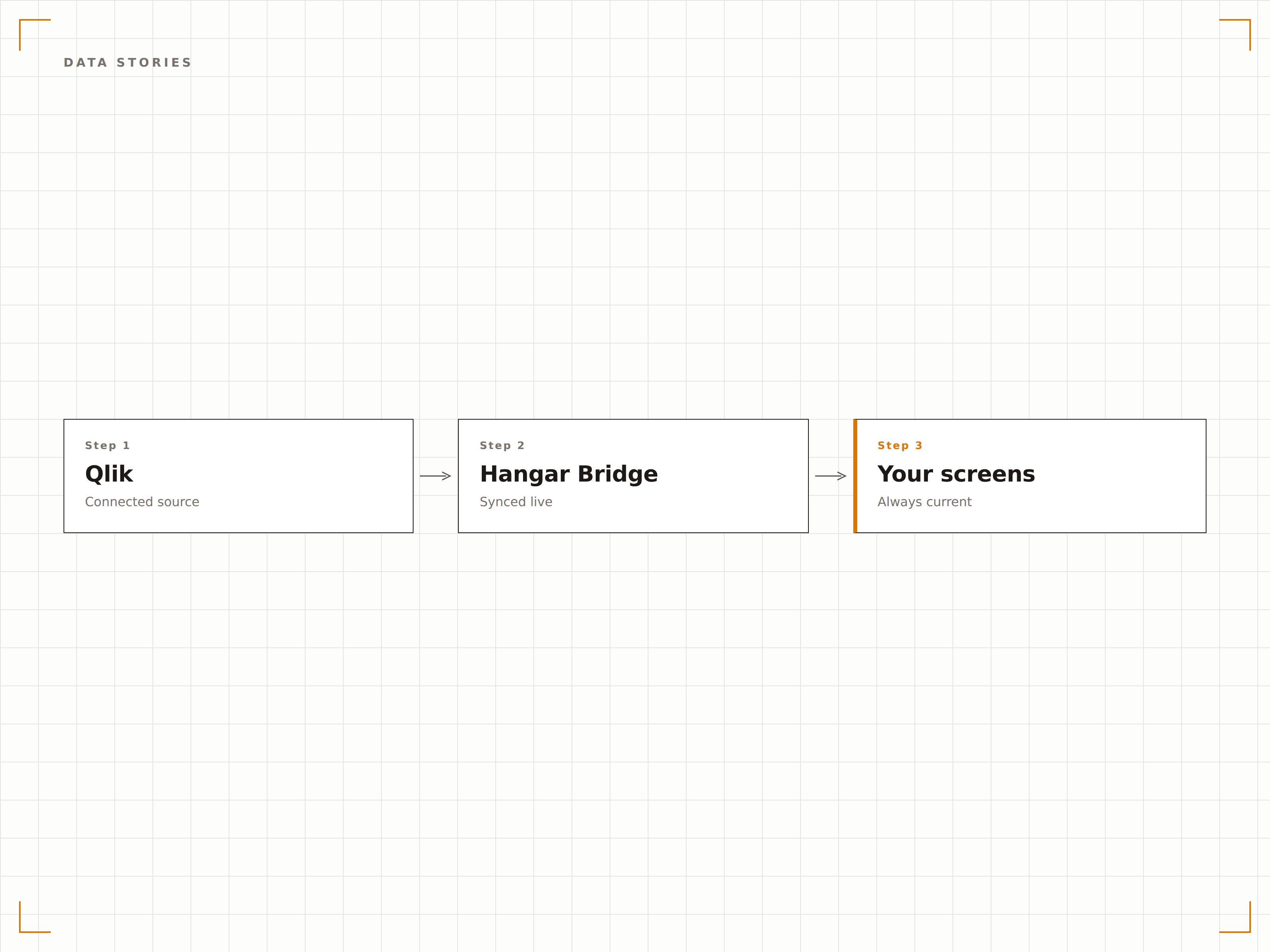
Qlik Sense-Storys kombinieren Daten-Snapshots mit narrativem Text, um datengetriebene Geschichten zu erzählen. Zeigen Sie diese Storys auf Signage-Bildschirmen, um Erkenntnisse für nicht-technische Zielgruppen in einem ansprechenden und leicht verständlichen Format zu kommunizieren.
Daten-Storytelling, das alle im Unternehmen erreicht.
Qlik Sense Story-Wiedergabe auf dem Bildschirm
Snapshot-basierte Datennarrative
Zugänglich für nicht-technische Betrachter
Vier Schritte zu verbundene Bildschirme.
Von der Einrichtung bis zu Live-Inhalten in Minuten, nicht Tagen.
Zugang einrichten
Aktivieren Sie anonymen Zugang oder richten Sie JWT-Authentifizierung für Ihre Qlik Sense-Umgebung ein, damit Hangar.Media Apps einbetten kann.
Apps und Sheets auswählen
Wählen Sie die Qlik Sense-Apps, Sheets oder Storys aus, die Sie auf Ihren Signage-Bildschirmen anzeigen möchten.
Anzeigeoptionen festlegen
Richten Sie Sheet-Wechselintervalle, Vollbild-Rendering und Aktualisierungspläne für Ihre Ziel-Displays ein.
Veröffentlichen
Weisen Sie Ihren Qlik Sense-Inhalt Bildschirmen zu und veröffentlichen Sie ihn. Analysen erscheinen innerhalb von Sekunden auf Ihren Displays.
Entwickelt für jeden Branche.
Erfahren Sie, wie verschiedene Branchen diese Integration nutzen, um Ergebnisse zu erzielen.
Executive Briefing Screens
Zeigen Sie Qlik Sense Executive-Summary-Apps auf Bildschirmen im C-Suite-Bereich an – mit Finanzkennzahlen, Personalentwicklung und strategischen KPIs.
GesundheitswesenKlinisches Analyse-Display
Zeigen Sie Patientenergebnis-Analysen, Wiederaufnahmeraten und Qualitätskennzahlen auf Bildschirmen in klinischen Governance-Bereichen für datengestützte Entscheidungsfindung an.
HandelMerchandising-Analysen
Zeigen Sie Produktkategorie-Performance, Lagerumschlag und Analysen zur Werbewirksamkeit auf Bildschirmen im Bereich des Merchandising-Teams an.
FinanzwesenRisikoanalyse-Dashboard
Zeigen Sie Risikoexpositions-Analysen, Portfolio-Konzentrationskarten und Compliance-Status-Dashboards auf Bildschirmen in der Risikomanagement-Abteilung an.
Häufige Fragen. Direkte Antworten.
Funktioniert das mit Qlik Sense Cloud und On-Premises?
Ja. Hangar.Media unterstützt sowohl Qlik Sense SaaS (Cloud) als auch Qlik Sense Enterprise als On-Premises-Deployment. Die Authentifizierungsmethoden unterscheiden sich je nach Variante, beide werden jedoch vollständig unterstützt.
Können Betrachter mit Qlik Sense auf einem Signage-Bildschirm interagieren?
Auf Standard-Signage-Displays ist der Inhalt schreibgeschützt und rotiert automatisch. Auf touchfähigen Bildschirmen können Sie optional die Interaktion aktivieren, sodass Betrachter Auswahlen treffen und Daten erkunden können.
Was passiert, wenn die Qlik Sense-Daten neu geladen werden?
Wenn Ihre Qlik Sense-App-Daten neu geladen werden, übernimmt der Signage-Bildschirm die neuen Daten beim nächsten Seitenaktualisierungszyklus. Sie können Hangar.Media so einstellen, dass die Aktualisierung in Intervallen erfolgt, die mit Ihrem Qlik Sense-Ladezeitplan übereinstimmen.
Kann ich Qlik Sense mit anderen Inhalten auf demselben Bildschirm kombinieren?
Ja. Qlik Sense-Apps können in jede Hangar.Media-Playlist eingefügt werden – zusammen mit Videos, Bildern, Webseiten und anderen Analyse-Dashboards in einer Inhaltsrotation.
Ein Preis. Die gesamte Plattform.
So stellen wir uns Digital Signage vor. Inhaltseditor, Bildschirmverwaltung und 200+ App-Integrationen – alles von Anfang an inklusive.
14 Tage kostenlos, bis zu 3 Bildschirme – keine Kreditkarte erforderlich.