Analisi Qlik Sense, potenziate. amplificata.
Porta i tuoi dashboard e le tue app di analytics Qlik Sense sugli schermi di segnaletica digitale con fedeltà visiva totale e aggiornamento automatico dei dati.
Analytics Associativa su Ogni Schermo
Qlik Sense offre potenti analytics associative che rivelano connessioni nascoste nei tuoi dati. Con Hangar.Media, puoi estendere questi insight dai desktop degli analisti agli schermi condivisi di tutta la tua organizzazione. Mostra app, fogli e storie Qlik Sense sulla segnaletica digitale con aggiornamento automatico e rendering a schermo intero ottimizzato per i display di grande formato.
Cosa puoi fare con amplificata.
Tre funzionalità che rendono questa integrazione indispensabile per la tua rete di segnaletica digitale.
Esplora le Connessioni tra Dati sullo Schermo
Il modello associativo di Qlik Sense mette in evidenza le relazioni nell'intero set di dati. Sugli schermi di segnaletica digitale, questo significa che le tue visualizzazioni mostrano connessioni contestuali che i dashboard tradizionali non colgono, offrendo agli utenti una comprensione più profonda a colpo d'occhio.
Scopri ciò che gli altri strumenti di BI non vedono — le connessioni tra i dati rivelate.
Esplorazione associativa dei dati visualizzata
Evidenziazione multidimensionale sullo schermo
Insight contestuali oltre il semplice filtraggio
Rotazione Automatica delle Viste
Le app Qlik Sense contengono spesso più fogli che coprono diverse prospettive analitiche. Hangar.Media scorre automaticamente tra i fogli, dedicando a ciascuna vista il proprio tempo sullo schermo prima di passare fluidamente al successivo.
Ogni prospettiva analitica, uno schermo alla volta.
Scorrimento automatico tra i fogli dell'app
Tempo di visualizzazione regolabile per foglio
Transizioni animate fluide
Narrazioni Guidate sulla Segnaletica Digitale
Le storie di Qlik Sense combinano snapshot di dati con testo narrativo per raccontare storie basate sui dati. Visualizza queste storie sugli schermi di segnaletica digitale per comunicare insight a un pubblico non tecnico in un formato coinvolgente e di facile comprensione.
Il data storytelling che raggiunge tutti in azienda.
Riproduzione delle storie Qlik Sense sullo schermo
Narrazioni basate su snapshot dei dati
Accessibile a utenti non tecnici
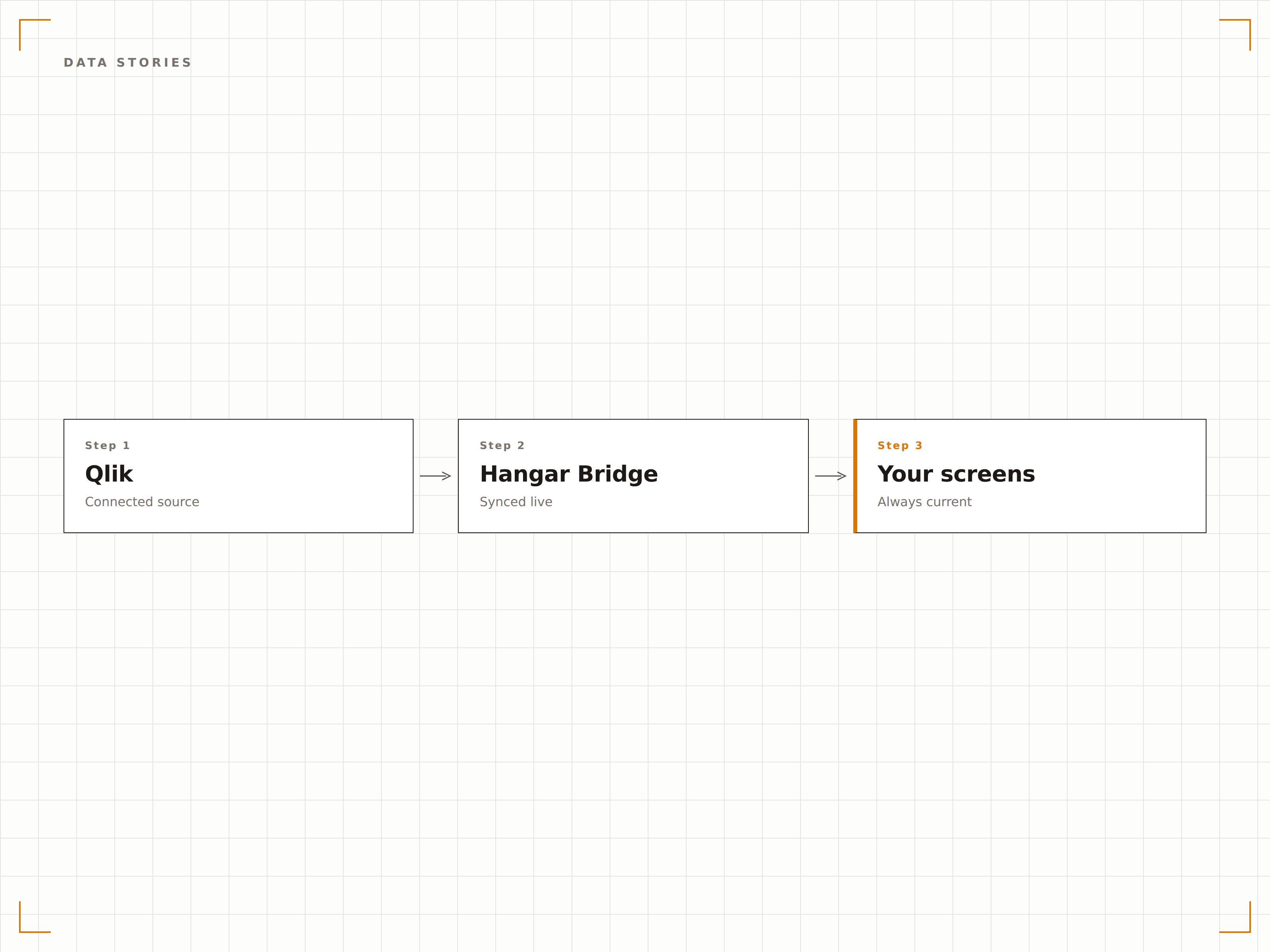
Quattro passaggi verso schermi connessi.
Dalla configurazione ai contenuti live in minuti, non giorni.
Configura l'Accesso
Abilita l'accesso anonimo o configura l'autenticazione JWT per il tuo ambiente Qlik Sense, così da consentire a Hangar.Media di incorporare le app.
Seleziona App e Fogli
Scegli le app, i fogli o le storie di Qlik Sense che desideri visualizzare sui tuoi schermi di segnaletica digitale.
Imposta le Opzioni di Visualizzazione
Configura gli intervalli di scorrimento dei fogli, il rendering a schermo intero e le pianificazioni di aggiornamento per i tuoi display.
Pubblica
Assegna i contenuti Qlik Sense agli schermi e pubblica. Le analisi appaiono sui tuoi display in pochi secondi.
Costruito per ogni settore.
Scopri come diversi settori utilizzano questa integrazione per ottenere risultati concreti.
Schermi per Briefing Esecutivi
Visualizza le app di sintesi esecutiva di Qlik Sense sugli schermi dell'area C-suite, mostrando performance finanziaria, andamento degli organici e KPI strategici.
SanitàDisplay di Analisi Cliniche
Mostra le analisi sugli esiti dei pazienti, i tassi di riammissione e le metriche di qualità sugli schermi nelle aree di governance clinica per decisioni basate sui dati.
RetailAnalisi del Merchandising
Visualizza le analisi sulle performance per categoria di prodotto, la rotazione delle scorte e l'efficacia delle promozioni sugli schermi nell'area del team merchandising.
FinanziarioDashboard di Analisi del Rischio
Mostra le analisi sull'esposizione al rischio, le mappe di concentrazione del portafoglio e i dashboard sullo stato di conformità sugli schermi del dipartimento di gestione del rischio.
Domande frequenti. Risposte dirette risposte.
Funziona con Qlik Sense Cloud e on-premises?
Sì. Hangar.Media supporta sia Qlik Sense SaaS (cloud) che le installazioni on-premises di Qlik Sense Enterprise. I metodi di autenticazione differiscono tra le due modalità, ma entrambe sono completamente supportate.
Gli utenti possono interagire con Qlik Sense su uno schermo di segnaletica digitale?
Sui display di segnaletica digitale standard, il contenuto è in sola visualizzazione e ruota automaticamente. Sugli schermi touch, è possibile abilitare l'interazione per consentire agli utenti di effettuare selezioni ed esplorare i dati.
Cosa succede quando i dati di Qlik Sense vengono ricaricati?
Quando i dati dell'app Qlik Sense vengono ricaricati, lo schermo di segnaletica digitale acquisisce i nuovi dati al successivo ciclo di aggiornamento della pagina. Puoi configurare Hangar.Media per aggiornare a intervalli allineati alla pianificazione di ricaricamento di Qlik Sense.
Posso combinare Qlik Sense con altri contenuti sullo stesso schermo?
Sì. Le app Qlik Sense possono essere aggiunte a qualsiasi playlist di Hangar.Media insieme a video, immagini, pagine web e altri dashboard analitici in una rotazione di contenuti.
Un prezzo. L'intera piattaforma.
Così pensiamo che la segnaletica digitale dovrebbe funzionare. Editor di contenuti, gestione degli schermi e oltre 200 integrazioni di app — tutto incluso fin dal primo giorno.
14 giorni gratis, fino a 3 schermi — senza carta.