Salesforce-Daten – immer im Mittelpunkt.
Streamen Sie Salesforce-Dashboards, Bestenlisten und Pipeline-Visualisierungen auf Digital Signage Bildschirme – damit Ihre Vertriebsteams motiviert und stets informiert bleiben.
Vertriebsdaten, die alle im Blick haben
Verbinden Sie Ihre Salesforce-Organisation mit Hangar.Media und zeigen Sie CRM-Dashboards, Vertriebs-Bestenlisten und Pipeline-Berichte auf Bildschirmen in Ihrem gesamten Büro. Dank Echtzeit-Updates sieht Ihr Team stets den aktuellen Stand bei Deal-Fortschritten, Zielerreichung und Aktivitätskennzahlen. Verwandeln Sie passive Bildschirme in wirkungsvolle Motivationstools für Ihren Vertrieb.
Was Sie mit immer im Mittelpunkt. tun können
Drei Funktionen, die diese Integration für Ihr Digital Signage-Netzwerk unverzichtbar machen.
Echtzeit-Vertriebs-Leaderboards
Generieren Sie automatisch Leaderboards aus Salesforce-Daten, die Top-Performer nach Umsatz, abgeschlossenen Deals oder erledigten Aktivitäten anzeigen. Leaderboards werden in Echtzeit aktualisiert, wenn Mitarbeiter Anrufe protokollieren, Deals abschliessen und Opportunities vorantreiben.
Nichts motiviert ein Vertriebsteam mehr, als den eigenen Namen auf der Anzeigetafel zu sehen.
Automatisch aus Salesforce-Opportunity-Daten generiert
Mehrere Rankingkriterien und Zeiträume
Animierte Übergänge bei Ranglistenänderungen
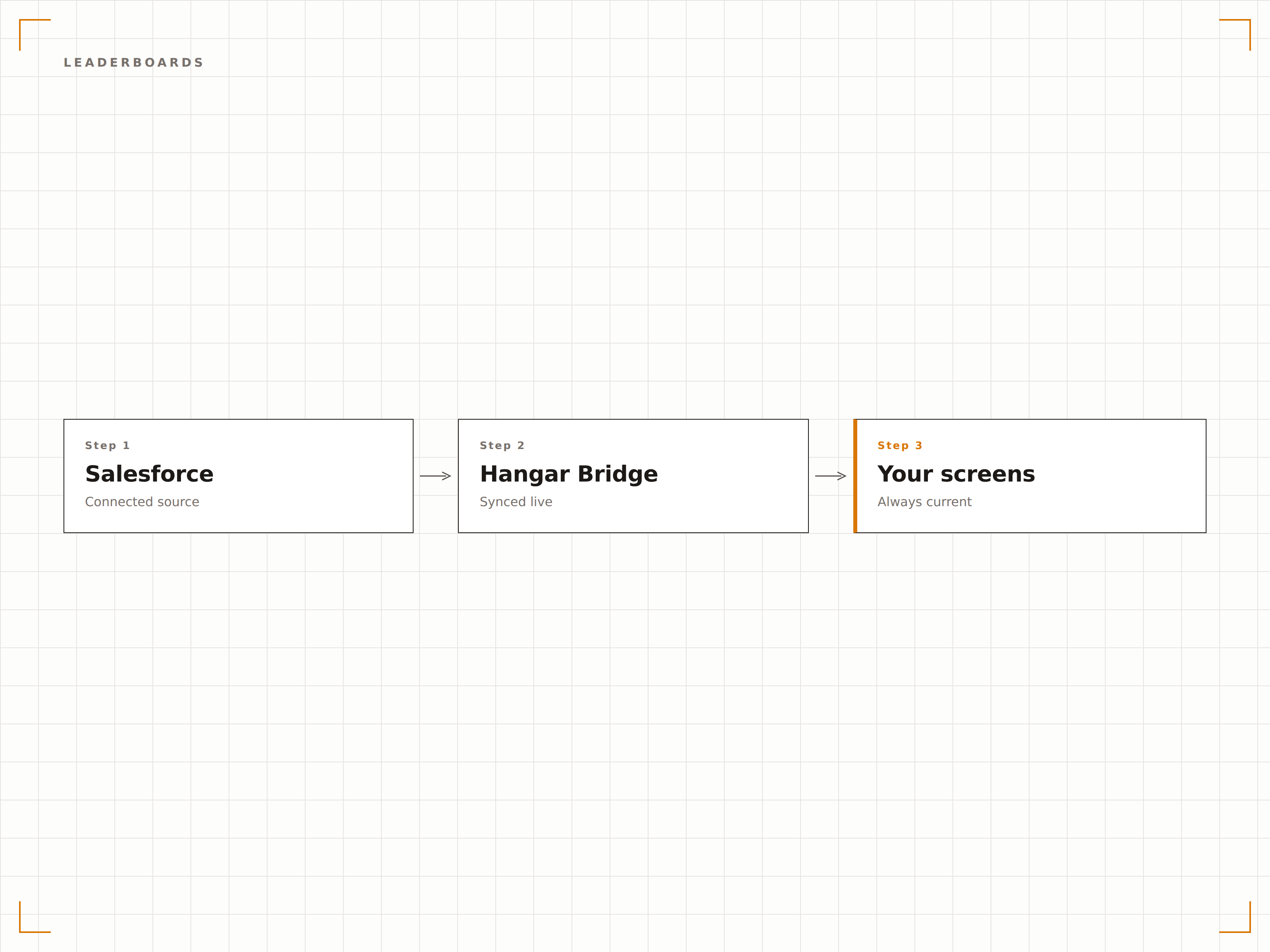
Visuelle Pipeline auf dem Bildschirm
Zeigen Sie Ihre Salesforce-Pipeline als visuellen Trichter oder stufenweise Aufschlüsselung auf Digital-Signage-Bildschirmen an. Manager und Mitarbeiter sehen Deal-Fluss, Engpässe und Prognosegenauigkeit auf einen Blick – ganz ohne Laptop.
Ihre Pipeline-Gesundheit – auf einen Blick von überall im Raum.
Stufenweise Pipeline-Visualisierung
Prognose-Ist-Vergleich
Filter nach Team, Region oder Produktlinie
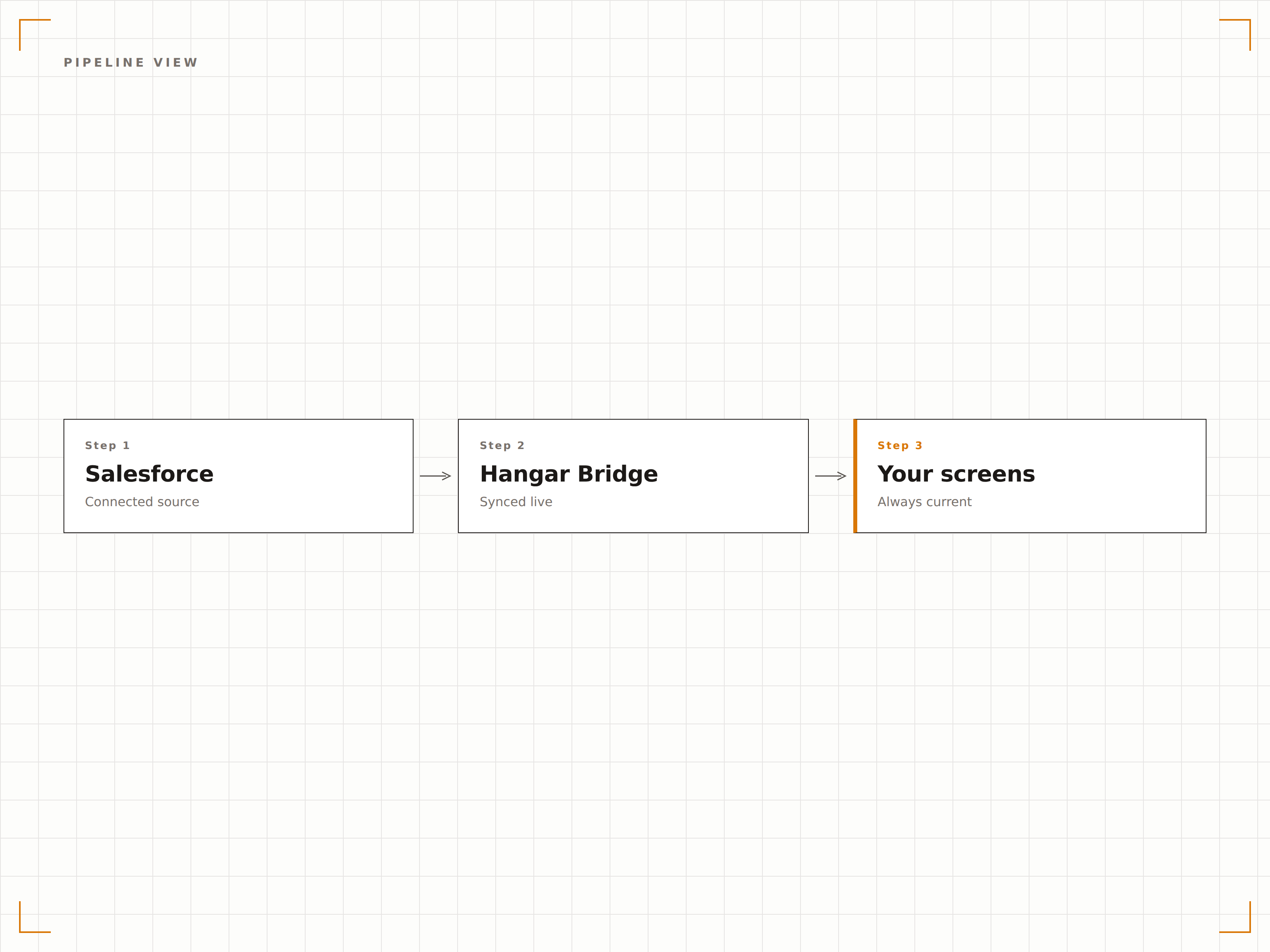
OAuth 2.0-Authentifizierung
Hangar.Media verbindet sich über OAuth 2.0 mit bereichsbezogenen Berechtigungen mit Salesforce. Ihre CRM-Daten werden sicher abgerufen, und nur die Dashboards und Berichte, die Sie explizit autorisieren, werden auf den Bildschirmen angezeigt.
Enterprise-Sicherheit für jeden Bildschirm im Gebäude.
OAuth 2.0 mit bereichsbezogenen API-Berechtigungen
Verbundene App mit administrativ gesteuertem Zugang
Automatische Token-Aktualisierung und Sitzungsverwaltung
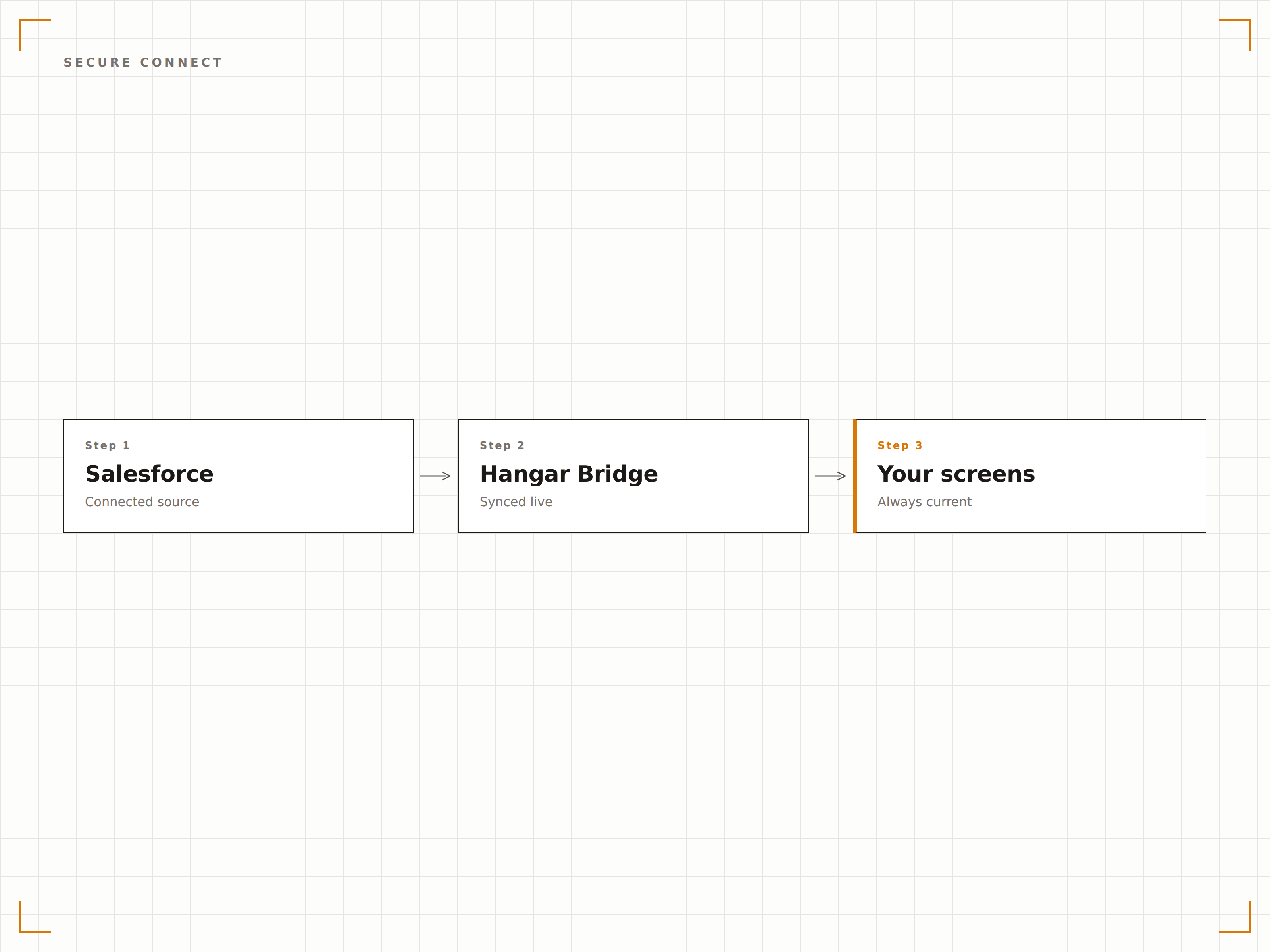
Vier Schritte zu verbundene Bildschirme.
Von der Einrichtung bis zu Live-Inhalten in Minuten, nicht Tagen.
Salesforce autorisieren
Verbinden Sie Ihre Salesforce-Organisation über OAuth 2.0 auf der Seite für Integrationseinstellungen mit Hangar.Media.
Ansichten auswählen
Wählen Sie Salesforce-Dashboards und -Berichte aus oder richten Sie Leaderboard-Datenquellen für die Anzeige ein.
Layout anpassen
Legen Sie Anzeigeoptionen fest, darunter Aktualisierungsintervalle, Leaderboard-Stile und Dashboard-Rotation.
Auf Bildschirmen veröffentlichen
Weisen Sie Salesforce-Inhalte Ihren Bildschirmen im Verkaufsbereich, in Besprechungsräumen oder in der Bürolobby zu.
Entwickelt für jeden Branche.
Erfahren Sie, wie verschiedene Branchen diese Integration nutzen, um Ergebnisse zu erzielen.
Motivation im Verkaufsbereich
Zeigen Sie Echtzeit-Vertriebs-Leaderboards und Tagesziele auf Bildschirmen im gesamten Verkaufsbereich an, um den Wettbewerb anzukurbeln und die Energie hochzuhalten.
FinanzwesenNeukundengewinnung im Überblick
Zeigen Sie Kennzahlen zur Neukundengewinnung, AUM-Wachstum und Berater-Performance-Dashboards auf Bildschirmen in Vermögensverwaltungsbüros an.
EinzelhandelRegionale Vertriebs-Dashboards
Zeigen Sie die Verkaufsleistung je Filiale, Lagerumschlagsraten und saisonale Kampagnenergebnisse auf den Bildschirmen der Hauptverwaltung an.
BildungFundraising-Fortschritt
Zeigen Sie Alumni-Engagement-Kennzahlen, Spendengesamtbeträge und den Fortschritt von Fundraising-Kampagnen auf Bildschirmen im Entwicklungsbüro an.
Häufige Fragen. Direkte Antworten.
Welche Salesforce-Editionen werden unterstützt?
Hangar.Media ist kompatibel mit Salesforce Professional, Enterprise und Unlimited Edition. API-Zugang ist erforderlich, der in Enterprise und höher enthalten ist. Nutzer der Professional Edition müssen den API-Zugang möglicherweise als Add-on hinzubuchen.
Kann ich Salesforce-Dashboards anzeigen, ohne sensible Deal-Daten preiszugeben?
Ja. Sie können dedizierte Salesforce-Dashboards für Digital Signage erstellen, die aggregierte Kennzahlen wie den gesamten Pipeline-Wert oder die in diesem Monat abgeschlossenen Deals anzeigen – ohne einzelne Kundennamen oder Deal-Details offenzulegen.
Wie schnell werden Leaderboards aktualisiert, wenn ein Deal abgeschlossen wird?
Leaderboard-Daten werden in dem von Ihnen gewählten Intervall aktualisiert, in der Regel alle 5 bis 15 Minuten. Sobald ein Vertriebsmitarbeiter einen Deal in Salesforce abschliesst, wird das Leaderboard auf dem Bildschirm beim nächsten Aktualisierungszyklus angepasst.
Kann ich Salesforce-Daten zusammen mit anderen Inhalten anzeigen?
Ja. Salesforce-Dashboards und Leaderboards können in jede Hangar.Media-Playlist integriert werden – zusammen mit Videos, Ankündigungen, Social-Media-Feeds und anderen Inhaltstypen.
Ein Preis. Die gesamte Plattform.
So stellen wir uns Digital Signage vor. Inhaltseditor, Bildschirmverwaltung und 200+ App-Integrationen – alles von Anfang an inklusive.
14 Tage kostenlos, bis zu 3 Bildschirme – keine Kreditkarte erforderlich.