I dati Salesforce sempre in primo piano.
Trasmetti dashboard Salesforce, classifiche e visualizzazioni della pipeline su schermi di segnaletica digitale per mantenere i tuoi team di vendita motivati e sempre aggiornati.
I Dati di Vendita Visibili a Tutti
Collega il tuo org Salesforce a Hangar.Media e mostra dashboard CRM, classifiche di vendita e report sulla pipeline su schermi in tutto il tuo ufficio. Gli aggiornamenti in tempo reale garantiscono al tuo team una visione sempre aggiornata sull'avanzamento delle trattative, sul raggiungimento delle quote e sulle metriche di attività. Trasforma gli schermi passivi in potenti strumenti di motivazione per le vendite.
Cosa puoi fare con sempre in primo piano.
Tre funzionalità che rendono questa integrazione indispensabile per la tua rete di segnaletica digitale.
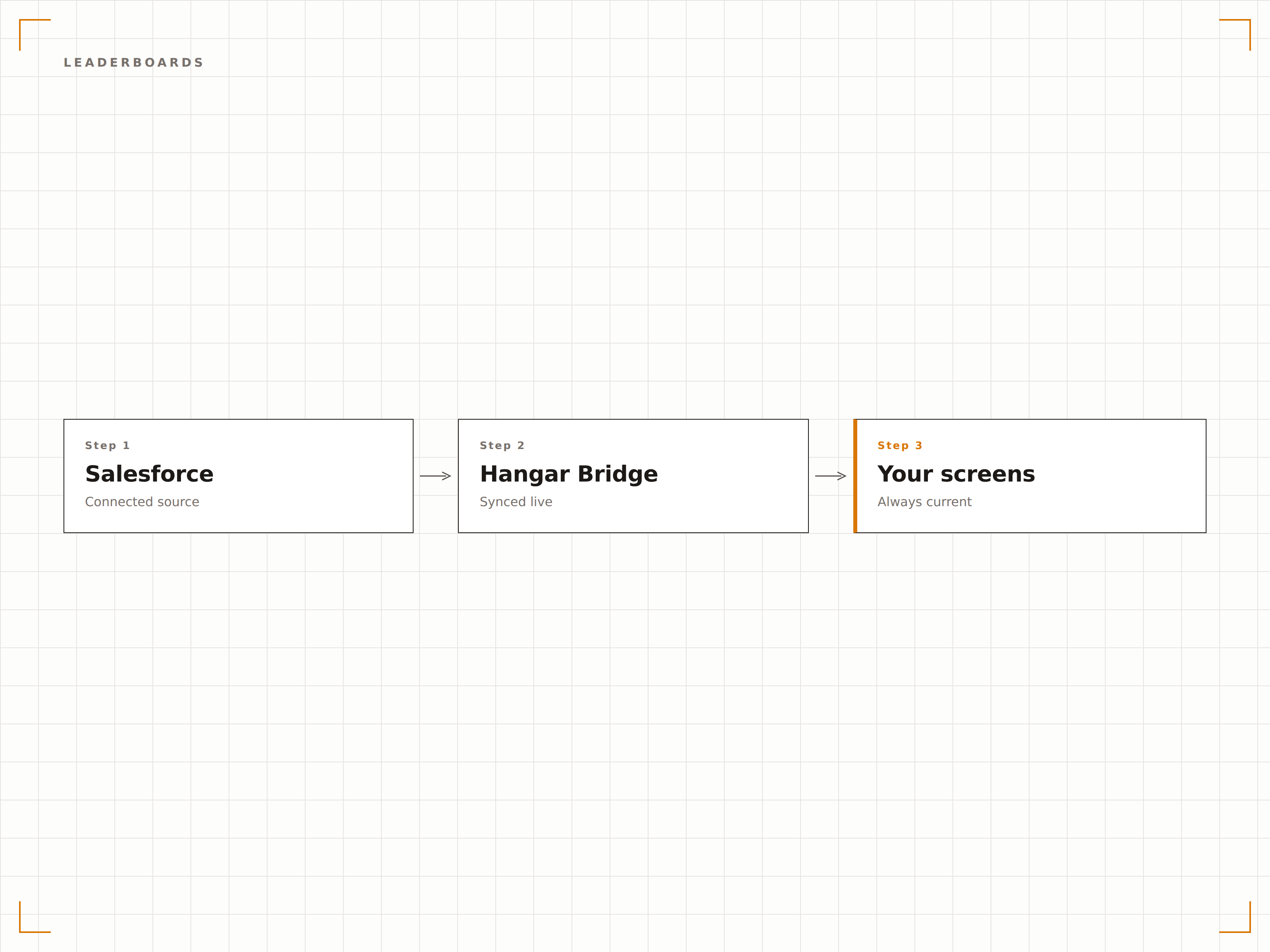
Classifiche Vendite in Tempo Reale
Genera automaticamente classifiche dai dati Salesforce che mostrano i migliori performer per fatturato, trattative chiuse o attività completate. Le classifiche si aggiornano in tempo reale man mano che i commerciali registrano chiamate, chiudono trattative e fanno avanzare le opportunità.
Niente motiva un team di vendita come vedere il proprio nome in cima alla classifica.
Generate automaticamente dai dati delle opportunità Salesforce
Criteri di ranking multipli e periodi di tempo configurabili
Transizioni animate al cambio di posizione in classifica
Pipeline Visiva sullo Schermo
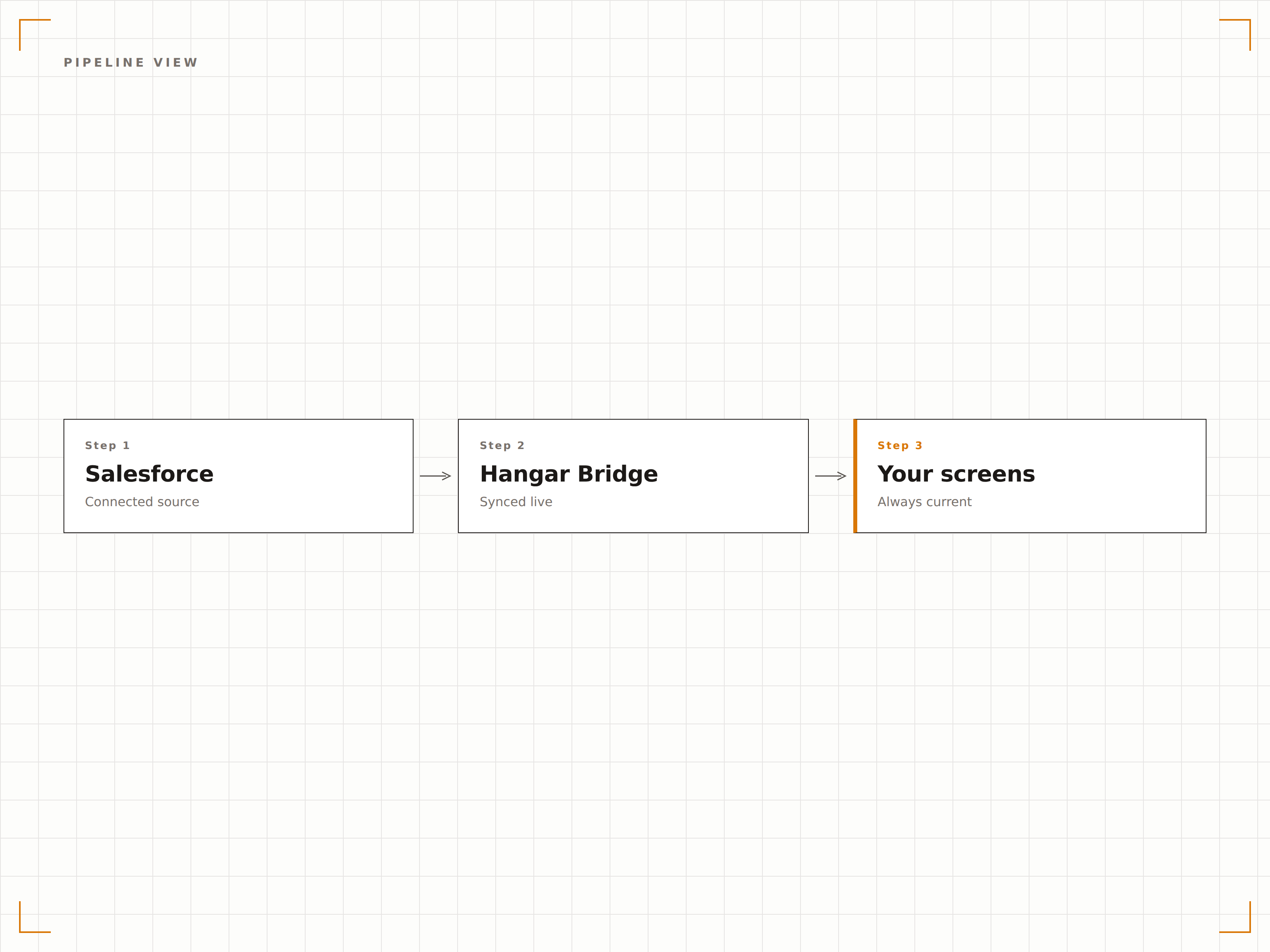
Mostra la tua pipeline Salesforce come un funnel visivo o una suddivisione fase per fase sugli schermi di segnaletica digitale. Manager e commerciali possono vedere il flusso delle trattative, i colli di bottiglia e l'accuratezza delle previsioni a colpo d'occhio, senza aprire il laptop.
La salute della tua pipeline, visibile da tutta la stanza.
Visualizzazione della pipeline fase per fase
Confronto tra previsione e risultati effettivi
Filtri per team, area geografica o linea di prodotto
Autenticazione OAuth 2.0
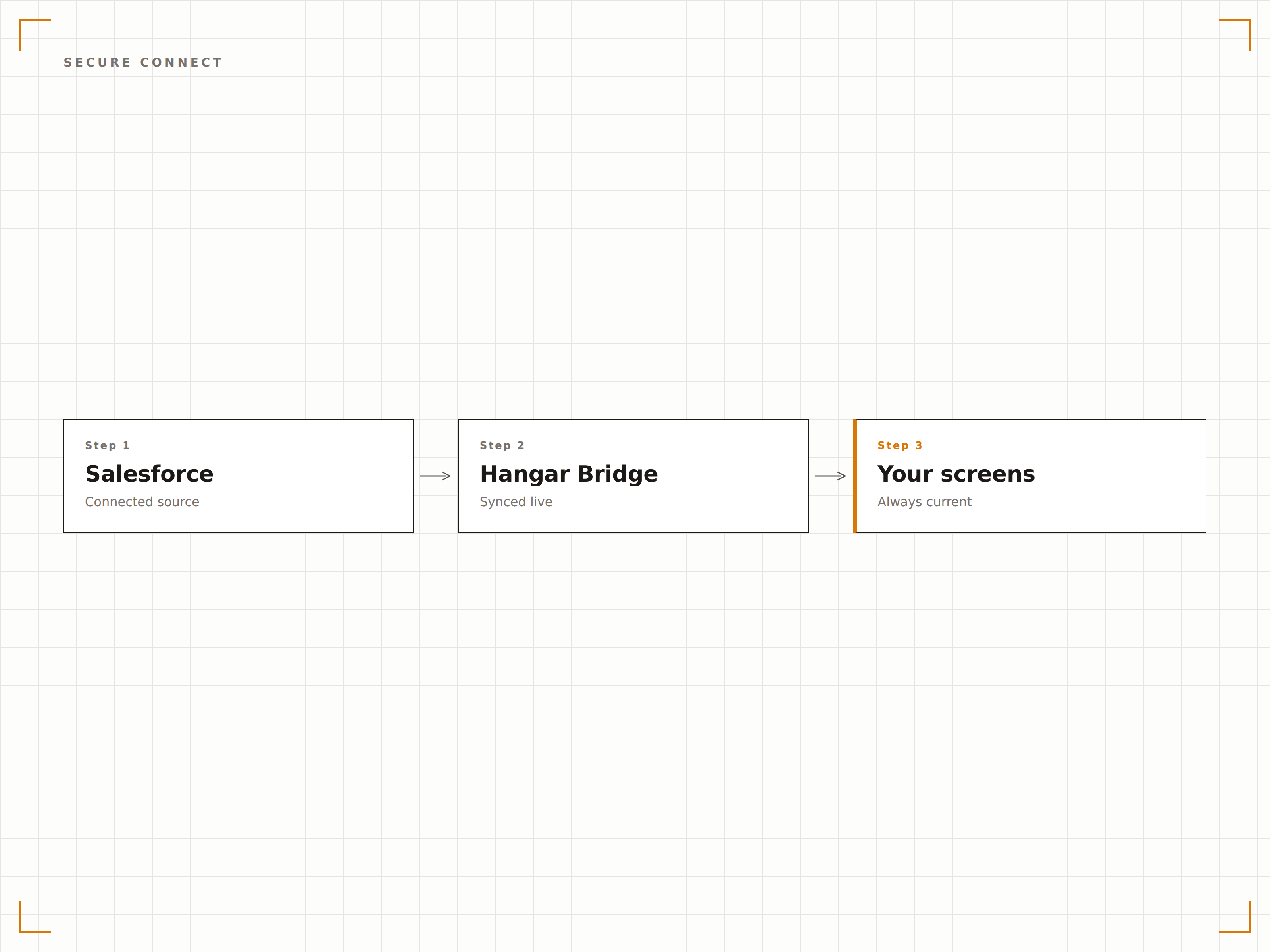
Hangar.Media si connette a Salesforce tramite OAuth 2.0 con permessi con scope definiti. I dati del tuo CRM vengono accessibili in modo sicuro e sugli schermi vengono visualizzati esclusivamente i dashboard e i report che hai esplicitamente autorizzato.
Sicurezza enterprise per ogni schermo dell'edificio.
OAuth 2.0 con permessi API con scope definiti
App connessa con accesso controllato dall'amministratore
Aggiornamento automatico dei token e gestione delle sessioni
Quattro passaggi verso schermi connessi.
Dalla configurazione ai contenuti live in minuti, non giorni.
Autorizza Salesforce
Collega la tua org Salesforce a Hangar.Media tramite OAuth 2.0 dalla pagina delle impostazioni integrazioni.
Scegli le tue visualizzazioni
Seleziona dashboard e report Salesforce, oppure configura sorgenti dati per le classifiche da visualizzare.
Personalizza il layout
Imposta le opzioni di visualizzazione, inclusi gli intervalli di aggiornamento, gli stili delle classifiche e la rotazione dei dashboard.
Pubblica sugli schermi
Assegna i contenuti Salesforce agli schermi del reparto vendite, alle sale riunioni o ai display della reception.
Costruito per ogni settore.
Scopri come diversi settori utilizzano questa integrazione per ottenere risultati concreti.
Motivazione sul Piano Vendite
Mostra classifiche vendite in tempo reale e obiettivi giornalieri sugli schermi del reparto vendite per alimentare la competizione e mantenere alta l'energia.
FinancialMonitoraggio Acquisizione Clienti
Mostra metriche di acquisizione nuovi clienti, crescita dell'AUM e dashboard delle performance dei consulenti sugli schermi degli uffici di wealth management.
RetailDashboard Vendite Regionali
Visualizza le performance di vendita negozio per negozio, i tassi di sell-through dell'inventario e i risultati delle campagne stagionali sugli schermi della sede centrale.
EducationAvanzamento Raccolta Fondi
Mostra le metriche di coinvolgimento degli alumni, i totali delle donazioni e l'avanzamento delle campagne di raccolta fondi sugli schermi dell'ufficio sviluppo.
Domande frequenti. Risposte dirette risposte.
Quali edizioni di Salesforce sono supportate?
Hangar.Media è compatibile con le edizioni Salesforce Professional, Enterprise e Unlimited. È richiesto l'accesso API, incluso nelle edizioni Enterprise e superiori. Gli utenti dell'edizione Professional potrebbero dover aggiungere l'accesso API come componente aggiuntivo.
Posso mostrare dashboard Salesforce senza esporre dati sensibili sulle trattative?
Sì. Puoi creare dashboard Salesforce dedicati alla segnaletica digitale che mostrano metriche aggregate come il valore totale della pipeline o le trattative chiuse nel mese, senza esporre nomi di clienti o dettagli delle singole trattative.
Con quale rapidità si aggiornano le classifiche alla chiusura di una trattativa?
I dati delle classifiche si aggiornano all'intervallo da te scelto, in genere ogni 5-15 minuti. Quando un commerciale chiude una trattativa in Salesforce, la classifica sullo schermo si aggiorna al ciclo di refresh successivo.
Posso visualizzare dati Salesforce insieme a contenuti non Salesforce?
Sì. Dashboard e classifiche Salesforce possono essere aggiunti a qualsiasi playlist di Hangar.Media insieme a video, annunci, feed social e altri tipi di contenuto.
Un prezzo. L'intera piattaforma.
Così pensiamo che la segnaletica digitale dovrebbe funzionare. Editor di contenuti, gestione degli schermi e oltre 200 integrazioni di app — tutto incluso fin dal primo giorno.
14 giorni gratis, fino a 3 schermi — senza carta.