Sisense-Erkenntnisse – über den Desktop hinaus.
Streamen Sie Sisense-Dashboards und KI-gestützte Analysen auf Digital Signage-Bildschirme für unternehmensweite Datentransparenz.
Embedded Analytics auf Ihren Bildschirmen
Sisense ist spezialisiert auf Embedded Analytics mit KI-gestützten Erkenntnissen. Hangar.Media übernimmt diese eingebetteten Dashboards und zeigt sie auf Signage-Bildschirmen in Ihrem gesamten Unternehmen an. Komplexe Datenmodelle werden in klaren, gut lesbaren Formaten visualisiert, die auf grossen Displays optimal wirken. KI-generierte Erkenntnisse heben die wichtigsten Trends automatisch hervor.
Was Sie mit über den Desktop hinaus. tun können
Drei Funktionen, die diese Integration für Ihr Digital Signage-Netzwerk unverzichtbar machen.
Machine Learning auf dem Bildschirm
Die KI-gestützten Analysen von Sisense erkennen automatisch Anomalien, Trends und Prognosen. Wenn diese Erkenntnisse in Ihrem Sisense-Dashboard erscheinen, werden sie auch auf Ihrem Signage-Bildschirm angezeigt – und geben so auch nicht-technischen Betrachtern Zugang zu KI-gestützter Datenintelligenz.
KI-gestützte Erkenntnisse, sichtbar für alle – nicht nur für Datenwissenschaftler.
Anomalie-Erkennungsbenachrichtigungen auf dem Bildschirm
Trend- und Prognosevisualisierungen
Zusammenfassungen von Erkenntnissen in natürlicher Sprache
Für Einbettung entwickelt
Sisense glänzt bei eingebetteten Analysen – und Hangar.Media nutzt diese Stärke konsequent. Dashboards werden sauber in Signage-Bildschirme eingebettet, mit responsiven Layouts, die sich an jede Anzeigeauflösung anpassen – von kompakten Büromonitoren bis hin zu grossen Videowand-Panels.
Einbettungsexperten treffen auf Display-Experten.
Responsive Einbettungs-Layouts
Auflösungsadaptives Rendering
Saubere Vollbilddarstellung
Einheitliche Daten auf dem Display
Die ElastiCube-Technologie von Sisense führt Daten aus mehreren Quellen zu einheitlichen Dashboards zusammen. Zeigen Sie diese kombinierten Ansichten auf Signage-Bildschirmen an, damit Betrachter ein vollständiges Bild der Unternehmensleistung erhalten – aus Datenbanken, APIs und Cloud-Diensten, alles an einem Ort.
Mehrere Datenquellen, eine einheitliche Ansicht, ein Bildschirm.
Visualisierung von Multi-Source-Datenmischung
ElastiCube-gestützte Dashboards auf dem Bildschirm
Kombinierte Cloud- und On-Premises-Daten
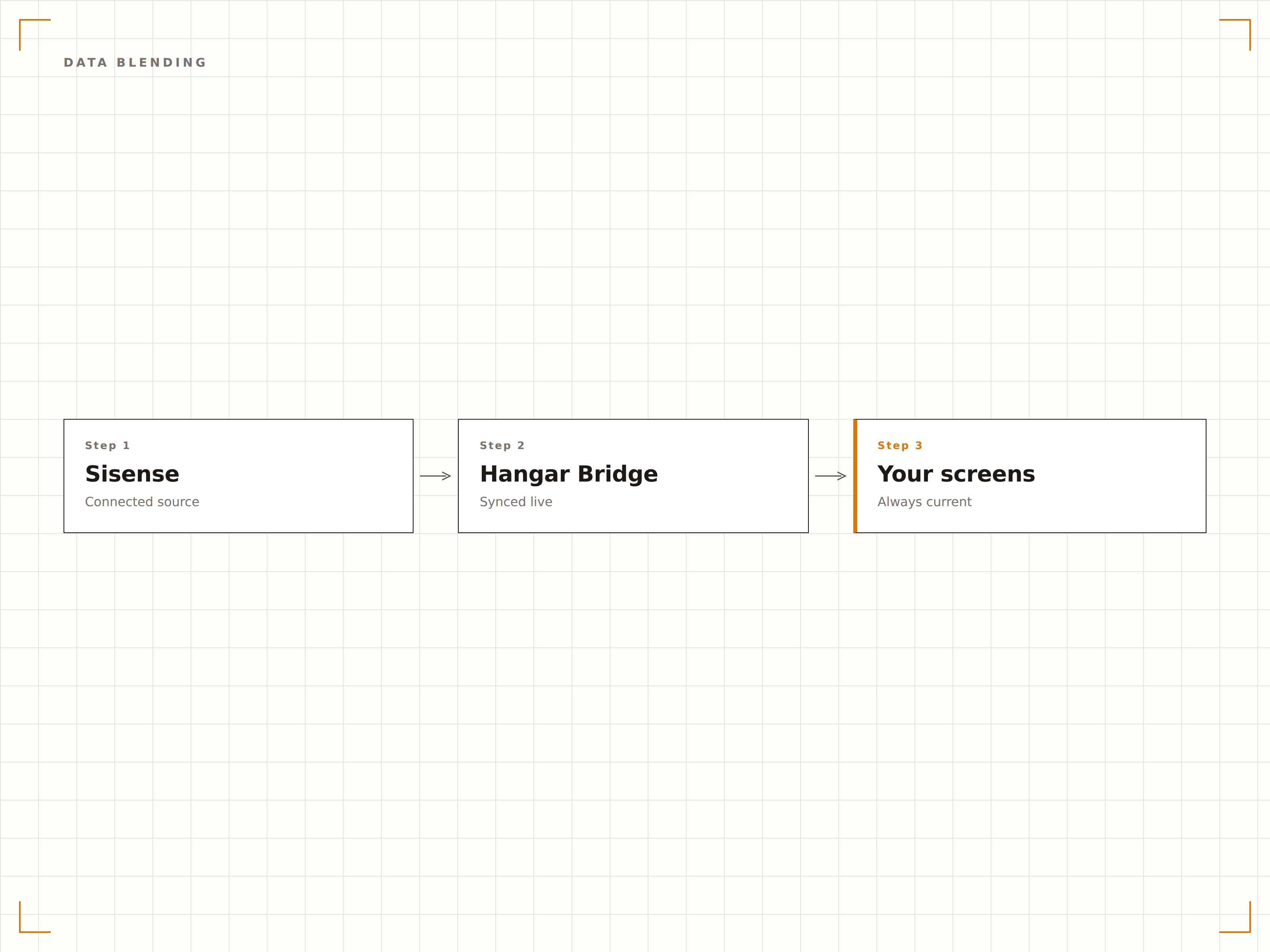
Vier Schritte zu verbundene Bildschirme.
Von der Einrichtung bis zu Live-Inhalten in Minuten, nicht Tagen.
Einbettung aktivieren
Konfigurieren Sie Ihre Sisense-Instanz, um die Dashboard-Einbettung zu erlauben, und generieren Sie Einbettungs-Tokens oder öffentliche Links.
Dashboards hinzufügen
Geben Sie die Einbettungs-URLs oder öffentlichen Links Ihrer Sisense-Dashboards in den Hangar.Media-Content-Manager ein.
Anzeige einrichten
Legen Sie Aktualisierungsintervalle, Anzeigeskalierung und Rotationspläne für mehrere Dashboards fest.
Auf Bildschirmen veröffentlichen
Weisen Sie Sisense-Dashboards Ihren Ziel-Signage-Bildschirmen zu und veröffentlichen Sie sie sofort.
Entwickelt für jeden Branche.
Erfahren Sie, wie verschiedene Branchen diese Integration nutzen, um Ergebnisse zu erzielen.
Datengetriebene Kultur
Zeigen Sie unternehmensweite Analyse-Dashboards in Gemeinschaftsbereichen an, um eine datengetriebene Kultur zu fördern, in der jeder Mitarbeitende Einblick in die wichtigsten Geschäftskennzahlen hat.
GesundheitswesenPatientenanalyse-Anzeige
Zeigen Sie kombinierte Analysen aus EHR-, Planungs- und Finanzsystemen auf Bildschirmen im Verwaltungsbereich des Gesundheitswesens für integrierte operative Übersichten an.
EinzelhandelOmnichannel-Analysen
Zeigen Sie einheitliche Analysen, die Online- und stationäre Verkaufsdaten, Lagerbestände und Kundenverhalten kombinieren, auf Bildschirmen in der Einzelhandelszentrale an.
FinanzwesenKundenportfolio-Analysen
Zeigen Sie aggregierte Portfolio-Performance-Analysen, die Daten von mehreren Verwahrstellen und Handelsplattformen zusammenführen, auf Bildschirmen in Vermögensverwaltungsbüros an.
Häufige Fragen. Direkte Antworten.
Welche Sisense-Produkte werden unterstützt?
Hangar.Media unterstützt Sisense Fusion Analytics, Sisense for Cloud Data Teams sowie ältere Sisense-Dashboards. Jedes Dashboard, das Einbettung oder das Teilen über öffentliche Links unterstützt, kann auf Ihren Signage-Bildschirmen angezeigt werden.
Benötige ich eine spezielle Sisense-Lizenz für die Anzeige auf Bildschirmen?
Die Dashboard-Einbettung ist in den Sisense Professional- und Enterprise-Plänen verfügbar. Wenden Sie sich an Ihren Sisense-Administrator, um sicherzustellen, dass die Einbettung für die Dashboards aktiviert ist, die Sie auf Ihren Signage-Bildschirmen anzeigen möchten.
Können Sisense-KI-Erkenntnisse Änderungen am Signage-Inhalt auslösen?
Sisense-Dashboards werden derzeit mit allen nativen Funktionen auf dem Bildschirm angezeigt, einschliesslich KI-Erkenntnissen. Hangar.Media reagiert nicht auf einzelne Sisense-KI-Benachrichtigungen, aber alle visuellen Elemente – einschliesslich Anomalie-Markierungen – erscheinen auf dem Signage-Bildschirm.
Wie funktioniert die Datenaktualisierung?
Hangar.Media lädt die Sisense-Einbettung in dem von Ihnen gewählten Intervall neu. Die Aktualität der zugrunde liegenden Daten hängt von Ihrem ElastiCube-Build-Zeitplan und den Datenkonnektoreinstellungen in Sisense ab.
Ein Preis. Die gesamte Plattform.
So stellen wir uns Digital Signage vor. Inhaltseditor, Bildschirmverwaltung und 200+ App-Integrationen – alles von Anfang an inklusive.
14 Tage kostenlos, bis zu 3 Bildschirme – keine Kreditkarte erforderlich.