In Canva gestalten. Überall anzeigen.
Verbinden Sie Ihr Canva-Konto mit Hangar.Media und importieren Sie Designs direkt in Ihre Signage-Playlists. Bearbeiten Sie Inhalte in Canva – Änderungen erscheinen automatisch auf Ihren Bildschirmen.
Der einfachste Weg, Signage-Inhalte zu erstellen
Canva ist das beliebteste Designtool für Nicht-Designer – und jetzt lässt es sich direkt mit Ihrem Digital Signage verbinden. Erstellen Sie beeindruckende Visuals in Canva mithilfe der umfangreichen Vorlagenbibliothek und importieren Sie Ihre Designs mit einem einzigen Klick in Hangar.Media. Wenn Sie ein Design in Canva aktualisieren, wird Ihr Signage automatisch angepasst.
Was Sie mit Überall anzeigen. tun können
Drei Funktionen, die diese Integration für Ihr Digital Signage-Netzwerk unverzichtbar machen.
Einmal bearbeiten, überall aktualisieren
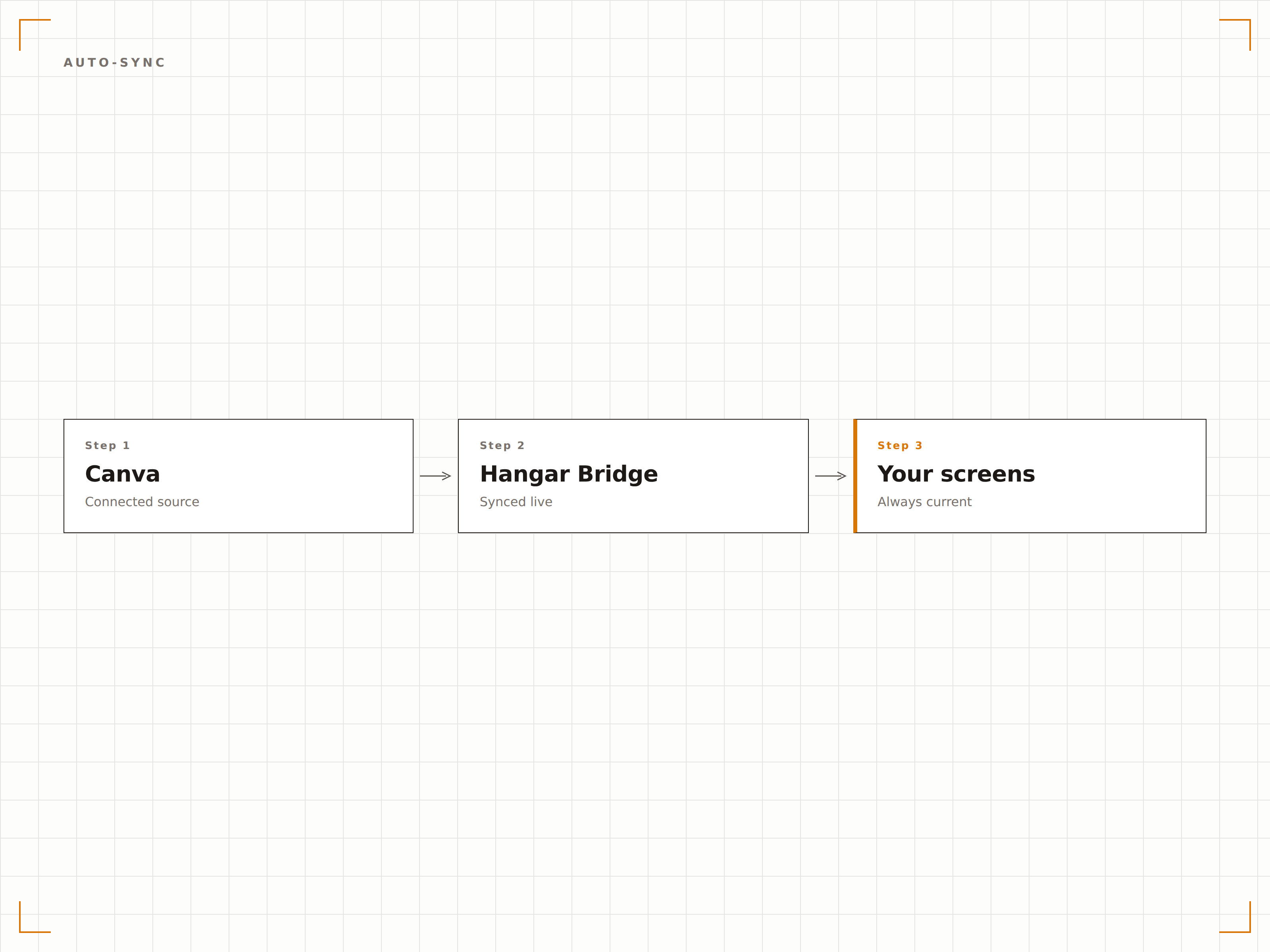
Verknüpfen Sie Ihre Canva-Designs mit Hangar.Media und aktivieren Sie die automatische Synchronisierung. Jedes Mal, wenn Sie ein Design in Canva speichern, erscheint die aktualisierte Version innerhalb von Minuten auf Ihren Bildschirmen. Kein erneutes Hochladen erforderlich.
Ändern Sie eine Schriftart in Canva – sehen Sie es sofort auf Ihren Bildschirmen.
Automatische Synchronisierung alle 5 Minuten
Versionsverlauf synchronisierter Designs
Selektive Synchronisierung für bestimmte Designs
Signage-optimierte Canva-Vorlagen
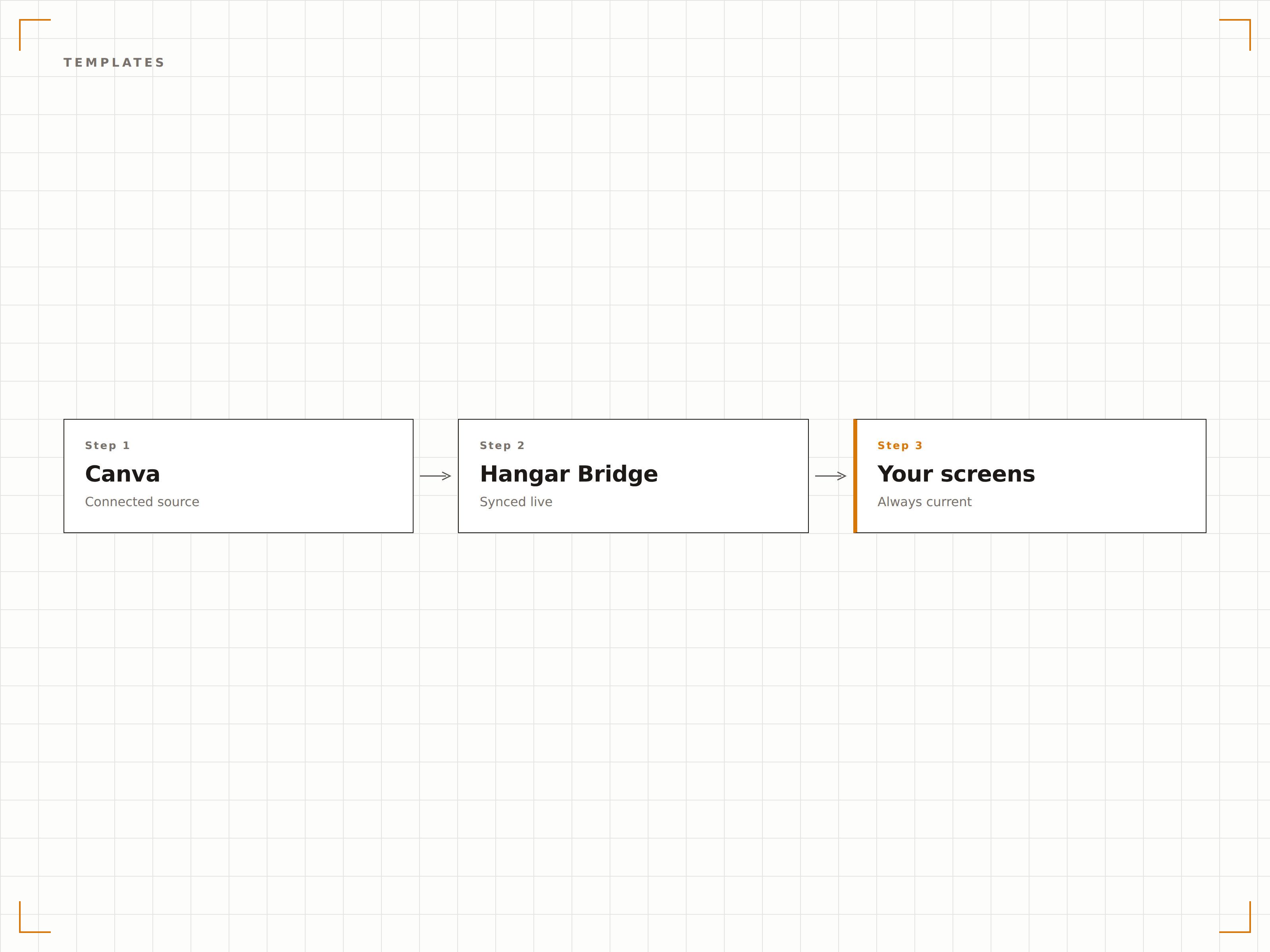
Greifen Sie auf Canva-Vorlagen zu, die speziell für Digital Signage in gängigen Bildschirmauflösungen entwickelt wurden. Wählen Sie aus Tausenden von Vorlagen für Menüs, Ankündigungen, Social Displays und mehr – alle vorformatiert für Signage.
Professionelle Designs in Minuten, nicht Stunden.
Vorlagen für 1080p- und 4K-Bildschirme
Quer- und Hochformat
Branchenspezifische Vorlagensammlungen
Einheitliches Branding auf allen Bildschirmen
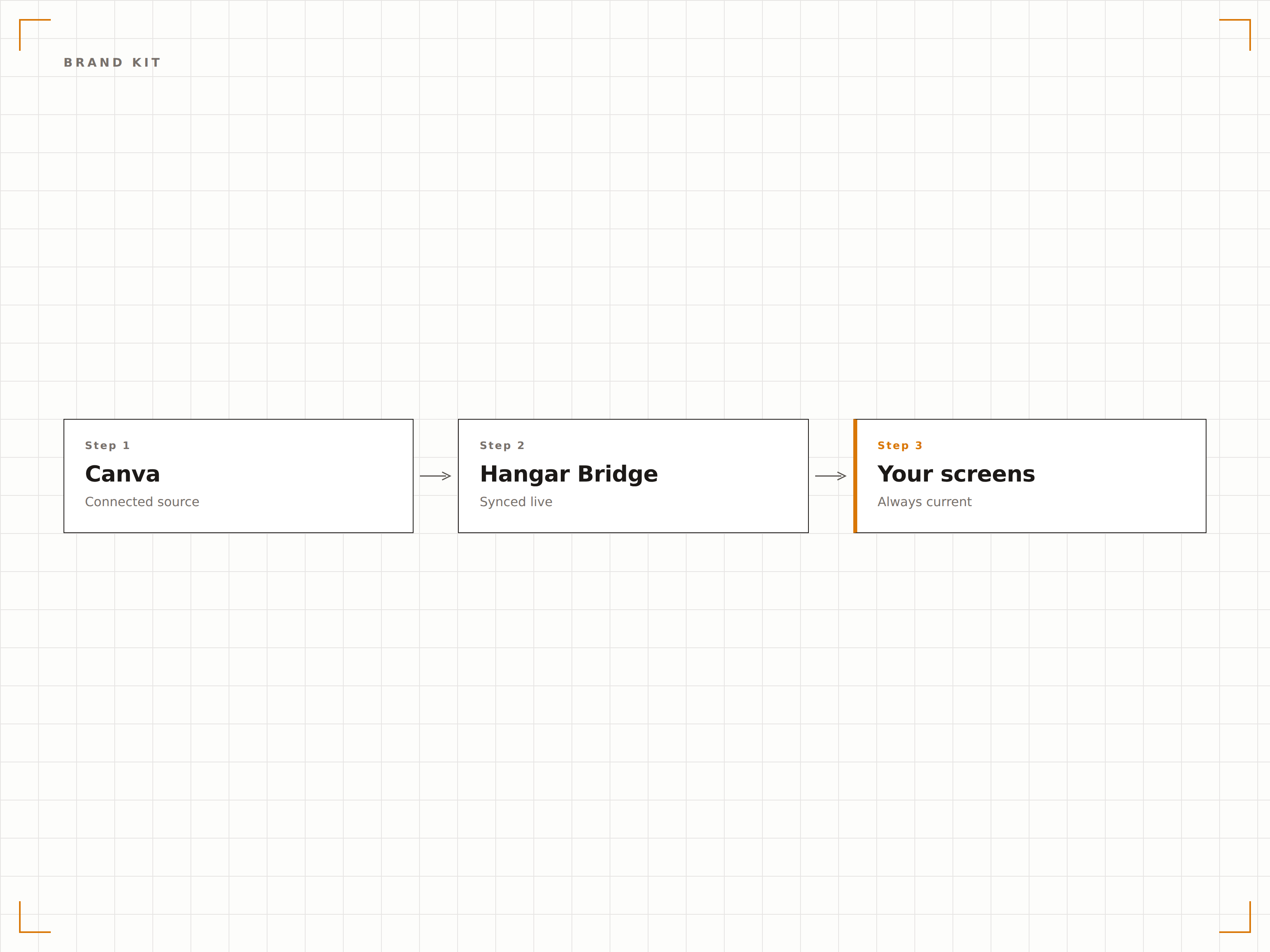
Nutzen Sie das Canva Brand Kit, um sicherzustellen, dass jedes auf Ihrem Signage veröffentlichte Design die richtigen Logos, Farben und Schriftarten verwendet. Teilen Sie das Brand Kit mit Ihrem Team, damit jeder markenkonforme Signage-Inhalte erstellen kann.
Markenkonforme Inhalte von jedem Teammitglied.
Gemeinsame Markenfarben und Schriftarten
Richtlinien zur Logo-Platzierung
Gesperrte Markenelemente in Vorlagen
Vier Schritte zu verbundene Bildschirme.
Von der Einrichtung bis zu Live-Inhalten in Minuten, nicht Tagen.
Canva verbinden
Verknüpfen Sie Ihr Canva-Konto über das Integrations-Panel mit Hangar.Media – gesichert durch OAuth-Authentifizierung.
Designs durchsuchen und auswählen
Durchsuchen Sie Ihre Canva-Designs, Ordner und Team-Projekte direkt im Hangar.Media-Dashboard.
In die Inhaltsbibliothek importieren
Wählen Sie Designs zum Importieren aus – sie werden automatisch in voller Auflösung zu Ihrer Signage-Inhaltsbibliothek hinzugefügt.
Zu Playlists hinzufügen und veröffentlichen
Ziehen Sie importierte Canva-Designs in Ihre Playlists, legen Sie die Anzeigedauer fest und veröffentlichen Sie sie auf Ihren Bildschirmen.
Entwickelt für jeden Branche.
Erfahren Sie, wie verschiedene Branchen diese Integration nutzen, um Ergebnisse zu erzielen.
Werbegrafiken für den Laden
Filialleiter erstellen Werbeplakate in Canva mithilfe von Markenvorlagen und veröffentlichen sie direkt auf dem Digital Signage im Laden – in wenigen Minuten.
GastgewerbeVeranstaltungsankündigungen für Hotels
Empfangsmitarbeitende gestalten Veranstaltungsplakate und Willkommensschilder in Canva und zeigen sie sofort auf den Bildschirmen in der Hotellobby an.
BildungAnkündigungstafeln auf dem Campus
Lehrpersonen und Studierendenorganisationen erstellen Ankündigungsgrafiken in Canva und übertragen sie auf Digital Signage in den Fluren des gesamten Campus.
UnternehmenDisplays für interne Kommunikation
HR- und Kommunikationsteams gestalten Unternehmensnews, Richtlinienaktualisierungen und Veranstaltungseinladungen in Canva für das Büro-Signage.
Häufige Fragen. Direkte Antworten.
Benötige ich ein kostenpflichtiges Canva-Konto?
Die Integration funktioniert sowohl mit kostenlosen als auch mit kostenpflichtigen Canva-Konten. Canva Pro und Canva for Teams schalten zusätzliche Funktionen frei, wie Brand Kit, Premium-Vorlagen und Hintergrundentferner, die Ihre Signage-Inhalte aufwerten.
In welchem Dateiformat exportiert Canva nach Hangar.Media?
Designs werden standardmässig als hochauflösende PNG-Bilder exportiert. Animierte Canva-Designs werden als MP4-Videodateien exportiert, um Bewegungen und Übergänge auf Ihren Bildschirmen zu erhalten.
Können mehrere Teammitglieder Inhalte erstellen und veröffentlichen?
Ja. Mit Canva for Teams und den rollenbasierten Berechtigungen von Hangar.Media können mehrere Teammitglieder Inhalte in Canva gestalten und auf Signage veröffentlichen. Freigabe-Workflows stellen die Inhaltsqualität sicher.
Wie oft prüft die automatische Synchronisierung auf Updates?
Die automatische Synchronisierung prüft Ihre verknüpften Canva-Designs alle 5 Minuten auf Änderungen. Sie können auch jederzeit eine manuelle Synchronisierung über das Hangar.Media-Dashboard auslösen, um sofortige Updates zu erhalten.
Ein Preis. Die gesamte Plattform.
So stellen wir uns Digital Signage vor. Inhaltseditor, Bildschirmverwaltung und 200+ App-Integrationen – alles von Anfang an inklusive.
14 Tage kostenlos, bis zu 3 Bildschirme – keine Kreditkarte erforderlich.