Google Photos-Alben – auf Ihren Bildschirmen. Ihre Bildschirme.
Streamen Sie Google Photos-Alben und geteilte Bibliotheken als automatisch aktualisierte Foto-Diashows auf Digital Signage-Bildschirme.
Fotoerinnerungen auf jedem Bildschirm
Google Photos speichert Milliarden von Fotos und macht es einfach, diese zu organisieren und zu teilen. Hangar.Media verbindet sich mit Google Photos-Alben und zeigt diese als Diashows auf Digital Signage-Bildschirmen an. Laden Sie Event-Fotos von Ihrem Smartphone hoch, und sie erscheinen innerhalb von Minuten auf dem Bildschirm in der Bürolobby. Geteilte Alben ermöglichen es mehreren Beitragenden, Fotos hinzuzufügen – und jede neue Ergänzung wird automatisch in die Diashow aufgenommen.
Was Sie mit Ihre Bildschirme. tun können
Drei Funktionen, die diese Integration für Ihr Digital Signage-Netzwerk unverzichtbar machen.
Fotoalben als Diashows
Wählen Sie ein Google Photos-Album aus und zeigen Sie es als Diashow auf Ihrem Signage-Bildschirm an. Fotos wechseln sanft mit Überblend-, Schiebe- oder Zoom-Effekten. Die Diashow läuft kontinuierlich in einer Schleife und übernimmt neue Fotos automatisch.
Mit einem Klick vom Album zur Diashow.
Sanfte Übergangseffekte
Kontinuierliche Schleifenwiedergabe
Automatische Einbindung neuer Fotos
Crowdsourced Foto-Inhalte
Erstellen Sie ein geteiltes Google Photos-Album und laden Sie Mitwirkende ein. Teammitglieder, Veranstaltungsteilnehmende oder Community-Mitglieder fügen Fotos von ihren Smartphones hinzu – und jedes neue Foto wird automatisch in die Signage-Diashow aufgenommen. Ideal für Veranstaltungen, Teambuilding und Community-Displays.
Alle tragen bei – der Bildschirm zeigt es.
Geteilte Alben mit mehreren Mitwirkenden
Fotos von jedem Gerät hinzufügen
Automatische Diashow-Aktualisierungen
Fotoanzeige in voller Auflösung
Google Photos speichert Bilder in hoher Auflösung, und Hangar.Media zeigt sie in der besten Qualität an, die Ihr Signage-Bildschirm unterstützt. Fotos werden optimal für die Displayauflösung skaliert – ohne Kompressionsartefakte oder Qualitätsverlust.
Ihre besten Fotos – in bester Qualität dargestellt.
Hochauflösende Fotowiedergabe
Optimale Skalierung für die Displaygrösse
Kein Qualitätsverlust bei der Anzeige
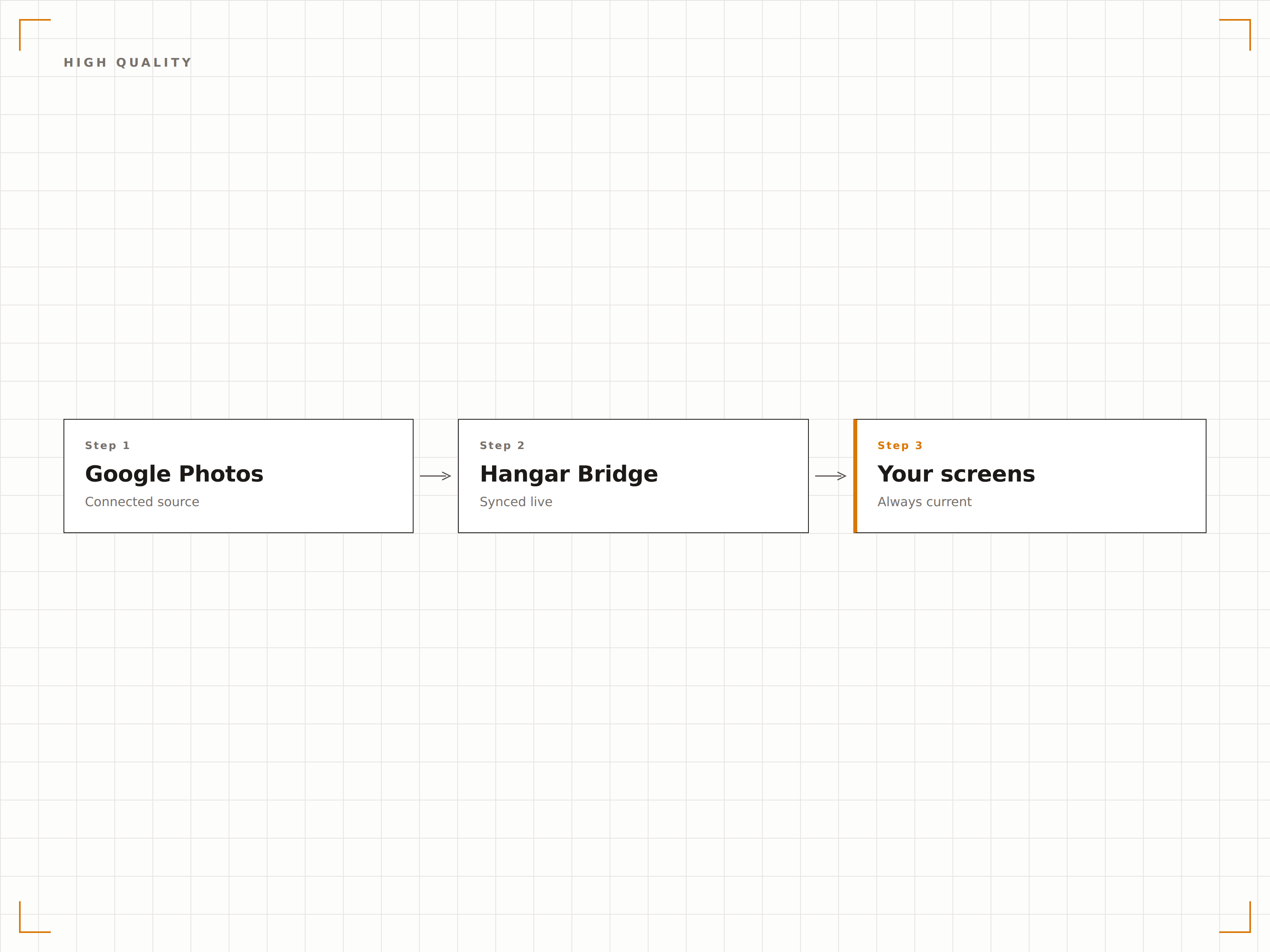
Vier Schritte zu verbundene Bildschirme.
Von der Einrichtung bis zu Live-Inhalten in Minuten, nicht Tagen.
Google Photos verbinden
Authentifizieren Sie sich bei Google und erteilen Sie Hangar.Media Lesezugriff auf Ihre Google Photos-Bibliothek.
Alben auswählen
Wählen Sie aus, welche Google Photos-Alben auf Ihren Signage-Bildschirmen angezeigt werden sollen.
Diashow einrichten
Legen Sie Übergangseffekte, Anzeigedauer der Fotos, Wiedergabereihenfolge und Aktualisierungsfrequenz fest.
Veröffentlichen
Weisen Sie die Foto-Diashow den Bildschirmen in Ihrer Lobby, Gemeinschaftsbereichen oder Veranstaltungsräumen zu.
Entwickelt für jeden Branche.
Erfahren Sie, wie verschiedene Branchen diese Integration nutzen, um Ergebnisse zu erzielen.
Unternehmenskultur-Wall
Zeigen Sie ein geteiltes Album mit Team-Events, Feiern und dem Büroalltag auf einem Bildschirm in der Lobby oder im Pausenraum als kontinuierlich aktualisierte Kulturwand an.
GastgewerbeHochzeits- und Eventfotos
Erstellen Sie ein geteiltes Album für Hochzeits- oder Eventgäste. Während der Veranstaltung aufgenommene Fotos erscheinen in Echtzeit auf den Bildschirmen des Veranstaltungsortes als Live-Fotowand.
BildungCampus-Life-Galerie
Zeigen Sie Campus-Life-Fotos, studentische Veranstaltungen und Abschlussbilder aus geteilten Google Photos-Alben auf Bildschirmen im gesamten Universitätscampus an.
SportSpieltag-Fotos
Zeigen Sie Spieltag-Fotos, Teamaufnahmen und Fan-Fotos aus geteilten Alben auf Bildschirmen rund um die Sportstätte während und nach Veranstaltungen an.
Häufige Fragen. Direkte Antworten.
Können Veranstaltungsteilnehmende Fotos hinzufügen, die in Echtzeit auf dem Bildschirm erscheinen?
Ja. Erstellen Sie ein geteiltes Google Photos-Album und teilen Sie den Link mit den Teilnehmenden. Sobald diese Fotos von ihren Smartphones hinzufügen, erscheinen die Bilder beim nächsten Synchronisierungszyklus – in der Regel innerhalb von 5 bis 15 Minuten – in der Signage-Diashow.
Gibt es eine Begrenzung der Albumgrösse?
Google Photos-Alben können bis zu 20'000 Elemente enthalten. Hangar.Media zeigt alle Fotos im Album als Teil der Diashow-Rotation an. Bei sehr grossen Alben durchläuft die Diashow alle Fotos im Laufe der Zeit.
Kann ich Fotos moderieren, bevor sie auf dem Bildschirm erscheinen?
Besitzer geteilter Google Photos-Alben können von Mitwirkenden hinzugefügte Fotos entfernen. Für eine zusätzliche Moderation kann Hangar.Media so konfiguriert werden, dass nur Fotos angezeigt werden, die mit einem Stern markiert oder einem kuratierten Unteralbum hinzugefügt wurden.
Welche Fotoformate werden unterstützt?
Google Photos unterstützt JPG, PNG, GIF, WebP und die meisten RAW-Kameraformate. Alle in Google Photos gespeicherten Fotos können unabhängig von ihrem ursprünglichen Format auf Hangar.Media Signage-Bildschirmen angezeigt werden.
Ein Preis. Die gesamte Plattform.
So stellen wir uns Digital Signage vor. Inhaltseditor, Bildschirmverwaltung und 200+ App-Integrationen – alles von Anfang an inklusive.
14 Tage kostenlos, bis zu 3 Bildschirme – keine Kreditkarte erforderlich.