Vos albums Google Photos, sur vos écrans.
Diffusez des albums Google Photos et des bibliothèques partagées sur vos écrans d'affichage dynamique sous forme de diaporamas photos mis à jour automatiquement.
Des souvenirs photo sur chaque écran
Google Photos stocke des milliards de photos et facilite leur organisation et leur partage. Hangar.Media se connecte aux albums Google Photos et les affiche sous forme de diaporamas sur vos écrans d'affichage dynamique. Importez des photos d'événements depuis votre téléphone et elles apparaissent sur l'écran du hall d'entrée en quelques minutes. Les albums partagés permettent à plusieurs contributeurs d'ajouter des photos, et chaque nouvel ajout intègre automatiquement le diaporama.
Ce que vous pouvez faire avec vos écrans.
Trois fonctionnalités qui rendent cette intégration indispensable pour votre réseau d'affichage dynamique.
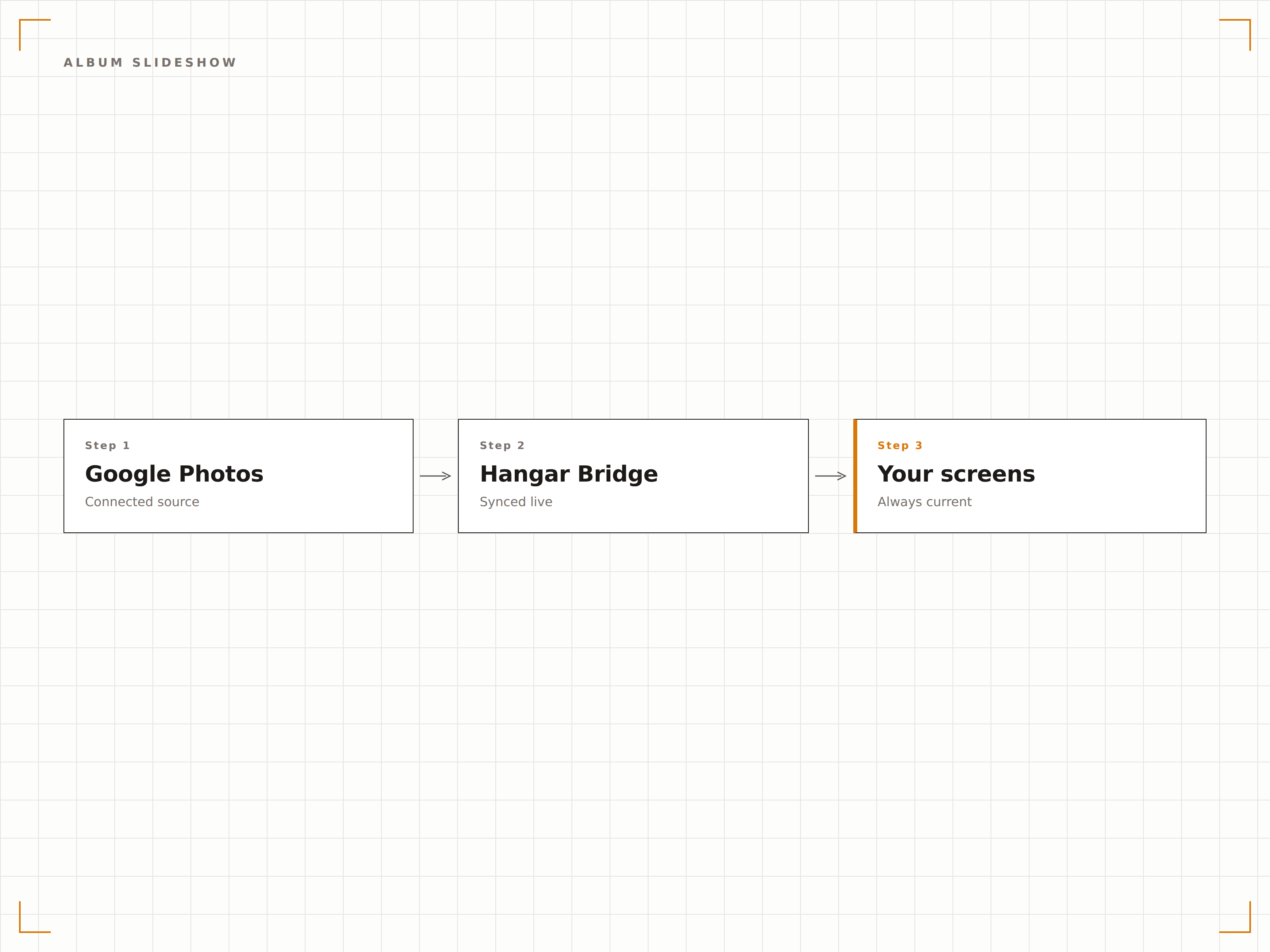
Albums photo en diaporamas
Sélectionnez un album Google Photos et affichez-le sous forme de diaporama sur votre écran d'affichage dynamique. Les photos se succèdent en douceur avec des effets de fondu enchaîné, de glissement ou de zoom. Le diaporama tourne en boucle continue et intègre automatiquement les nouvelles photos.
De l'album au diaporama en un clic.
Effets de transition fluides
Lecture en boucle continue
Intégration automatique des nouvelles photos
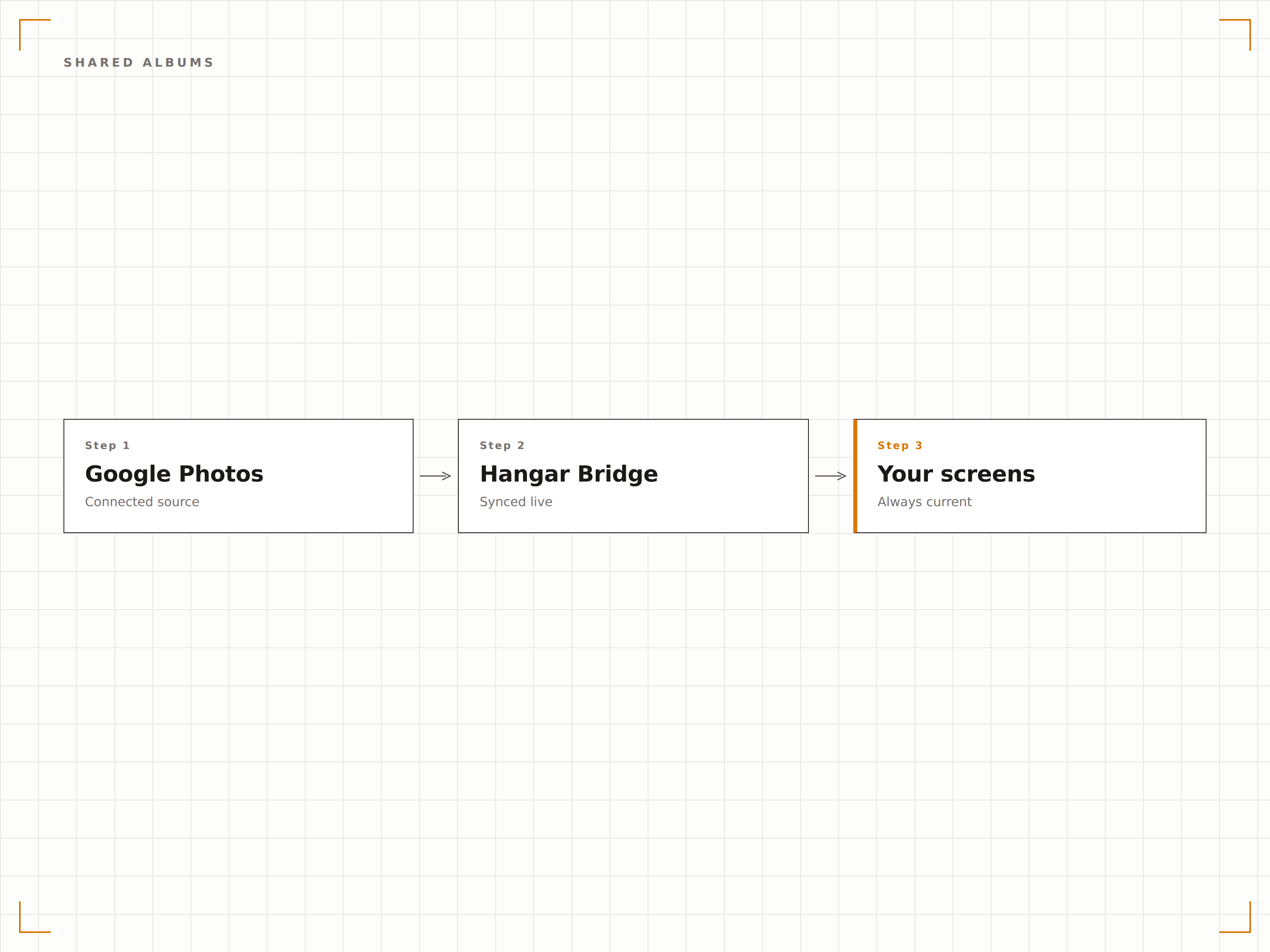
Contenu photo participatif
Créez un album Google Photos partagé et invitez des contributeurs. Membres de l'équipe, participants à un événement ou membres d'une communauté ajoutent leurs photos depuis leur téléphone, et chaque nouvelle photo rejoint automatiquement le diaporama d'affichage dynamique. Idéal pour les événements, le team building et les affichages communautaires.
Tout le monde contribue, l'écran affiche.
Albums partagés multi-contributeurs
Ajoutez des photos depuis n'importe quel appareil
Mise à jour automatique du diaporama
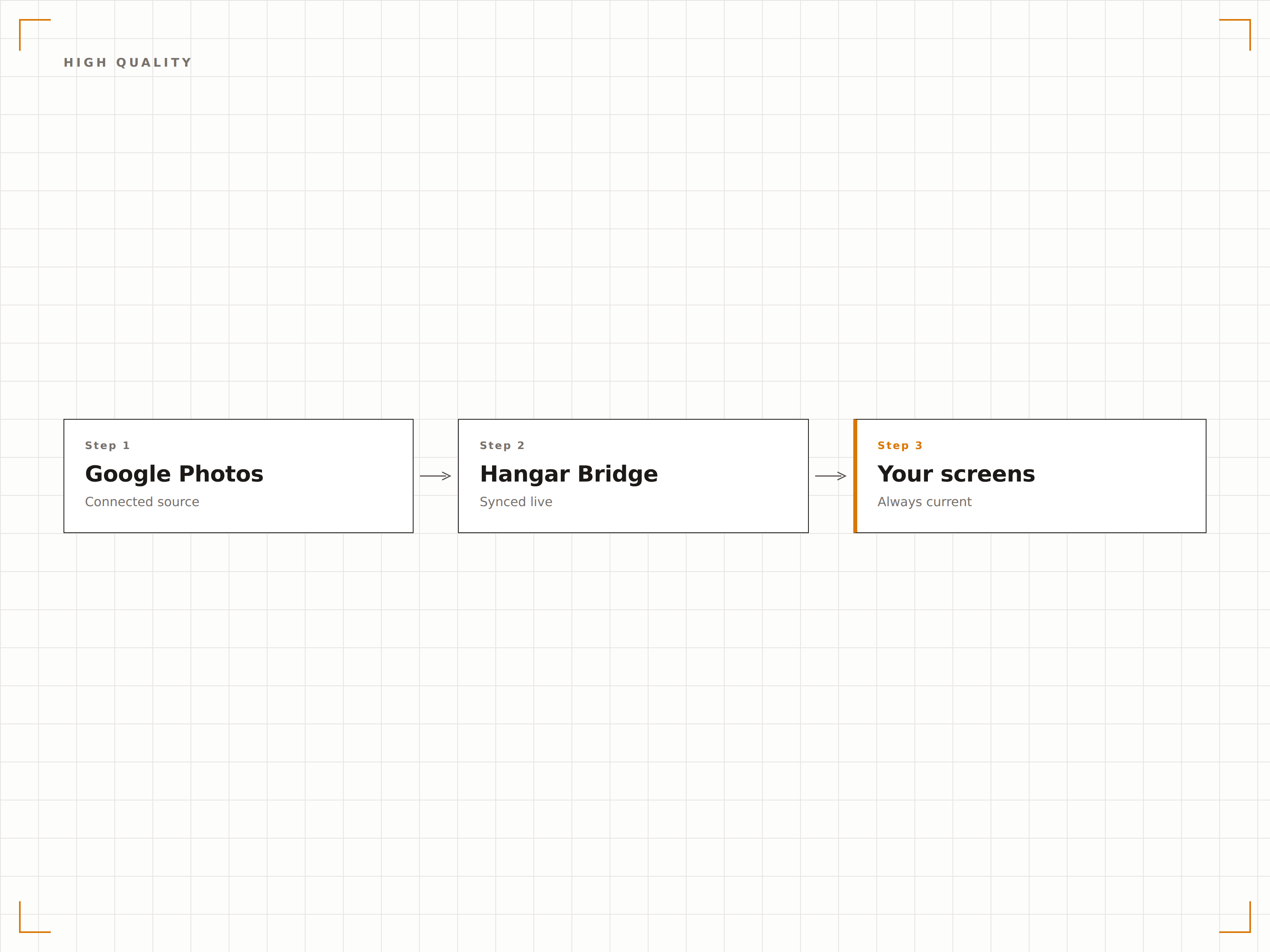
Affichage photo en pleine résolution
Google Photos stocke les images en haute résolution, et Hangar.Media les affiche à la meilleure qualité que votre écran d'affichage dynamique peut offrir. Les photos sont mises à l'échelle de manière optimale pour la résolution d'affichage, sans artefacts de compression ni perte de qualité.
Vos plus belles photos, affichées dans leur meilleure qualité.
Rendu photo haute résolution
Mise à l'échelle optimale selon la taille de l'écran
Aucune perte de qualité à l'affichage
Quatre étapes vers écrans connectés.
De la configuration au contenu en direct en quelques minutes, pas en jours.
Connecter Google Photos
Authentifiez-vous avec Google et accordez à Hangar.Media un accès en lecture à votre bibliothèque Google Photos.
Sélectionner des albums
Choisissez les albums Google Photos à afficher sur vos écrans d'affichage dynamique.
Configurer le diaporama
Définissez les effets de transition, la durée d'affichage des photos, l'ordre de lecture et la fréquence d'actualisation.
Publier
Assignez le diaporama photo aux écrans de votre hall d'accueil, de vos espaces communs ou de vos salles d'événements.
Conçu pour chaque secteur.
Découvrez comment différents secteurs utilisent cette intégration pour obtenir des résultats.
Vitrine de la culture d'entreprise
Affichez un album partagé de moments d'équipe, de célébrations et de vie au bureau sur un écran de hall d'accueil ou de salle de pause, pour un mur de culture mis à jour en continu.
Hôtellerie & ÉvénementielPhotos de mariage et d'événements
Créez un album partagé pour les invités d'un mariage ou d'un événement. Les photos prises pendant la soirée apparaissent en temps réel sur les écrans du lieu, formant un mur photo en direct.
ÉducationGalerie de vie sur le campus
Affichez des photos de vie sur le campus, d'événements étudiants et de remises de diplômes issus d'albums Google Photos partagés sur les écrans de l'université.
SportPhotos du jour de match
Diffusez les photos du jour de match, les actions de l'équipe et les clichés des supporters issus d'albums partagés sur les écrans du stade, pendant et après les événements.
Questions fréquentes. Réponses directes : réponses.
Les participants à un événement peuvent-ils ajouter des photos qui s'affichent sur l'écran en temps réel ?
Oui. Créez un album Google Photos partagé et envoyez le lien aux participants. Au fur et à mesure qu'ils ajoutent des photos depuis leur téléphone, celles-ci apparaissent dans le diaporama de l'affichage dynamique au prochain cycle de synchronisation, généralement sous 5 à 15 minutes.
Y a-t-il une limite sur la taille des albums ?
Les albums Google Photos peuvent contenir jusqu'à 20 000 éléments. Hangar.Media affiche toutes les photos de l'album dans la rotation du diaporama. Pour les albums très volumineux, le diaporama parcourt l'ensemble des photos au fil du temps.
Puis-je modérer les photos avant qu'elles apparaissent sur l'écran ?
Les propriétaires d'albums partagés Google Photos peuvent supprimer les photos ajoutées par les contributeurs. Pour une modération renforcée, Hangar.Media peut être configuré pour n'afficher que les photos ayant reçu une étoile ou ajoutées à un sous-album sélectionné.
Quels formats de photos sont pris en charge ?
Google Photos prend en charge les formats JPG, PNG, GIF, WebP et la plupart des formats RAW. Toutes les photos stockées dans Google Photos sont disponibles pour l'affichage sur les écrans Hangar.Media, quel que soit leur format d'origine.
Un seul tarif. La plateforme complète.
C'est ainsi que nous pensons que l'affichage dynamique devrait fonctionner. Éditeur de contenu, gestion des écrans et plus de 200 intégrations d'applications — tout inclus dès le premier jour.
14 jours gratuits, jusqu'à 3 écrans — sans carte bancaire.