Google Calendar auf jedem Bildschirm. jeden Bildschirm.
Zeigen Sie Google-Kalender-Ereignisse, Raumbuchungen und Tagespläne auf Digital Signage-Bildschirmen an – für effizientes Meetingraum-Management und optimale Terminübersicht.
Zeitpläne und Raumstatus auf einen Blick
Google Calendar ist das Planungstool für Google Workspace-Organisationen. Hangar.Media zeigt Kalendereinträge auf Signage-Bildschirmen an – für Meetingraum-Status, tägliche Veranstaltungsboards und Zeitplanübersichten. Montieren Sie Bildschirme ausserhalb von Meetingräumen, um die Verfügbarkeit anzuzeigen, oder präsentieren Sie Tagesprogramme in Lobbys, um Besucher willkommen zu heissen und sie zu ihren Meetings zu führen.
Was Sie mit jeden Bildschirm. tun können
Drei Funktionen, die diese Integration für Ihr Digital Signage-Netzwerk unverzichtbar machen.
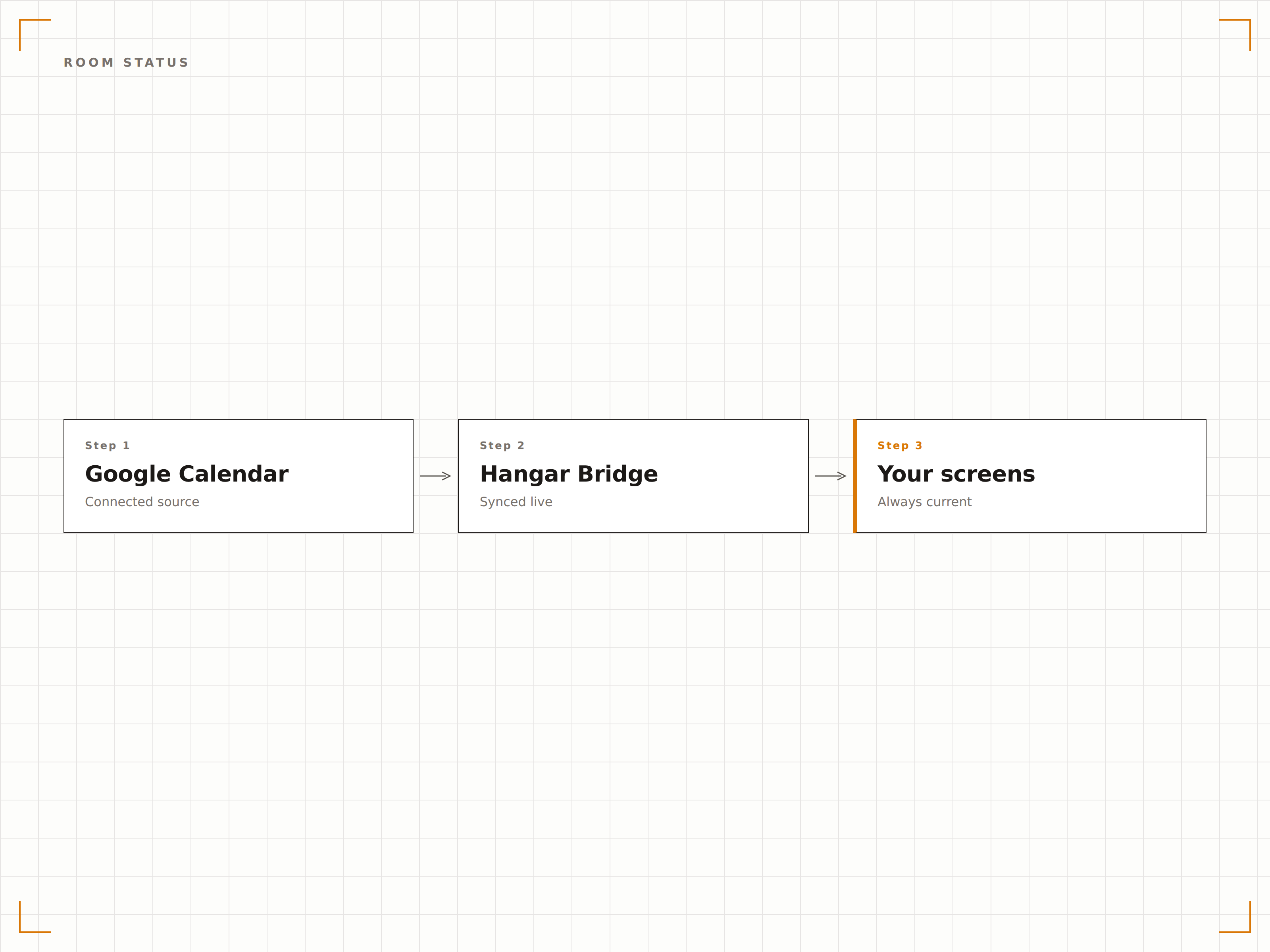
Besprechungsraumverfügbarkeit
Montieren Sie einen Bildschirm ausserhalb jedes Besprechungsraums, der dessen Google-Kalender anzeigt. Grün bedeutet verfügbar, Rot bedeutet belegt. Das aktuelle Meeting, der Organisator und die verbleibende Zeit werden zusammen mit der nächsten geplanten Buchung angezeigt.
Raumstatus auf einen Blick – schon aus mehreren Metern Entfernung.
Farbcodierte Verfügbarkeitsindikatoren
Anzeige des aktuellen Meetings und Organisators
Vorschau der nächsten Buchung
Veranstaltungs-Board-Anzeige
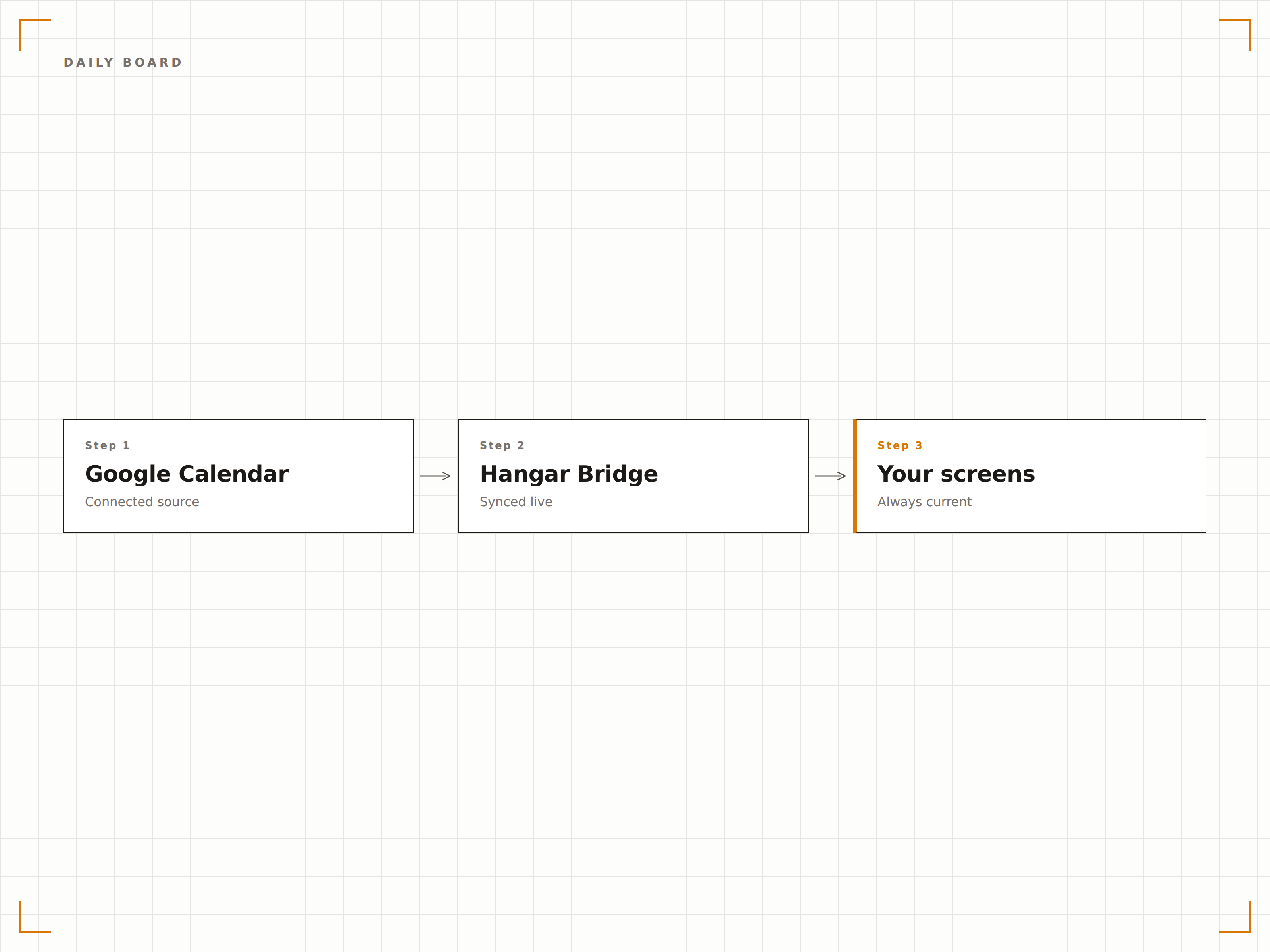
Erstellen Sie ein Tagesveranstaltungs-Board aus Google Calendar, das alle Meetings, Besucher und Ereignisse des Tages anzeigt. Platzieren Sie es in der Lobby oder im Empfangsbereich als professionelles Willkommensdisplay, das sich automatisch aktualisiert, sobald neue Ereignisse hinzugefügt werden.
Eine Tagesagenda, die sich selbst verwaltet.
Tagesveranstaltungsliste mit Zeiten und Orten
Besuchernamen und Besprechungsräume
Automatische Aktualisierungen den ganzen Tag über
Raumübersichtsraster
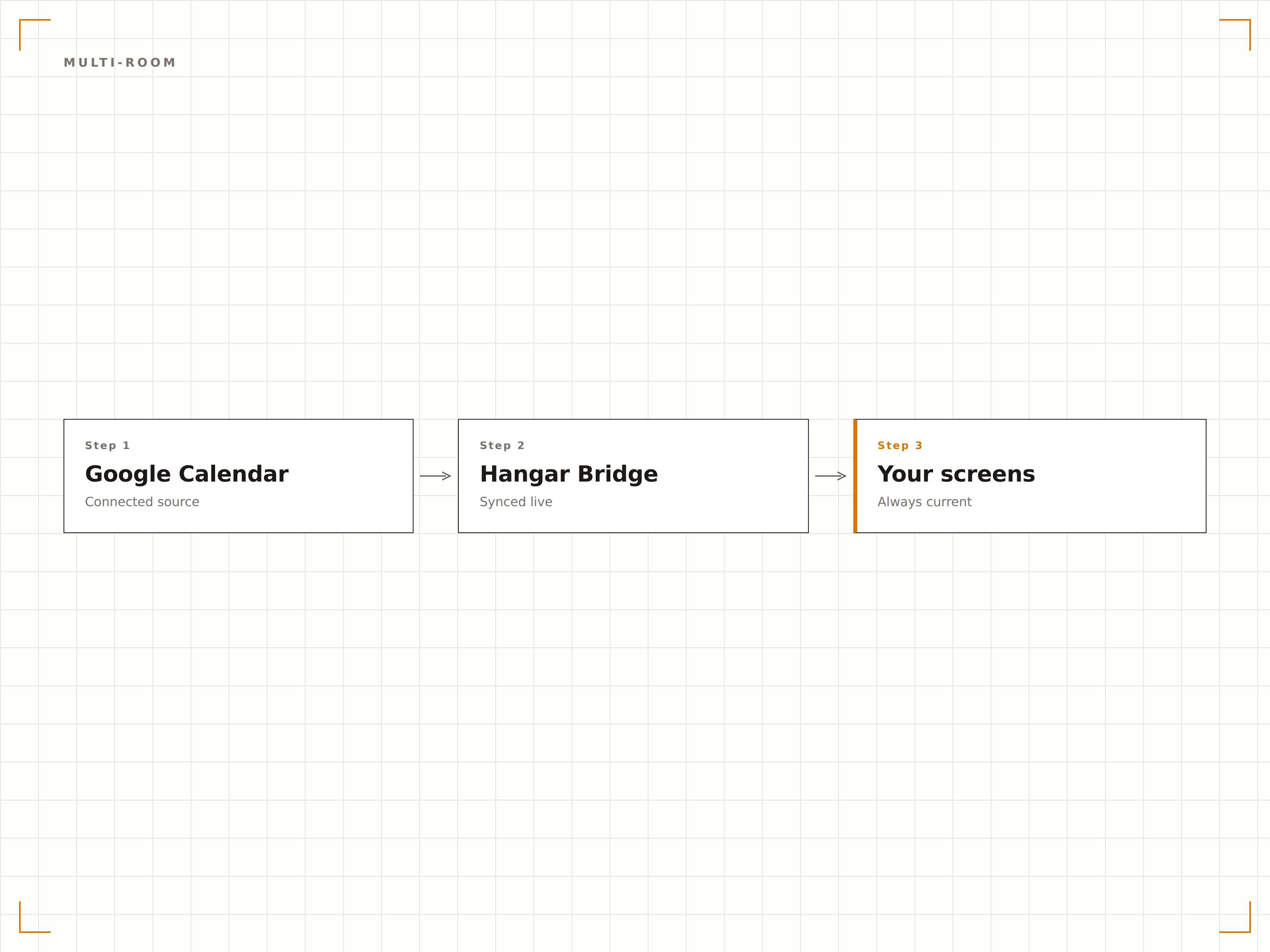
Zeigen Sie alle Besprechungsraumstatus auf einem einzigen Bildschirm in einer Rasteransicht an. Mitarbeitende finden auf einen Blick einen freien Raum, ohne jeden Raum einzeln prüfen zu müssen. Ideal für Empfangsbereiche und Gemeinschaftsflächen auf den Etagen.
Alle Räume auf einem Bildschirm – Verfügbarkeit auf einen Blick.
Rasteransicht mit allen Räumen
Echtzeit-Status pro Raum
Ansichten auf Etagen- oder Gebäudeebene
Vier Schritte zu verbundene Bildschirme.
Von der Einrichtung bis zu Live-Inhalten in Minuten, nicht Tagen.
Google Calendar verbinden
Authentifizieren Sie sich mit Google Workspace und erteilen Sie Hangar.Media Lesezugriff auf Raum- und Ressourcenkalender.
Kalender auswählen
Wählen Sie aus, welche Raumkalender, Ressourcenkalender oder freigegebenen Kalender auf den Bildschirmen angezeigt werden sollen.
Layout wählen
Wählen Sie zwischen Einzelraumstatus, Mehrraum-Übersicht oder Tagesveranstaltungs-Board-Layout.
Veröffentlichen
Montieren Sie Bildschirme ausserhalb von Besprechungsräumen und in Gemeinschaftsbereichen, und veröffentlichen Sie anschliessend Ihre Kalenderanzeigen.
Entwickelt für jeden Branche.
Erfahren Sie, wie verschiedene Branchen diese Integration nutzen, um Ergebnisse zu erzielen.
Besprechungsraumschilder
Zeigen Sie den Verfügbarkeitsstatus ausserhalb jedes Besprechungsraums an – mit aktueller Belegung, bevorstehenden Buchungen und der Zeit bis zur nächsten Freigabe.
BildungStundenplananzeige
Zeigen Sie Klassen- und Hörsaalpläne aus Google Calendar auf Bildschirmen ausserhalb der jeweiligen Räume an – als Referenz für Studierende und Lehrpersonal.
GastgewerbeKonferenzraum-Board
Zeigen Sie Konferenz- und Veranstaltungsraumpläne auf Bildschirmen in Hotel-Business-Centern an – für Gäste, die Besprechungsräume buchen möchten.
GesundheitswesenKlinikraumstatus
Zeigen Sie die Verfügbarkeit von Behandlungsräumen und Terminpläne auf Bildschirmen ausserhalb der Klinikräume an – zur Information für Personal und Patienten.
Häufige Fragen. Direkte Antworten.
Funktioniert das mit Google Workspace-Raumressourcen?
Ja. Hangar.Media verbindet sich mit Google Workspace-Raumressourcenkalendern, dem Standardverfahren zur Verwaltung von Besprechungsräumen in Google Workspace. Raumkalender, Gerätekalender und freigegebene Kalender werden alle unterstützt.
Können Mitarbeitende einen Raum über den Signage-Bildschirm buchen?
Auf touchfähigen Bildschirmen kann Hangar.Media eine Buchungsoberfläche anzeigen, über die direkt am Bildschirm ausserhalb des Besprechungsraums ein Google-Calendar-Ereignis für den Raum erstellt wird.
Wie schnell wird der Raumstatus aktualisiert?
Hangar.Media fragt die Google Calendar API in einem frei wählbaren Intervall ab – in der Regel alle 1 bis 3 Minuten. Änderungen des Raumstatus werden innerhalb weniger Minuten nach einer Buchung oder dem Ende eines Ereignisses auf dem Signage-Bildschirm angezeigt.
Kann ich persönliche Kalender auf einem Signage-Bildschirm anzeigen?
Ja, obwohl dies in der Regel für gemeinsame Team- oder Veranstaltungskalender und nicht für persönliche Zeitpläne genutzt wird. Sie können jeden Google-Kalender anzeigen, auf den das authentifizierte Konto Zugriff hat.
Ein Preis. Die gesamte Plattform.
So stellen wir uns Digital Signage vor. Inhaltseditor, Bildschirmverwaltung und 200+ App-Integrationen – alles von Anfang an inklusive.
14 Tage kostenlos, bis zu 3 Bildschirme – keine Kreditkarte erforderlich.