Google-Sheets-Daten live auf dem Bildschirm.
Zeigen Sie Google-Sheets-Daten, Diagramme und Tabellen auf Digital Signage Bildschirmen an – mit Echtzeit-Synchronisation, sobald Mitarbeitende die Tabelle aktualisieren.
Tabellendaten auf dem grossen Bildschirm
Google Sheets ist das bevorzugte Tool von Teams, um alles von KPIs bis hin zu Schichtplänen zu verfolgen. Hangar.Media zeigt Google-Sheets-Daten auf Signage-Bildschirmen an, sodass die Zahlen, die alle interessieren, auf einen Blick sichtbar sind – ganz ohne Browser. Diagramme, Tabellen und Zellbereiche werden in voller Auflösung dargestellt, und Änderungen durch beliebige Mitarbeitende werden automatisch mit dem Bildschirm synchronisiert.
Was Sie mit live auf dem Bildschirm. tun können
Drei Funktionen, die diese Integration für Ihr Digital Signage-Netzwerk unverzichtbar machen.
Sofort veröffentlichen und anzeigen
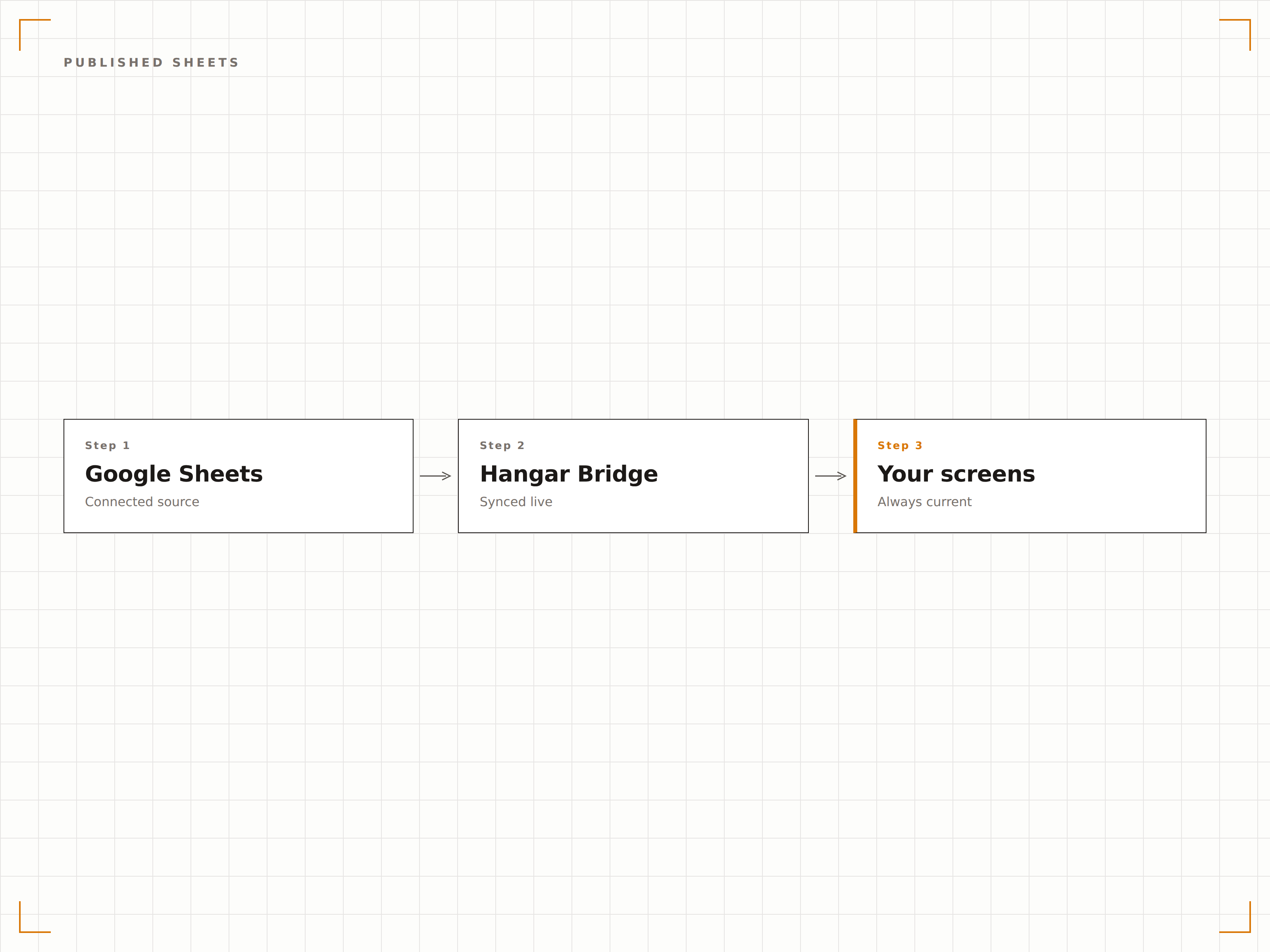
Google Sheets lässt sich mit einem einzigen Klick im Web veröffentlichen. Fügen Sie die veröffentlichte URL in Hangar.Media ein, und die Tabelle wird sofort auf Ihrem Signage-Bildschirm dargestellt. Alle Änderungen an der Tabelle werden automatisch auf dem Bildschirm übernommen.
Im Web veröffentlichen, auf dem Bildschirm anzeigen. Zwei Klicks.
Ein-Klick-Veröffentlichung im Web
Automatische Übernahme von Änderungen
Kein API-Setup erforderlich
Google-Sheets-Diagramme auf dem Display
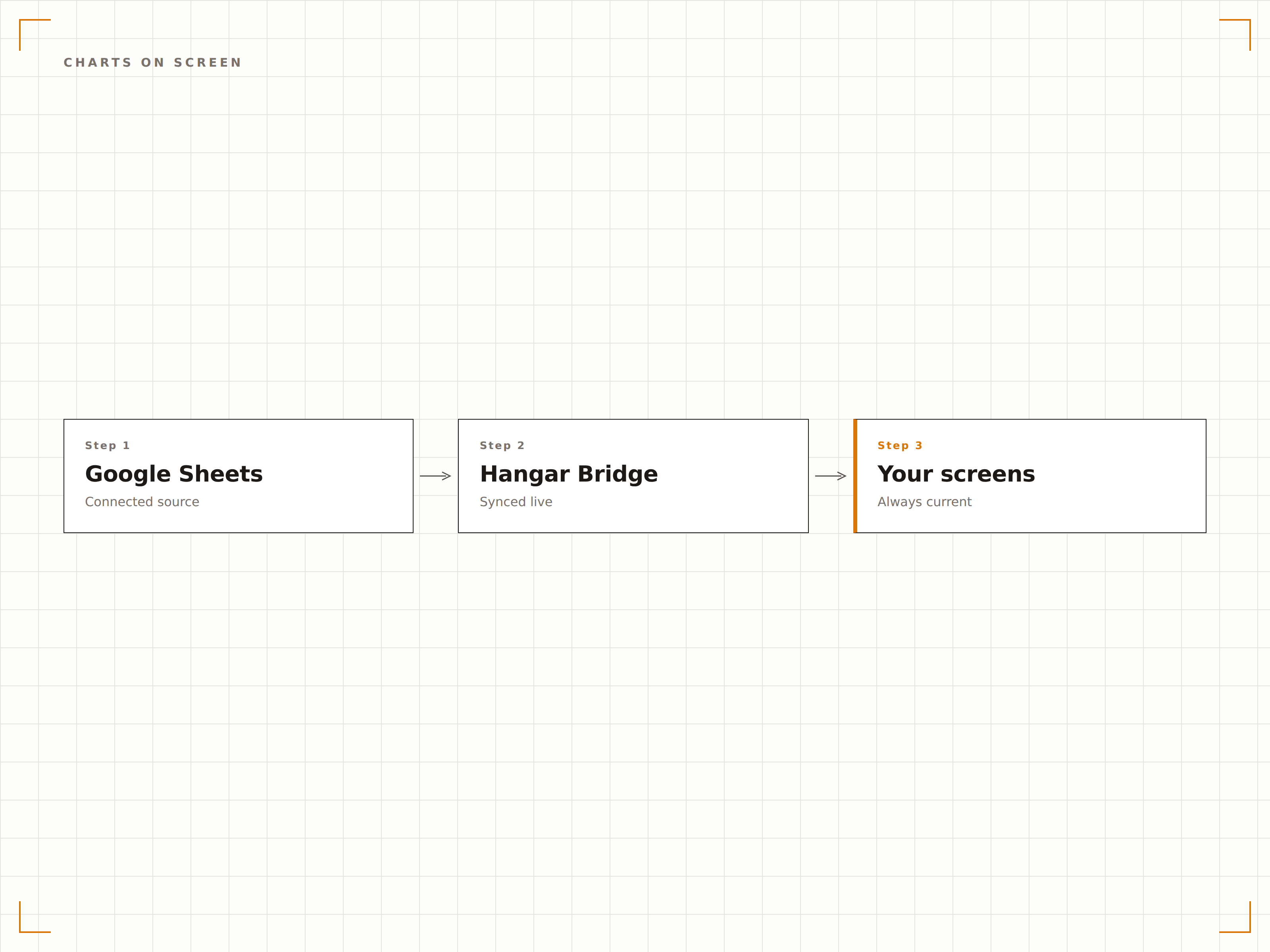
In Google Sheets erstellte Diagramme werden auf Signage-Bildschirmen in voller Auflösung dargestellt. Balkendiagramme, Liniendiagramme, Kreisdiagramme und Flächendiagramme erscheinen in derselben Qualität wie auf Ihrem Monitor – passend skaliert für grosse Displays.
Tabellen-Diagramme, optimiert für die Wand.
Alle Google-Sheets-Diagrammtypen
Darstellung in voller Auflösung
Automatische Skalierung für die Displaygrösse
Bestimmte Datenbereiche anzeigen
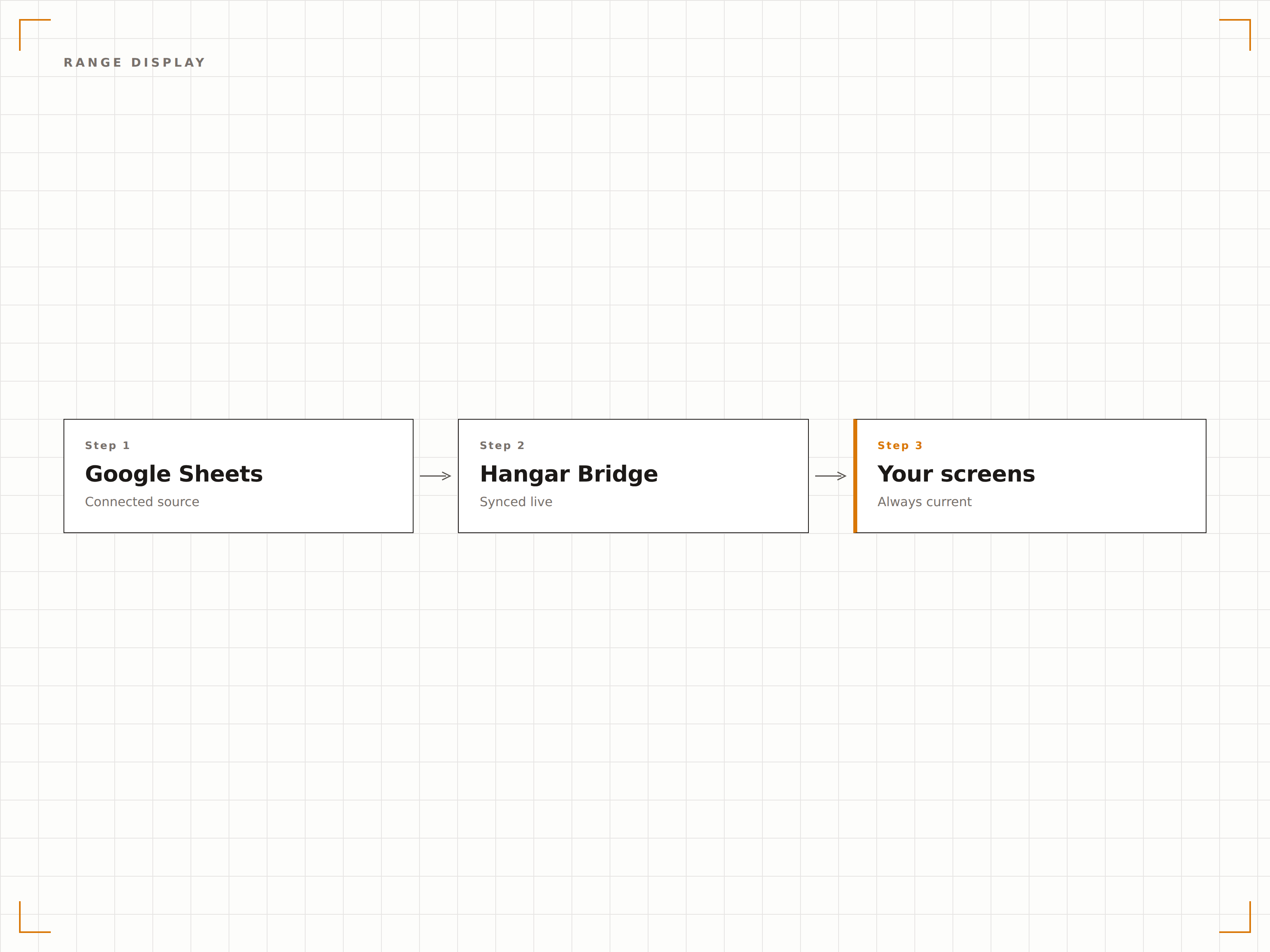
Zeigen Sie ein bestimmtes Tabellenblatt, einen benannten Bereich oder einen Zellbereich anstelle der gesamten Tabelle an. Zeigen Sie die Übersichtstabelle auf dem Bildschirm im Pausenraum und die Detaildaten auf dem Bildschirm im Managementbereich. Jedes Display erhält die relevante Datenansicht.
Die richtigen Daten, auf dem richtigen Bildschirm.
Tabellenblatt-Auswahl
Anzeige von benannten Bereichen und Zellbereichen
Verschiedene Ansichten für verschiedene Bildschirme
Vier Schritte zu verbundene Bildschirme.
Von der Einrichtung bis zu Live-Inhalten in Minuten, nicht Tagen.
Tabelle veröffentlichen
Klicken Sie in Google Sheets auf «Datei», dann auf «Freigeben» und anschliessend auf «Im Web veröffentlichen», und kopieren Sie die veröffentlichte URL.
Zu Hangar.Media hinzufügen
Fügen Sie die veröffentlichte Google-Sheets-URL in das Web-Content-Widget von Hangar.Media ein.
Anzeige einrichten
Wählen Sie das Tabellenblatt oder den Bereich aus, der angezeigt werden soll, und legen Sie Aktualisierungsintervalle sowie die Anzeigeformatierung fest.
Live schalten
Weisen Sie die Ziel-Bildschirme zu, und die Tabellendaten erscheinen auf Ihren Signage-Displays.
Entwickelt für jeden Branche.
Erfahren Sie, wie verschiedene Branchen diese Integration nutzen, um Ergebnisse zu erzielen.
KPI-Tracker-Anzeige
Zeigen Sie eine KPI-Tracking-Tabelle des Teams auf einem Büro-Bildschirm an, auf dem Ziele, Ist-Werte und Fortschritte angezeigt werden, die Teammitglieder gemeinsam aktualisieren.
EinzelhandelDienstplan-Board
Zeigen Sie den wöchentlichen Dienstplan aus einer Google-Tabelle auf einem Bildschirm im Hinterbereich an. Manager aktualisieren die Tabelle, und die Mitarbeitenden sehen die Änderungen sofort auf dem Display.
BildungStundenplan-Anzeige
Zeigen Sie Stundenpläne und Raumzuweisungen aus Google Sheets auf Bildschirmen in der Nähe von Unterrichtsräumen und in Gemeinschaftsbereichen für Studierende an.
GastgewerbeVeranstaltungs-Ablaufplan
Zeigen Sie den täglichen Veranstaltungsablauf aus Google Sheets auf Bildschirmen im Hinterbereich an, damit das gesamte Team über den Zeitplan informiert ist.
Häufige Fragen. Direkte Antworten.
Benötige ich ein Google Workspace-Konto?
Nein. Google Sheets ist mit jedem Google-Konto kostenlos verfügbar. Die Funktion «Im Web veröffentlichen», die von Hangar.Media verwendet wird, steht sowohl für kostenlose Konten als auch für Google Workspace-Konten zur Verfügung.
Wie schnell erscheinen Änderungen auf dem Signage-Bildschirm?
Wenn eine Google-Tabelle im Web veröffentlicht wird, werden Änderungen in der Regel innerhalb von 5 Minuten übernommen. Hangar.Media lädt die veröffentlichte Tabelle in dem von Ihnen gewählten Intervall neu, um die aktuellsten Daten abzurufen.
Kann ich mehrere Blätter aus derselben Tabelle anzeigen?
Ja. Sie können einzelne Tabellenblätter innerhalb einer Google-Sheets-Datei veröffentlichen und verschiedene Blätter auf unterschiedlichen Signage-Bildschirmen anzeigen oder auf einem einzigen Bildschirm zwischen den Blättern wechseln.
Sind die auf dem Bildschirm angezeigten Daten sicher?
Veröffentlichte Google-Tabellen sind über die veröffentlichte URL zugänglich. Für Signage-Displays mit sensiblen Daten empfehlen wir, ein dediziertes Anzeigeblatt zu verwenden, das aggregierte Daten aus privaten Blättern mithilfe von Formeln abruft und so die öffentlich zugänglichen Informationen begrenzt.
Ein Preis. Die gesamte Plattform.
So stellen wir uns Digital Signage vor. Inhaltseditor, Bildschirmverwaltung und 200+ App-Integrationen – alles von Anfang an inklusive.
14 Tage kostenlos, bis zu 3 Bildschirme – keine Kreditkarte erforderlich.