Données Google Sheets en direct sur écran.
Affichez les données, graphiques et tableaux Google Sheets sur vos écrans d'affichage dynamique avec une synchronisation en temps réel à chaque mise à jour du tableur.
Données de tableur sur grand écran
Google Sheets est l'outil qu'utilisent les équipes pour suivre tout ce qui compte, des KPI aux plannings de service. Hangar.Media affiche les données Google Sheets sur vos écrans de signage afin que les chiffres importants soient visibles sans ouvrir un navigateur. Graphiques, tableaux et plages de cellules s'affichent en pleine résolution, et toute modification apportée par un collaborateur se synchronise automatiquement sur l'écran.
Ce que vous pouvez faire avec en direct sur écran.
Trois fonctionnalités qui rendent cette intégration indispensable pour votre réseau d'affichage dynamique.
Publiez et affichez instantanément
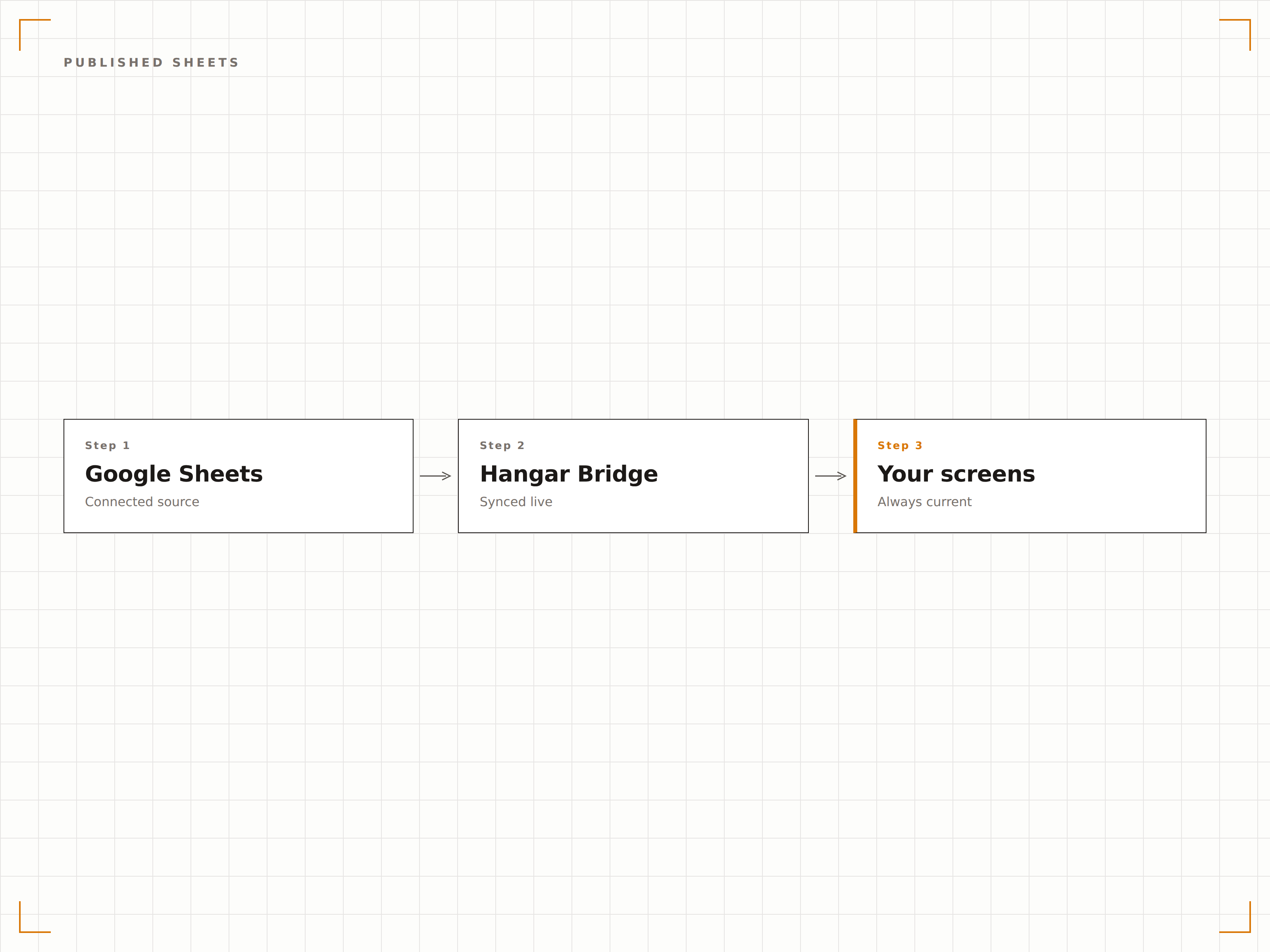
Les feuilles Google Sheets peuvent être publiées sur le web en un seul clic. Collez l'URL publiée dans Hangar.Media et le classeur s'affiche immédiatement sur votre écran d'affichage dynamique. Toute modification apportée à la feuille est automatiquement répercutée à l'écran.
Publiez sur le web, affichez à l'écran. En deux clics.
Publication sur le web en un clic
Répercussion automatique des modifications
Aucune configuration d'API requise
Graphiques Google Sheets sur écran
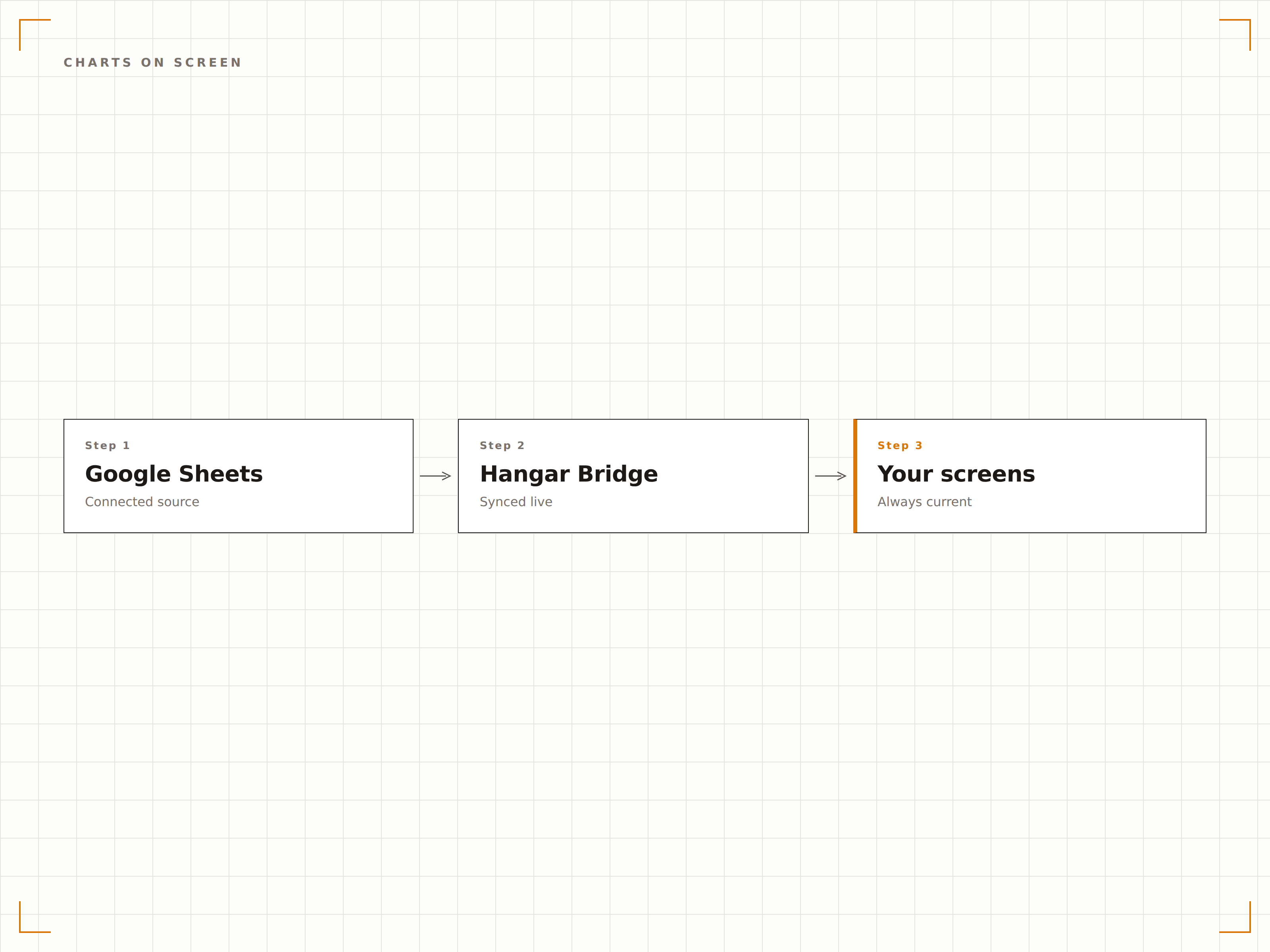
Les graphiques créés dans Google Sheets s'affichent en pleine résolution sur les écrans d'affichage dynamique. Histogrammes, courbes, camemberts et graphiques en aires s'affichent avec la même netteté que sur votre moniteur, mis à l'échelle pour les grands écrans.
Des graphiques issus de vos feuilles de calcul, dimensionnés pour le mur.
Tous les types de graphiques Google Sheets
Rendu en pleine résolution
Mise à l'échelle automatique selon la taille de l'écran
Afficher des zones de données spécifiques
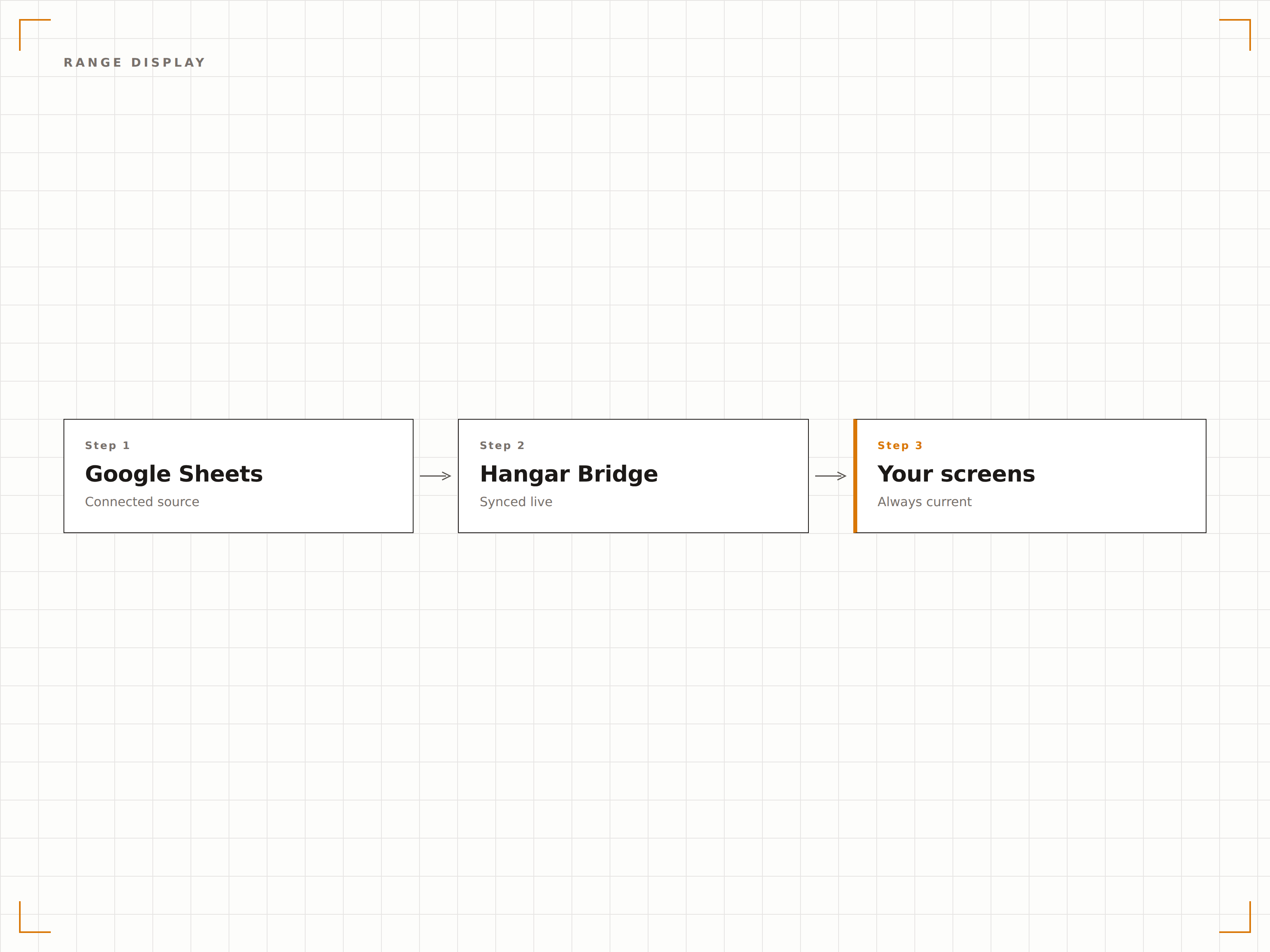
Affichez une feuille de calcul spécifique, une plage nommée ou une zone de cellules plutôt que l'intégralité du classeur. Montrez le tableau récapitulatif sur l'écran de la salle de pause et les données détaillées sur l'écran de la direction. Chaque écran reçoit la vue de données qui lui correspond.
Les bonnes données, sur le bon écran.
Sélection de feuille de calcul
Affichage de plages nommées et de plages de cellules
Des vues différentes pour des écrans différents
Quatre étapes vers écrans connectés.
De la configuration au contenu en direct en quelques minutes, pas en jours.
Publier la feuille
Dans Google Sheets, cliquez sur Fichier, puis Partager, puis Publier sur le web, et copiez l'URL publiée.
Ajouter à Hangar.Media
Collez l'URL Google Sheets publiée dans le widget de contenu web de Hangar.Media.
Configurer l'affichage
Sélectionnez la feuille de calcul ou la plage à afficher, puis définissez les intervalles d'actualisation et la mise en forme.
Mise en ligne
Assignez vos écrans cibles et les données du classeur apparaissent immédiatement sur vos écrans d'affichage dynamique.
Conçu pour chaque secteur.
Découvrez comment différents secteurs utilisent cette intégration pour obtenir des résultats.
Affichage de suivi des KPI
Affichez un tableau de suivi des KPI d'équipe sur un écran de bureau, avec les objectifs, les résultats réels et la progression que les membres de l'équipe mettent à jour en collaboration.
CommerceTableau des plannings du personnel
Affichez le planning hebdomadaire du personnel depuis une feuille Google Sheets sur un écran en arrière-boutique. Les managers mettent à jour la feuille et le personnel voit les modifications immédiatement sur l'écran.
ÉducationAffichage des emplois du temps
Affichez les emplois du temps et les affectations de salles depuis Google Sheets sur des écrans près des salles de classe et dans les espaces communs étudiants.
HôtellerieFeuille de route événementielle
Affichez la feuille de route quotidienne de l'événement depuis Google Sheets sur les écrans en arrière-scène, afin que toute l'équipe soit alignée sur le déroulé.
Questions fréquentes. Réponses directes : réponses.
Ai-je besoin d'un compte Google Workspace ?
Non. Google Sheets est gratuit avec n'importe quel compte Google. La fonctionnalité de publication sur le web utilisée par Hangar.Media est disponible sur les comptes gratuits et Google Workspace.
À quelle vitesse les modifications apparaissent-elles sur l'écran d'affichage dynamique ?
Lorsqu'une feuille Google Sheets est publiée sur le web, les modifications se propagent généralement en moins de 5 minutes. Hangar.Media recharge la feuille publiée à l'intervalle de votre choix pour récupérer les données les plus récentes.
Puis-je afficher plusieurs feuilles d'un même classeur ?
Oui. Vous pouvez publier des feuilles de calcul individuelles dans un fichier Google Sheets et afficher différentes feuilles sur différents écrans d'affichage dynamique, ou faire défiler plusieurs feuilles sur un seul écran.
Les données sont-elles sécurisées lorsqu'elles sont affichées à l'écran ?
Les feuilles Google Sheets publiées sont accessibles via l'URL de publication. Pour les écrans affichant des données sensibles, nous recommandons d'utiliser une feuille d'affichage dédiée qui agrège les données de feuilles privées via des formules, limitant ainsi ce qui est exposé publiquement.
Un seul tarif. La plateforme complète.
C'est ainsi que nous pensons que l'affichage dynamique devrait fonctionner. Éditeur de contenu, gestion des écrans et plus de 200 intégrations d'applications — tout inclus dès le premier jour.
14 jours gratuits, jusqu'à 3 écrans — sans carte bancaire.