Google Traffic live auf dem Bildschirm.
Zeigen Sie live Google Maps-Verkehrsdaten, Pendelzeiten und Routeninformationen auf Digital Signage-Bildschirmen in Lobbys, Pausenräumen und Betriebszentren an.
Verkehrslage auf einen Blick
Google Maps liefert die umfassendsten Echtzeit-Verkehrsdaten, die verfügbar sind. Hangar.Media zeigt live Verkehrskarten und Pendelzeitschätzungen auf Digital Signage-Bildschirmen an – damit Mitarbeitende die Strassenverhältnisse prüfen können, bevor sie nach Hause fahren, Besucher ihre Abfahrt planen können und Logistikteams die Bedingungen auf Lieferrouten im Blick behalten. Ganz ohne Griff zum Smartphone.
Was Sie mit live auf dem Bildschirm. tun können
Drei Funktionen, die diese Integration für Ihr Digital Signage-Netzwerk unverzichtbar machen.
Live-Verkehrsüberlagerung auf dem Bildschirm
Zeigen Sie eine Google Maps-Ansicht an, die auf Ihren Standort zentriert ist und die Live-Verkehrsüberlagerung aktiviert hat. Grüne Strassen sind frei, Gelb bedeutet mässiges Verkehrsaufkommen, Rot steht für starken Verkehr. Mitarbeitende können ihren Arbeitsweg auf einen Blick von der anderen Seite der Lobby aus beurteilen.
Prüfen Sie Ihren Arbeitsweg von der anderen Seite der Lobby aus.
Farbkodierte Verkehrsbedingungen
Auf Ihren Gebäudestandort zentriert
Anpassbarer Zoomlevel und Kartenbereich
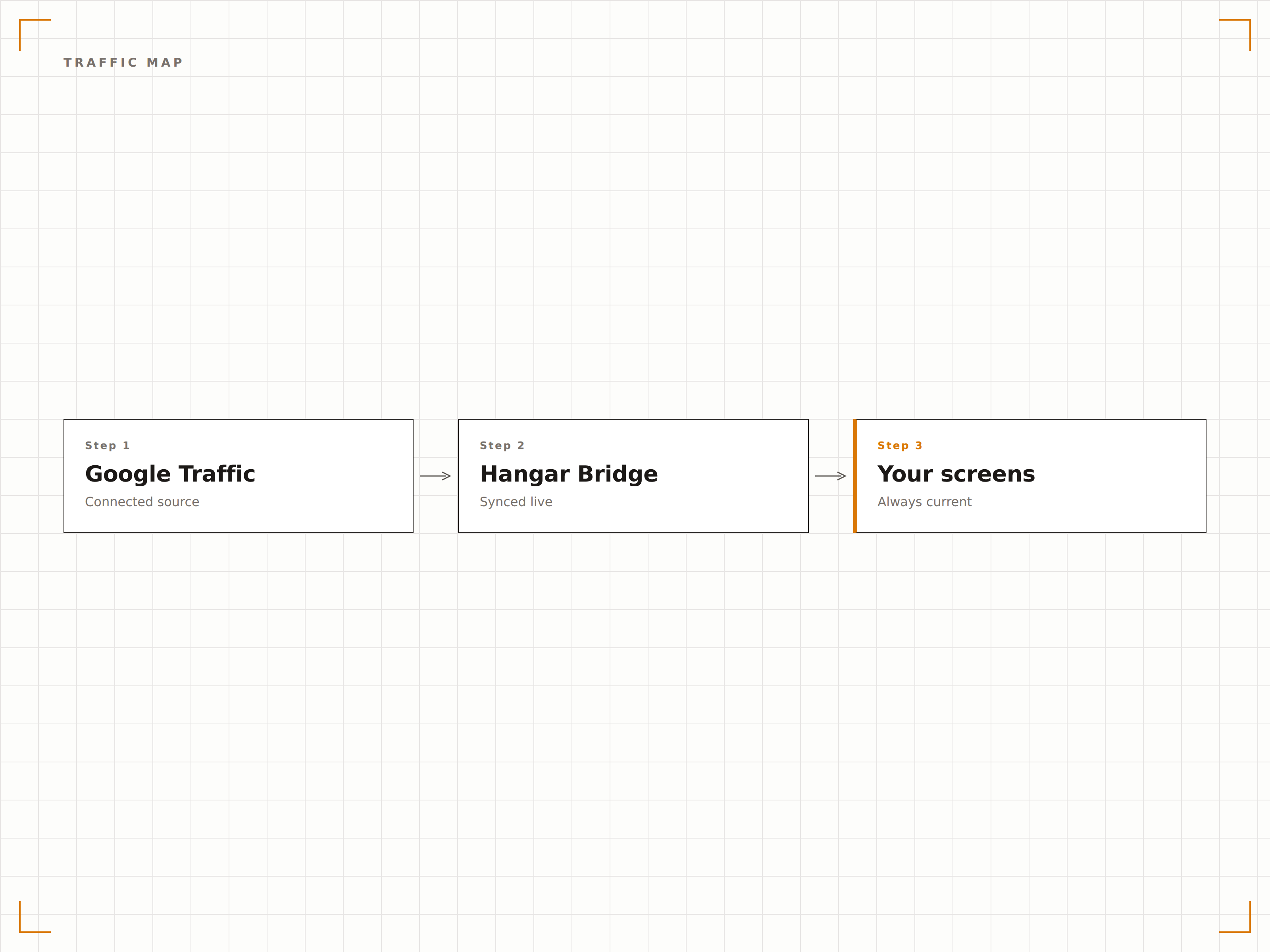
Routenzeitschätzungen
Zeigen Sie geschätzte Pendelzeiten für beliebte Routen von Ihrem Büro aus an. Stellen Sie die Fahrzeit zu wichtigen Zielen wie Bahnhöfen, Autobahnauffahrten oder benachbarten Büros dar – mit aktuellem Verkehr in der Berechnung.
Kennen Sie Ihre Fahrzeit, bevor Sie das Gebäude verlassen.
Geschätzte Fahrzeiten mit Live-Verkehr
Mehrere Zielrouten
Automatische Zeitaktualisierungen bei sich ändernden Bedingungen
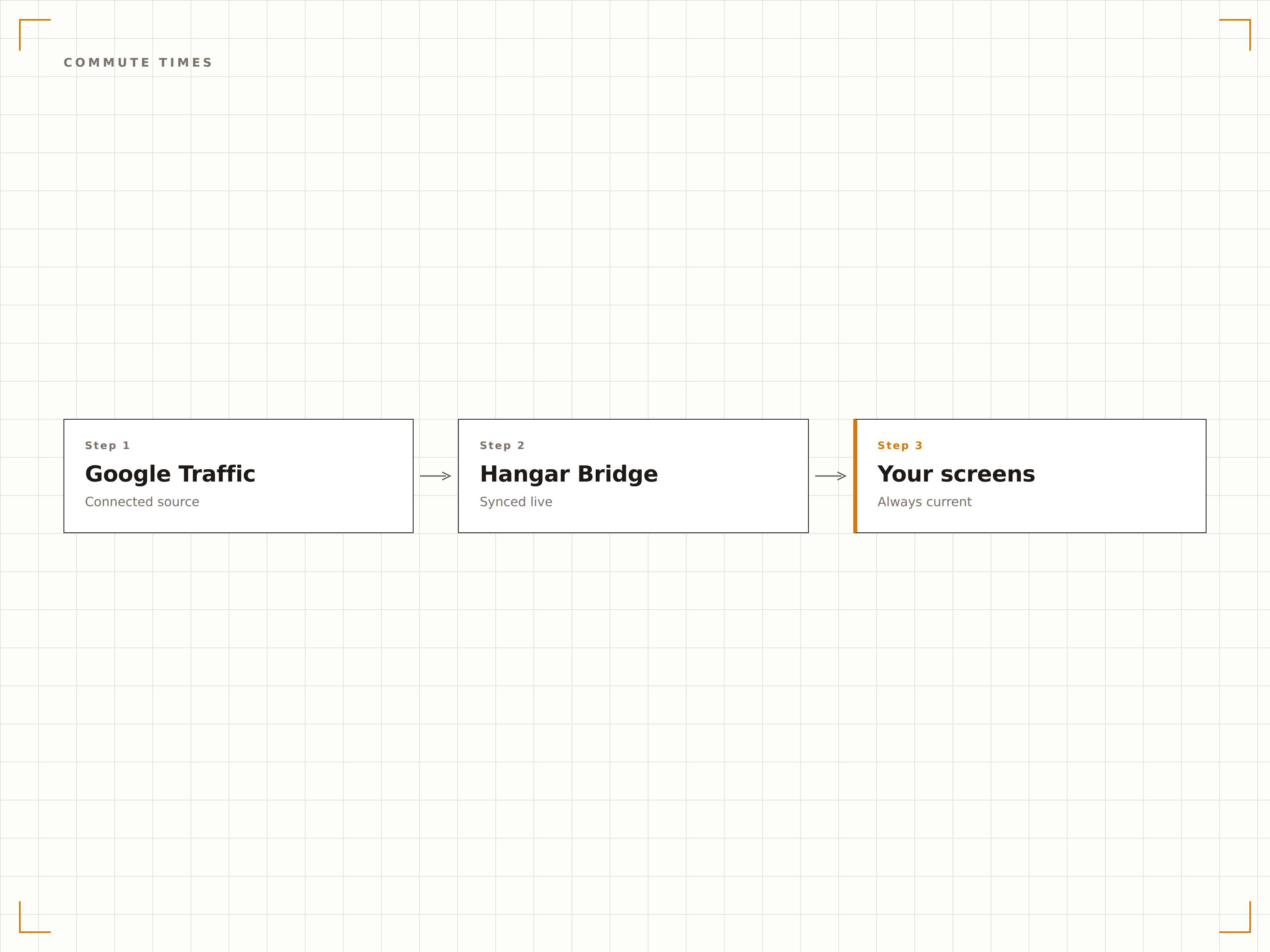
Liefer- und Flottenüberwachung
Zeigen Sie Verkehrsbedingungen entlang wichtiger Lieferrouten und Versorgungskorridore auf Bildschirmen in Logistik- und Dispositionszentren an. Routenplaner können Staumuster erkennen und Abfahrtszeiten oder Routen entsprechend anpassen.
Verkehrsintelligenz für eine effizientere Logistik.
Verkehrsanzeige für Lieferkorridor
Überwachung von Routenstaus
Unterstützung bei der Disposition
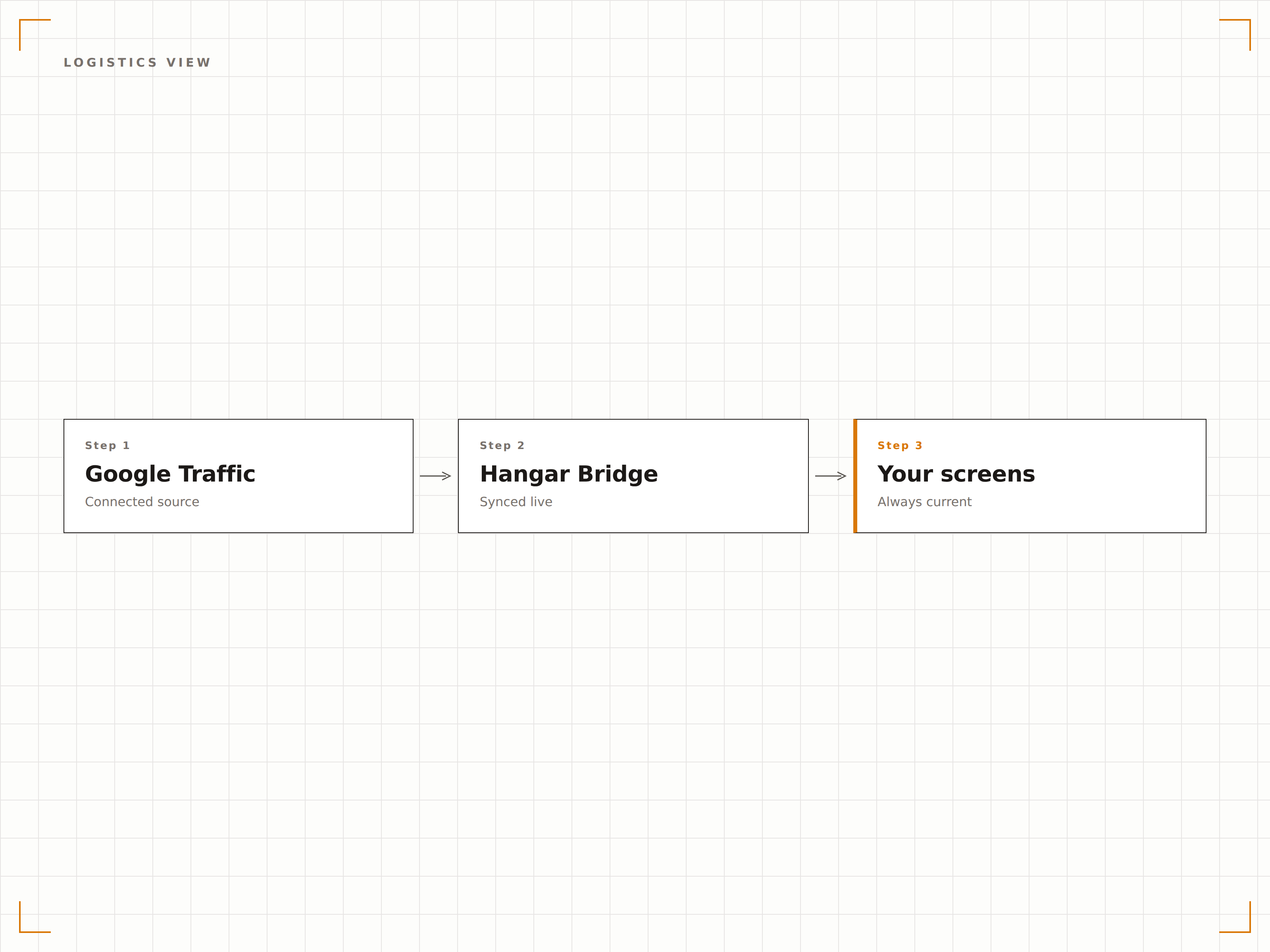
Vier Schritte zu verbundene Bildschirme.
Von der Einrichtung bis zu Live-Inhalten in Minuten, nicht Tagen.
Standort festlegen
Geben Sie die Adresse oder die Koordinaten Ihres Gebäudes ein, um die Verkehrskarte auf Ihren Standort zu zentrieren.
Kartenansicht einrichten
Legen Sie den Zoomlevel, den Kartenbereich und optional Pendelziel-Routen fest.
Aktualisierungsrate festlegen
Legen Sie fest, wie häufig die Verkehrsdaten auf dem Bildschirm aktualisiert werden – in der Regel alle 2 bis 5 Minuten.
Veröffentlichen
Weisen Sie die Verkehrsanzeige den Bildschirmen in Lobbys, Pausenräumen oder Betriebszentren zu.
Entwickelt für jeden Branche.
Erfahren Sie, wie verschiedene Branchen diese Integration nutzen, um Ergebnisse zu erzielen.
Lobby-Verkehrsanzeige
Zeigen Sie Live-Verkehrsbedingungen rund um das Bürogebäude auf einem Lobby-Bildschirm an, damit Mitarbeitende und Besucher ihre Abfahrt und Route planen können.
EinzelhandelLieferbetrieb
Zeigen Sie Verkehrsbedingungen entlang der Lieferrouten auf Bildschirmen im Logistik- und Dispositionsbüro an, um Lieferzeiten und Routenplanung zu optimieren.
GastgewerbeReiseinformationen für Gäste
Zeigen Sie Verkehrsbedingungen und geschätzte Fahrzeiten zum Flughafen, Bahnhof und lokalen Sehenswürdigkeiten auf den Lobby-Bildschirmen des Hotels an – für den Komfort Ihrer Gäste.
TransportTransport-Hub-Anzeige
Zeigen Sie Live-Verkehrsbedingungen rund um Busbahnhöfe, Flughäfen und Verkehrsknotenpunkte auf Bildschirmen in Wartebereichen zur Fahrgastinformation an.
Häufige Fragen. Direkte Antworten.
Wird dabei die Google Maps API verwendet?
Ja. Hangar.Media verwendet die Google Maps JavaScript API mit Traffic Layer, um Live-Verkehrsbedingungen anzuzeigen. Je nach Nutzungsvolumen benötigen Sie möglicherweise einen Google Maps API-Schlüssel. Die grundlegende Anzeige der Verkehrskarte ist in der Hangar.Media-Integration enthalten.
Wie häufig werden die Verkehrsdaten aktualisiert?
Google Maps-Verkehrsdaten werden nahezu in Echtzeit aktualisiert. Hangar.Media aktualisiert die Verkehrsanzeige in dem von Ihnen gewählten Intervall – in der Regel alle 2 bis 5 Minuten – um die aktuellen Bedingungen anzuzeigen.
Kann ich den Verkehr für mehrere Gebiete auf verschiedenen Bildschirmen anzeigen?
Ja. Jeder Signage-Bildschirm kann einen anderen Kartenbereich anzeigen, der auf einen anderen Standort zentriert ist. Ein Unternehmen mit mehreren Standorten kann an jedem Bürostandort den lokalen Verkehr auf den Bildschirmen in den jeweiligen Lobbys anzeigen.
Kann ich die Verkehrsanzeige mit anderen Inhalten kombinieren?
Ja. Die Verkehrskarte kann als Zone auf einem Bildschirm mit mehreren Zonen neben anderen Inhalten angezeigt oder einer Playlist-Rotation mit Ankündigungen, Dashboards und anderen Inhaltstypen hinzugefügt werden.
Ein Preis. Die gesamte Plattform.
So stellen wir uns Digital Signage vor. Inhaltseditor, Bildschirmverwaltung und 200+ App-Integrationen – alles von Anfang an inklusive.
14 Tage kostenlos, bis zu 3 Bildschirme – keine Kreditkarte erforderlich.