Notion-Seiten, bildschirmgerecht. Wissen sichtbar gemacht.
Zeigen Sie Notion-Seiten, Datenbanken und Team-Dokumentationen auf Ihrem Digital Signage an. Verwandeln Sie interne Wikis, Unternehmenshandbücher und Prozessdokumente in sichtbare, zugängliche Inhalte auf Büro-Bildschirmen.
Ihr Team-Wissensspeicher auf dem grossen Bildschirm
Notion ist der Ort, an dem Teams Prozesse dokumentieren, Projekte verfolgen und Wissen teilen. Hangar.Media verbindet sich mit Ihrem Notion-Workspace und stellt Seiten, Datenbanken und Wikis auf Digital Signage-Bildschirmen dar. Zeigen Sie Meeting-Agenden in Konferenzräumen, Unternehmenswerte in Lobbys und Prozessleitfäden an Arbeitsplätzen an.
Was Sie mit Wissen sichtbar gemacht. tun können
Drei Funktionen, die diese Integration für Ihr Digital Signage-Netzwerk unverzichtbar machen.
Notion-Seiten auf Bildschirmen
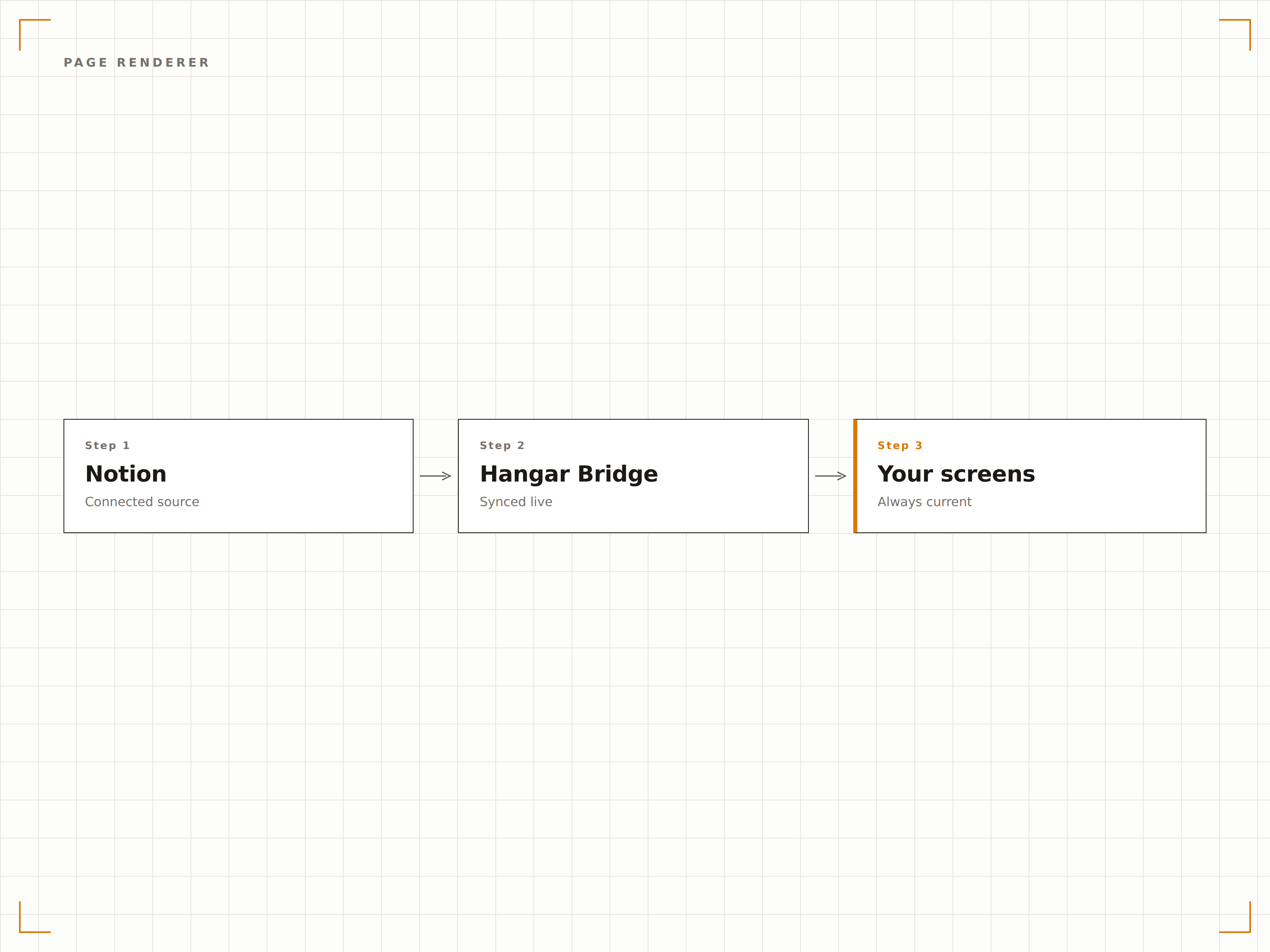
Rendern Sie Notion-Seiten auf Ihrem Digital Signage mit vollständiger Formatierungsunterstützung. Überschriften, Textblöcke, Bilder, Callouts und eingebettete Inhalte werden in Bildschirmauflösung gestochen scharf dargestellt. Lange Seiten scrollen automatisch, damit alle Inhalte Bildschirmzeit erhalten.
Dokumentation, die tatsächlich gesehen wird.
Vollständige Unterstützung für Notion-Block-Rendering
Einbettung von Bildern und Medien
Automatisches Scrollen bei langen Inhalten
Notion-Datenbanken auf dem Bildschirm
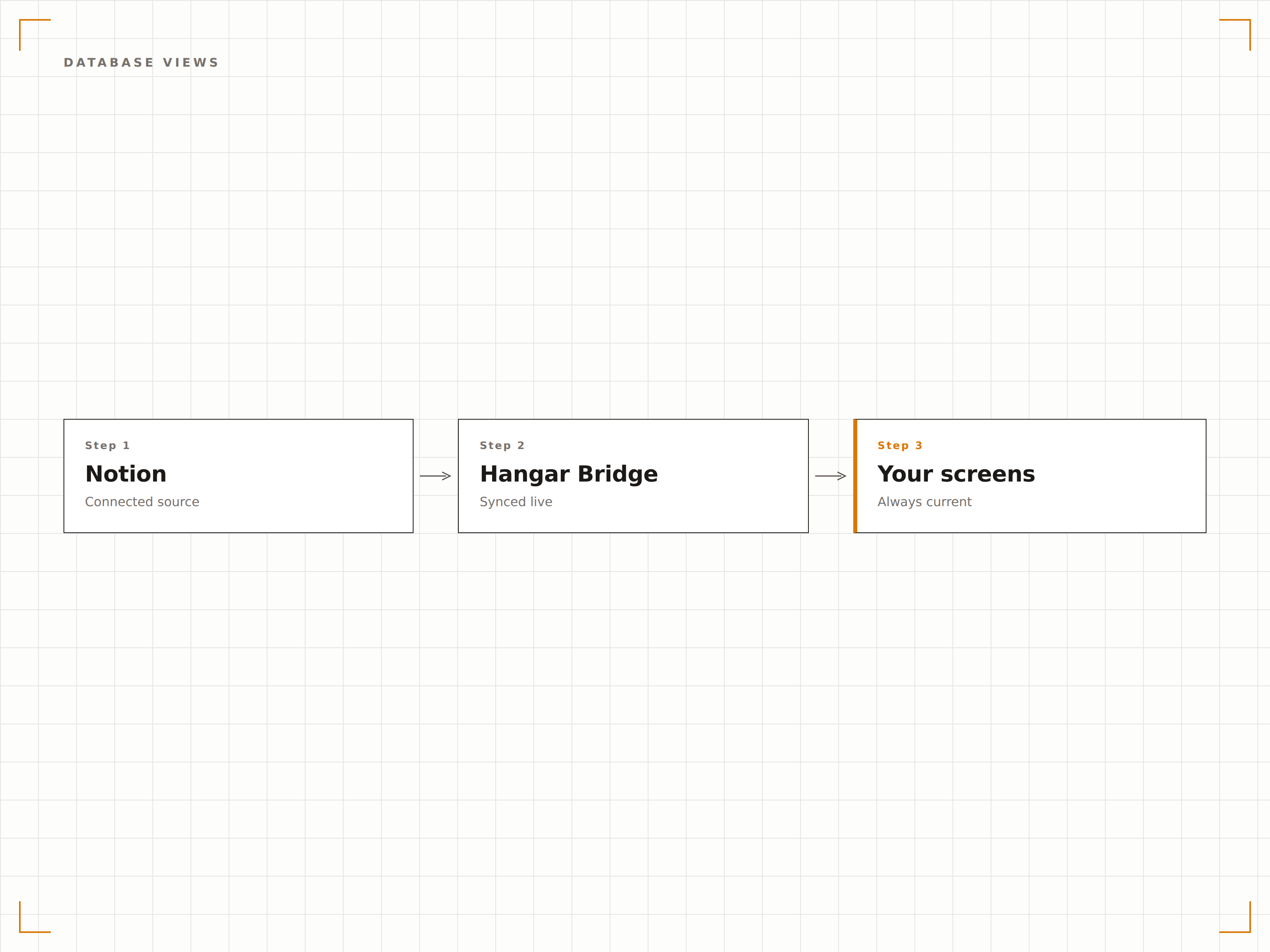
Zeigen Sie Notion-Datenbanken als Tabellen-, Galerie- oder Listenansichten auf Ihrem Signage an. Präsentieren Sie Mitarbeiterverzeichnisse, Veranstaltungskalender, Inventarverfolgungen oder beliebige strukturierte Daten aus Notion in einem bildschirmoptimierten Format.
Strukturierte Daten, ansprechend präsentiert.
Unterstützung für Tabellen-, Galerie- und Listenansicht
Sortieren und Filtern nach beliebigen Eigenschaften
Automatische Aktualisierung bei Datenänderungen
Seitenrotation und Playlists
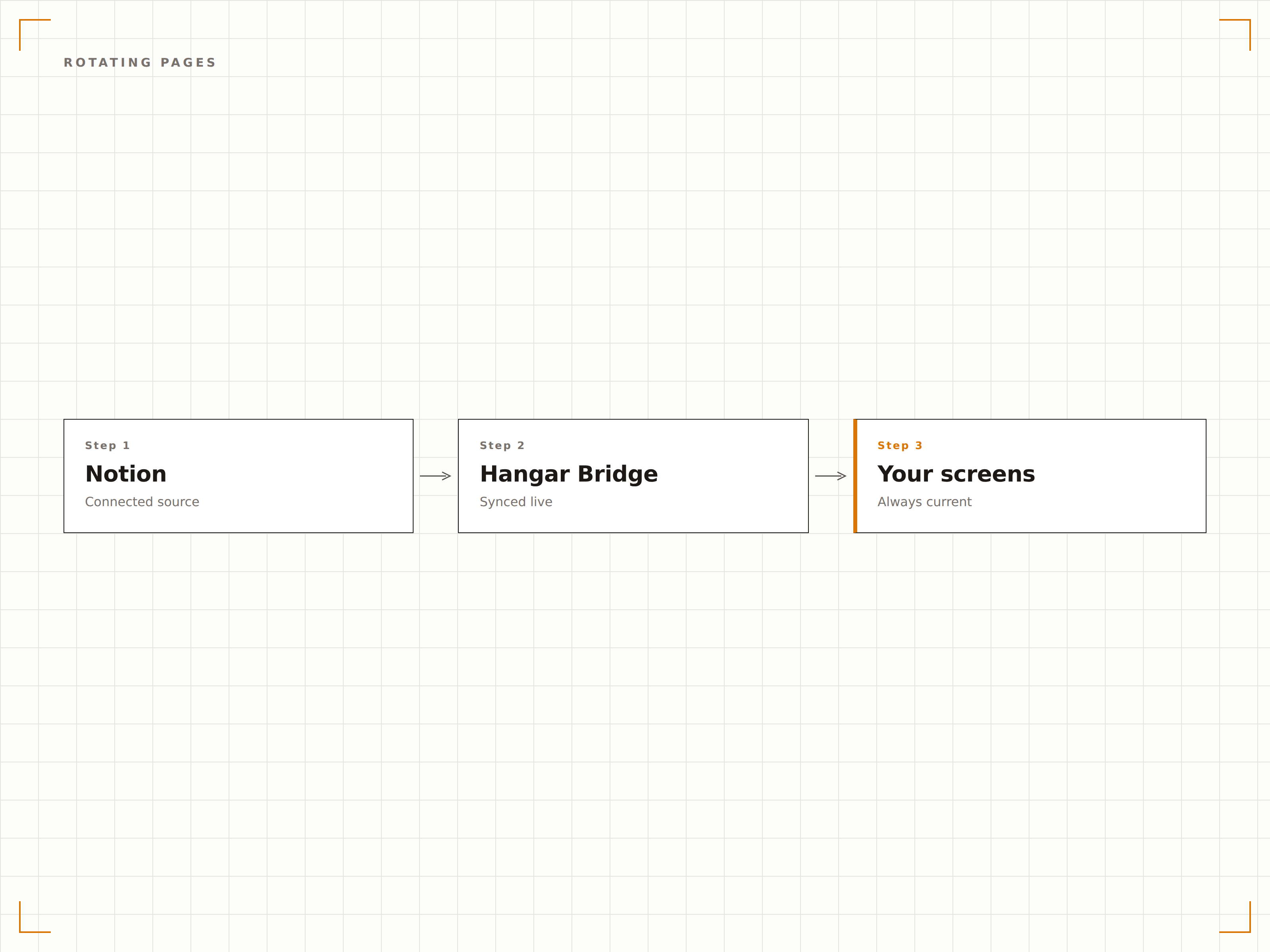
Erstellen Sie Playlists aus Notion-Seiten, die auf Ihren Bildschirmen rotieren. Zeigen Sie verschiedene Prozessdokumente, Team-Updates oder Wiki-Abschnitte nach einem Zeitplan an und geben Sie jeder Seite dedizierte Bildschirmzeit.
Durchlaufen Sie Ihre Wissensdatenbank.
Mehrere Notion-Seiten in Rotation
Einstellbare Anzeigedauer pro Seite
Notion-Seiten mit anderen Inhaltstypen kombinieren
Vier Schritte zu verbundene Bildschirme.
Von der Einrichtung bis zu Live-Inhalten in Minuten, nicht Tagen.
Notion-Workspace verbinden
Authentifizieren Sie Ihren Notion-Workspace mit Hangar.Media und gewähren Sie Zugriff auf die Seiten und Datenbanken, die Sie anzeigen möchten.
Inhalte auswählen
Durchsuchen Sie Ihren Notion-Workspace und wählen Sie die Seiten, Datenbanken oder Wiki-Abschnitte aus, die auf dem Signage angezeigt werden sollen.
Anzeigeeinstellungen konfigurieren
Legen Sie Scrollgeschwindigkeit, Schriftgrösse, Aktualisierungsintervall und visuelles Styling für den Notion-Inhalt auf dem Bildschirm fest.
Auf Bildschirmen veröffentlichen
Fügen Sie Notion-Widgets zu Ihren Signage-Layouts hinzu und veröffentlichen Sie diese auf Ihren Büro-Bildschirmen.
Entwickelt für jeden Branche.
Erfahren Sie, wie verschiedene Branchen diese Integration nutzen, um Ergebnisse zu erzielen.
Unternehmenshandbuch auf Lobby-Bildschirmen
Zeigen Sie Unternehmenswerte, Richtlinien und Kulturdokumentation aus Notion auf den Lobby-Bildschirmen Ihres Büros für Mitarbeitende und Besucher an.
UnternehmenBesprechungsagenden in Konferenzräumen
Zeigen Sie die bevorstehende Besprechungsagenda aus Notion auf den Bildschirmen in Konferenzräumen an, damit die Teilnehmenden die Themen vor Beginn der Sitzung einsehen können.
BildungKursanzeigen
Zeigen Sie Kurspläne, Abgabefristen und Abteilungsinformationen aus Notion-Datenbanken auf dem Campus-Digital Signage an.
GesundheitswesenProtokoll- und Verfahrensanzeigen
Zeigen Sie klinische Protokolle und Standardarbeitsanweisungen aus Notion-Wikis auf Bildschirmen in Personalbereichen zur schnellen Orientierung an.
Häufige Fragen. Direkte Antworten.
Welche Notion-Pläne werden unterstützt?
Die Integration funktioniert mit den Notion-Plänen Free, Plus, Business und Enterprise. Der API-Zugriff ist in allen Plänen verfügbar, wobei die Rate-Limits je nach Abonnementstufe variieren.
Kann ich private Notion-Seiten anzeigen?
Ja. Sie gewähren Hangar.Media während der Einrichtung der Integration Zugriff auf bestimmte Seiten. Die Verbindung ist authentifiziert, und nur Seiten, die Sie explizit freigeben, sind für die Anzeige zugänglich.
Wie werden komplexe Notion-Blöcke dargestellt?
Hangar.Media unterstützt die meisten Notion-Blocktypen, darunter Überschriften, Text, Bilder, Callouts, Tabellen und Einbettungen. Einige interaktive Blöcke wie Datenbanken mit Inline-Bearbeitung werden als schreibgeschützte Ansichten dargestellt.
Kann ich Notion-Inhalte in mehreren Sprachen anzeigen?
Ja. Notion-Inhalte werden in der Sprache angezeigt, in der sie verfasst sind. Wenn Ihre Seiten mehrsprachige Inhalte enthalten, rendert das Signage den Text unverändert mit vollständiger Unicode-Unterstützung.
Ein Preis. Die gesamte Plattform.
So stellen wir uns Digital Signage vor. Inhaltseditor, Bildschirmverwaltung und 200+ App-Integrationen – alles von Anfang an inklusive.
14 Tage kostenlos, bis zu 3 Bildschirme – keine Kreditkarte erforderlich.