Visuelle Inspiration. Auf Ihren Bildschirmen verankert.
Verwandeln Sie Ihr Digital Signage in eine visuelle Inspirationswand mit Pinterest-Boards. Zeigen Sie kuratierte Pins, saisonale Mood-Boards und Design-Kollektionen, die Ihre Räume optisch lebendig halten.
Pinterest-Boards, neu gedacht für grosse Bildschirme.
Die Pinterest-Integration von Hangar.Media ruft Pins aus Ihren Boards ab und zeigt sie in ansprechenden Masonry-, Raster- oder Slideshow-Layouts an. Ideal für Einzelhandelsgeschäfte, Design-Studios, Salons und jeden Ort, an dem visuelle Inspiration zählt. Boards werden automatisch synchronisiert, sodass Ihr Display stets Ihre neueste Kuration widerspiegelt.
Was Sie mit Auf Ihren Bildschirmen verankert. tun können
Drei Funktionen, die diese Integration für Ihr Digital Signage-Netzwerk unverzichtbar machen.
Pinterest-Boards in beeindruckende Bildschirminhalte verwandeln
Verbinden Sie Ihre Pinterest-Boards, und deren Pins werden sofort zu Bildschirminhalten. Die Integration rendert jeden Pin in voller Auflösung in einem Masonry-Layout, das das Pinterest-Erlebnis widerspiegelt – jedoch im grossen Massstab für grosse Displays.
Ihre Pinterest-Ästhetik, skaliert auf einen 65-Zoll-Bildschirm.
Unbegrenzte öffentliche Boards von jedem Pinterest-Konto verbinden
Pin-Darstellung in voller Auflösung bei jeder Bildschirmgrösse
Automatische Erkennung neuer Pins und Aktualisierung der Anzeige
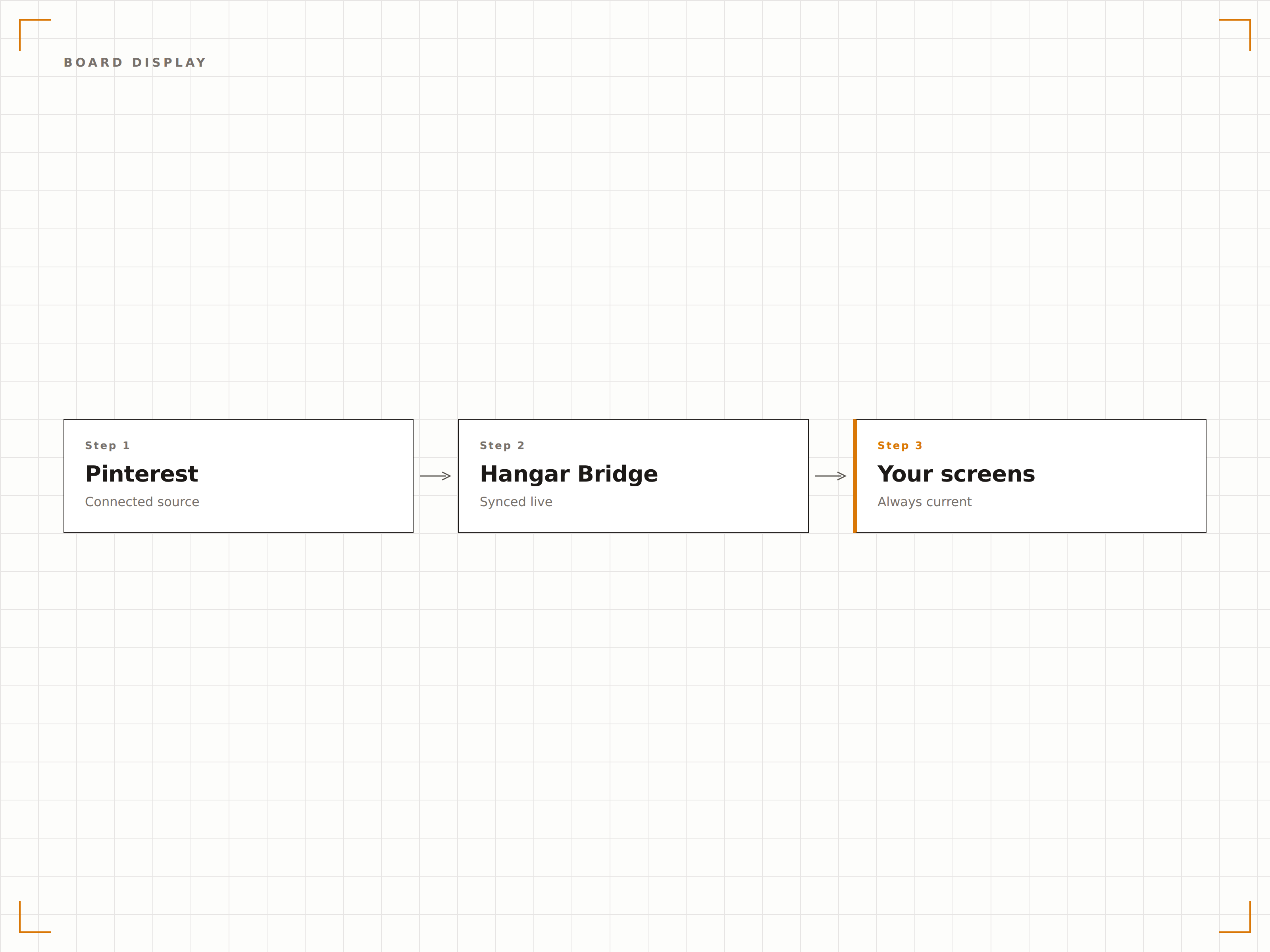
Verschiedene Boards für unterschiedliche Jahreszeiten und Kampagnen einplanen
Erstellen Sie Pinterest-Boards für jede Jahreszeit, Aktion oder Kampagne und planen Sie deren automatische Anzeige. Frühlingskollektion im März, Sommer-Looks im Juni, Feiertagsinspiration im Dezember. Ihre Bildschirme bleiben saisonal relevant – ganz ohne manuellen Aufwand.
Kuratieren Sie auf Pinterest, planen Sie auf Hangar.Media, und Ihre Bildschirme bleiben das ganze Jahr über aktuell.
Zeitbasierte Board-Planung nach Datumsbereich
Kampagnen-spezifische Board-Rotation
Automatischer Rückfall auf das Standard-Board zwischen geplanten Zeiträumen
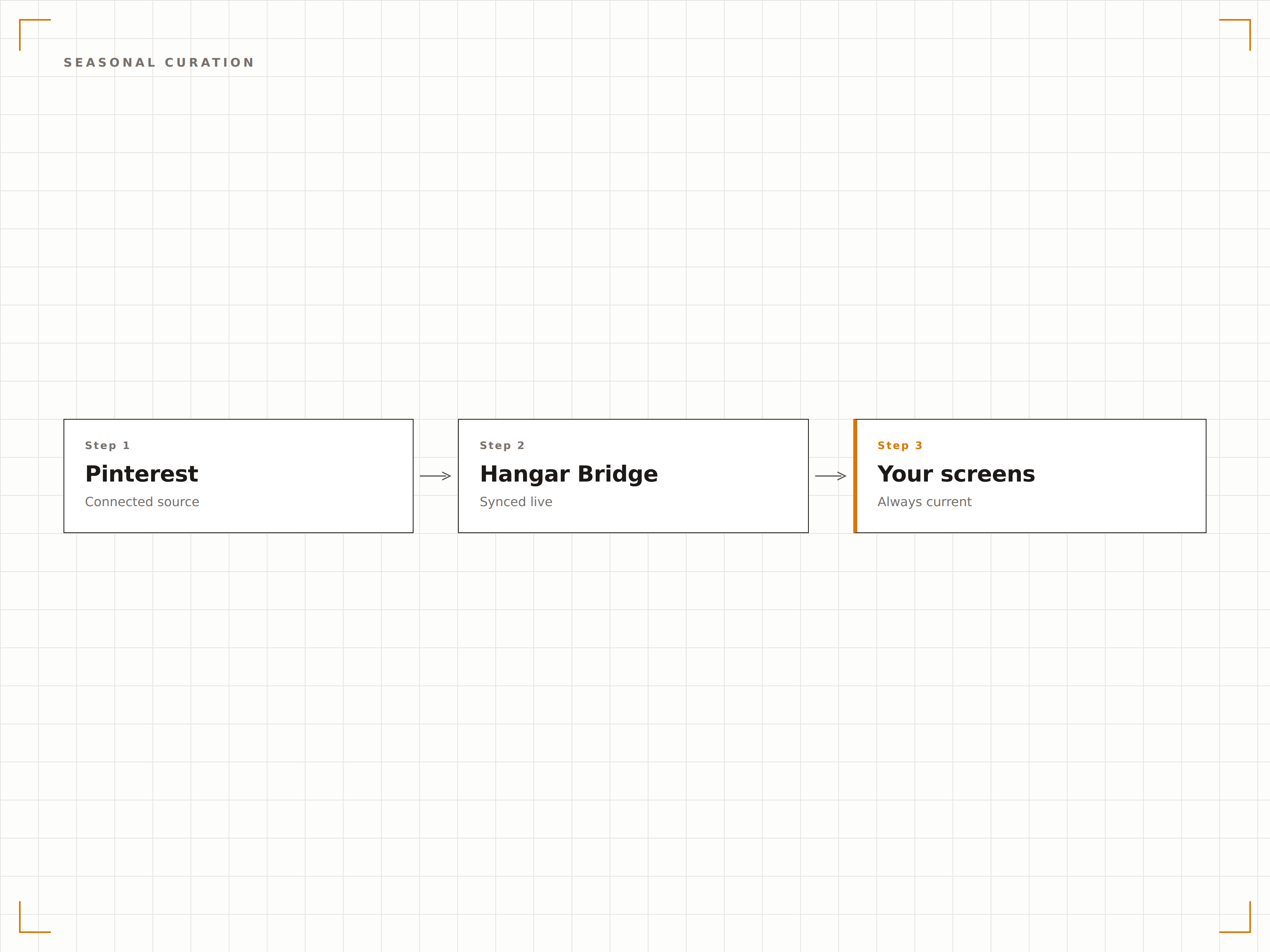
Masonry-, Raster- und Diashow-Modi für jeden Einsatzbereich
Wählen Sie das Layout, das zu Ihrer Umgebung passt. Der Masonry-Modus erzeugt eine dynamische Pinterest-artige Wand. Der Raster-Modus ordnet Pins in saubere Zeilen und Spalten. Der Diashow-Modus zeigt Pins einzeln nacheinander für maximale visuelle Wirkung.
Drei Layout-Modi, damit Ihre Pins in jeder Umgebung perfekt aussehen.
Masonry-Layout mit dynamischer Grösse basierend auf den Bildseitenverhältnissen
Raster-Layout mit einheitlicher Grösse und Abständen
Vollbild-Diashow mit einstellbarer Anzeigedauer
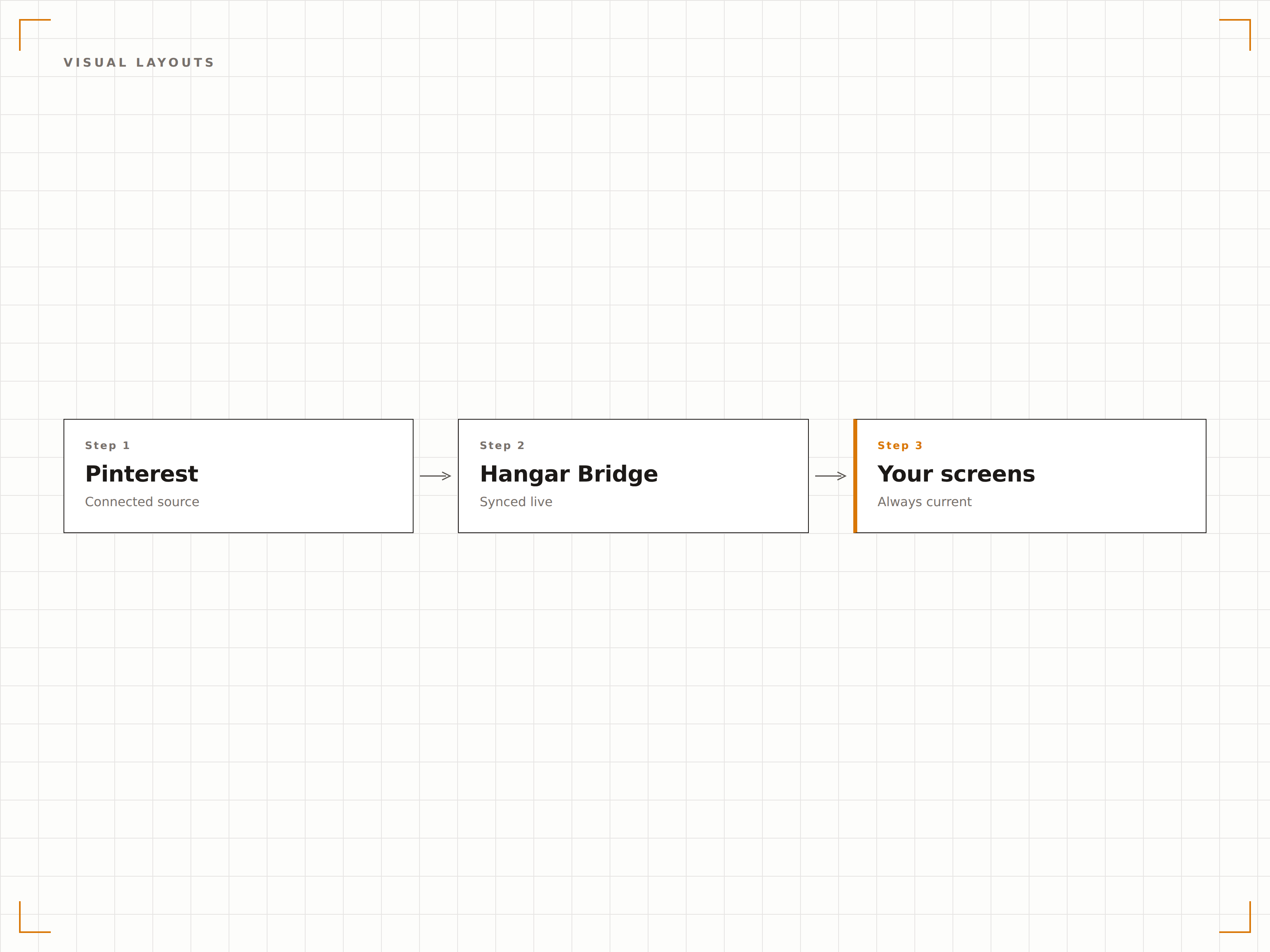
Vier Schritte zu verbundene Bildschirme.
Von der Einrichtung bis zu Live-Inhalten in Minuten, nicht Tagen.
Fügen Sie Ihre Pinterest-Boards hinzu
Fügen Sie die URLs Ihrer Pinterest-Boards in das Hangar.Media-Dashboard ein, um deren Pins zu importieren.
Wählen Sie ein Anzeigelayout
Wählen Sie den Masonry-, Raster- oder Diashow-Modus und passen Sie Abstände, Übergangseffekte und die Anzahl der Pins an.
Legen Sie einen Rotationsplan fest
Optional können Sie verschiedene Boards für unterschiedliche Daten, Jahreszeiten oder Werbe-Kampagnen einplanen.
Auf Ihren Bildschirmen veröffentlichen
Fügen Sie das Pinterest-Widget zu Ihrem Bildschirm-Layout hinzu und veröffentlichen Sie es. Pins erscheinen sofort und werden automatisch synchronisiert.
Entwickelt für jeden Branche.
Erfahren Sie, wie verschiedene Branchen diese Integration nutzen, um Ergebnisse zu erzielen.
Visual-Merchandising-Displays
Zeigen Sie saisonale Mood-Boards, Outfit-Inspirationen und Produkt-Styling-Ideen auf Bildschirmen im Geschäft.
BeautyInspirationswände für Salons
Zeigen Sie Frisuren-, Nagelkunst- und Beauty-Trend-Boards auf Salon-Bildschirmen, um Kunden zu inspirieren.
HotellerieDesign- und Dekor-Präsentationen
Zeigen Sie Inneneinrichtungs-Inspirationen und Boards mit lokalen Sehenswürdigkeiten auf Bildschirmen in Boutique-Hotels und Resorts.
UnternehmenBoards für kreative Teams
Zeigen Sie Design-Inspirationen, Marken-Referenz-Boards und Projekt-Mood-Boards auf Bildschirmen in kreativen Abteilungen.
Häufige Fragen. Direkte Antworten.
Benötige ich ein Pinterest-Geschäftskonto?
Nein. Die Integration funktioniert mit jedem öffentlichen Pinterest-Board. Fügen Sie einfach die Board-URL in das Hangar.Media-Dashboard ein, und die Pins werden automatisch importiert.
Wie oft erscheinen neue Pins auf meinen Bildschirmen?
Boards werden in einem einstellbaren Intervall auf neue Pins geprüft, standardmässig alle 15 Minuten. Neue Pins erscheinen beim nächsten Aktualisierungszyklus auf Ihren Bildschirmen.
Kann ich Pins von anderen Konten anzeigen?
Ja. Sie können Pins von jedem öffentlichen Pinterest-Board anzeigen, unabhängig vom Kontoinhaber. Dies ist nützlich für die Zusammenstellung von Branchen-Inspirationen oder Wettbewerber-Recherche-Boards.
Werden Pin-Beschreibungen und Links angezeigt?
Pin-Beschreibungen können als Text-Overlays angezeigt werden. Links sind auf Nicht-Touch-Bildschirmen nicht anklickbar, aber Sie können QR-Code-Overlays aktivieren, die auf den Original-Pin auf Pinterest verweisen.
Ein Preis. Die gesamte Plattform.
So stellen wir uns Digital Signage vor. Inhaltseditor, Bildschirmverwaltung und 200+ App-Integrationen – alles von Anfang an inklusive.
14 Tage kostenlos, bis zu 3 Bildschirme – keine Kreditkarte erforderlich.