Ispirazione visiva. Fissato ai tuoi schermi.
Trasforma la tua segnaletica digitale in un muro di ispirazione visiva con le bacheche Pinterest. Mostra pin selezionati, mood board stagionali e collezioni di design che mantengono i tuoi spazi sempre coinvolgenti.
Le bacheche Pinterest, reinventate per i grandi schermi.
L'integrazione Pinterest di Hangar.Media importa i pin dalle tue bacheche e li visualizza in eleganti layout a mosaico, griglia o presentazione. Ideale per negozi al dettaglio, studi di design, saloni e qualsiasi spazio in cui l'ispirazione visiva fa la differenza. Le bacheche si sincronizzano automaticamente, così il tuo display riflette sempre la tua selezione più recente.
Cosa puoi fare con Fissato ai tuoi schermi.
Tre funzionalità che rendono questa integrazione indispensabile per la tua rete di segnaletica digitale.
Trasforma le bacheche Pinterest in contenuti visivi straordinari per i tuoi schermi
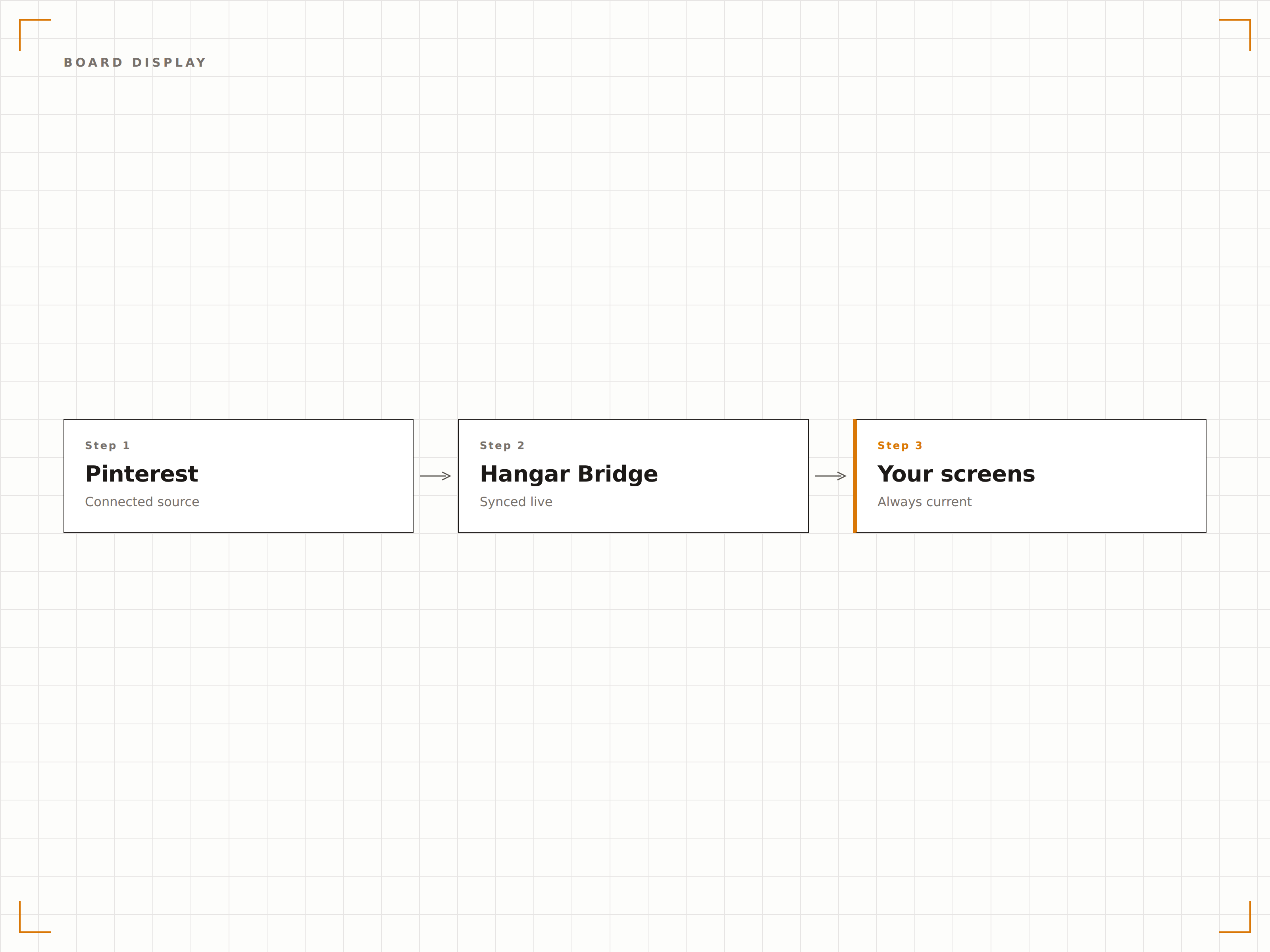
Collega le tue bacheche Pinterest e i loro pin diventano immediatamente contenuti per i tuoi schermi. L'integrazione esegue il rendering di ogni pin in piena risoluzione con un layout masonry che rispecchia l'esperienza Pinterest, ma su scala per i grandi display.
La tua estetica Pinterest, amplificata per riempire uno schermo da 65 pollici.
Collega bacheche pubbliche illimitate da qualsiasi account Pinterest
Rendering dei pin in alta risoluzione per qualsiasi dimensione dello schermo
Rilevamento automatico dei nuovi pin e aggiornamento della visualizzazione
Pianifica bacheche diverse per stagioni e campagne differenti
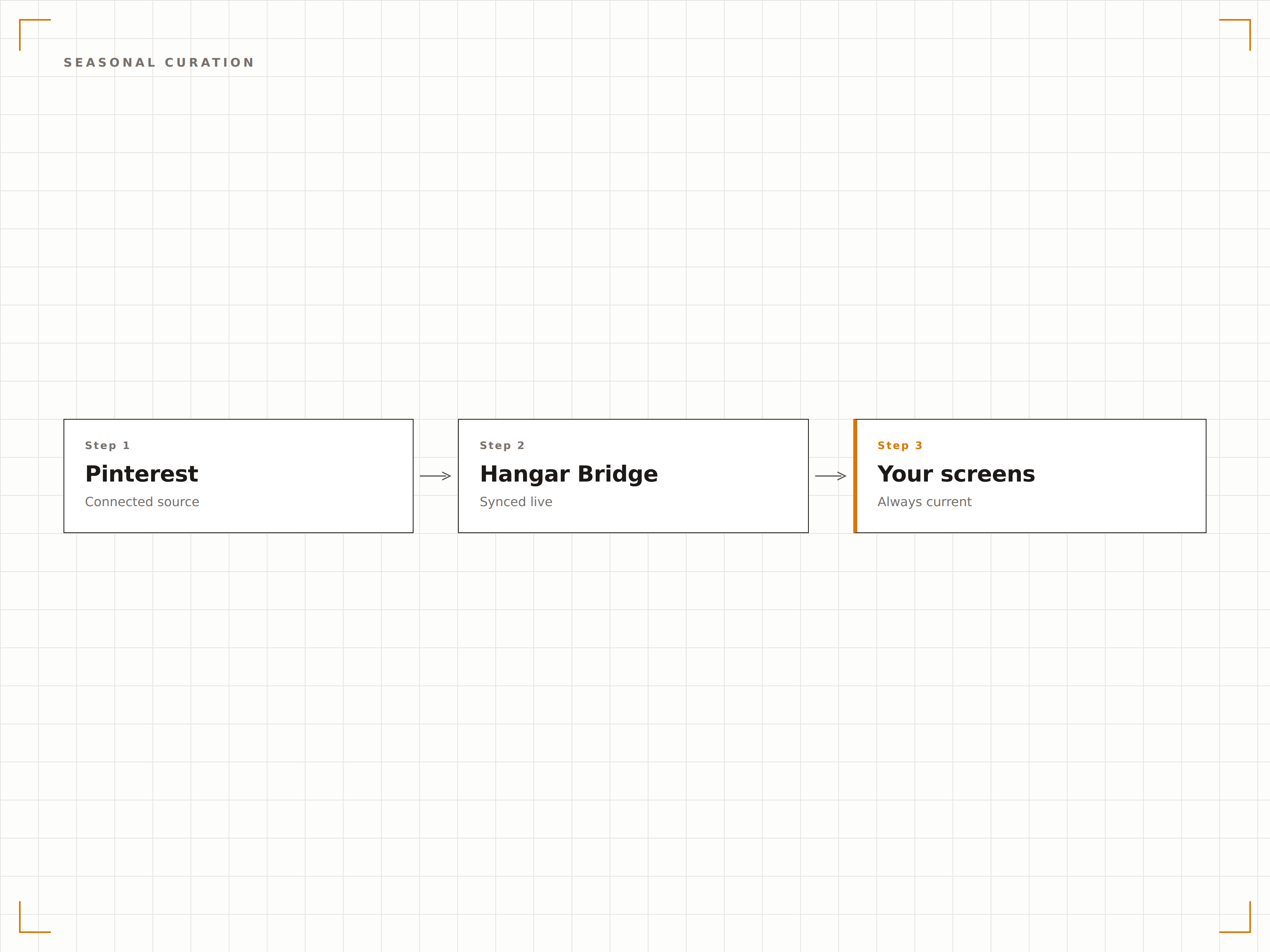
Crea bacheche Pinterest per ogni stagione, promozione o campagna e pianificane la visualizzazione automatica. Collezioni primaverili a marzo, look estivi a giugno, ispirazioni natalizie a dicembre. I tuoi schermi restano sempre stagionalmente rilevanti senza alcun intervento manuale.
Cura su Pinterest, pianifica su Hangar.Media e i tuoi schermi restano sempre aggiornati durante tutto l'anno.
Pianificazione temporale delle bacheche per intervallo di date
Rotazione delle bacheche specifica per campagna
Ritorno automatico alla bacheca predefinita tra i periodi pianificati
Modalità masonry, griglia e presentazione per ogni ambiente
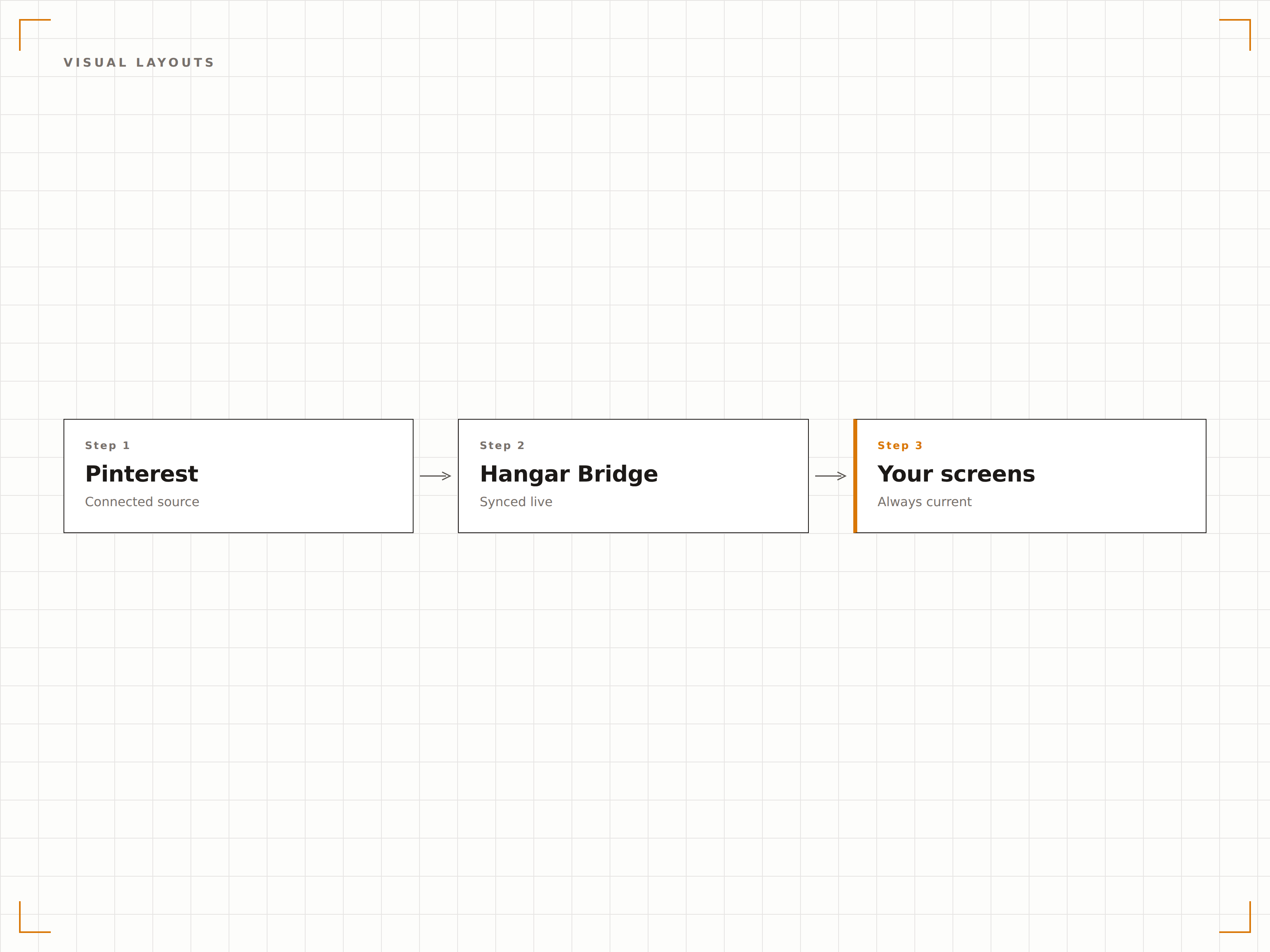
Scegli il layout più adatto al tuo ambiente. La modalità masonry crea una parete dinamica in stile Pinterest. La modalità griglia organizza i pin in righe e colonne ordinate. La modalità presentazione scorre i pin uno alla volta per il massimo impatto visivo.
Tre modalità di layout per far risaltare i tuoi pin in qualsiasi contesto.
Layout masonry con dimensionamento dinamico basato sulle proporzioni delle immagini
Layout a griglia con dimensionamento e spaziatura uniformi
Presentazione a schermo intero con tempo di visualizzazione regolabile
Quattro passaggi verso schermi connessi.
Dalla configurazione ai contenuti live in minuti, non giorni.
Aggiungi le tue bacheche Pinterest
Incolla gli URL delle tue bacheche Pinterest nel dashboard di Hangar.Media per importare i relativi pin.
Scegli un layout di visualizzazione
Seleziona la modalità masonry, griglia o presentazione e regola spaziatura, effetti di transizione e numero di pin.
Imposta una pianificazione di rotazione
Facoltativamente, pianifica bacheche diverse per date, stagioni o campagne promozionali differenti.
Pubblica sui tuoi schermi
Aggiungi il widget Pinterest al layout del tuo schermo e pubblica. I pin appaiono immediatamente e si sincronizzano automaticamente.
Costruito per ogni settore.
Scopri come diversi settori utilizzano questa integrazione per ottenere risultati concreti.
Display di visual merchandising
Mostra mood board stagionali, idee di outfit e spunti di styling dei prodotti sugli schermi in negozio.
BeautyPareti di ispirazione per saloni
Visualizza bacheche di acconciature, nail art e tendenze beauty sugli schermi del salone per ispirare le scelte dei clienti.
HospitalityVetrine di design e arredamento
Mostra ispirazioni di interior design e bacheche sulle attrazioni locali sugli schermi di boutique hotel e resort.
CorporateBacheche per team creativi
Visualizza ispirazioni di design, bacheche di riferimento del brand e mood board di progetto sugli schermi dei reparti creativi.
Domande frequenti. Risposte dirette risposte.
Ho bisogno di un account Pinterest business?
No. L'integrazione funziona con qualsiasi bacheca Pinterest pubblica. Incolla semplicemente l'URL della bacheca nel dashboard di Hangar.Media e i pin vengono importati automaticamente.
Con quale frequenza appaiono i nuovi pin sui miei schermi?
Le bacheche vengono verificate per nuovi pin a intervalli regolabili, con un'impostazione predefinita di ogni 15 minuti. I nuovi pin appaiono sui tuoi schermi al successivo ciclo di aggiornamento.
Posso visualizzare i pin di altri account?
Sì. Puoi visualizzare i pin di qualsiasi bacheca Pinterest pubblica, indipendentemente dal proprietario dell'account. È utile per raccogliere ispirazione di settore o bacheche di ricerca sulla concorrenza.
Vengono visualizzate le descrizioni e i link dei pin?
Le descrizioni dei pin possono essere mostrate come sovrapposizioni di testo. I link non sono cliccabili su schermi non touch, ma puoi abilitare sovrapposizioni con codice QR che rimandano al pin originale su Pinterest.
Un prezzo. L'intera piattaforma.
Così pensiamo che la segnaletica digitale dovrebbe funzionare. Editor di contenuti, gestione degli schermi e oltre 200 integrazioni di app — tutto incluso fin dal primo giorno.
14 giorni gratis, fino a 3 schermi — senza carta.