Taggbox-Walls. Auf Ihrem Signage.
Nutzen Sie Taggbox bereits für die Social-Aggregation? Verbinden Sie Ihre Taggbox-Walls direkt mit Hangar.Media und zeigen Sie kuratierte, moderierte Social-Inhalte auf Ihren Digital Signage Bildschirmen an – ganz ohne Änderungen an Ihrem bestehenden Workflow.
Ihre Taggbox-Walls, nativ auf Ihrem Signage.
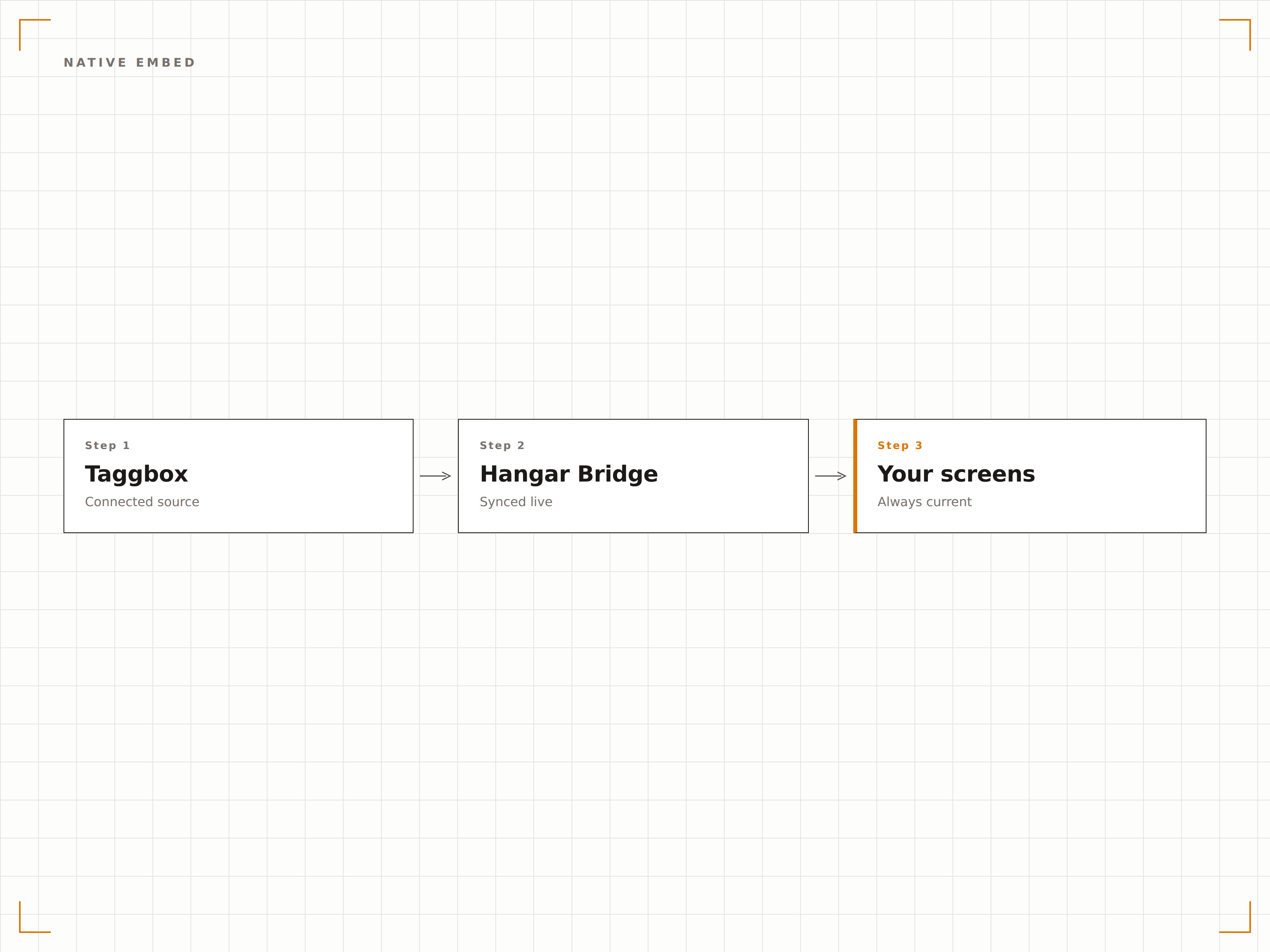
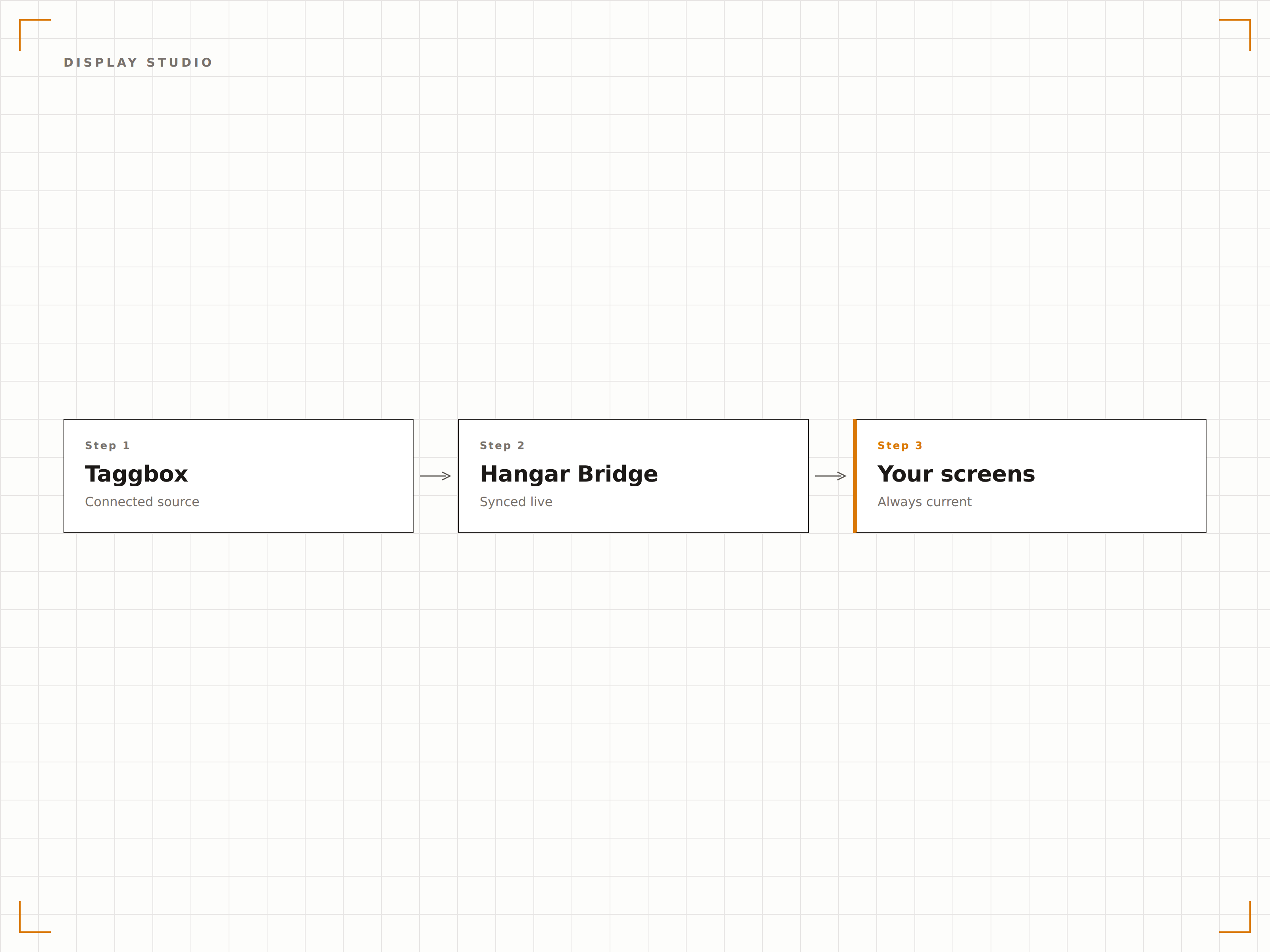
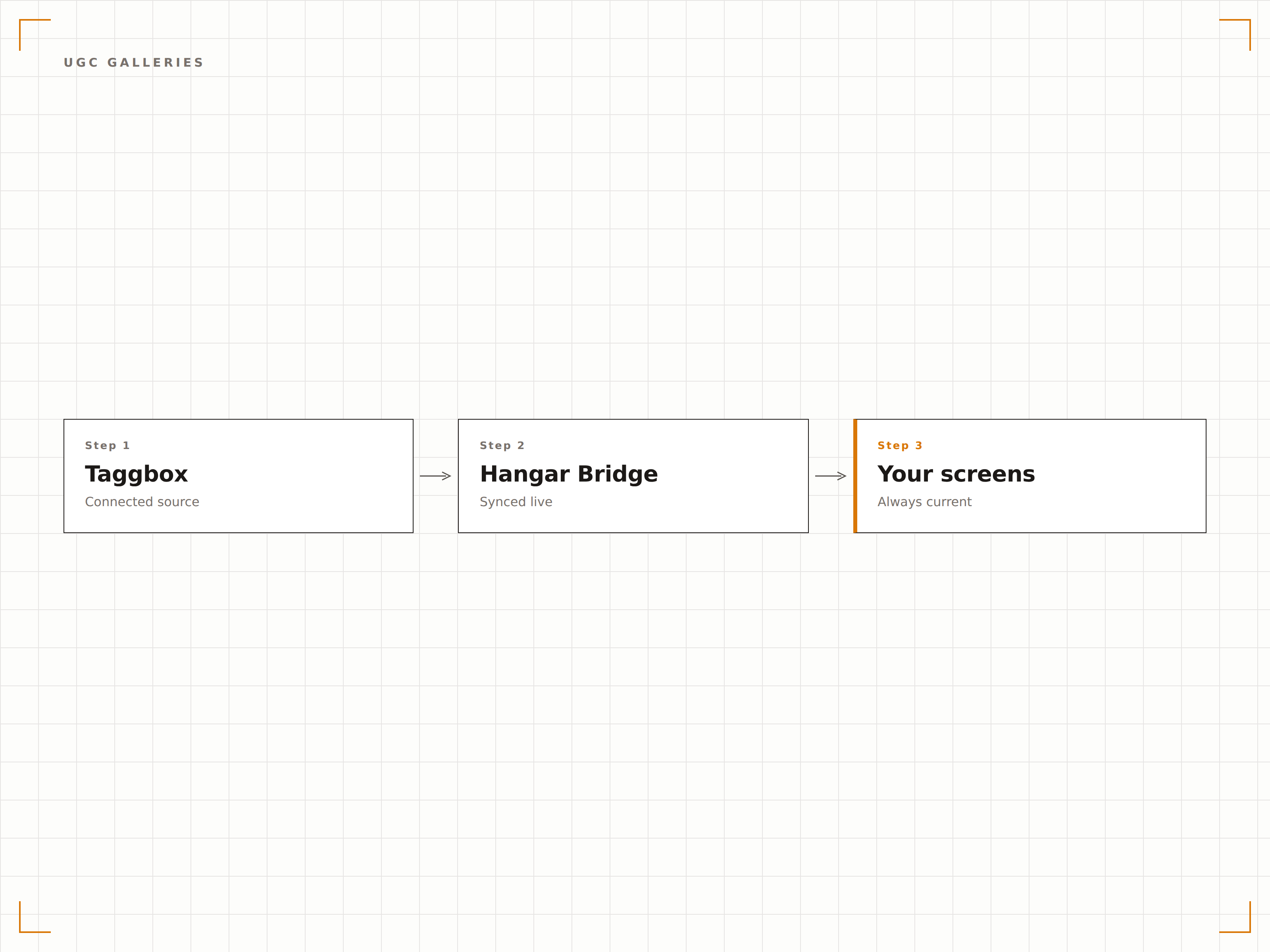
Die Hangar.Media-Taggbox-Integration bettet Ihre bestehenden Taggbox Social Walls direkt in Ihre Bildschirm-Layouts ein. Alle Ihre Taggbox-Moderationsregeln, Themes und Inhaltsquellen werden automatisch übernommen. Kein Neuaufbau erforderlich. Einfach verbinden und anzeigen.
Was Sie mit Auf Ihrem Signage. tun können
Drei Funktionen, die diese Integration für Ihr Digital Signage-Netzwerk unverzichtbar machen.
Taggbox-Walls direkt in Ihre Signage-Layouts einbetten
Fügen Sie Ihren Taggbox-Embed-Code oder Ihre Wall-URL in das Hangar.Media-Widget ein, und Ihre Social Wall erscheint sofort auf dem Bildschirm. Alle Ihre Taggbox-Themes, Moderationseinstellungen und Inhaltsquellen werden ohne zusätzliche Einrichtung übernommen.
Was in Taggbox funktioniert, funktioniert auf Ihren Bildschirmen. Dieselbe Wall, grössere Anzeige.
Einbettung in einem Schritt per URL oder Embed-Code
Alle Theme- und Moderationseinstellungen bleiben erhalten
Responsive Skalierung für jede Bildschirmauflösung
Taggbox Display Studio-Unterstützung für signage-optimierte Layouts
Taggbox Display Studio bietet Layouts, die speziell für Digital Signage entwickelt wurden. Die Hangar.Media-Integration unterstützt diese signage-optimierten Layouts vollständig und gibt Ihnen Zugang zu vorgefertigten Vorlagen, die auf grossformatigen Bildschirmen perfekt aussehen.
Display Studio-Layouts – konzipiert für Bildschirme, nicht für Browser – bereitgestellt über Ihre Signage-Plattform.
Vollständige Kompatibilität mit Taggbox Display Studio-Layouts
Signage-optimierte Vorlagen mit grossen Schriften und hohem Kontrast
Automatische Aktualisierung für kontinuierlich wechselnde Inhalte auf dem Bildschirm
User-Generated-Content-Galerien auf Bildschirmen präsentieren
Nutzen Sie Taggbox-UGC-Galerien, um von Kunden erstellte Inhalte zu sammeln, zu kuratieren und anzuzeigen. Produktbewertungen mit Fotos, Kundenstimmen und Social-Proof-Galerien kommen auf Ihrem Digital Signage optimal zur Geltung.
Von Kunden erstellte Inhalte – kuratiert in Taggbox, angezeigt auf Ihren Bildschirmen.
Produktbewertungsgalerien mit Kundenfotos
Testimonial-Walls für Empfangs- und Schaufensterdisplays
Rechteverwaltung über Taggbox für die Nutzereinwilligung
Vier Schritte zu verbundene Bildschirme.
Von der Einrichtung bis zu Live-Inhalten in Minuten, nicht Tagen.
Erstellen Sie Ihre Wall in Taggbox
Richten Sie Ihre Social Wall oder UGC-Galerie in Taggbox mit Ihren bevorzugten Quellen, Themes und Moderationsregeln ein.
Embed-Code kopieren
Kopieren Sie in Taggbox den Embed-Code oder die Anzeige-URL Ihrer Wall.
In Hangar.Media einfügen
Fügen Sie ein Taggbox-Widget zu Ihrem Bildschirm-Layout hinzu und fügen Sie den Embed-Code ein. Die Wall wird sofort geladen.
Auf Bildschirmen veröffentlichen
Weisen Sie das Layout Ihren Bildschirmen zu und veröffentlichen Sie es. Ihre Taggbox-Wall ist jetzt live auf Ihrem Digital Signage.
Entwickelt für jeden Branche.
Erfahren Sie, wie verschiedene Branchen diese Integration nutzen, um Ergebnisse zu erzielen.
UGC-Produktgalerien
Zeigen Sie über Taggbox kuratierte Kundenfotos und Produktbewertungen auf In-Store-Bildschirmen in der Nähe der präsentierten Produkte an.
UnternehmenEvent-Social-Walls
Zeigen Sie live moderierte Event-Hashtag-Feeds über Taggbox auf Konferenz- und Town-Hall-Bildschirmen an.
GastgewerbeGästeerlebnis-Walls
Zeigen Sie kuratierte Gästebeiträge und Resort-Hashtag-Inhalte, die in Taggbox verwaltet werden, auf den Bildschirmen in der Hotellobby an.
BildungCampus-Social-Feeds
Aggregieren Sie Studenten- und Universitäts-Social-Inhalte über Taggbox und zeigen Sie sie auf dem Campus-Digital Signage an.
Häufige Fragen. Direkte Antworten.
Benötige ich ein Taggbox-Abonnement?
Ja. Die Taggbox-Integration verbindet Ihr bestehendes Taggbox-Konto mit Hangar.Media. Sie benötigen ein aktives Taggbox-Abonnement, um Social Walls zu erstellen und zu verwalten. Hangar.Media übernimmt die Anzeige auf Ihren Bildschirmen.
Erfolgt die Inhaltsmoderation in Taggbox oder in Hangar.Media?
Die Inhaltsmoderation erfolgt in Taggbox. Ihre Taggbox-Moderationsregeln, Filter und Freigabe-Workflows bleiben vollständig erhalten. Hangar.Media zeigt lediglich die Ausgabe Ihrer Taggbox-Wall an.
Kann ich Taggbox Display Studio-Layouts verwenden?
Ja. In Taggbox Display Studio erstellte Layouts, die speziell für Digital Signage konzipiert sind, werden vollständig unterstützt. Diese Layouts verfügen über grössere Schriften, höheren Kontrast und optimierte Abstände für grossformatige Bildschirme.
Wie funktioniert die Aktualisierung?
Die eingebettete Taggbox-Wall verwaltet ihren eigenen Inhaltsaktualisierungszyklus. In Taggbox freigegebene neue Beiträge erscheinen gemäss Ihren Taggbox-Wall-Einstellungen auf Ihren Bildschirmen – ohne dass eine Aktion in Hangar.Media erforderlich ist.
Ein Preis. Die gesamte Plattform.
So stellen wir uns Digital Signage vor. Inhaltseditor, Bildschirmverwaltung und 200+ App-Integrationen – alles von Anfang an inklusive.
14 Tage kostenlos, bis zu 3 Bildschirme – keine Kreditkarte erforderlich.