Wall Taggbox. Sulla tua segnaletica.
Utilizzi già Taggbox per l'aggregazione social? Collega i tuoi wall Taggbox direttamente a Hangar.Media e mostra contenuti social curati e moderati sui tuoi schermi di segnaletica digitale, senza stravolgere il tuo flusso di lavoro.
I tuoi wall Taggbox, nativamente sulla tua segnaletica digitale.
L'integrazione Taggbox di Hangar.Media incorpora i tuoi social wall Taggbox esistenti direttamente nei layout degli schermi. Tutte le regole di moderazione, i temi e le fonti di contenuto di Taggbox vengono trasferiti automaticamente. Nessuna necessità di riconfigurare nulla. Basta collegare e pubblicare.
Cosa puoi fare con Sulla tua segnaletica.
Tre funzionalità che rendono questa integrazione indispensabile per la tua rete di segnaletica digitale.
Incorpora le wall Taggbox direttamente nei tuoi layout di segnaletica
Incolla il codice di incorporamento Taggbox o l'URL della wall nel widget di Hangar.Media e la tua social wall appare sullo schermo immediatamente. Tutti i tuoi temi Taggbox, le impostazioni di moderazione e le sorgenti di contenuto vengono trasferiti senza alcuna configurazione aggiuntiva.
Se funziona in Taggbox, funziona sui tuoi schermi. La stessa wall, su un display più grande.
Incorporamento in un solo passaggio tramite URL o codice embed
Temi e impostazioni di moderazione completamente preservati
Scalabilità responsive per qualsiasi risoluzione dello schermo
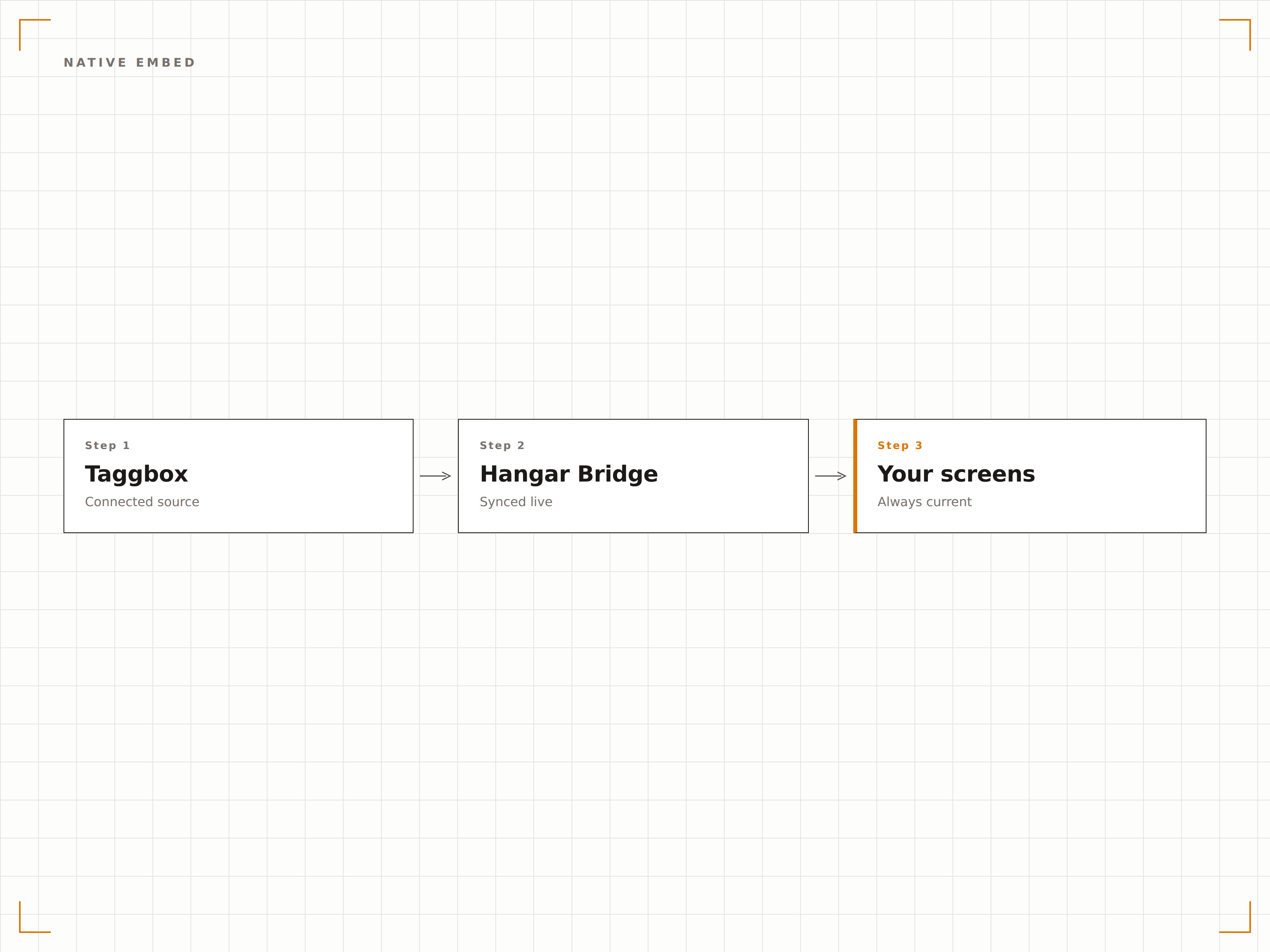
Supporto a Taggbox Display Studio per layout ottimizzati per la segnaletica
Taggbox Display Studio offre layout progettati specificamente per la segnaletica digitale. L'integrazione con Hangar.Media supporta pienamente questi layout ottimizzati per la segnaletica, dandoti accesso a template predefiniti che si presentano perfettamente su schermi di grande formato.
Layout di Taggbox Display Studio progettati per gli schermi, non per i browser, distribuiti tramite la tua piattaforma di segnaletica.
Piena compatibilità con i layout di Taggbox Display Studio
Template ottimizzati per la segnaletica con font grandi e alto contrasto
Aggiornamento automatico per mantenere i contenuti in rotazione sullo schermo
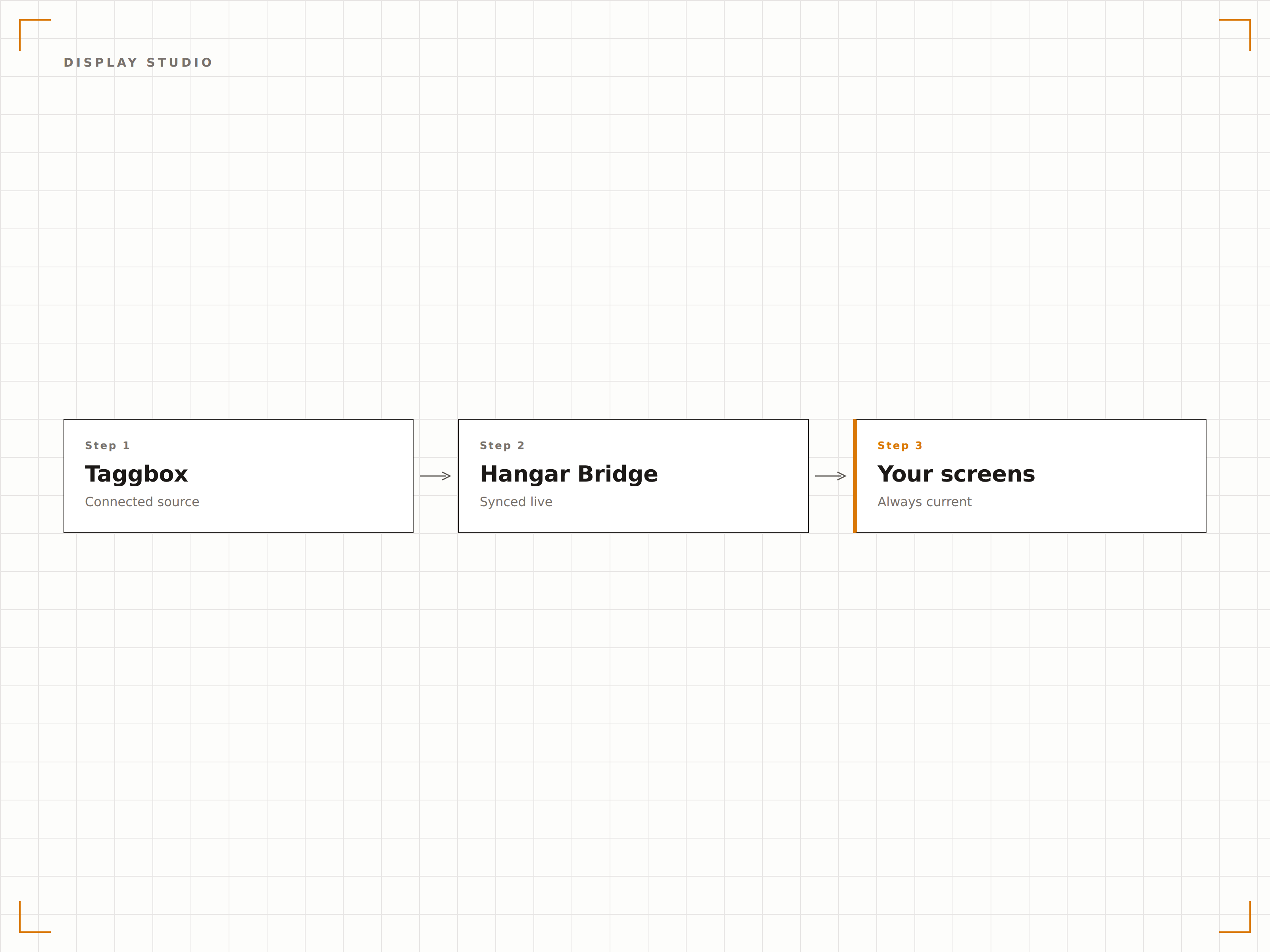
Mostra gallerie di contenuti generati dagli utenti sugli schermi
Usa le gallerie UGC di Taggbox per raccogliere, curare e visualizzare contenuti creati dai clienti. Recensioni di prodotti con foto, testimonianze di clienti e gallerie di social proof si rendono perfettamente sulla tua segnaletica digitale.
Contenuti creati dai clienti, curati in Taggbox, visualizzati sui tuoi schermi.
Gallerie di recensioni prodotto con foto dei clienti
Wall di testimonianze per lobby e vetrine
Gestione dei diritti tramite Taggbox per il consenso degli utenti
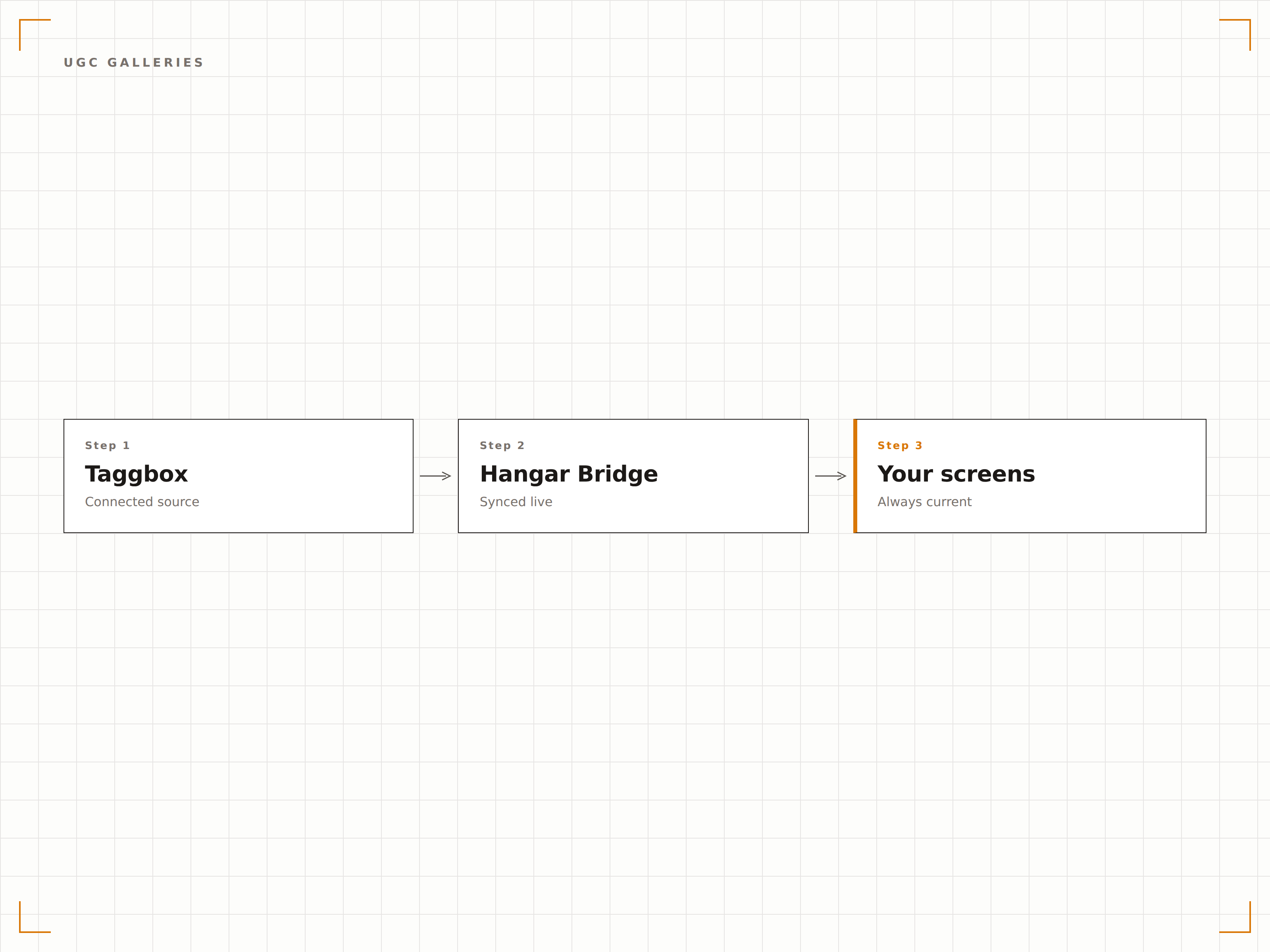
Quattro passaggi verso schermi connessi.
Dalla configurazione ai contenuti live in minuti, non giorni.
Crea la tua wall in Taggbox
Configura la tua social wall o galleria UGC in Taggbox con le sorgenti, i temi e le regole di moderazione che preferisci.
Copia il codice di incorporamento
Da Taggbox, copia il codice di incorporamento o l'URL di visualizzazione della tua wall.
Incolla in Hangar.Media
Aggiungi un widget Taggbox al layout del tuo schermo e incolla il codice di incorporamento. La wall si carica immediatamente.
Pubblica sugli schermi
Assegna il layout ai tuoi schermi e pubblica. La tua wall Taggbox è ora live sulla tua segnaletica digitale.
Costruito per ogni settore.
Scopri come diversi settori utilizzano questa integrazione per ottenere risultati concreti.
Gallerie UGC di prodotto
Mostra foto di clienti e recensioni di prodotti curate tramite Taggbox sugli schermi in-store vicino ai prodotti in evidenza.
CorporateSocial wall per eventi
Mostra feed live di hashtag di eventi moderati tramite Taggbox sugli schermi di conferenze e town hall.
HospitalityWall per l'esperienza degli ospiti
Visualizza post curati degli ospiti e contenuti con hashtag del resort gestiti in Taggbox sugli schermi della lobby dell'hotel.
EducationFeed social del campus
Aggrega contenuti social di studenti e università tramite Taggbox e visualizzali sulla segnaletica digitale del campus.
Domande frequenti. Risposte dirette risposte.
Ho bisogno di un abbonamento Taggbox?
Sì. L'integrazione con Taggbox collega il tuo account Taggbox esistente a Hangar.Media. È necessario un abbonamento Taggbox attivo per creare e gestire le social wall. Hangar.Media gestisce la visualizzazione sui tuoi schermi.
La moderazione dei contenuti avviene in Taggbox o in Hangar.Media?
La moderazione dei contenuti avviene in Taggbox. Le regole di moderazione, i filtri e i flussi di approvazione di Taggbox vengono preservati integralmente. Hangar.Media si limita a visualizzare l'output della tua wall Taggbox.
Posso usare i layout di Taggbox Display Studio?
Sì. I layout di Taggbox Display Studio progettati specificamente per la segnaletica digitale sono completamente supportati. Questi layout presentano font più grandi, contrasto elevato e spaziatura ottimizzata per schermi di grande formato.
Come funziona l'aggiornamento?
La wall Taggbox incorporata gestisce autonomamente il proprio ciclo di aggiornamento dei contenuti. I nuovi post approvati in Taggbox appaiono sui tuoi schermi in base alle impostazioni della tua wall Taggbox, senza alcuna azione richiesta in Hangar.Media.
Un prezzo. L'intera piattaforma.
Così pensiamo che la segnaletica digitale dovrebbe funzionare. Editor di contenuti, gestione degli schermi e oltre 200 integrazioni di app — tutto incluso fin dal primo giorno.
14 giorni gratis, fino a 3 schermi — senza carta.