Walls.io-Inhalte. Auf Ihren Displays.
Bringen Sie Ihre Walls.io Social-Media-Walls auf Ihr Digital Signage. Zeigen Sie aggregierte Inhalte von Instagram, Twitter, Facebook, LinkedIn, YouTube und mehr über die Walls.io-Plattform direkt auf Ihren Bildschirmen an.
Walls.io Social Walls, direkt auf Ihren Bildschirmen.
Die Hangar.Media-Integration für Walls.io bettet Ihre bestehenden Walls.io Social Walls direkt in Ihre Digital-Signage-Layouts ein. Verwalten Sie Inhalte, Moderation und Gestaltung weiterhin in Walls.io – während Hangar.Media die zuverlässige Ausspielung auf Ihren Bildschirmen in jedem Massstab übernimmt.
Was Sie mit Auf Ihren Displays. tun können
Drei Funktionen, die diese Integration für Ihr Digital Signage-Netzwerk unverzichtbar machen.
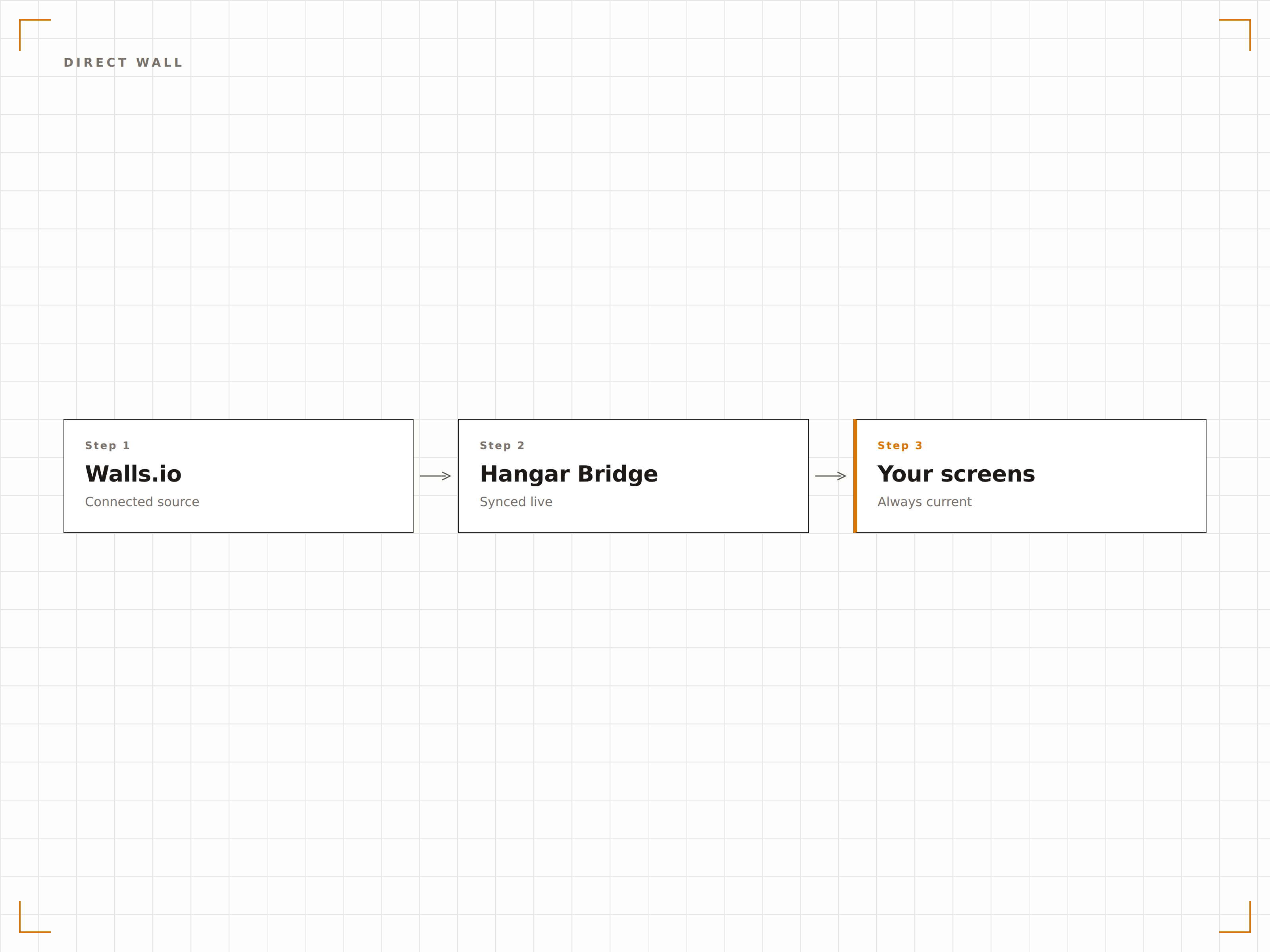
Walls.io Direct Wall-Modus für Signage-Displays
Der Walls.io Direct Wall-Modus wurde speziell für Digital Signage entwickelt und entfernt Browser-Chrome sowie Navigationselemente. Die Hangar.Media Integration nutzt diesen Modus vollständig aus und rendert Ihre Social Wall als saubere Vollbildanzeige.
Der Direct Wall-Modus entfernt alles ausser dem Inhalt. Purer Social-Display.
Vollbild-Rendering ohne Browser-Chrome oder Navigation
Automatische Inhaltsrotation und Animationen für neue Beiträge
Optimiertes Rendering für Signage-Displays in professioneller Qualität
Inhalte aus 10+ sozialen und webbasierten Quellen aggregieren
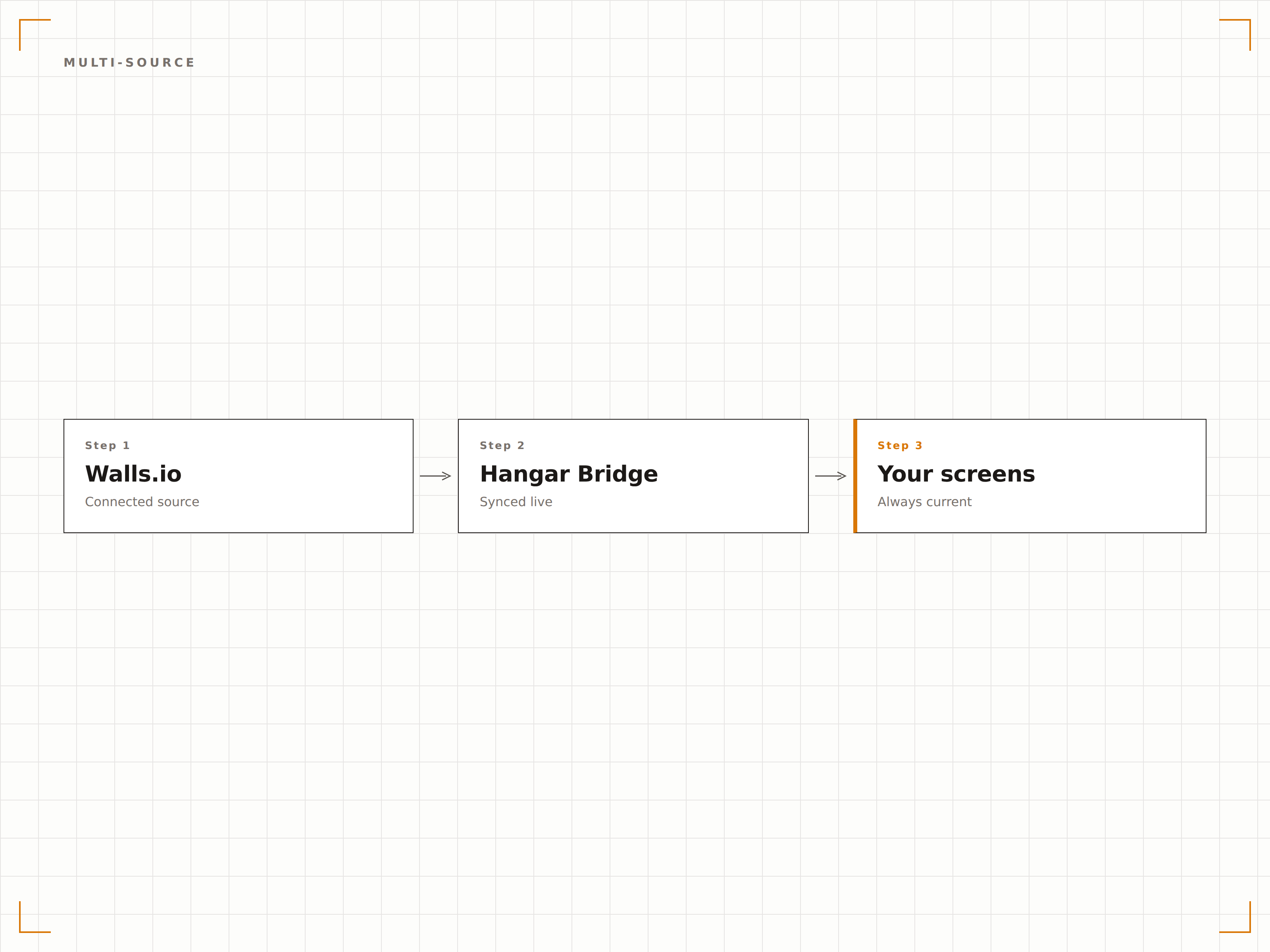
Walls.io unterstützt Instagram, Twitter, Facebook, LinkedIn, YouTube, TikTok, Pinterest, RSS, Tumblr und mehr. Alle diese Quellen fliessen über einen einzigen Walls.io-Einbettungscode in Ihr Digital Signage – vollständig über Ihr Walls.io-Dashboard verwaltet.
Eine Walls.io-Verbindung, Inhalte von jeder Plattform, die Ihr Publikum nutzt.
10+ soziale und webbasierte Plattformquellen unterstützt
Ein einziger Einbettungscode liefert Inhalte aus allen verbundenen Quellen
Quellenbasierte Aktivierungs- und Deaktivierungssteuerung in Walls.io
Individuelle Themes und Branding werden auf Ihre Bildschirme übertragen
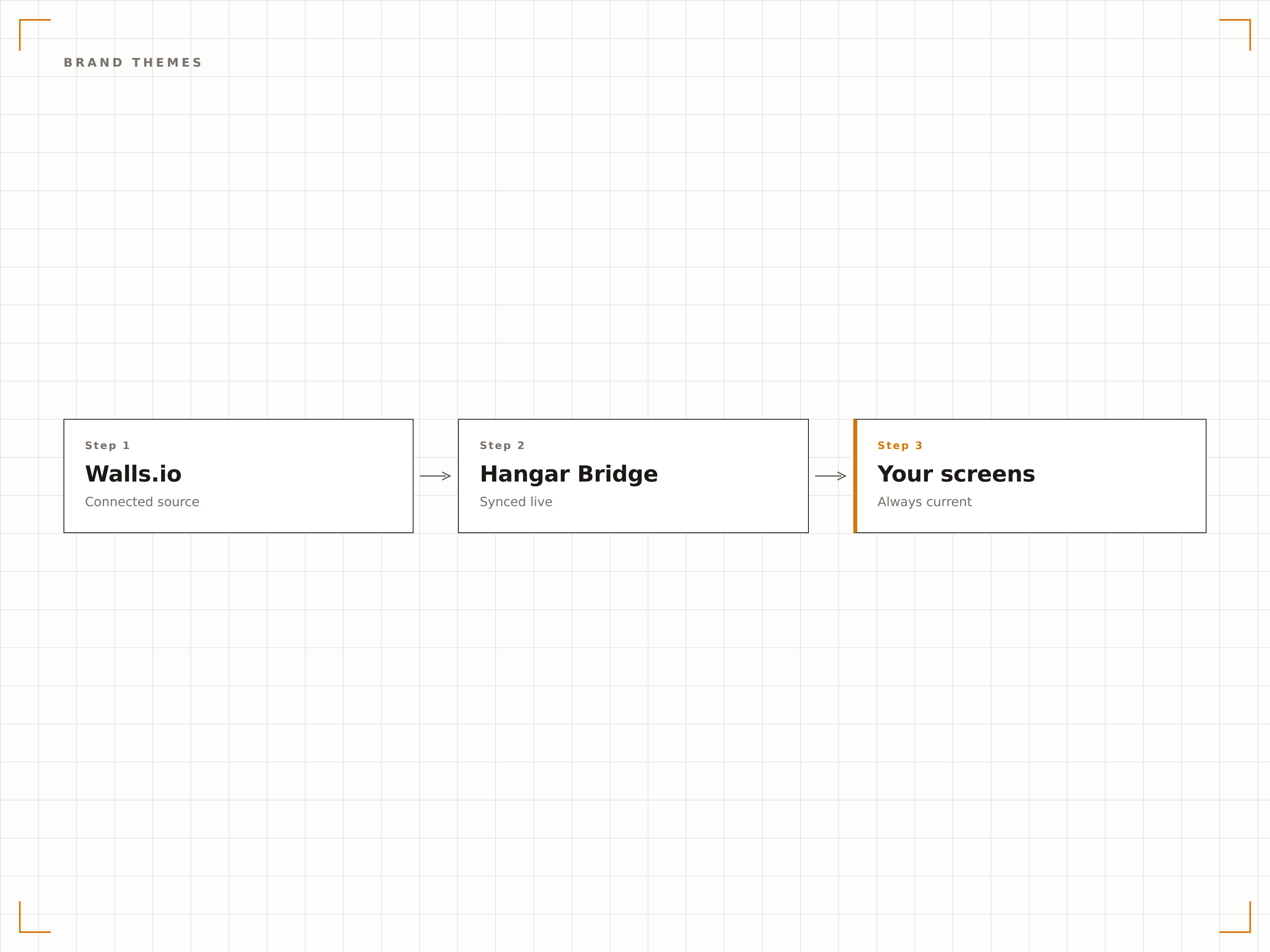
Alle individuellen Themes, Markenfarben, Schriften und Layout-Einstellungen aus Walls.io bleiben auf Ihrem Digital Signage erhalten. Ihre Social Wall sieht genau so aus, wie Sie sie gestaltet haben – nur auf einem deutlich grösseren Bildschirm.
Einmal in Walls.io gestalten, einheitlich auf jedem Bildschirm in Ihrem Netzwerk anzeigen.
Vollständige Unterstützung für individuelle Themes und Markenfarben
Schrift- und Layout-Einstellungen aus Walls.io bleiben erhalten
Einheitliche visuelle Identität auf Web- und Signage-Displays
Vier Schritte zu verbundene Bildschirme.
Von der Einrichtung bis zu Live-Inhalten in Minuten, nicht Tagen.
Richten Sie Ihre Wall in Walls.io ein
Erstellen und konfigurieren Sie Ihre Social Wall in Walls.io mit Ihren bevorzugten Quellen, Themes und Moderationseinstellungen.
Holen Sie sich Ihre Wall-URL oder Ihren Einbettungscode
Kopieren Sie die Direct Wall-URL oder den Einbettungscode aus Ihrem Walls.io-Dashboard.
Zu Hangar.Media hinzufügen
Erstellen Sie ein Walls.io-Widget in Ihrem Bildschirm-Layout und fügen Sie die URL oder den Einbettungscode ein.
Auf Ihrem Signage veröffentlichen
Weisen Sie das Layout den Bildschirmen zu und veröffentlichen Sie es. Ihre Walls.io Wall wird sofort in Ihrem gesamten Netzwerk angezeigt.
Entwickelt für jeden Branche.
Erfahren Sie, wie verschiedene Branchen diese Integration nutzen, um Ergebnisse zu erzielen.
Interne Kommunikations-Walls
Zeigen Sie Social-Media-Beiträge von Mitarbeitenden und Unternehmens-Hashtag-Inhalte, die über Walls.io verwaltet werden, auf Bildschirmen in Gemeinschaftsbereichen des Büros an.
EntertainmentLive-Event-Displays
Zeigen Sie in Echtzeit aggregierte Social-Inhalte von Events über Walls.io auf Venue-Bildschirmen bei Konzerten und Festivals an.
EducationUniversitäre Social Showcases
Aggregieren Sie Social-Inhalte von Studierenden, Lehrenden und dem Sportbereich über Walls.io und zeigen Sie diese auf dem Campus-Digital Signage an.
HospitalityProperty Social Walls
Zeigen Sie Gästebeiträge und kuratierte Hashtag-Inhalte der Unterkunft aus Walls.io auf Bildschirmen in Resort- und Hotellobbysbereichen an.
Häufige Fragen. Direkte Antworten.
Benötige ich ein Walls.io-Abonnement?
Ja. Sie benötigen ein aktives Walls.io-Abonnement, um Ihre Social Walls zu erstellen und zu verwalten. Hangar.Media übernimmt die Anzeige und Bereitstellung auf Ihren Digital Signage Bildschirmen.
Was ist der Direct Wall-Modus?
Der Direct Wall-Modus ist eine Walls.io-Funktion, die alle Browser-Oberflächenelemente entfernt und Ihre Social Wall als saubere Vollbildanzeige rendert. Er wurde speziell für Digital Signage- und Kiosk-Installationen entwickelt.
Kann ich die Inhaltsmoderation über Walls.io verwalten?
Ja. Die gesamte Inhaltsmoderation erfolgt in Ihrem Walls.io-Dashboard. Genehmigen, ablehnen, anheften und blockieren Sie Inhalte dort – die Änderungen werden automatisch auf Ihren Hangar.Media Bildschirmen übernommen.
Wie unterscheidet sich das von der integrierten Social Wall?
Die integrierte Hangar.Media Social Wall ist eine native Funktion, die keinen Drittanbieterdienst erfordert. Die Walls.io-Integration richtet sich an Teams, die Walls.io bereits nutzen und ihre bestehenden Moderations-Workflows beibehalten möchten, während sie Inhalte auf Hangar.Media Bildschirmen anzeigen.
Ein Preis. Die gesamte Plattform.
So stellen wir uns Digital Signage vor. Inhaltseditor, Bildschirmverwaltung und 200+ App-Integrationen – alles von Anfang an inklusive.
14 Tage kostenlos, bis zu 3 Bildschirme – keine Kreditkarte erforderlich.