Contenuti Walls.io. Sui tuoi schermi.
Porta i tuoi social media wall Walls.io nella tua segnaletica digitale. Mostra contenuti aggregati da Instagram, Twitter, Facebook, LinkedIn, YouTube e altro ancora tramite la piattaforma Walls.io direttamente sui tuoi schermi.
Social wall Walls.io, direttamente sui tuoi schermi.
L'integrazione Walls.io di Hangar.Media incorpora i tuoi social wall Walls.io direttamente nei layout di segnaletica digitale. Continua a gestire contenuti, moderazione e stile in Walls.io, mentre Hangar.Media garantisce una distribuzione affidabile sui tuoi schermi, a qualsiasi scala.
Cosa puoi fare con Sui tuoi schermi.
Tre funzionalità che rendono questa integrazione indispensabile per la tua rete di segnaletica digitale.
Modalità Walls.io Direct Wall per display di segnaletica digitale
La modalità Walls.io Direct Wall è progettata specificamente per la segnaletica digitale, eliminando il chrome del browser e gli elementi di navigazione. L'integrazione con Hangar.Media sfrutta appieno questa modalità, mostrando la tua social wall come un display pulito a schermo intero.
La modalità Direct Wall elimina tutto tranne i contenuti. Display social puro.
Rendering a schermo intero senza chrome del browser o navigazione
Rotazione automatica dei contenuti e animazioni per i nuovi post
Rendering ottimizzato per display di livello segnaletica digitale
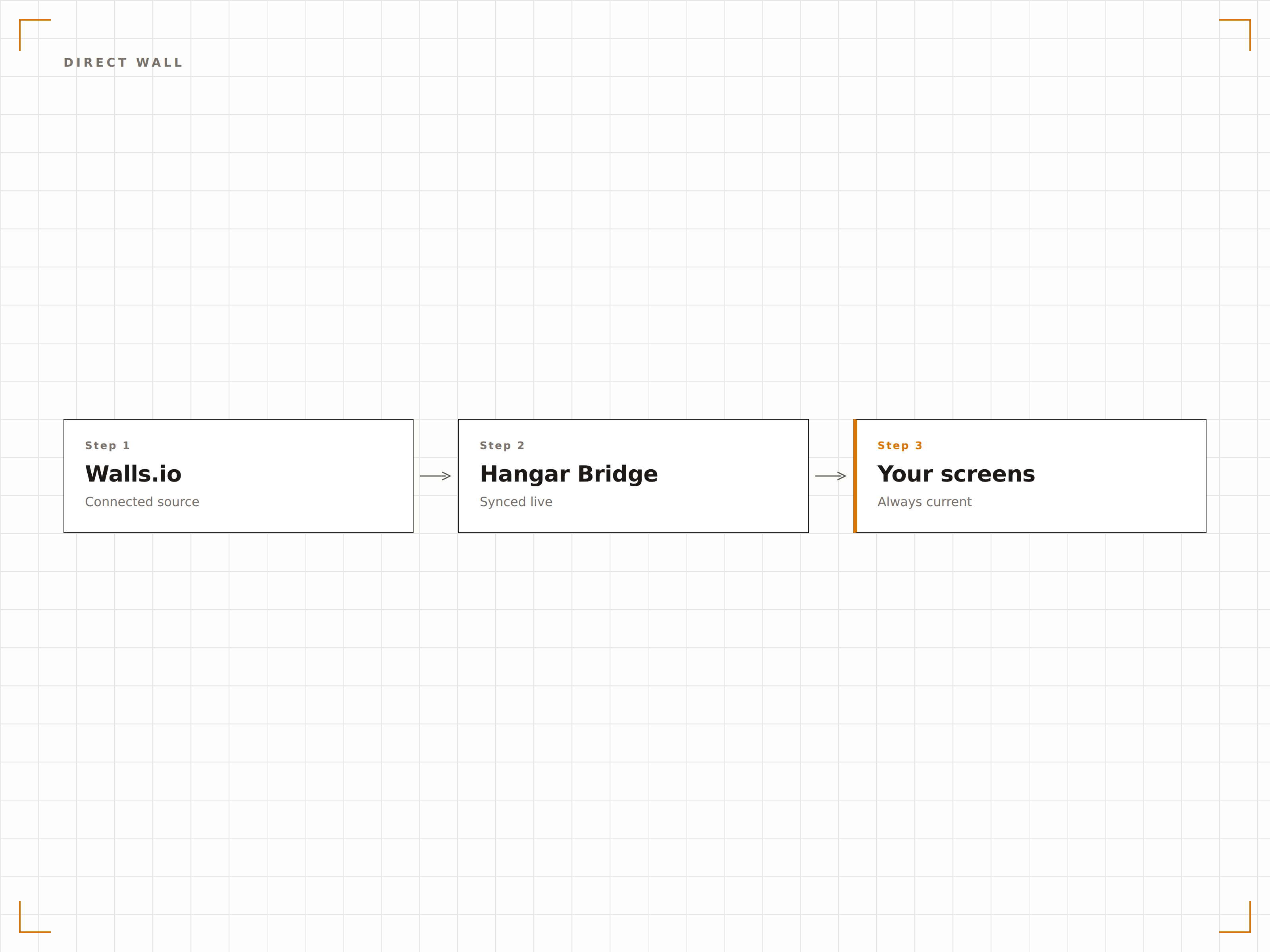
Aggrega contenuti da oltre 10 sorgenti social e web
Walls.io supporta Instagram, Twitter, Facebook, LinkedIn, YouTube, TikTok, Pinterest, RSS, Tumblr e altro ancora. Tutte queste sorgenti confluiscono nella tua segnaletica digitale tramite un singolo embed Walls.io, gestito interamente dalla tua dashboard Walls.io.
Una sola connessione Walls.io, contenuti da ogni piattaforma utilizzata dal tuo pubblico.
Oltre 10 sorgenti di piattaforme social e web supportate
Un singolo embed distribuisce contenuti da tutte le sorgenti collegate
Controlli di abilitazione e disabilitazione per sorgente in Walls.io
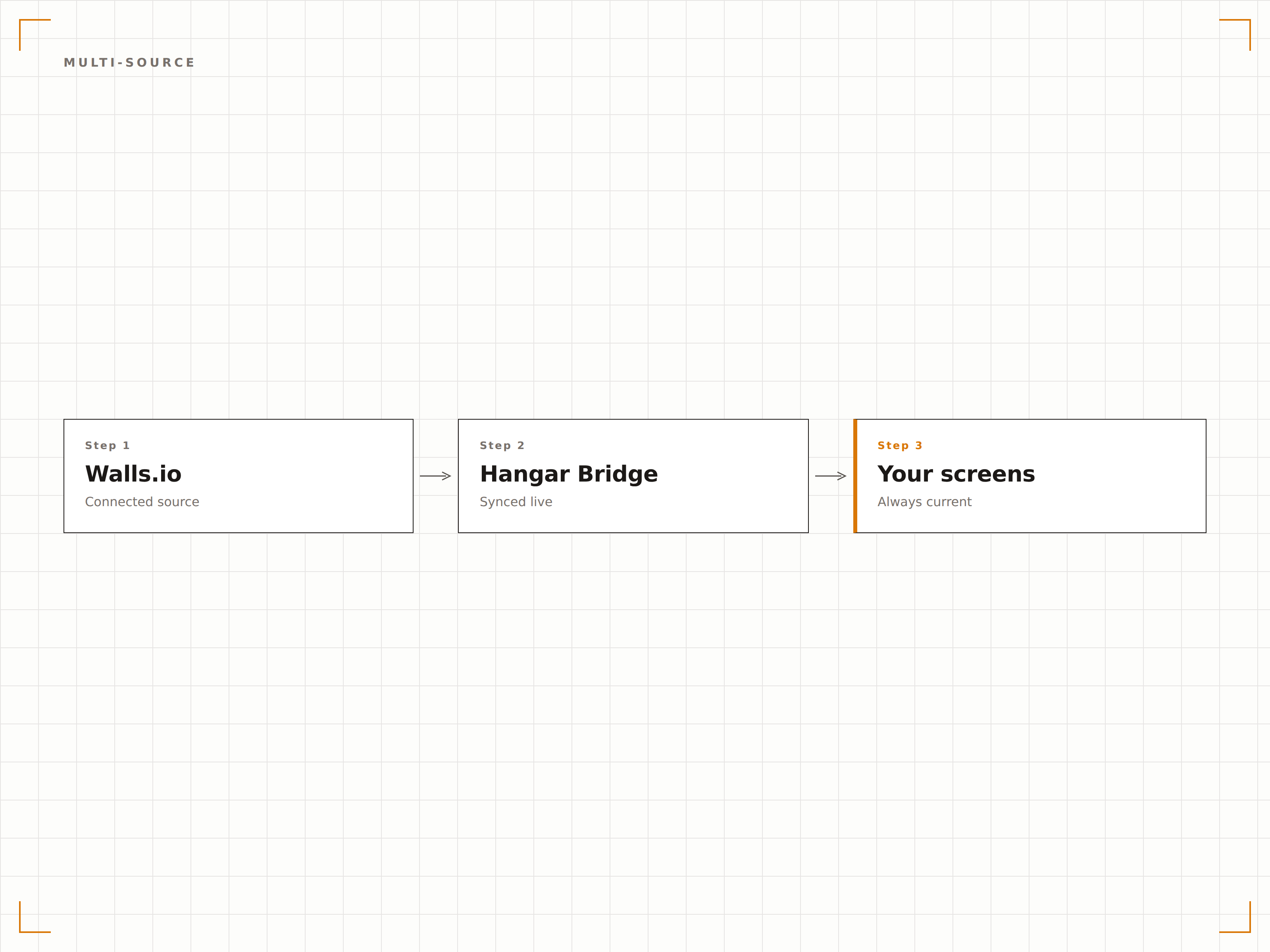
Temi personalizzati e branding trasferiti sui tuoi schermi
Tutti i temi personalizzati, i colori del brand, i font e le impostazioni di layout definiti in Walls.io vengono preservati sulla tua segnaletica digitale. La tua social wall appare esattamente come l'hai progettata, solo su uno schermo molto più grande.
Progetta una volta su Walls.io, visualizza in modo coerente su ogni schermo della tua rete.
Supporto completo per temi personalizzati e colori del brand
Impostazioni di font e layout preservate da Walls.io
Identità visiva coerente su display web e di segnaletica digitale
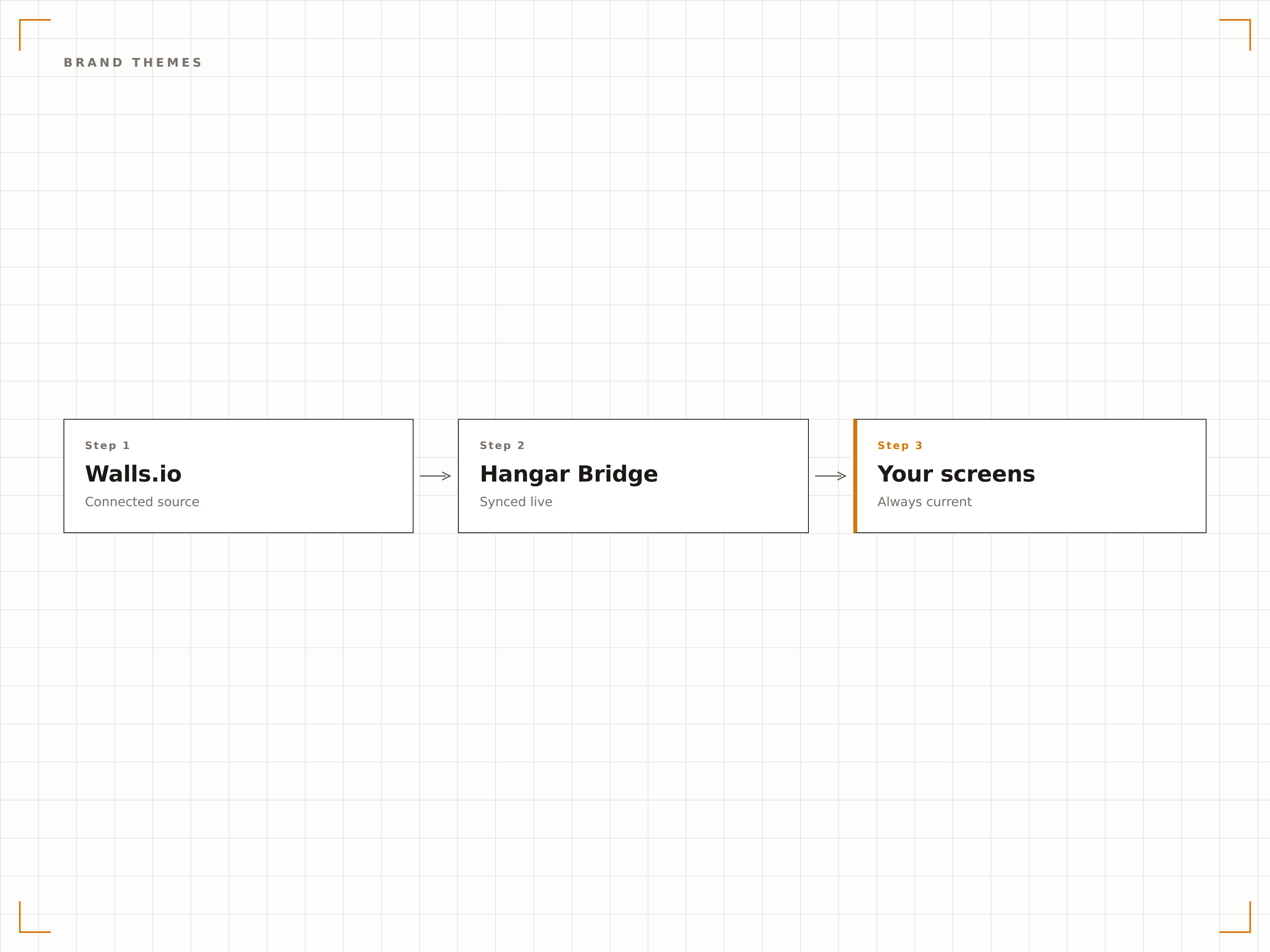
Quattro passaggi verso schermi connessi.
Dalla configurazione ai contenuti live in minuti, non giorni.
Configura la tua wall su Walls.io
Crea e configura la tua social wall su Walls.io con le sorgenti, il tema e le impostazioni di moderazione preferiti.
Ottieni l'URL della wall o il codice embed
Copia l'URL Direct Wall o il codice embed dalla tua dashboard Walls.io.
Aggiungi a Hangar.Media
Crea un widget Walls.io nel layout del tuo schermo e incolla l'URL o il codice embed.
Pubblica sulla tua segnaletica
Assegna il layout agli schermi e pubblica. La tua wall Walls.io viene visualizzata istantaneamente su tutta la tua rete.
Costruito per ogni settore.
Scopri come diversi settori utilizzano questa integrazione per ottenere risultati concreti.
Wall per comunicazioni interne
Mostra i post social dei dipendenti e i contenuti con hashtag aziendali gestiti tramite Walls.io sugli schermi delle aree comuni degli uffici.
EntertainmentDisplay per eventi live
Mostra i contenuti social degli eventi in tempo reale aggregati tramite Walls.io sugli schermi delle venue durante concerti e festival.
EducationShowcase social universitari
Aggrega i contenuti social di studenti, docenti e attività sportive tramite Walls.io e visualizzali sulla segnaletica digitale del campus.
HospitalitySocial wall per strutture ricettive
Mostra i post degli ospiti e i contenuti con hashtag della struttura curati in Walls.io sugli schermi delle lobby di resort e hotel.
Domande frequenti. Risposte dirette risposte.
Ho bisogno di un abbonamento Walls.io?
Sì. È necessario un abbonamento attivo a Walls.io per creare e gestire le proprie social wall. Hangar.Media si occupa della visualizzazione e della distribuzione sui tuoi schermi di segnaletica digitale.
Cos'è la modalità Direct Wall?
La modalità Direct Wall è una funzionalità di Walls.io che rimuove tutti gli elementi dell'interfaccia del browser e mostra la tua social wall come un display pulito a schermo intero. È progettata specificamente per installazioni di segnaletica digitale e kiosk.
Posso gestire la moderazione dei contenuti da Walls.io?
Sì. Tutta la moderazione dei contenuti avviene nella dashboard di Walls.io. Approva, rifiuta, fissa e blocca i contenuti lì, e le modifiche si riflettono automaticamente sui tuoi schermi Hangar.Media.
Come si confronta con la social wall integrata?
La social wall integrata di Hangar.Media è una funzionalità nativa che non richiede servizi di terze parti. L'integrazione con Walls.io è pensata per i team che già utilizzano Walls.io e vogliono mantenere i propri flussi di moderazione esistenti visualizzando i contenuti sugli schermi Hangar.Media.
Un prezzo. L'intera piattaforma.
Così pensiamo che la segnaletica digitale dovrebbe funzionare. Editor di contenuti, gestione degli schermi e oltre 200 integrazioni di app — tutto incluso fin dal primo giorno.
14 giorni gratis, fino a 3 schermi — senza carta.