MICROS Opera-Veranstaltungen. Direkt auf dem Bildschirm.
Verbinden Sie Oracle MICROS Opera Sales and Catering mit Ihrem Digital Signage und zeigen Sie Bankett-Eventaufträge, Gruppenreservierungsdetails und Veranstaltungsraumpläne in Ihrem Hotel oder Resort an.
Opera PMS-Eventdaten, live auf Ihrem Signage.
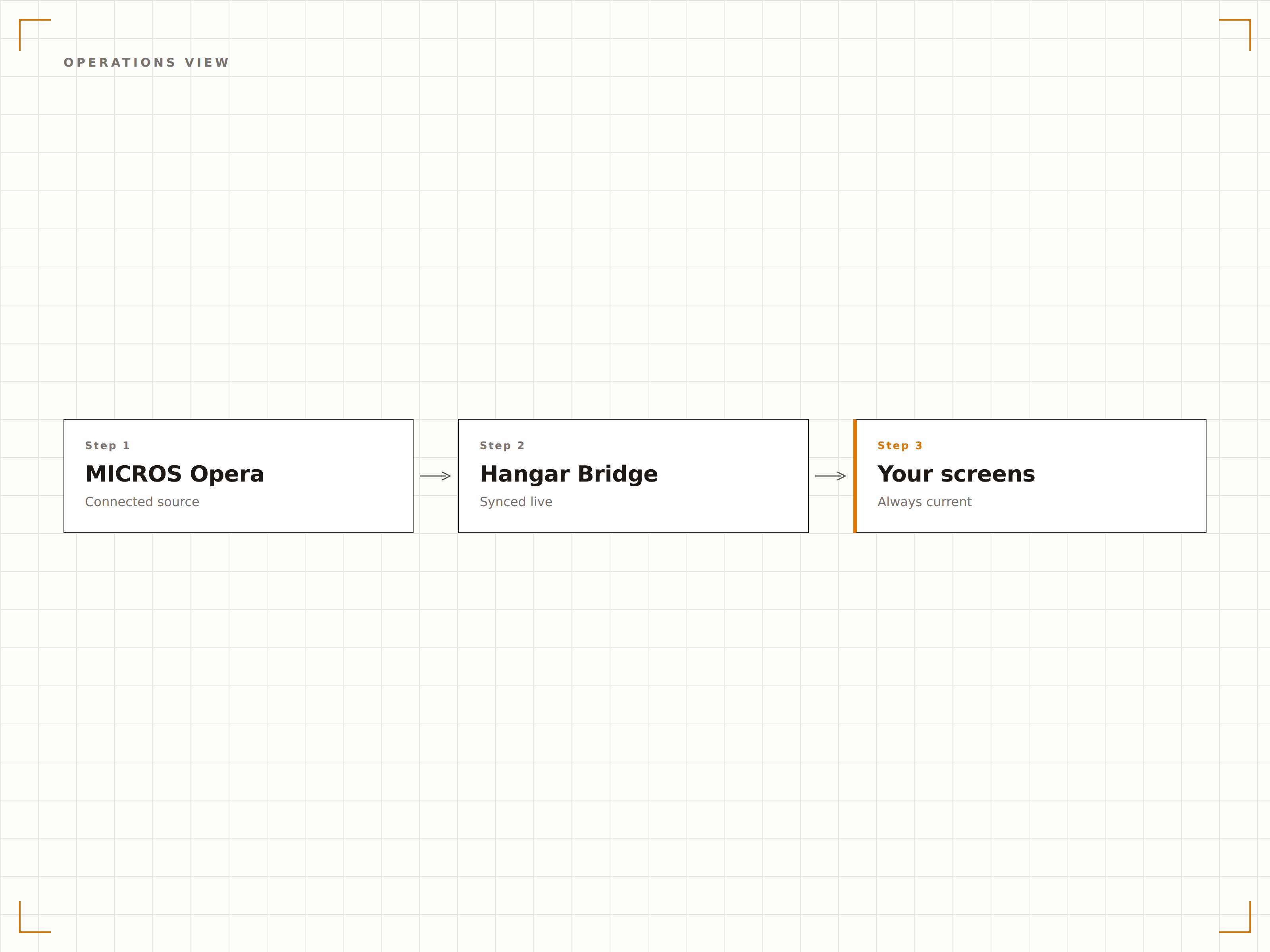
Die MICROS Opera-Integration von Hangar.Media verbindet sich über die Opera Web Services API mit dem Opera Sales and Catering-Modul. Bankett-Eventaufträge, Veranstaltungsraumpläne, Gruppenblock-Details und Catering-Setups werden direkt an Lobby-Verzeichnisse, Flur-Displays und Küchen-Bildschirme übertragen. Ihr Betriebsteam arbeitet wie gewohnt in Opera – und jeder Bildschirm bleibt stets aktuell.
Was Sie mit Direkt auf dem Bildschirm. tun können
Drei Funktionen, die diese Integration für Ihr Digital Signage-Netzwerk unverzichtbar machen.
Bankett-Veranstaltungsaufträge für Betriebsteams angezeigt
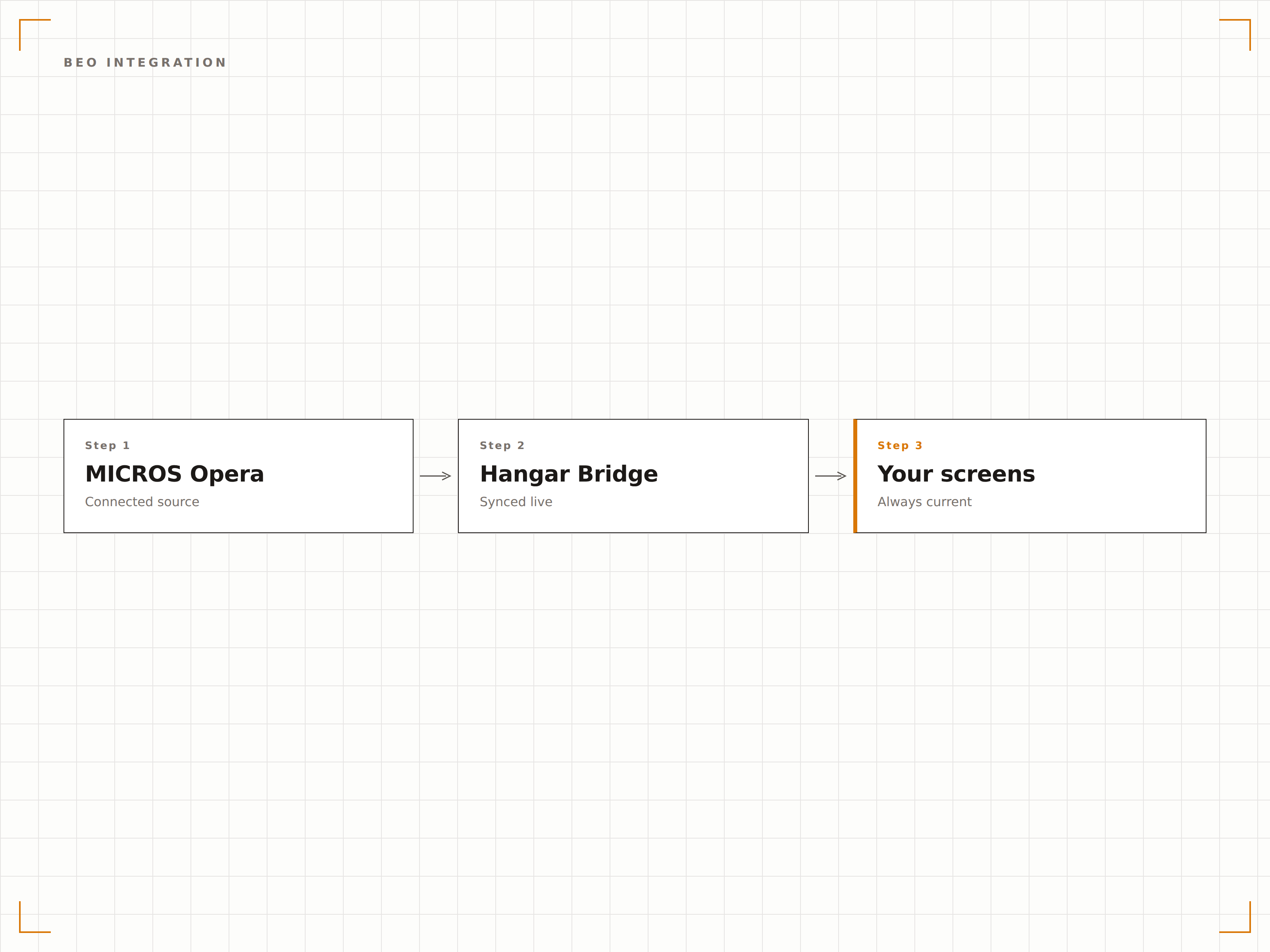
Rufen Sie vollständige BEO-Details aus Opera ab, einschliesslich Raumeinrichtungsstil, Menüauswahl, AV-Anforderungen und Zeitplanung. Bildschirme im Back-of-House-Bereich in Küchen, Bankettbüros und Laderampen zeigen dem Personal genau, was für jede Veranstaltung benötigt wird.
Ihre Küche sieht den BEO in dem Moment, in dem Ihr Catering-Manager ihn speichert.
Vollständige BEO-Details einschliesslich Einrichtung, Menü und AV-Anforderungen
Zeitlich geordnete Checklisten zur Veranstaltungsvorbereitung
Küchen-Bildschirme mit Mahlzeitenanzahl und Ernährungsanforderungen
Gruppenankunfts- und VIP-Erkennungsanzeigen
Nutzen Sie Opera-Gruppenblockdaten, um Willkommensnachrichten für ankommende Gruppen auf Lobby-Bildschirmen anzuzeigen. VIP-Gastinformationen können spezielle Willkommensanzeigen am Empfang, am Concierge-Schalter oder in privaten Check-in-Bereichen auslösen.
VIP-Gäste sehen ihren Namen auf dem Willkommensbildschirm, bevor sie den Empfang erreichen.
Gruppenankunftstafeln mit erwarteten Gästezahlen
VIP-Erkennungsauslöser für personalisierte Willkommensbildschirme
Inhouse-Gruppenverzeichnisse für mehrtägige Aufenthalte
Mitarbeiterorientierte operative Dashboards
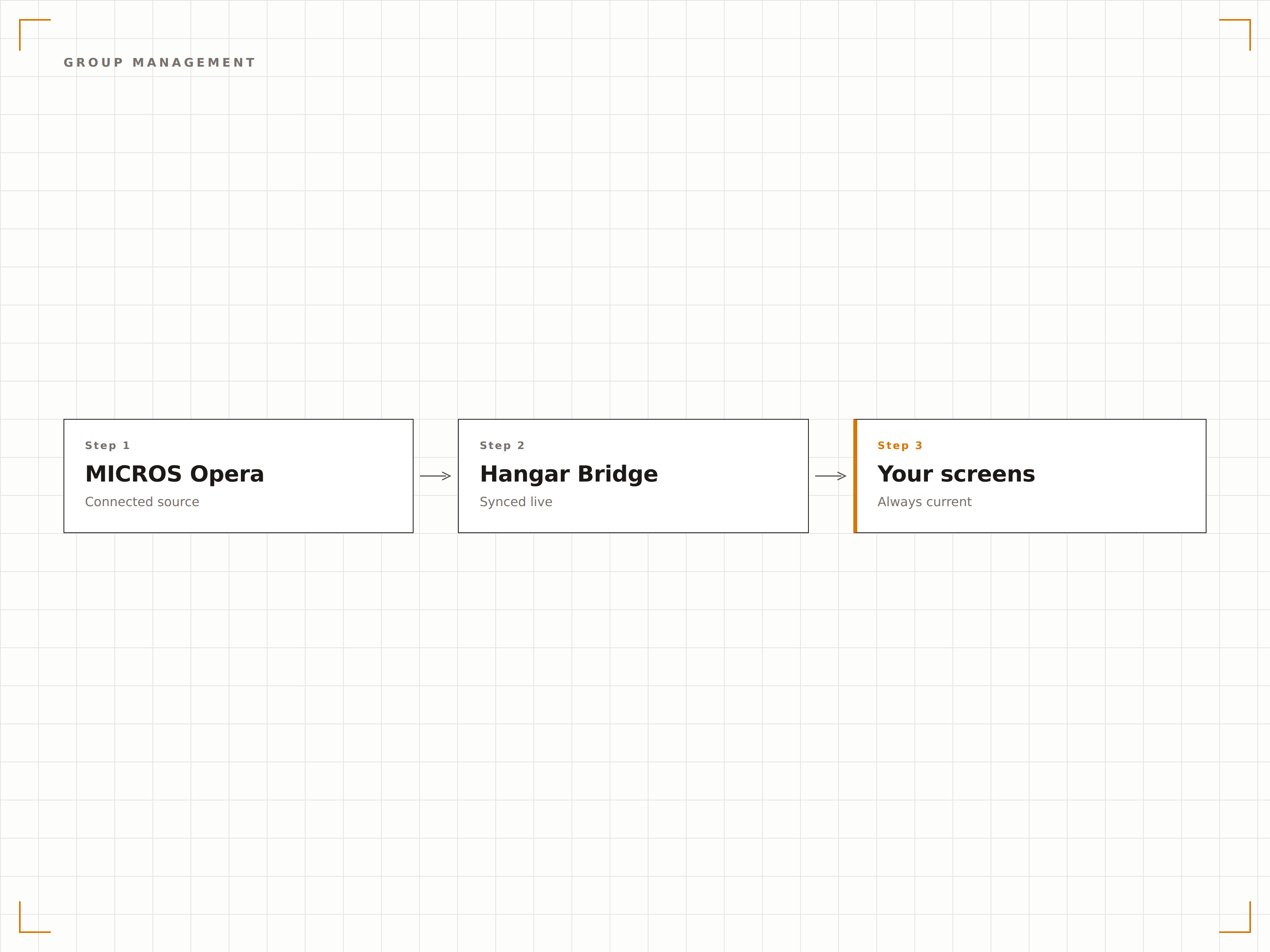
Erstellen Sie operative Dashboards, die Veranstaltungspläne, Zimmerumrüstungszeiten und Personalanforderungen aus Opera kombinieren. Zeigen Sie diese auf Back-of-House-Bildschirmen an, damit Ihre Bankett-, Housekeeping- und Technikteams stets wissen, was wann passiert.
Jede Abteilung sieht ihren Teil des Veranstaltungsgeschehens in Echtzeit.
Zimmerumrüstungspläne für Housekeeping- und Einrichtungsteams
Personalbedarfsanzeigen für Bankett-Manager
Technik- und AV-Einrichtungschecklisten nach Raum und Zeit
Vier Schritte zu verbundene Bildschirme.
Von der Einrichtung bis zu Live-Inhalten in Minuten, nicht Tagen.
Opera PMS verbinden
Authentifizieren Sie sich über die Opera Web Services API mit den Zugangsdaten Ihres Oracle MICROS-Administrators bei Ihrer Opera-Instanz.
Datenzuordnung einrichten
Wählen Sie aus, welche Opera-Module abgerufen werden sollen, und ordnen Sie Veranstaltungsräume den physischen Bildschirmstandorten in Ihrer Liegenschaft zu.
Anzeigetypen einrichten
Wählen Sie für jeden Bildschirmstandort gästeorientierte Verzeichnisse, mitarbeiterorientierte Dashboards oder Küchenanzeigevorlagen.
Auf Bildschirmen veröffentlichen
Veröffentlichen Sie in Ihrem Signage-Netzwerk – Opera-Veranstaltungsdaten erscheinen automatisch auf den Bildschirmen, während Ihr Team Buchungen verwaltet.
Entwickelt für jeden Branche.
Erfahren Sie, wie verschiedene Branchen diese Integration nutzen, um Ergebnisse zu erzielen.
Veranstaltungsanzeigen für Vollservicehotels
Zeigen Sie Veranstaltungspläne, Gruppenempfänge und Veranstaltungsraumverzeichnisse in Vollservicehotels an, die Oracle MICROS Opera PMS betreiben.
EntertainmentVeranstaltungskoordination für Resorts
Zeigen Sie Hochzeitsempfänge, Galamenüs und Resort-Unterhaltungsprogramme auf Bildschirmen in grossen Resortanlagen an.
CorporateBetrieb von Konferenzzentren für Unternehmen
Zeigen Sie Back-of-House-Betriebsdaten einschliesslich Raumeinrichtungen, Cateringplänen und AV-Anforderungen für Unternehmenskonferenzzentren an.
HealthcareKonferenzraumbuchungen für Krankenhäuser
Zeigen Sie medizinische Konferenzraumbuchungen und CME-Veranstaltungspläne in hoteleigenen Krankenhäusern und Konferenzzentren an.
Häufige Fragen. Direkte Antworten.
Welche Version von Opera ist erforderlich?
Hangar.Media unterstützt Opera PMS v5.6 und höher, einschliesslich Opera Cloud. Die Integration verwendet Opera Web Services (OWS) oder die Opera Cloud REST API, je nach Ihrem Bereitstellungsmodell.
Greift die Integration auf persönliche Gastdaten zu?
Nein. Hangar.Media ruft ausschliesslich Veranstaltungs- und Gruppendaten ab, wie Gruppennamen, Veranstaltungstitel, Raumzuweisungen und Zeitpläne. Auf persönliche Daten einzelner Gäste wie Zimmernummern und persönliche Kontaktdaten wird weder zugegriffen noch werden diese angezeigt.
Kann ich auf gästeorientierten und mitarbeiterorientierten Bildschirmen unterschiedliche Daten anzeigen?
Ja. Hangar.Media unterstützt rollenbasierte Anzeigevorlagen. Gästeorientierte Bildschirme zeigen Veranstaltungsnamen und Wegweiser, während mitarbeiterorientierte Bildschirme BEO-Details, Einrichtungsanforderungen und operative Hinweise anzeigen können.
Wie werden mehrtägige Veranstaltungen verarbeitet?
Mehrtägige Veranstaltungen in Opera werden mit tagesspezifischen Details angezeigt. Jeder Tag zeigt nur den Zeitplan, die Einrichtungsänderungen und die Mahlzeitenfunktionen dieses Tages. Hangar.Media wechselt automatisch um Mitternacht oder zu Ihrer gewählten Umschaltzeit zwischen den Tagen.
Ein Preis. Die gesamte Plattform.
So stellen wir uns Digital Signage vor. Inhaltseditor, Bildschirmverwaltung und 200+ App-Integrationen – alles von Anfang an inklusive.
14 Tage kostenlos, bis zu 3 Bildschirme – keine Kreditkarte erforderlich.