Worte, die inspirieren. Auf jedem Bildschirm.
Zeigen Sie rotierende Motivationszitate, historische Weisheiten und inspirierende Aussagen aus WikiQuotes auf Digital Signage Bildschirmen in Büros, Schulen, Lobbys und öffentlichen Räumen an.
Tägliche Inspiration, automatisiert.
Die WikiQuotes-Integration von Hangar.Media ruft kuratierte Zitate aus der WikiQuotes-Bibliothek ab und zeigt sie mit ansprechender Typografie und visuellen Gestaltungselementen auf Ihrem Digital Signage an. Die Zitate wechseln den ganzen Tag über, mit Kategorien wie Motivation, Führung, Kreativität, Ausdauer und Weisheit. Kein manueller Aufwand für die Inhaltserstellung. Frische Inspiration erscheint automatisch.
Was Sie mit Auf jedem Bildschirm. tun können
Drei Funktionen, die diese Integration für Ihr Digital Signage-Netzwerk unverzichtbar machen.
Täglich frische Zitate ohne manuellen Aufwand
Zitate rotieren automatisch den ganzen Tag. Legen Sie fest, wie oft ein neues Zitat erscheint – von alle 5 Minuten bis einmal täglich. Das System greift auf Ihre ausgewählten Kategorien zurück und wiederholt kein Zitat innerhalb eines einstellbaren Zeitfensters.
Jede Stunde ein neues Stück Weisheit auf dem Bildschirm – das ganze Jahr über.
Einstellbare Rotationsfrequenz von Minuten bis täglich
Wiederholungsschutz verhindert doppelte Zitate
Warteschlangenvorschau zeigt kommende Zitate an
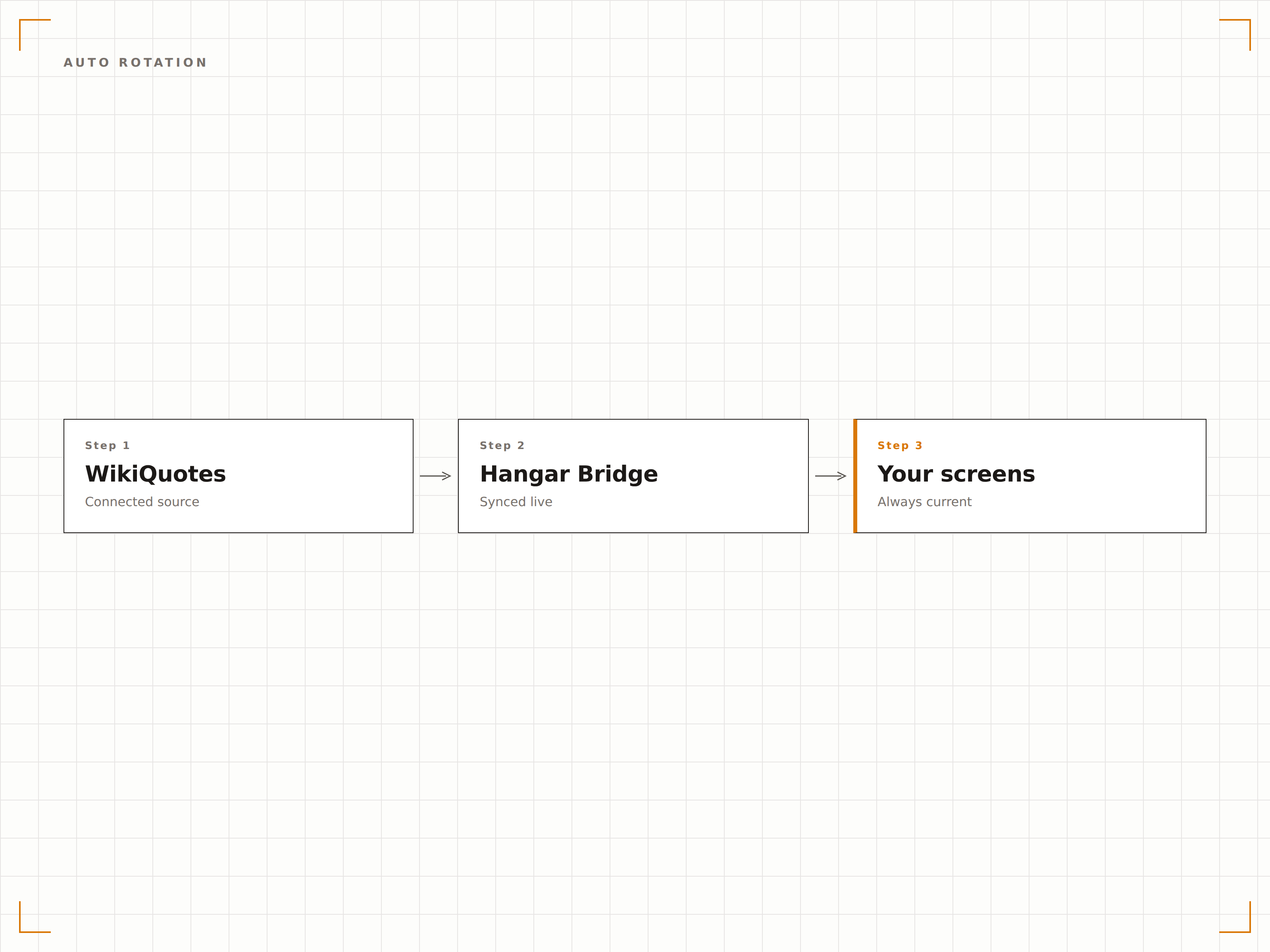
Ansprechende typografische Präsentationen
Jedes Zitat wird mit professioneller Typografie, Quellenangabe und visuell ansprechenden Hintergründen angezeigt. Wählen Sie zwischen minimalistischem Text auf Farbe, Fotohintergrund, Verlauf oder animierten Stilen. Das Design lässt Zitate kuratiert und bewusst wirken – nicht wie Füllmaterial.
Zitate, die aussehen, als gehörten sie in ein Designstudio – nicht in einen Bildschirmschoner.
Mehrere Typografiestile und Hintergrundoptionen
Autorenfotos und kurze biografische Informationen
Integration von benutzerdefinierten Hintergrundbildern und Markenfarben
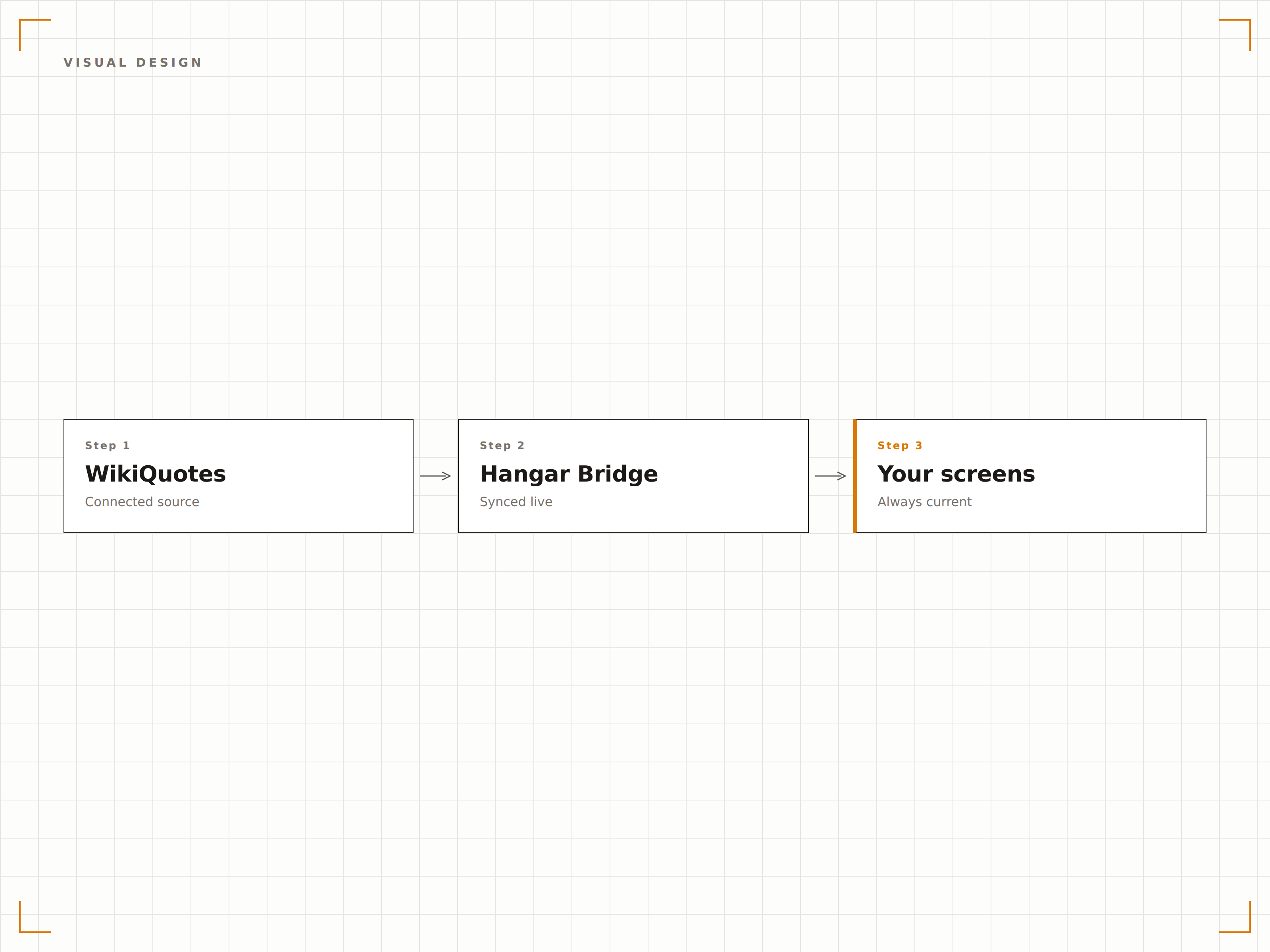
Themenrelevante Zitatkuratierung
Wählen Sie Kategorien, die zu Ihrer Umgebung passen. Unternehmensbüros erhalten Zitate zu Führung und Teamarbeit. Schulen zeigen Zitate zu Lernen und Neugier. Gesundheitseinrichtungen präsentieren Zitate zu Mitgefühl und Resilienz. Die Inhalte wirken für jedes Publikum gezielt und passend.
Die richtigen Worte für die richtigen Wände.
50+ Kategorien aus Wirtschaft, Bildung, Wissenschaft und Kunst
Umgebungsspezifische Kategorieempfehlungen
Erstellung benutzerdefinierter Kategorien mit eigenen kuratierten Zitaten
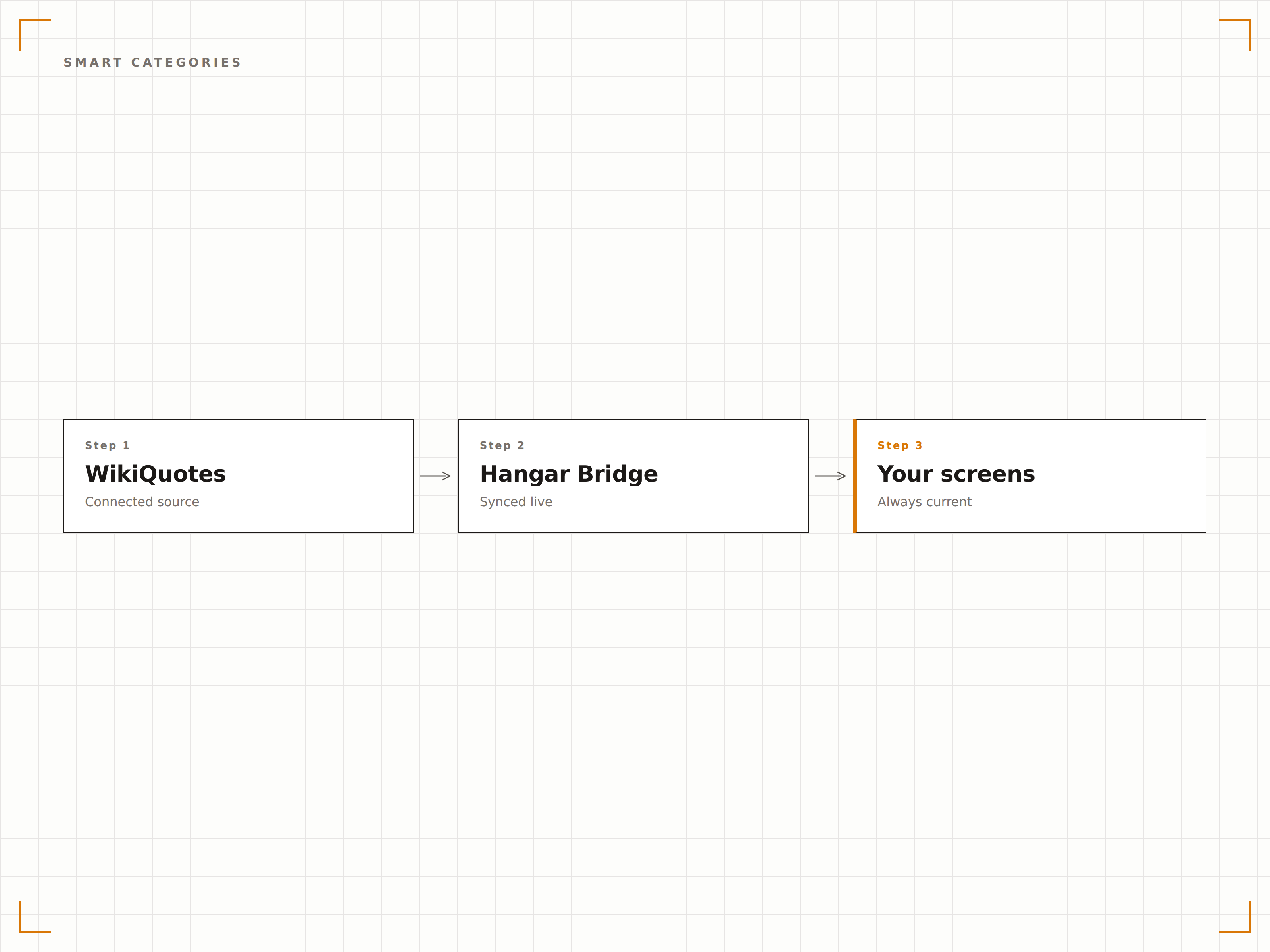
Vier Schritte zu verbundene Bildschirme.
Von der Einrichtung bis zu Live-Inhalten in Minuten, nicht Tagen.
Kategorien auswählen
Wählen Sie Zitatkategorien, die zu Ihrer Umgebung passen: Motivation, Führung, Wissenschaft, Bildung, Kreativität oder individuelle Auswahl.
Visuellen Stil wählen
Wählen Sie Typografie-Vorlagen, Hintergrundstile und Farbschemata, die Ihren Raum und Ihre Marke optimal ergänzen.
Rotationsplan festlegen
Legen Sie fest, wie oft Zitate wechseln, und definieren Sie aktive Anzeigezeiten für die Zitatedarstellung innerhalb Ihrer Inhalts-Playlist.
Auf Bildschirmen veröffentlichen
Weisen Sie das Zitate-Widget einem beliebigen Bildschirm zu, und frische Inspirationsinhalte beginnen automatisch zu rotieren.
Entwickelt für jeden Branche.
Erfahren Sie, wie verschiedene Branchen diese Integration nutzen, um Ergebnisse zu erzielen.
Motivationsdisplays im Büro
Zeigen Sie Zitate zu Führung, Teamarbeit und Innovation auf Bildschirmen in Bürolobbys und Pausenräumen an, um Mitarbeitende den ganzen Arbeitstag über zu inspirieren.
BildungInspiration in Schulfluren
Zeigen Sie Zitate zu Lernen, Neugier und Ausdauer auf Bildschirmen in Schulfluren an, um eine Kultur des Wachstums und der Begeisterung zu fördern.
GesundheitswesenKomfort in Patientenbereichen
Zeigen Sie Zitate zu Mitgefühl, Hoffnung und Resilienz auf Bildschirmen in Wartezimmern und Fluren an, um in Gesundheitseinrichtungen Trost zu spenden.
ÖffentlichBibliotheken und Gemeinschaftsräume
Zeigen Sie literarische Zitate und historische Weisheiten auf Bildschirmen in Bibliotheken und Gemeindezentren an, um öffentliche Räume zu bereichern.
Häufige Fragen. Direkte Antworten.
Werden die Zitate auf korrekte Quellenangaben geprüft?
Die Zitate stammen aus der WikiQuotes-Datenbank, die von der Community gepflegt wird, um eine korrekte Quellenangabe zu gewährleisten. Hangar.Media kuratiert die Bibliothek zusätzlich, um häufig falsch zugeschriebene Zitate zu entfernen, und überprüft die Quellen für hervorgehobene Inhalte.
Kann ich eigene Zitate zur Rotation hinzufügen?
Ja. Sie können eigene Zitate von Unternehmensführern, Schulmottos oder anderen Quellen zur Rotation hinzufügen. Benutzerdefinierte Zitate werden anhand Ihres gewählten Verhältnisses mit den Inhalten der WikiQuotes-Bibliothek gemischt.
Kann ich bestimmte Zitate oder Autoren sperren?
Ja. Sie können bestimmte Zitate oder Autoren sperren, die für Ihre Umgebung nicht geeignet sind. Gesperrte Inhalte werden dauerhaft von der Rotation auf allen Bildschirmen in Ihrem Netzwerk ausgeschlossen.
Werden mehrere Sprachen unterstützt?
Ja. Die WikiQuotes-Bibliothek enthält Zitate in mehreren Sprachen. Sie können Ihre Anzeige so einstellen, dass Zitate auf Englisch, Spanisch, Französisch, Deutsch und anderen unterstützten Sprachen angezeigt werden, oder Sprachen für mehrsprachige Umgebungen mischen.
Ein Preis. Die gesamte Plattform.
So stellen wir uns Digital Signage vor. Inhaltseditor, Bildschirmverwaltung und 200+ App-Integrationen – alles von Anfang an inklusive.
14 Tage kostenlos, bis zu 3 Bildschirme – keine Kreditkarte erforderlich.