Words that inspire. On every screen.
Display rotating motivational quotes, historical wisdom, and inspirational sayings from WikiQuotes on digital signage screens in offices, schools, lobbies, and public spaces.
Daily inspiration, automated.
The Hangar.Media WikiQuotes integration pulls curated quotes from the WikiQuotes library and displays them on your digital signage with beautiful typography and visual treatments. Quotes rotate throughout the day with categories spanning motivation, leadership, creativity, perseverance, and wisdom. No manual content creation needed. Fresh inspiration appears automatically.
What you can do with On every screen.
Three capabilities that make this integration essential for your digital signage network.
Fresh quotes every day without manual effort
Quotes rotate automatically throughout the day. Set up how often a new quote appears, from every 5 minutes to once per day. The system pulls from your selected categories and never repeats a quote within an adjustable window.
A new piece of wisdom on screen every hour, all year long.
Adjustable rotation frequency from minutes to daily
No-repeat window prevents duplicate quotes
Queue preview showing upcoming quotes
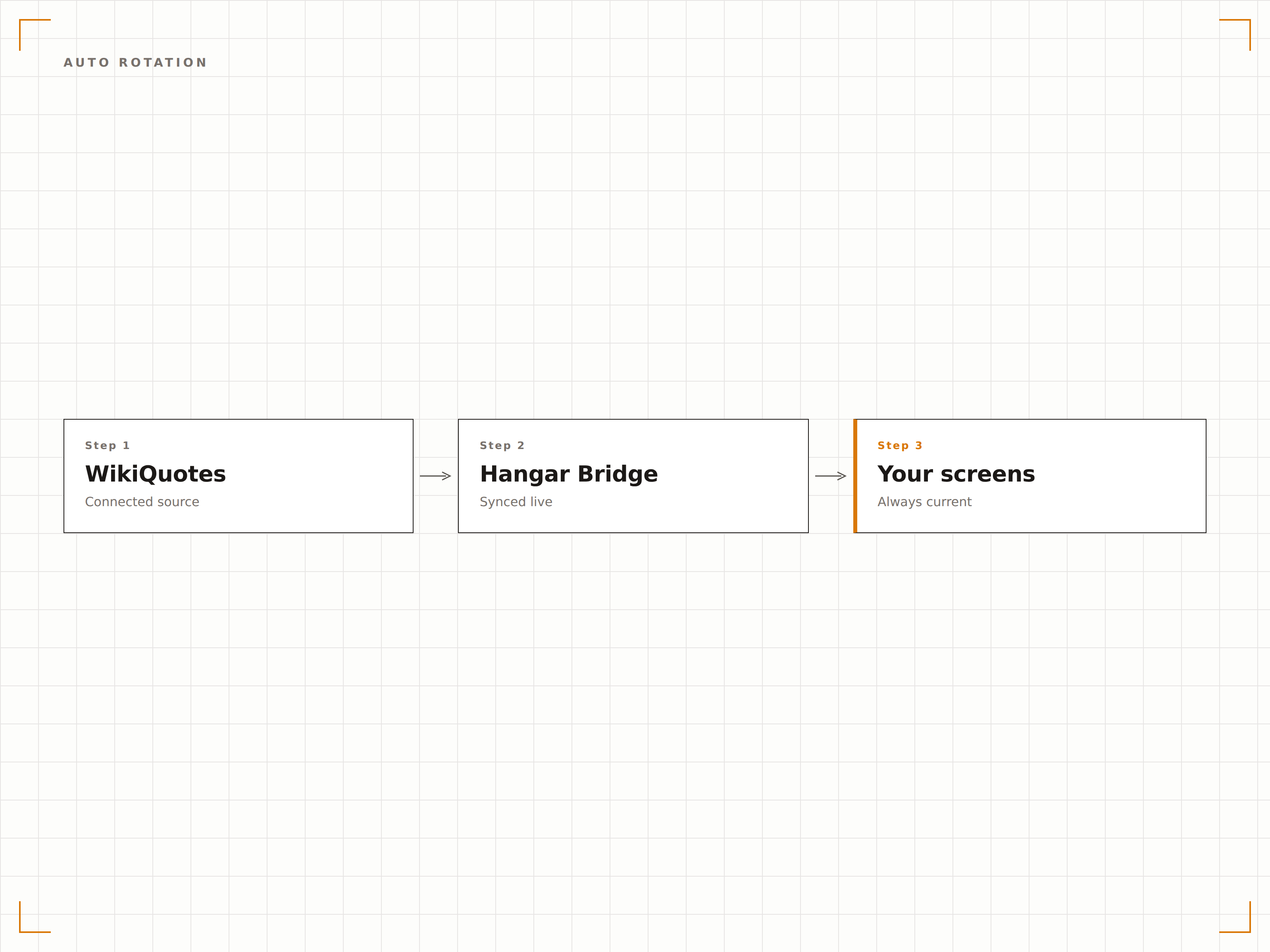
Beautiful typographic presentations
Each quote is displayed with professional typography, author attribution, and visually appealing backgrounds. Choose from minimal text-on-colour, photo background, gradient, or animated styles. The design makes quotes feel curated and intentional, not like filler content.
Quotes that look like they belong in a design studio, not a screensaver.
Multiple typographic styles and background options
Author photos and brief biographical context
Custom background images and brand colour integration
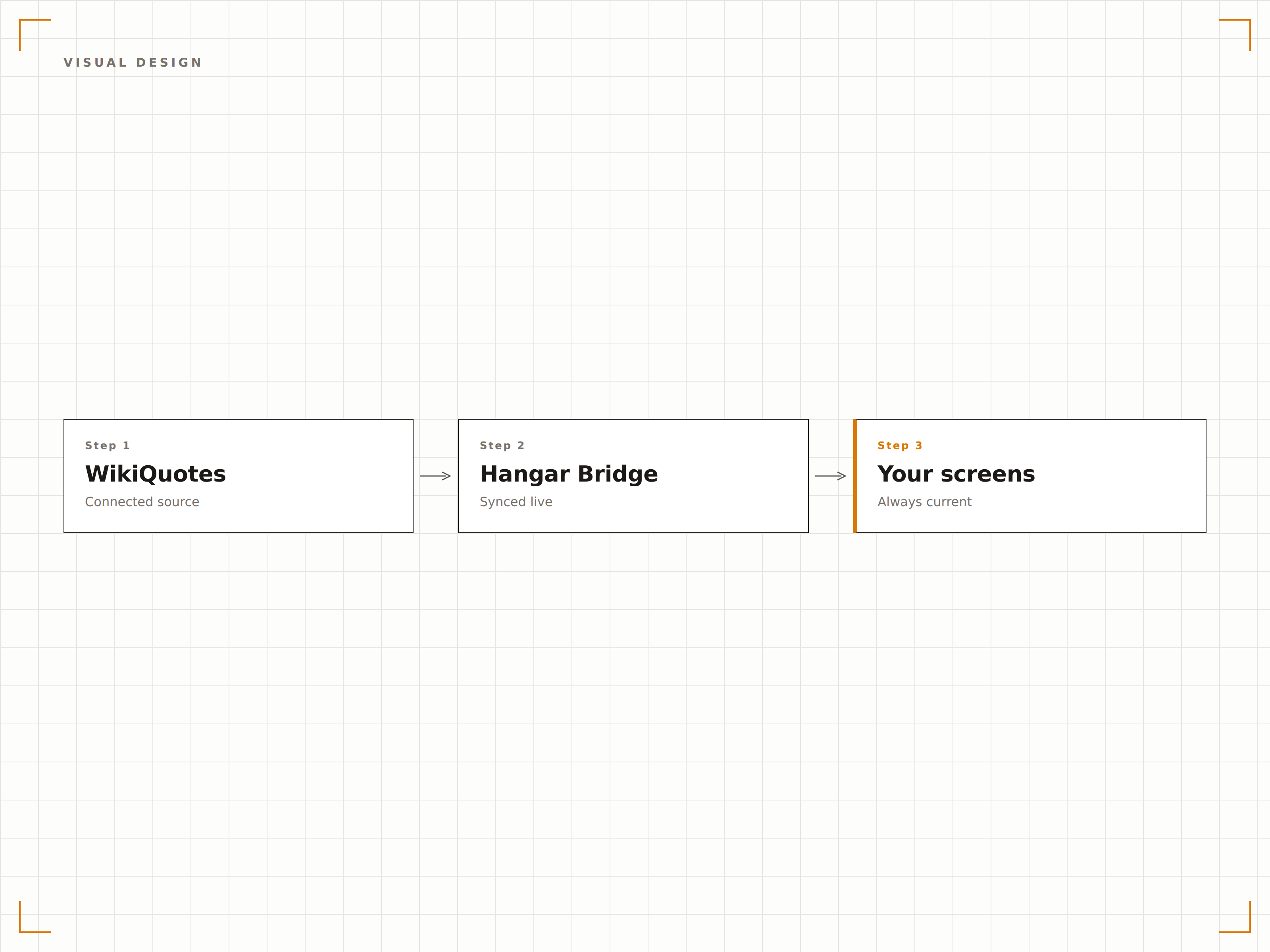
Topic-relevant quote curation
Select categories that match your environment. Corporate offices get leadership and teamwork quotes. Schools display learning and curiosity quotes. Healthcare settings show compassion and resilience quotes. The content feels intentional for every audience.
The right words for the right walls.
50+ categories spanning business, education, science, and arts
Environment-specific category recommendations
Custom category creation with your own curated quotes
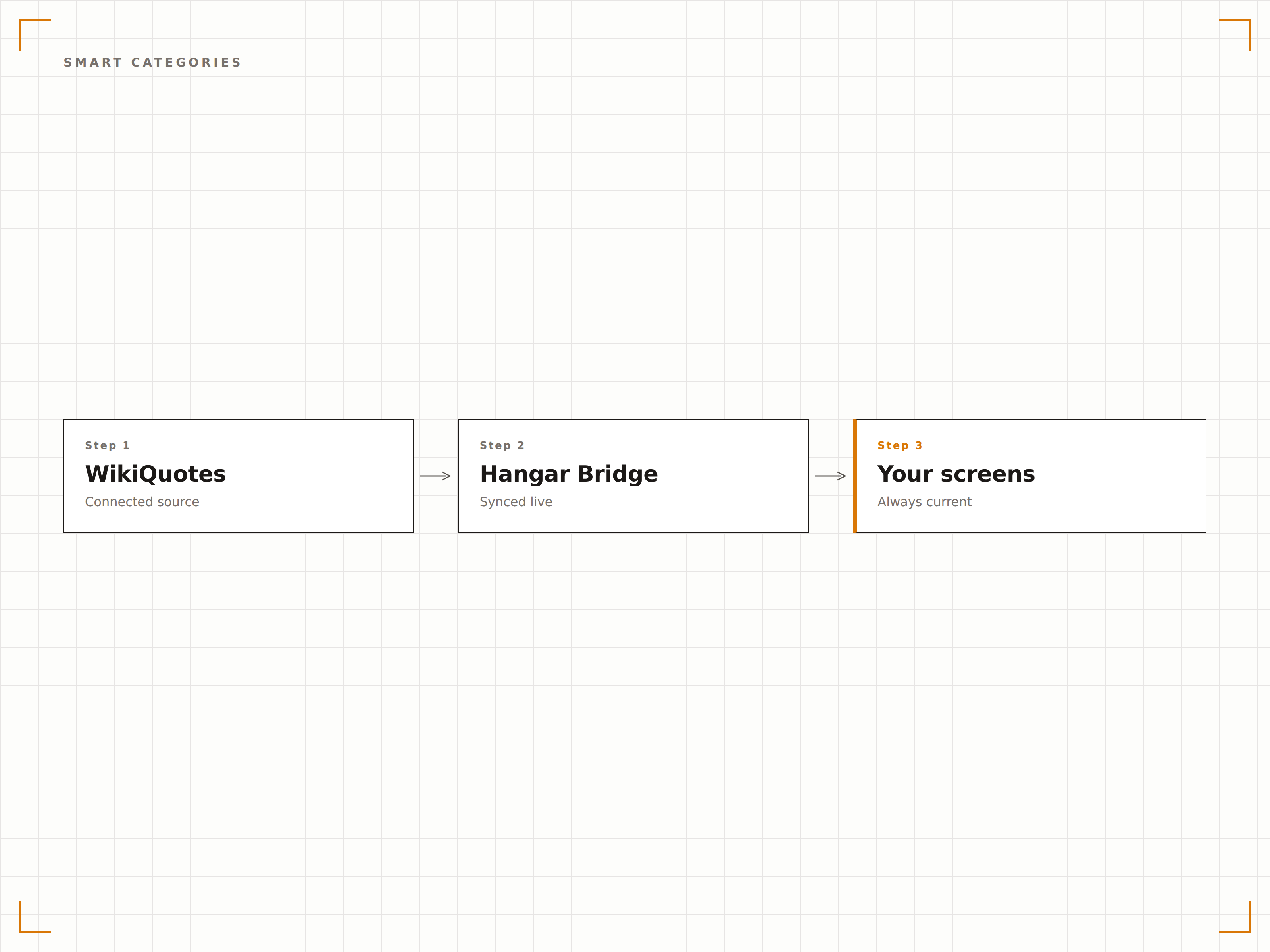
Four steps to connected screens.
From setup to live content in minutes, not days.
Select categories
Choose quote categories that match your environment: motivation, leadership, science, education, creativity, or custom selections.
Choose visual style
Select typography templates, background styles, and colour schemes that complement your space and branding.
Set rotation schedule
Set up how often quotes change and set active hours for quote display within your content playlist.
Publish to screens
Assign the quote widget to any screen and fresh inspirational content starts rotating automatically.
Built for every sector.
See how different industries use this integration to drive results.
Office motivational displays
Display leadership, teamwork, and innovation quotes on office lobby and break room screens to inspire employees throughout the workday.
EducationSchool hallway inspiration
Show learning, curiosity, and perseverance quotes on school hallway screens to create a culture of growth and aspiration.
HealthcarePatient area comfort
Display compassion, hope, and resilience quotes on waiting room and corridor screens to provide comfort in healthcare settings.
PublicLibrary and community spaces
Show literary quotes and historical wisdom on library and community centre screens to enrich public spaces.
Common questions. Straight answers.
Are the quotes verified for accurate attribution?
Quotes are sourced from the WikiQuotes database which is community-maintained for attribution accuracy. Hangar.Media additionally curates the library to remove commonly misattributed quotes and verifies sources for featured content.
Can I add my own quotes to the rotation?
Yes. You can add custom quotes from company leaders, school mottos, or any other source to the rotation. Custom quotes are mixed in with the WikiQuotes library content based on your chosen ratio.
Can I block specific quotes or authors?
Yes. You can blocklist specific quotes or authors that are not appropriate for your environment. Blocked content is permanently excluded from rotation across all screens in your network.
Does it support multiple languages?
Yes. The WikiQuotes library includes quotes in multiple languages. You can set your display to show quotes in English, Spanish, French, German, and other supported languages, or mix languages for multilingual environments.
One price. The whole platform.
That's how we think signage should work. Content editor, screen management, and 200+ app integrations — all included from day one.
14 days free, up to 3 screens — no card needed.