Enterprise Identity Management. Okta-gestützte Sicherheit.
Integrieren Sie Okta mit Hangar.Media für sicheres Single Sign-on, automatisierte Bereitstellung mit SCIM und richtliniengesteuerte Zugriffskontrolle. Ihr IT-Team verwaltet den Digital Signage-Zugriff über dieselbe Okta-Konsole, die es für alle anderen Anwendungen nutzt.
Digital Signage-Zugriff über Ihre Okta-Konsole verwalten
Okta ist die führende Enterprise-Identity-Plattform, der Tausende von Organisationen weltweit vertrauen. Die Hangar.Media Okta-Integration geht über einfaches SSO hinaus und umfasst SCIM-basierte automatisierte Bereitstellung, Gruppen-zu-Rollen-Zuordnung und Echtzeit-Benutzerlebenszyklusverwaltung. Fügen Sie Hangar.Media zu Ihrem Okta-App-Katalog hinzu und verwalten Sie den Zugriff gemeinsam mit all Ihren anderen Unternehmensanwendungen.
Was Sie mit Okta-gestützte Sicherheit. tun können
Drei Funktionen, die diese Integration für Ihr Digital Signage-Netzwerk unverzichtbar machen.
Automatisiertes Benutzerlebenszyklusmanagement
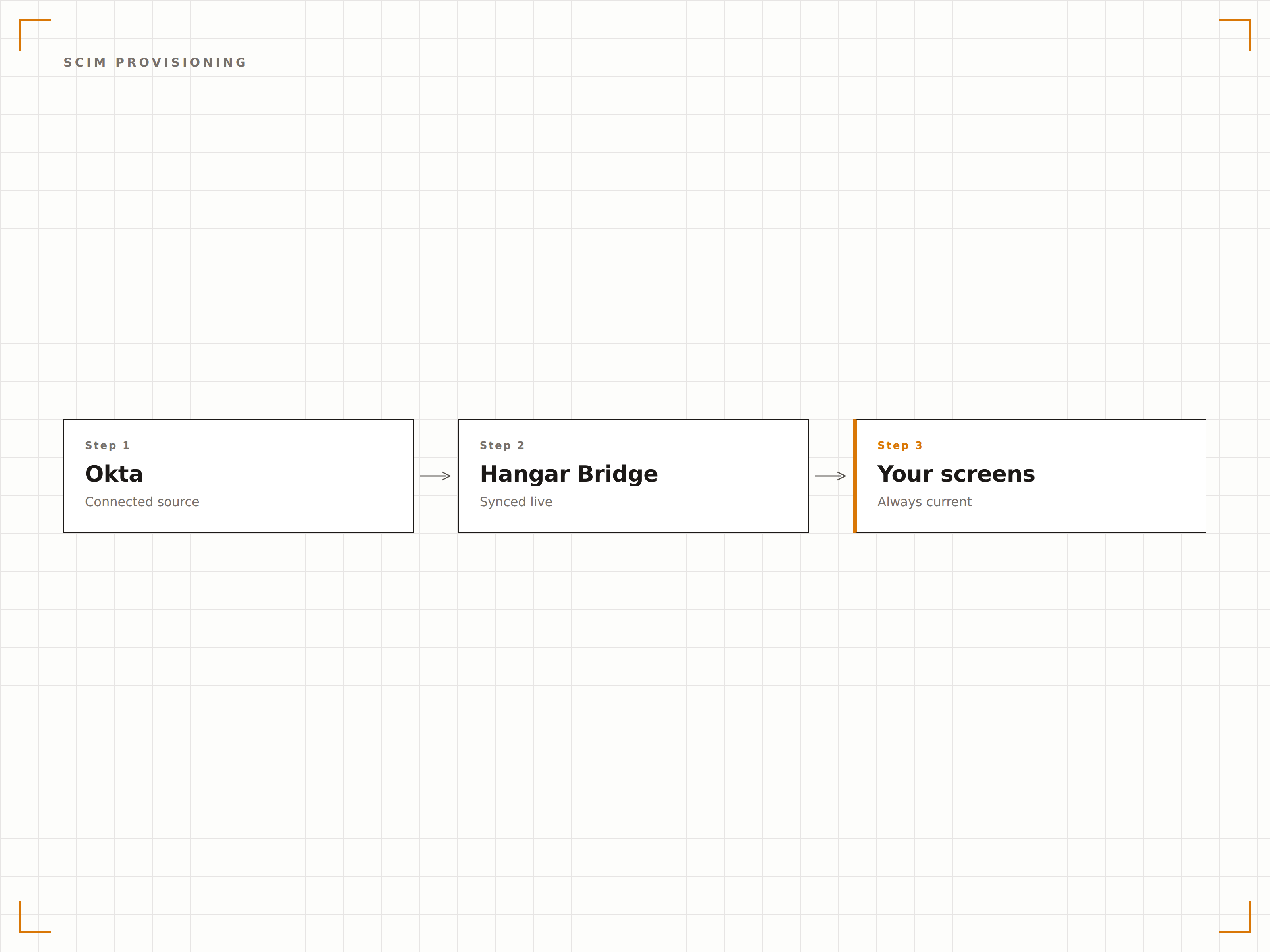
Die SCIM-2.0-Integration stellt sicher, dass Benutzerkonten in Hangar.Media automatisch erstellt, aktualisiert und deaktiviert werden – basierend auf Änderungen im Okta-Verzeichnis. Wenn Sie die Hangar.Media-App einem Benutzer in Okta zuweisen, erscheint dessen Konto innerhalb von Sekunden. Bei einer Deaktivierung wird der Zugriff sofort entzogen.
Die Benutzerverwaltung erfolgt in Okta. Hangar.Media folgt automatisch.
Automatische Kontoerstellung bei App-Zuweisung in Okta
Echtzeit-Attributsynchronisierung für Namens-, E-Mail- und Rollenänderungen
Sofortige Deaktivierung, wenn ein Benutzer aus Okta entfernt wird
Risikobasierte Authentifizierung für die Bildschirmverwaltung
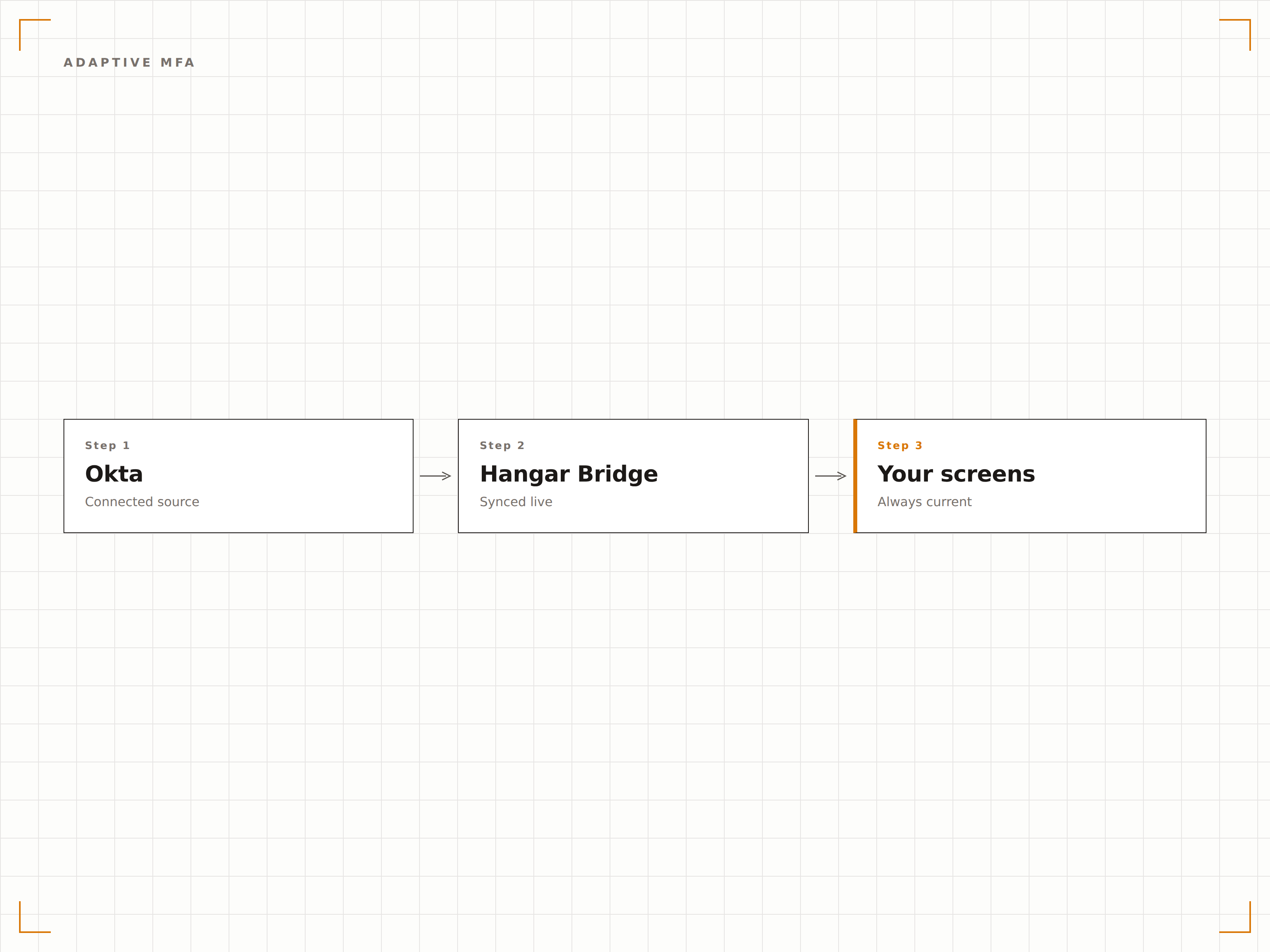
Okta Adaptive MFA bewertet das Risiko jedes Anmeldeversuchs anhand von Gerät, Standort und Verhaltensmustern. Bei risikoreichen Anmeldungen ist eine zusätzliche Verifizierung erforderlich. So schützen Sie Ihr Digital Signage-Netzwerk vor unbefugtem Zugriff, ohne legitime Benutzer mit ständigen MFA-Abfragen zu belasten.
Intelligente Authentifizierung, die bei erhöhtem Risiko eingreift.
Risikobasierte MFA-Prüfungen durch Okta
Gerätevertrauen und standortbasierte Richtlinien
Mehrere MFA-Faktoroptionen, darunter Push, SMS und Hardware-Token
Hangar.Media in Ihrem Okta-App-Portal
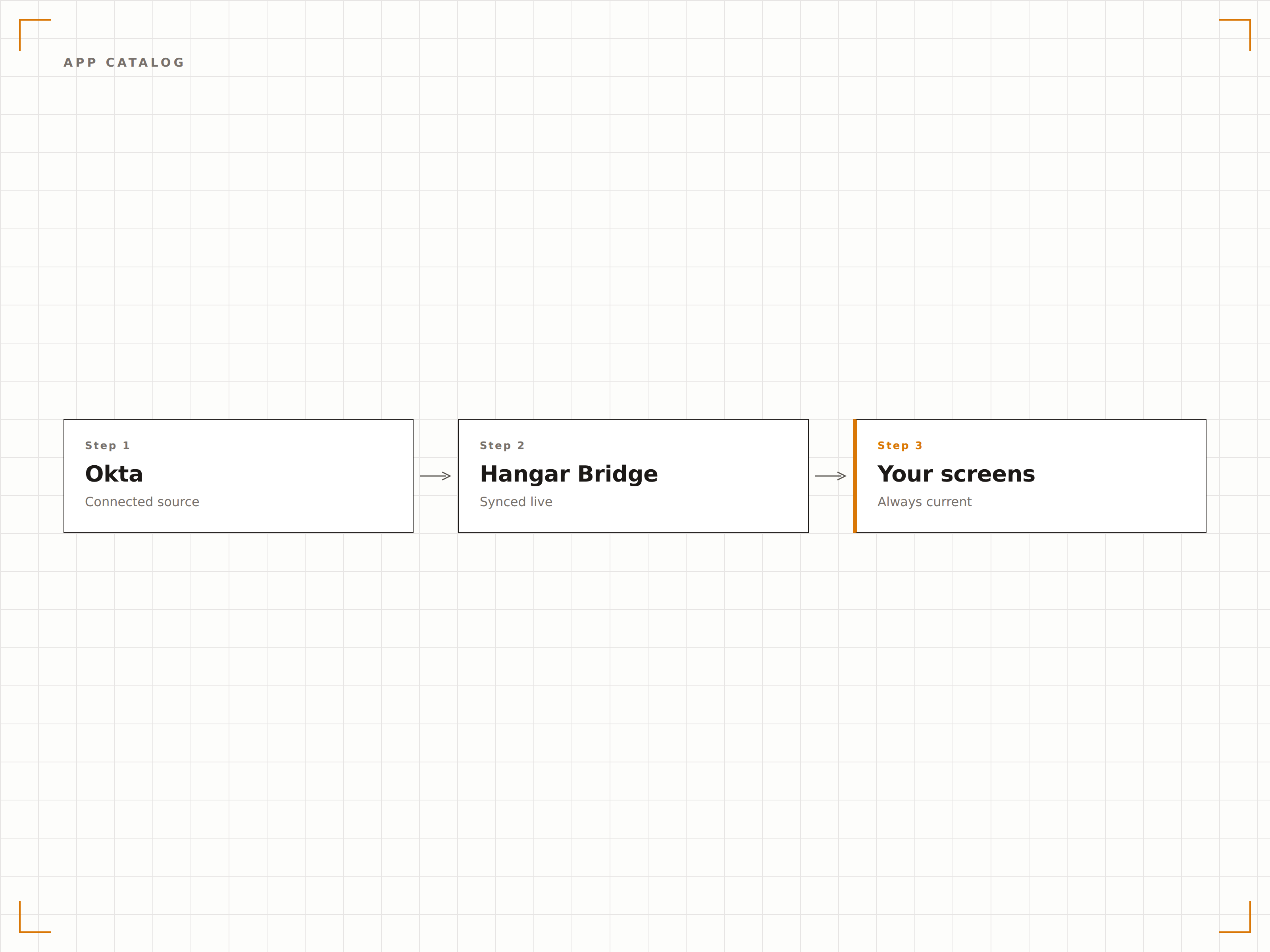
Hangar.Media erscheint in Ihrem Okta-App-Portal neben all Ihren anderen Unternehmensanwendungen. Benutzer klicken auf die Kachel und landen vollständig authentifiziert in Hangar.Media. IT-Administratoren verwalten den Zugriff über vertraute Okta-Workflows – ohne spezielle Schulung.
Digital Signage-Zugriff – direkt in Ihrem Okta-Portal.
Vorkonfigurierte App-Integration im Okta-Katalog
Gebrandetes App-Kachel im Benutzerportal
Administratorverwaltung über Standard-Okta-Workflows
Vier Schritte zu verbundene Bildschirme.
Von der Einrichtung bis zu Live-Inhalten in Minuten, nicht Tagen.
Hangar.Media aus dem Okta-Katalog hinzufügen
Suchen Sie im Okta Application Integration Catalog nach Hangar.Media und fügen Sie die Anwendung Ihrer Organisation hinzu. Vorkonfigurierte SAML-Einstellungen vereinfachen die Einrichtung.
SCIM-Provisioning einrichten
Aktivieren Sie SCIM-Provisioning in den App-Einstellungen und geben Sie die Hangar.Media SCIM-Endpunkt-URL sowie das API-Token für die automatisierte Benutzerverwaltung ein.
Okta-Gruppen Rollen zuweisen
Weisen Sie Okta-Gruppen Hangar.Media-Rollen zu. Mitglieder jeder Gruppe erhalten automatisch die entsprechende Rolle und die zugehörigen Berechtigungen in Hangar.Media.
Benutzer zuweisen und live gehen
Weisen Sie die Hangar.Media-App in Okta Benutzern oder Gruppen zu. SCIM erstellt deren Konten, und sie können sich sofort per SSO anmelden.
Entwickelt für jeden Branche.
Erfahren Sie, wie verschiedene Branchen diese Integration nutzen, um Ergebnisse zu erzielen.
Enterprise-Digital Signage-Governance
Verwalten Sie den Zugriff auf die Digital Signage-Plattform für Tausende von Mitarbeitern an mehreren Standorten mithilfe von Oktas zentralisiertem Identity Management und gruppenbasierten Berechtigungen.
GesundheitswesenZugriffsverwaltung für Krankenhauspersonal
Stellen Sie Digital Signage-Zugriff für klinisches und administratives Personal automatisch bereit und entziehen Sie ihn wieder – wenn Mitarbeitende eingestellt werden, die Abteilung wechseln oder das Krankenhaus verlassen.
FinanzwesenCompliance-konformer Zugriff im Bankwesen
Setzen Sie adaptives MFA und Audit-Logging für alle Digital Signage-Verwaltungszugriffe in Bankenumgebungen über Okta-Identitätsrichtlinien durch.
BildungIT-Administration an Universitäten
Verwalten Sie den Digital Signage-Zugriff für IT-Mitarbeitende, Abteilungsleiter und Studierendenorganisationen an Universitäten über Okta mit automatisiertem Provisioning.
Häufige Fragen. Direkte Antworten.
Ist Hangar.Media im Okta Integration Network verfügbar
Ja. Hangar.Media ist im Okta Integration Network mit vorkonfigurierten SAML- und SCIM-Einstellungen gelistet. Sie können die Anwendung direkt über die Okta-Administrationskonsole hinzufügen, ohne manuellen Metadatenaustausch. Die vorkonfigurierte Integration reduziert die Einrichtungszeit von Stunden auf Minuten.
Unterstützt die Integration Okta SCIM-Provisioning
Ja. Die Integration unterstützt SCIM 2.0 vollständig für die automatisierte Benutzerbereitstellung und -aufhebung. Dies umfasst das Erstellen, Aktualisieren und Deaktivieren von Benutzern sowie Group-Push-Operationen. Alle Änderungen am Benutzerlebenszyklus in Okta werden innerhalb von Sekunden in Hangar.Media übernommen.
Kann ich Okta-MFA-Richtlinien für den Zugriff auf Hangar.Media durchsetzen
Ja. Alle MFA-Richtlinien, die Sie in Okta für die Hangar.Media-Anwendung festlegen, werden automatisch durchgesetzt. Dies umfasst adaptives MFA, Step-up-Authentifizierung für sensible Vorgänge sowie Richtlinien zur Faktorregistrierung. Hangar.Media delegiert alle Authentifizierungsentscheidungen an Okta.
Welcher Okta-Plan ist für diese Integration erforderlich
SAML-SSO ist in allen Okta-Plänen verfügbar. SCIM-Provisioning erfordert Okta Lifecycle Management, das ab Okta Enterprise-Plänen verfügbar ist. Wenden Sie sich an Ihr Okta-Account-Team, um zu bestätigen, dass Ihr Plan die erforderlichen Funktionen für die Hangar.Media-Integration enthält.
Ein Preis. Die gesamte Plattform.
So stellen wir uns Digital Signage vor. Inhaltseditor, Bildschirmverwaltung und 200+ App-Integrationen – alles von Anfang an inklusive.
14 Tage kostenlos, bis zu 3 Bildschirme – keine Kreditkarte erforderlich.