Enterprise identity management. Okta-powered security.
Integrate Okta with Hangar.Media for secure single sign-on, automated provisioning with SCIM, and policy-driven access control. Your IT team manages digital signage access from the same Okta console they use for everything else.
Manage digital signage access from your Okta console
Okta is the leading enterprise identity platform trusted by thousands of organisations worldwide. The Hangar.Media Okta integration goes beyond basic SSO to include SCIM-based automated provisioning, group-to-role mapping, and real-time user lifecycle management. Add Hangar.Media to your Okta app catalog and manage access alongside all your other enterprise applications.
What you can do with Okta-powered security.
Three capabilities that make this integration essential for your digital signage network.
Automated user lifecycle management
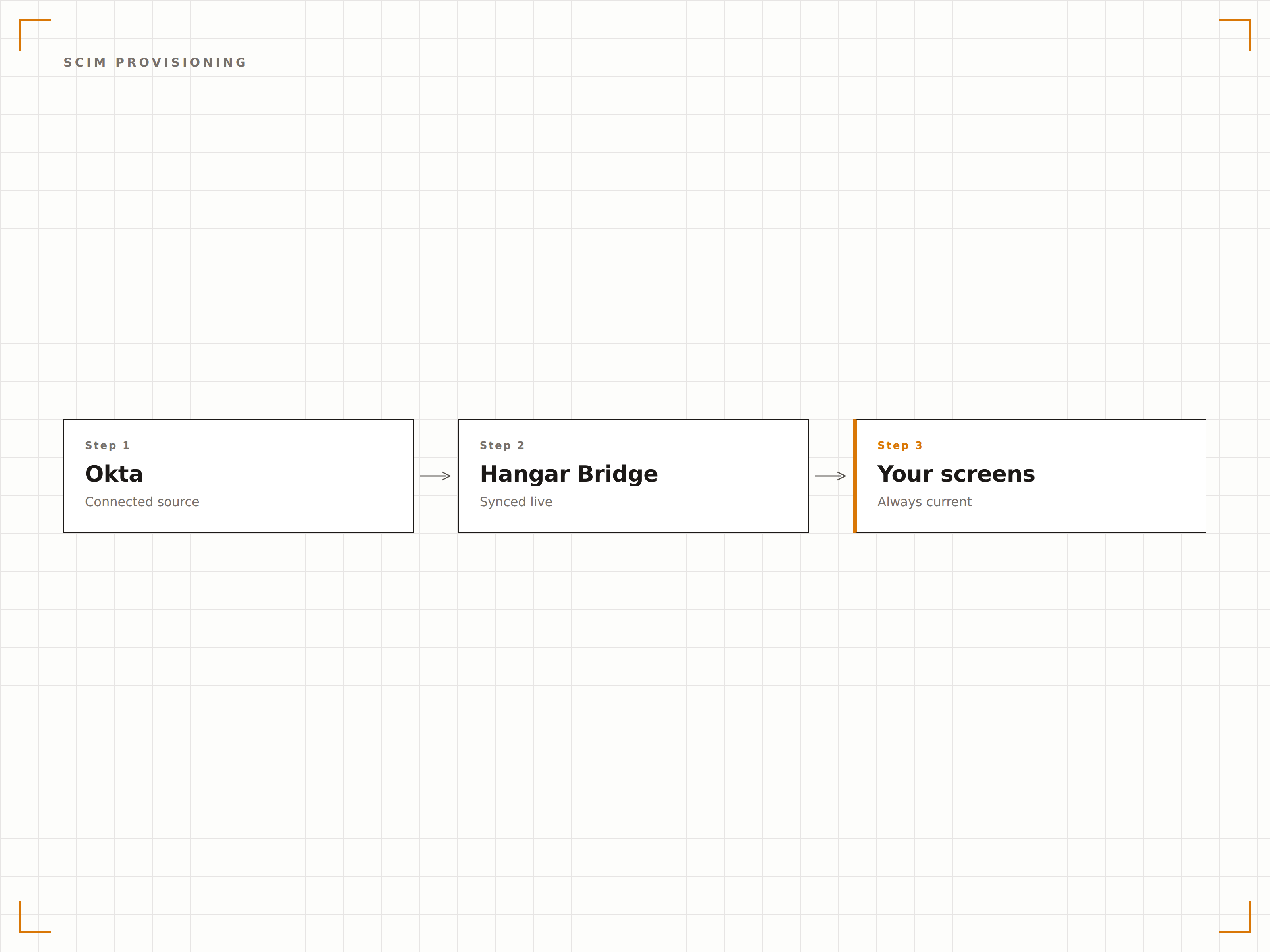
SCIM 2.0 integration means user accounts in Hangar.Media are created, updated, and deactivated automatically based on Okta directory changes. When you assign the Hangar.Media app to a user in Okta, their account appears within seconds. When you deactivate them, access is revoked immediately.
User management happens in Okta. Hangar.Media follows automatically.
Automatic account creation when app is assigned in Okta
Real-time attribute sync for name, email, and role changes
Instant deactivation when user is removed from Okta
Risk-based authentication for screen management
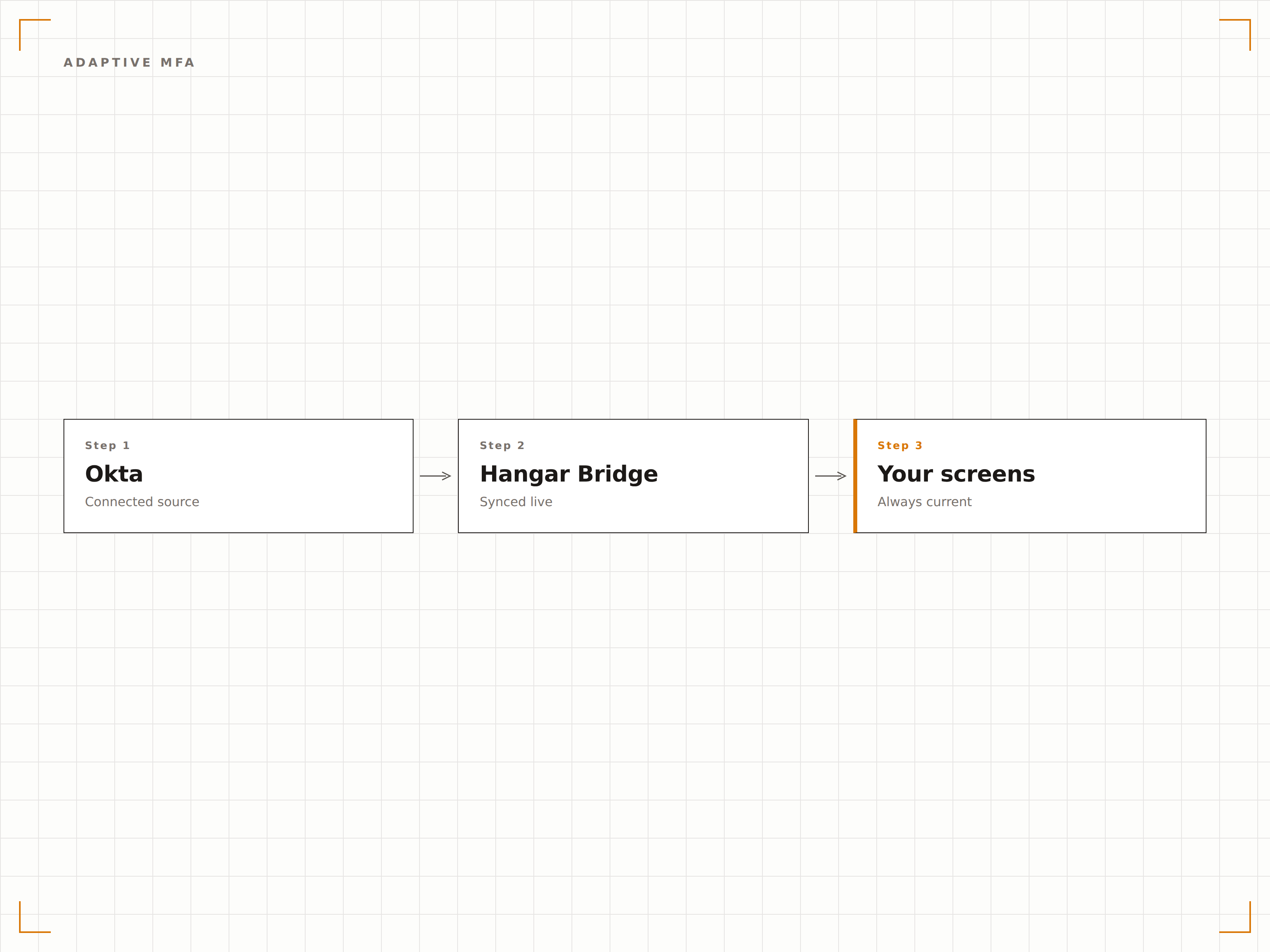
Okta Adaptive MFA evaluates the risk of each sign-in attempt based on device, location, and behaviour patterns. High-risk sign-ins require additional verification. This protects your digital signage network from unauthorized access without burdening legitimate users with constant MFA challenges.
Smart authentication that challenges when risk is high.
Risk-based MFA challenges from Okta
Device trust and location-based policies
Multiple MFA factor options including push, SMS, and hardware tokens
Hangar.Media in your Okta app portal
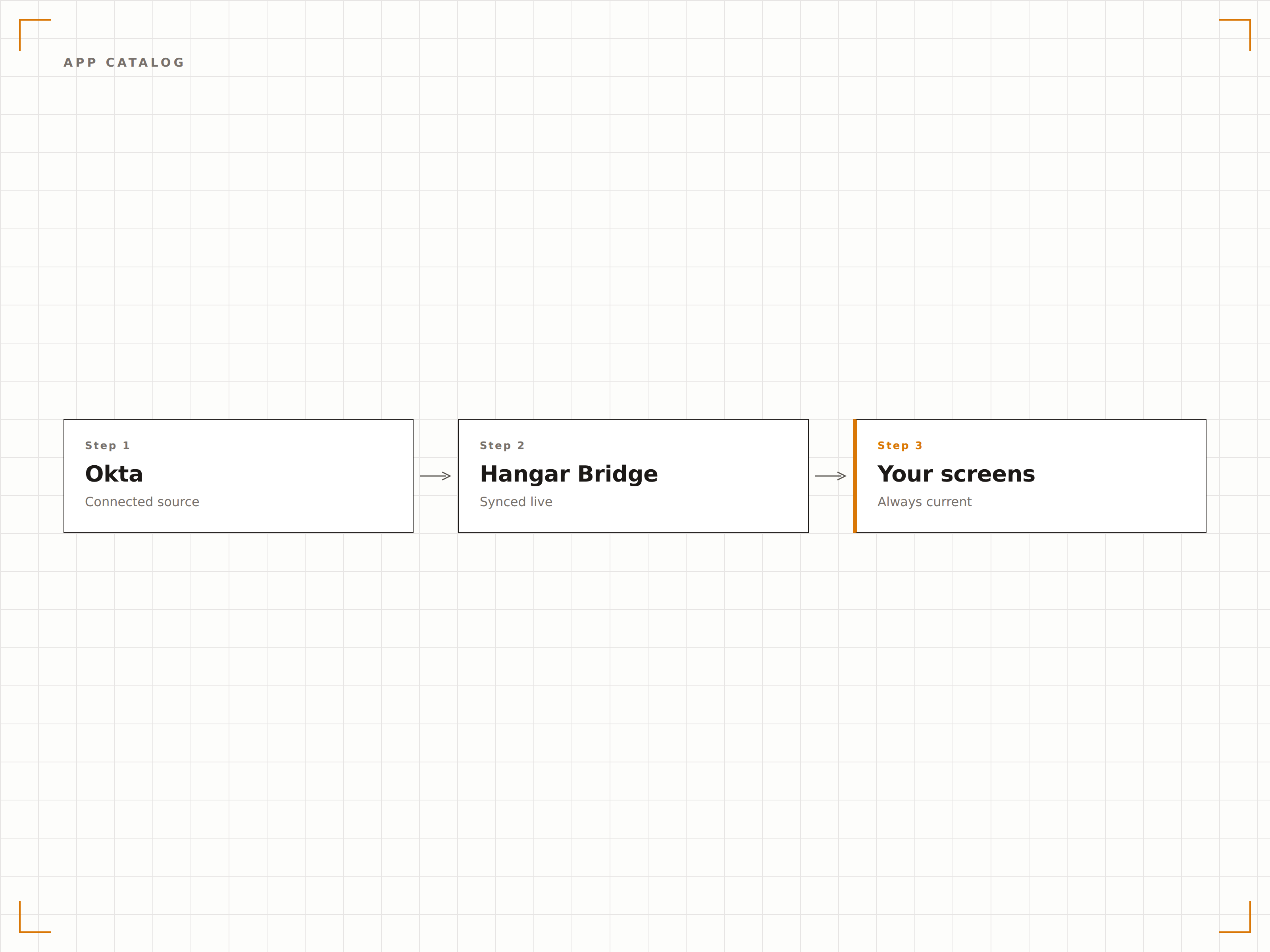
Hangar.Media appears in your Okta app portal alongside all your other enterprise applications. Users click the tile and land in Hangar.Media fully authenticated. IT admins manage access through familiar Okta workflows with no special training required.
Digital signage access, right there in your Okta portal.
Pre-built app integration in Okta catalog
Branded app tile in user portal
Admin management through standard Okta workflows
Four steps to connected screens.
From setup to live content in minutes, not days.
Add Hangar.Media from Okta catalog
Search for Hangar.Media in the Okta Application Integration Catalog and add it to your organisation. Pre-built SAML settings simplify setup.
Set up SCIM provisioning
Enable SCIM provisioning in the app settings and enter the Hangar.Media SCIM endpoint URL and API token for automated user management.
Map Okta groups to roles
Assign Okta groups to Hangar.Media roles. Members of each group automatically receive the corresponding role and permissions in Hangar.Media.
Assign users and go live
Assign the Hangar.Media app to users or groups in Okta. SCIM creates their accounts and they can start signing in via SSO immediately.
Built for every sector.
See how different industries use this integration to drive results.
Enterprise digital signage governance
Manage digital signage platform access for thousands of employees across multiple offices using Okta centralised identity management and group-based permissions.
HealthcareHospital staff access management
Provision and deprovision digital signage access for clinical and administrative staff automatically as they join, move between departments, or leave the hospital.
FinancialBanking compliance access
Enforce adaptive MFA and audit logging for all digital signage management access in banking environments through Okta identity policies.
EducationUniversity IT administration
Manage digital signage access for university IT staff, department heads, and student organisations through Okta with automated provisioning.
Common questions. Straight answers.
Is Hangar.Media available in the Okta Integration Network
Yes. Hangar.Media is listed in the Okta Integration Network with pre-built SAML and SCIM settings. You can add it directly from the Okta admin console without manual metadata exchange. The pre-built integration reduces setup time from hours to minutes.
Does the integration support Okta SCIM provisioning
Yes. The integration fully supports SCIM 2.0 for automated user provisioning and deprovisioning. This includes user create, update, deactivate, and group push operations. All user lifecycle changes in Okta are reflected in Hangar.Media within seconds.
Can I enforce Okta MFA policies for Hangar.Media access
Yes. Any MFA policies you set in Okta for the Hangar.Media application are enforced automatically. This includes adaptive MFA, step-up authentication for sensitive operations, and factor enrolment policies. Hangar.Media delegates all authentication decisions to Okta.
What Okta plan is required for this integration
SAML SSO is available on all Okta plans. SCIM provisioning requires Okta Lifecycle Management which is available on Okta Enterprise plans and above. Contact your Okta account team to confirm your plan includes the features you need for the Hangar.Media integration.
One price. The whole platform.
That's how we think signage should work. Content editor, screen management, and 200+ app integrations — all included from day one.
14 days free, up to 3 screens — no card needed.