Les menus Revel, au cœur de chaque affichage. alimentant chaque écran.
Connectez Revel Systems POS à Hangar.Media pour des menus numériques automatisés, des affichages cuisine et des écrans de statut de commande parfaitement synchronisés avec votre gestion de menu.
Données POS d'entreprise sur chaque écran
Revel Systems est conçu pour les opérations multi-sites dans la restauration et le commerce de détail. L'intégration Hangar.Media est à la hauteur de cette envergure en synchronisant les données de menu, les niveaux de tarification et la disponibilité sur l'ensemble de vos établissements simultanément. Chaque établissement dispose d'écrans reflétant sa configuration de menu spécifique, tandis que tous les sites sont gérés de manière centralisée.
Ce que vous pouvez faire avec alimentant chaque écran.
Trois fonctionnalités qui rendent cette intégration indispensable pour votre réseau d'affichage dynamique.
Chaque site reste à jour
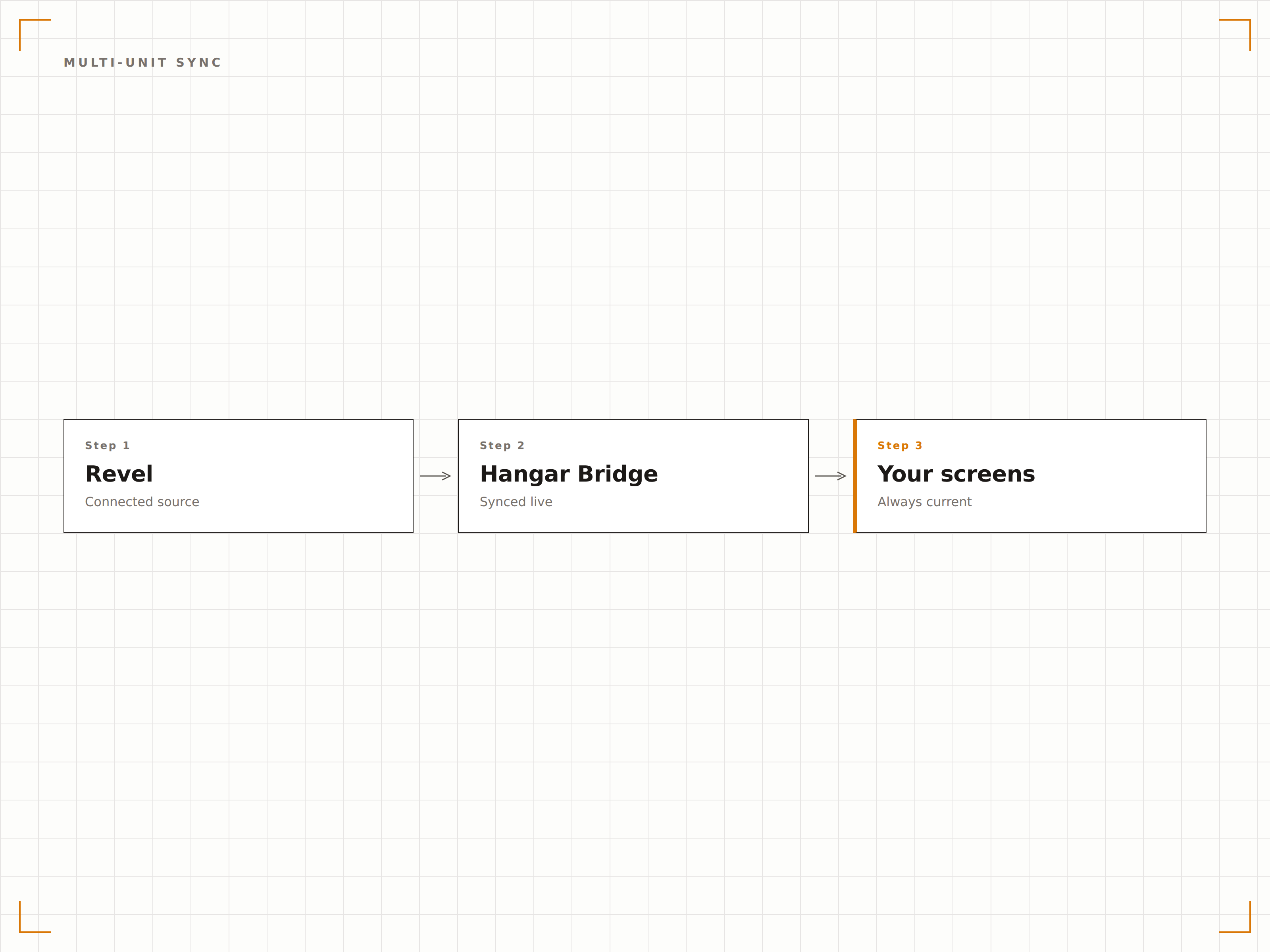
Revel centralise la gestion des menus pour les exploitations multi-sites. Hangar.Media se connecte à ces données centralisées et distribue le bon menu aux écrans de chaque site. Lorsque le siège met à jour un niveau de tarification ou lance un nouveau produit, l'affichage de chaque site concerné se met à jour automatiquement.
Nous avons mis à jour les tarifs sur 40 sites dans Revel et chaque tableau de menu les a reflétés en moins d'une heure.
Les modifications de menu centralisées se propagent aux écrans de tous les sites
Remplacements de niveaux de tarification et de disponibilité par site
Compatible franchise, avec niveaux d'accès corporate et franchisé
Tableaux de commande côté client
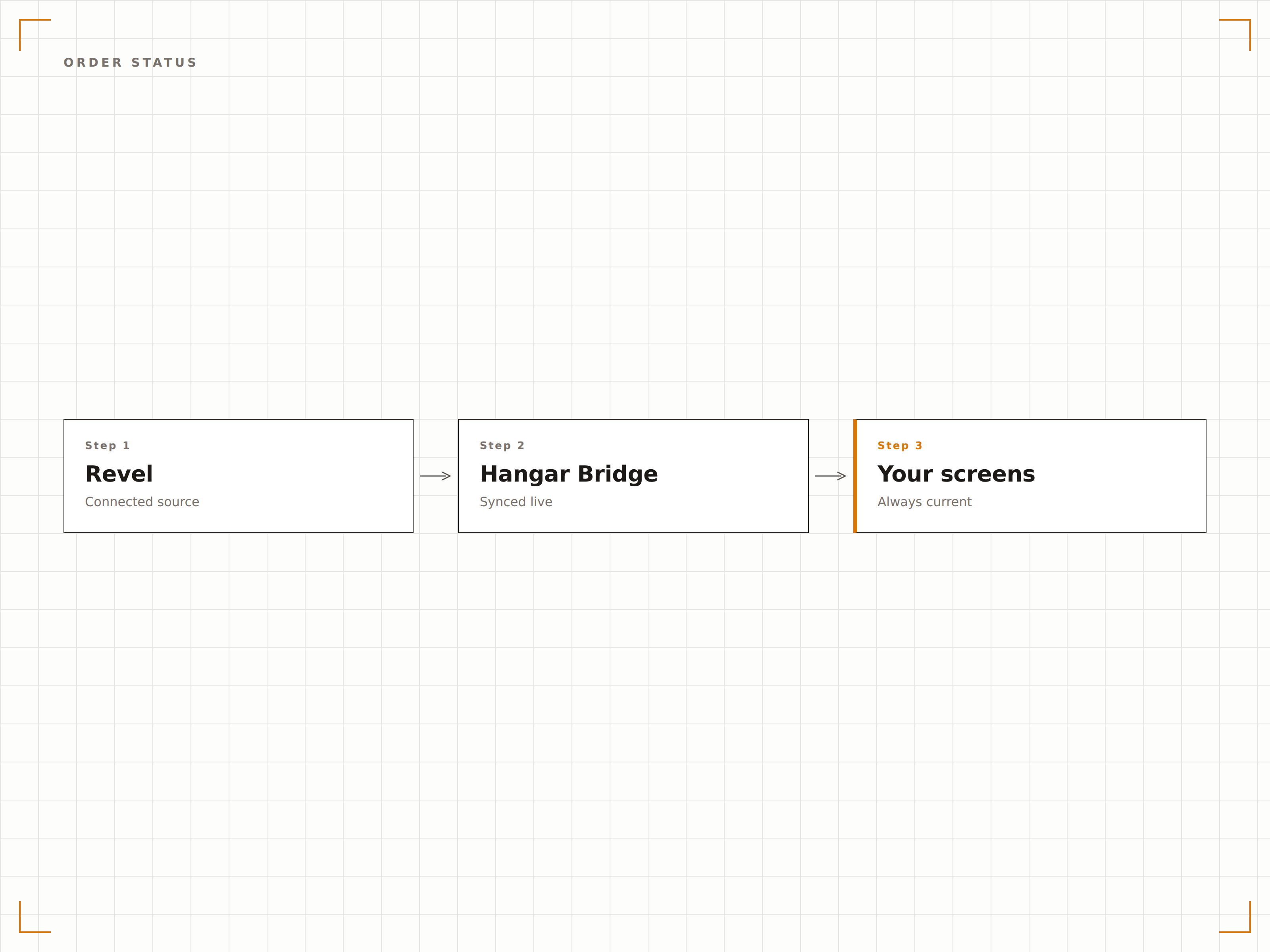
Affichez le statut des commandes clients sur les écrans de la zone de retrait. À mesure que les commandes avancent dans les étapes de préparation dans Revel, le tableau de statut se met à jour avec les numéros de commande, le statut et les délais estimés. Les clients suivent leurs commandes visuellement sans se presser au comptoir.
Le tableau de statut apaise la zone de retrait. Les clients regardent l'écran au lieu d'interpeller le personnel.
Suivi en temps réel des étapes de commande depuis le flux cuisine Revel
Catégories de statut : prête, en cours et reçue
Affichage du nom du client ou du numéro de commande avec options de confidentialité
Le bon menu au bon moment
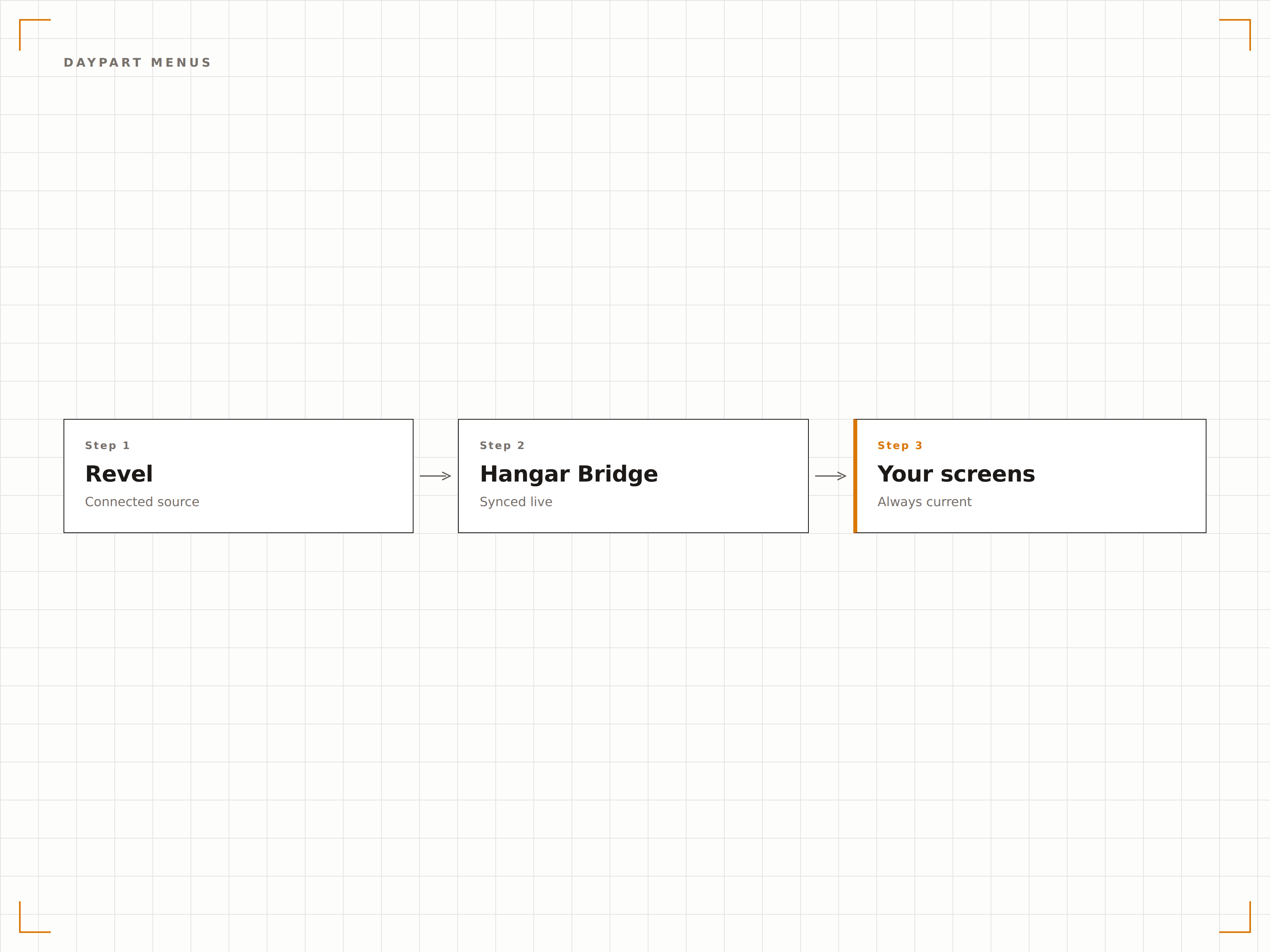
Revel prend en charge des configurations de menu par tranche horaire qui définissent ce qui est disponible au petit-déjeuner, au déjeuner et au dîner. L'intégration Hangar.Media lit ces règles et bascule automatiquement le contenu des tableaux de menus d'affichage dynamique, garantissant que les écrans affichent toujours le menu actuellement actif.
Le menu du petit-déjeuner bascule vers celui du déjeuner exactement à 11h sur chaque écran de tous nos établissements.
Transitions automatiques des tableaux de menus aux changements de tranche horaire
Prise en charge de fenêtres horaires personnalisées au-delà des périodes de repas standard
Transitions visuelles fluides entre les configurations de menu
Quatre étapes vers écrans connectés.
De la configuration au contenu en direct en quelques minutes, pas en jours.
Connectez votre compte Revel
Autorisez Hangar.Media à accéder aux données de votre console de gestion Revel via l'API. Définissez les établissements à synchroniser.
Associez les menus aux écrans
Attribuez des catégories de menu et des groupes de produits aux zones de mise en page des écrans pour chaque site. Configurez des remplacements par site si nécessaire.
Configurez les affichages de statut de commande
Configurez en option des tableaux de statut de commande côté client, connectés au flux cuisine Revel pour un suivi des commandes en temps réel.
Déployez sur tous vos sites
Publiez les tableaux de menus et les affichages de commande sur tous les sites simultanément. Suivez le statut de synchronisation par établissement depuis le tableau de bord central.
Conçu pour chaque secteur.
Découvrez comment différents secteurs utilisent cette intégration pour obtenir des résultats.
Chaînes de restauration multi-sites
Les chaînes de restauration de 10 sites ou plus utilisant Revel synchronisent leurs menus gérés centralement vers les tableaux d'affichage dynamique de chaque établissement, avec gestion automatique des remplacements de tarification locale et de la planification par tranche horaire.
EntrepriseRestaurants d'entreprise sur grands campus
Les grands campus d'entreprise exploitant plusieurs restaurateurs sous Revel affichent des menus de restaurant d'entreprise unifiés et des tableaux de statut de commande que chaque prestataire met à jour depuis son propre terminal Revel.
DivertissementRestauration dans les parcs à thème
Les parcs à thème exploitant Revel sur plusieurs points de restauration synchronisent menus et disponibilités vers les tableaux d'affichage dynamique dans tout le parc, en tenant compte des articles saisonniers et des menus événementiels.
ÉducationRestauration universitaire multi-prestataires
Les restaurants universitaires accueillant plusieurs prestataires équipés de Revel affichent le menu de chaque prestataire sur des écrans partagés, avec suivi du statut de commande pour la zone de retrait centrale.
Questions fréquentes. Réponses directes : réponses.
L'intégration fonctionne-t-elle avec les déploiements cloud et sur site de Revel
L'intégration se connecte à l'API de la console de gestion cloud Revel. Les déploiements Revel cloud natif et hybride sont pris en charge, à condition que la console de gestion soit accessible.
Puis-je afficher des menus différents selon les sites
Oui. L'intégration respecte les configurations de menu, les niveaux de tarification et les paramètres de disponibilité propres à chaque établissement dans Revel. Les écrans de chaque site n'affichent que les articles et les prix définis pour cet établissement spécifique.
Le statut de commande fonctionne-t-il avec l'intégration de l'affichage cuisine Revel
Oui. Le tableau de statut de commande côté client lit les mêmes données de flux cuisine qui alimentent le KDS Revel. Lorsque le personnel de cuisine met à jour les étapes de commande sur leurs écrans, l'affichage client se met à jour en temps réel.
Comment fonctionne le changement de tranche horaire sur les écrans
Hangar.Media lit votre planning de tranches horaires Revel et précharge le contenu de la prochaine période de menu. Au moment de la transition, l'écran bascule en douceur vers le nouveau menu, sans délai de chargement ni écran blanc.
Un seul tarif. La plateforme complète.
C'est ainsi que nous pensons que l'affichage dynamique devrait fonctionner. Éditeur de contenu, gestion des écrans et plus de 200 intégrations d'applications — tout inclus dès le premier jour.
14 jours gratuits, jusqu'à 3 écrans — sans carte bancaire.