I menu Revel, al centro di ogni display. al servizio di ogni schermo.
Collega Revel Systems POS a Hangar.Media per menu digitali automatizzati, display da cucina e schermi di stato degli ordini sempre perfettamente sincronizzati con la gestione del tuo menu.
Dati POS enterprise su ogni schermo
Revel Systems è progettato per operazioni di ristorazione e retail multi-unità. L'integrazione con Hangar.Media è all'altezza di quella scala, sincronizzando dati di menu, livelli di prezzo e disponibilità in tutte le tue sedi contemporaneamente. Ogni punto vendita dispone di schermi che rispecchiano la propria configurazione di menu specifica, mentre tutte le sedi vengono gestite centralmente.
Cosa puoi fare con al servizio di ogni schermo.
Tre funzionalità che rendono questa integrazione indispensabile per la tua rete di segnaletica digitale.
Ogni sede sempre aggiornata
Revel centralizza la gestione dei menu per le operazioni multi-sede. Hangar.Media si connette a questi dati centralizzati e distribuisce il menu corretto agli schermi di ogni sede. Quando la sede centrale aggiorna un livello di prezzo o lancia un nuovo prodotto, il display di ogni sede interessata si aggiorna automaticamente.
Abbiamo aggiornato i prezzi in 40 sedi su Revel e ogni menu board li ha recepiti entro un'ora.
Le modifiche centralizzate ai menu si propagano agli schermi di tutte le sedi
Personalizzazioni per livello di prezzo e disponibilità per singola sede
Adatto alle reti in franchising con livelli di accesso per sede centrale e franchisee
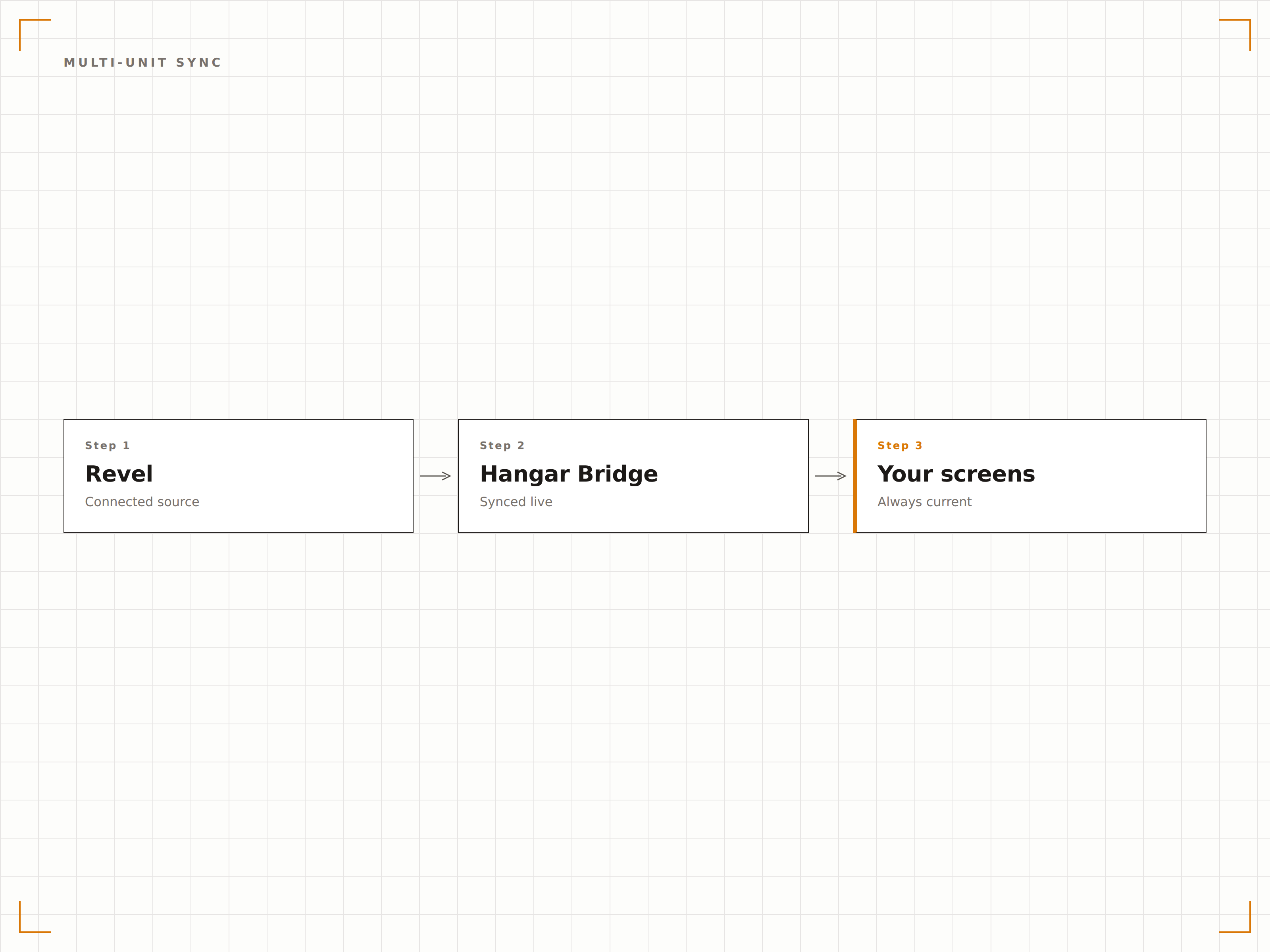
Pannelli degli ordini rivolti ai clienti
Mostra lo stato degli ordini dei clienti sugli schermi nell'area di ritiro. Man mano che gli ordini avanzano nelle fasi di preparazione in Revel, il pannello di stato si aggiorna con i numeri d'ordine, lo stato e i tempi di completamento stimati. I clienti seguono i propri ordini visivamente senza affollarsi al bancone.
Il pannello degli ordini mantiene la calma nell'area di ritiro. I clienti guardano lo schermo invece di interpellare il personale.
Tracciamento in tempo reale delle fasi degli ordini dal flusso di cucina Revel
Categorie di stato: pronto, in preparazione e ricevuto
Visualizzazione del nome del cliente o del numero d'ordine con opzioni per la privacy
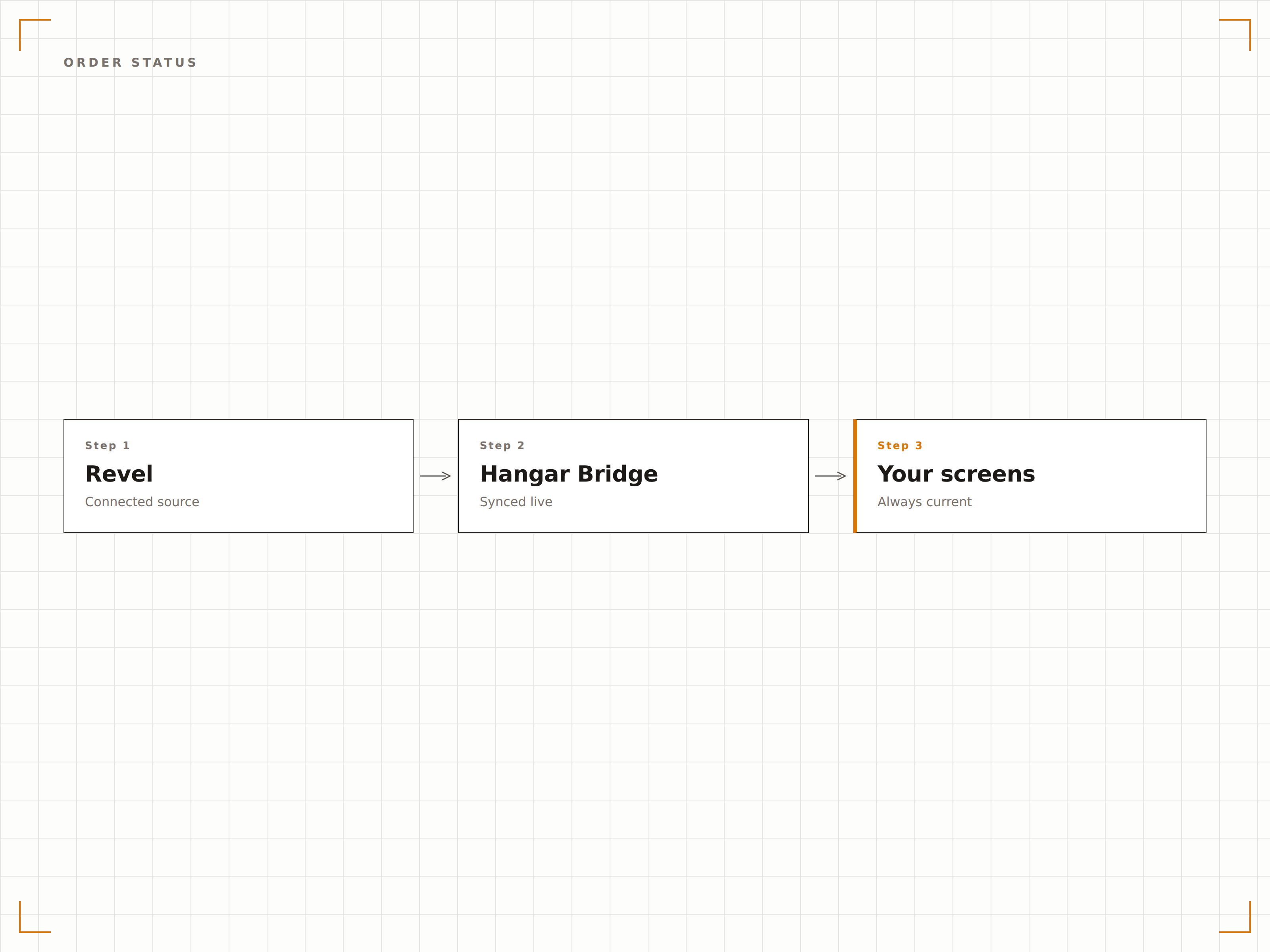
Il menu giusto al momento giusto
Revel supporta configurazioni di menu daypart che modificano l'offerta disponibile per colazione, pranzo e cena. L'integrazione Hangar.Media legge queste regole daypart e cambia automaticamente i contenuti dei menu board digitali, garantendo che gli schermi mostrino sempre il menu attualmente attivo.
Il menu della colazione passa a quello del pranzo esattamente alle 11:00 su ogni schermo di tutti i nostri punti vendita.
Transizioni automatiche dei menu board ai cambi di fascia oraria
Supporto per finestre daypart personalizzate oltre i periodi pasto standard
Transizioni visive fluide tra le configurazioni di menu
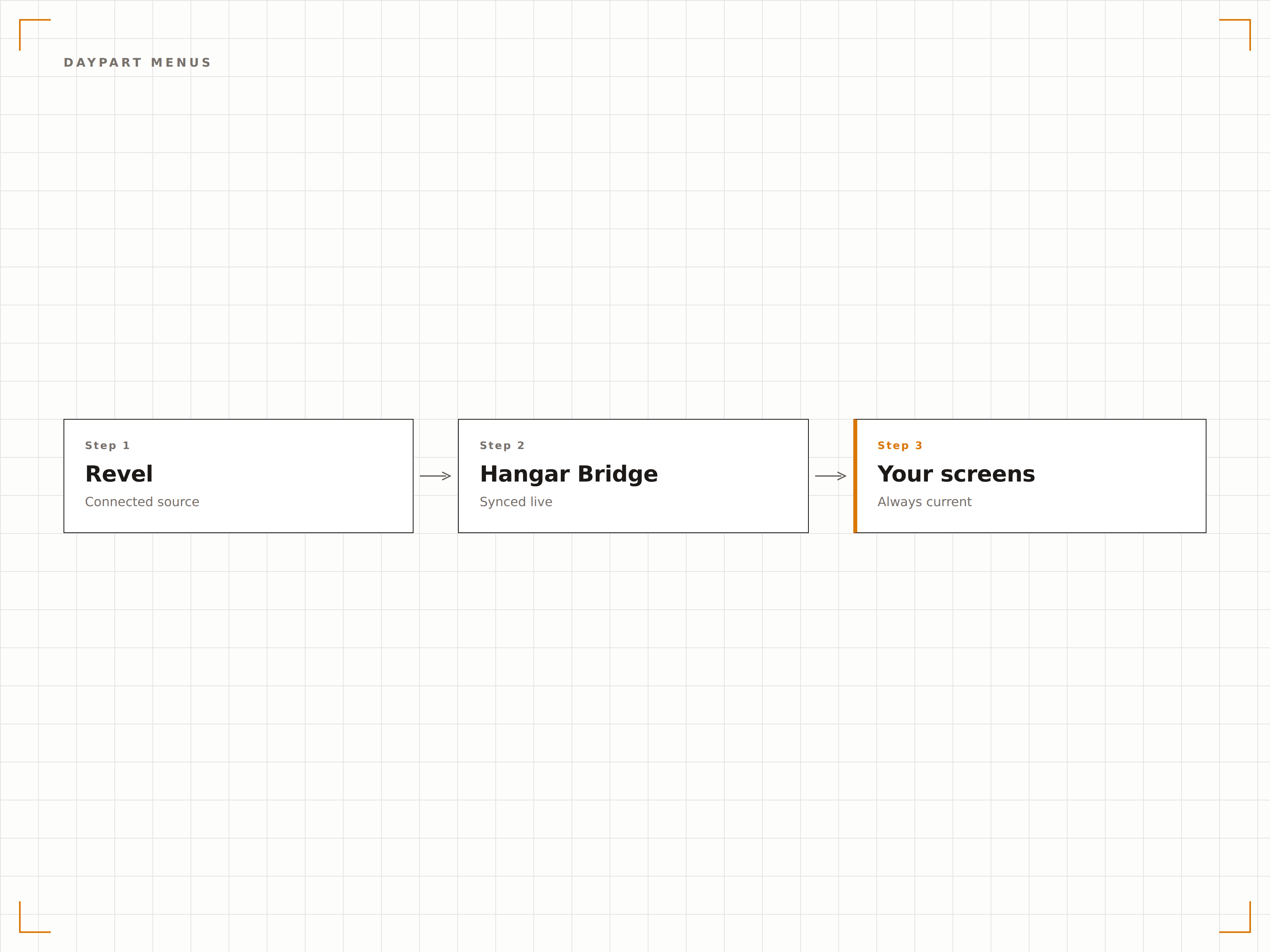
Quattro passaggi verso schermi connessi.
Dalla configurazione ai contenuti live in minuti, non giorni.
Collega il tuo account Revel
Autorizza Hangar.Media ad accedere ai dati della tua Management Console Revel tramite API. Configura quali punti vendita sincronizzare.
Associa i menu agli schermi
Assegna categorie di menu e gruppi di prodotti alle zone del layout dello schermo per ogni sede. Imposta eventuali personalizzazioni per singola sede.
Configura i display di stato degli ordini
Facoltativamente, configura pannelli di stato degli ordini rivolti ai clienti, collegati al flusso di cucina Revel per il tracciamento degli ordini in tempo reale.
Pubblica su tutte le sedi
Pubblica menu board e display degli ordini su tutte le sedi contemporaneamente. Monitora lo stato di sincronizzazione per ogni punto vendita dalla dashboard centrale.
Costruito per ogni settore.
Scopri come diversi settori utilizzano questa integrazione per ottenere risultati concreti.
Catene di ristoranti multi-sede
Le catene di ristoranti con 10 o più sedi che utilizzano Revel sincronizzano i menu gestiti centralmente con i pannelli digitali di ogni punto vendita, con personalizzazioni dei prezzi locali e pianificazione daypart gestite automaticamente.
CorporateFood court in campus aziendali
I grandi campus aziendali con più operatori di ristorazione su Revel mostrano menu unificati della food court e pannelli di stato degli ordini che ogni operatore aggiorna dal proprio terminale Revel.
EntertainmentPunti di ristorazione nei parchi tematici
I parchi tematici che utilizzano Revel in più punti di ristorazione sincronizzano menu e disponibilità con i pannelli digitali distribuiti nel parco, adattandosi a voci stagionali e menu per eventi speciali.
EducationRistorazione universitaria multi-operatore
Le mense universitarie con più operatori dotati di Revel mostrano il menu di ciascuno su schermi digitali condivisi, con tracciamento dello stato degli ordini per l'area di ritiro centrale.
Domande frequenti. Risposte dirette risposte.
L'integrazione funziona con i deployment cloud e on-premise di Revel
L'integrazione si connette all'API della Management Console cloud di Revel. Sono supportate sia le installazioni cloud-native che ibride di Revel, purché la Management Console sia accessibile.
Posso mostrare menu diversi in sedi diverse
Sì. L'integrazione rispetta le configurazioni di menu, i livelli di prezzo e le impostazioni di disponibilità per ogni punto vendita definite in Revel. Gli schermi di ogni sede mostrano solo le voci di menu e i prezzi impostati per quello specifico punto vendita.
Lo stato degli ordini funziona con l'integrazione del display di cucina Revel
Sì. Il pannello di stato degli ordini rivolto ai clienti legge gli stessi dati del flusso di cucina che alimenta il KDS di Revel. Man mano che il personale di cucina aggiorna le fasi degli ordini sui propri schermi, il display per i clienti si aggiorna in tempo reale.
Come funziona il cambio daypart sugli schermi
Hangar.Media legge il programma daypart di Revel e precarica i contenuti del periodo di menu successivo. Al momento della transizione daypart, lo schermo passa fluidamente al nuovo menu senza ritardi di caricamento né schermate vuote.
Un prezzo. L'intera piattaforma.
Così pensiamo che la segnaletica digitale dovrebbe funzionare. Editor di contenuti, gestione degli schermi e oltre 200 integrazioni di app — tutto incluso fin dal primo giorno.
14 giorni gratis, fino a 3 schermi — senza carta.