Identità Microsoft, accesso immediato. Integrazione con Azure AD.
Collega Microsoft Azure Active Directory a Hangar.Media e consenti al tuo team di accedere con le credenziali Microsoft 365. Sfrutta le policy di accesso condizionale, il provisioning automatizzato e i tuoi investimenti esistenti nella sicurezza Microsoft.
Porta la tua identità Microsoft 365 nella segnaletica digitale
La maggior parte delle aziende gestisce già le identità tramite Azure AD e Microsoft 365. L'integrazione di Hangar.Media con Azure AD ti permette di estendere questo investimento alla tua piattaforma di segnaletica digitale. I membri del team accedono con le stesse credenziali che usano per Outlook e Teams. Gli amministratori IT gestiscono gli accessi dal portale Azure che già conoscono. Le policy di accesso condizionale proteggono la tua piattaforma di segnaletica digitale esattamente come qualsiasi altra applicazione aziendale.
Cosa puoi fare con Integrazione con Azure AD.
Tre funzionalità che rendono questa integrazione indispensabile per la tua rete di segnaletica digitale.
Accedi con il tuo account Microsoft
I membri del team fanno clic sul pulsante di accesso Microsoft nella pagina di login di Hangar.Media e si autenticano con le proprie credenziali Microsoft 365. Se sono già connessi a Microsoft, accedono direttamente a Hangar.Media senza ulteriori passaggi. Single sign-on autentico per gli ambienti Microsoft.
Già connesso a Microsoft? Sei connesso anche a Hangar.Media.
Accesso con un clic tramite le credenziali Microsoft 365
Accesso immediato se già autenticato su Microsoft
Supporto per i protocolli SAML 2.0 e OpenID Connect
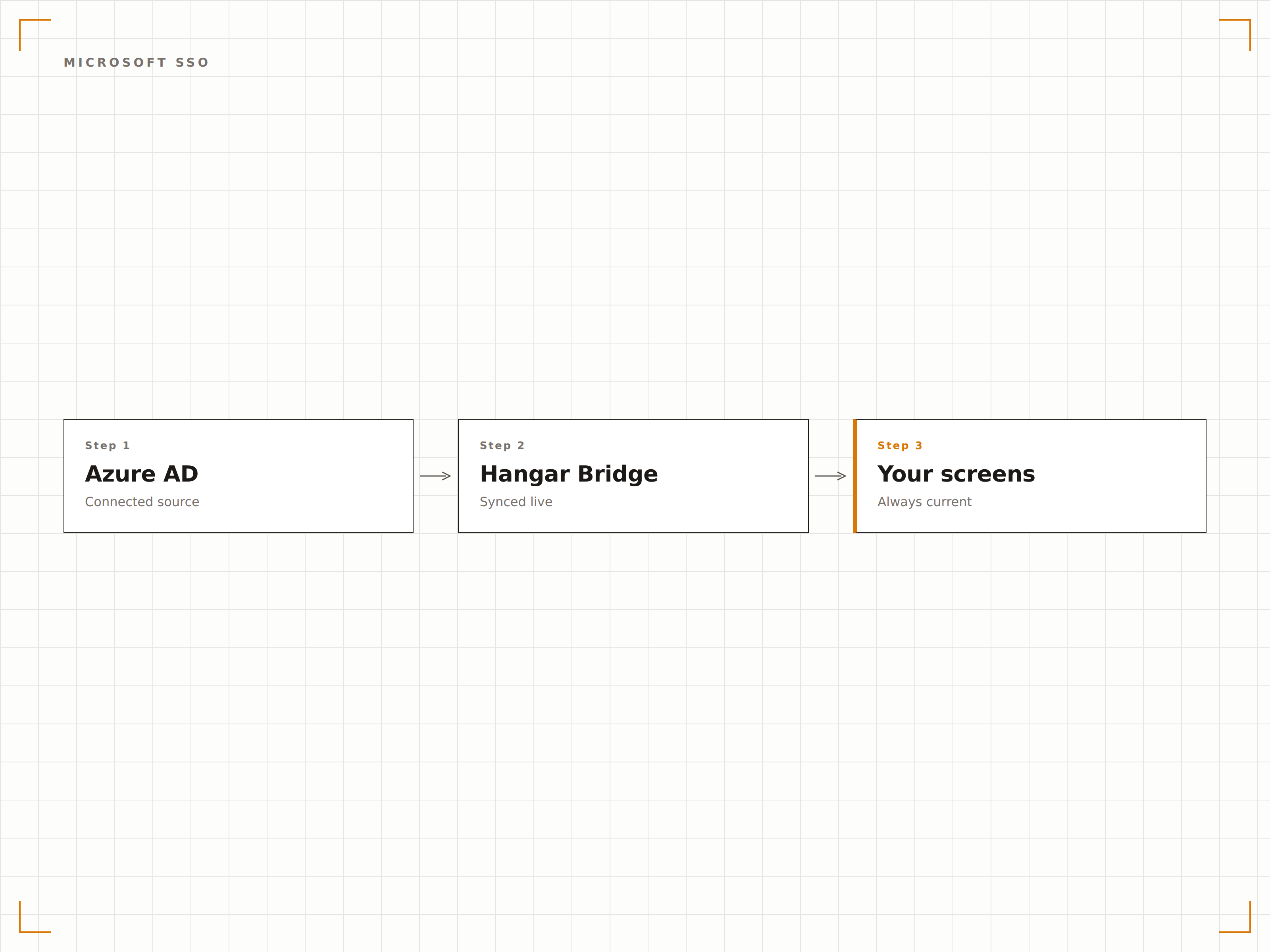
Le policy di sicurezza Azure proteggono i tuoi schermi
I criteri di accesso condizionale di Azure AD vengono applicati quando gli utenti accedono a Hangar.Media. Richiedi l'MFA dalle reti non attendibili. Blocca l'accesso dai dispositivi non conformi. Limita l'accesso ai soli dispositivi gestiti. Tutto applicato automaticamente tramite le policy Azure AD esistenti.
Le tue policy di sicurezza Azure, applicate automaticamente.
Restrizioni di accesso basate sulla rete
Requisiti di conformità dei dispositivi
Applicazione dell'MFA in base al rischio e alla posizione
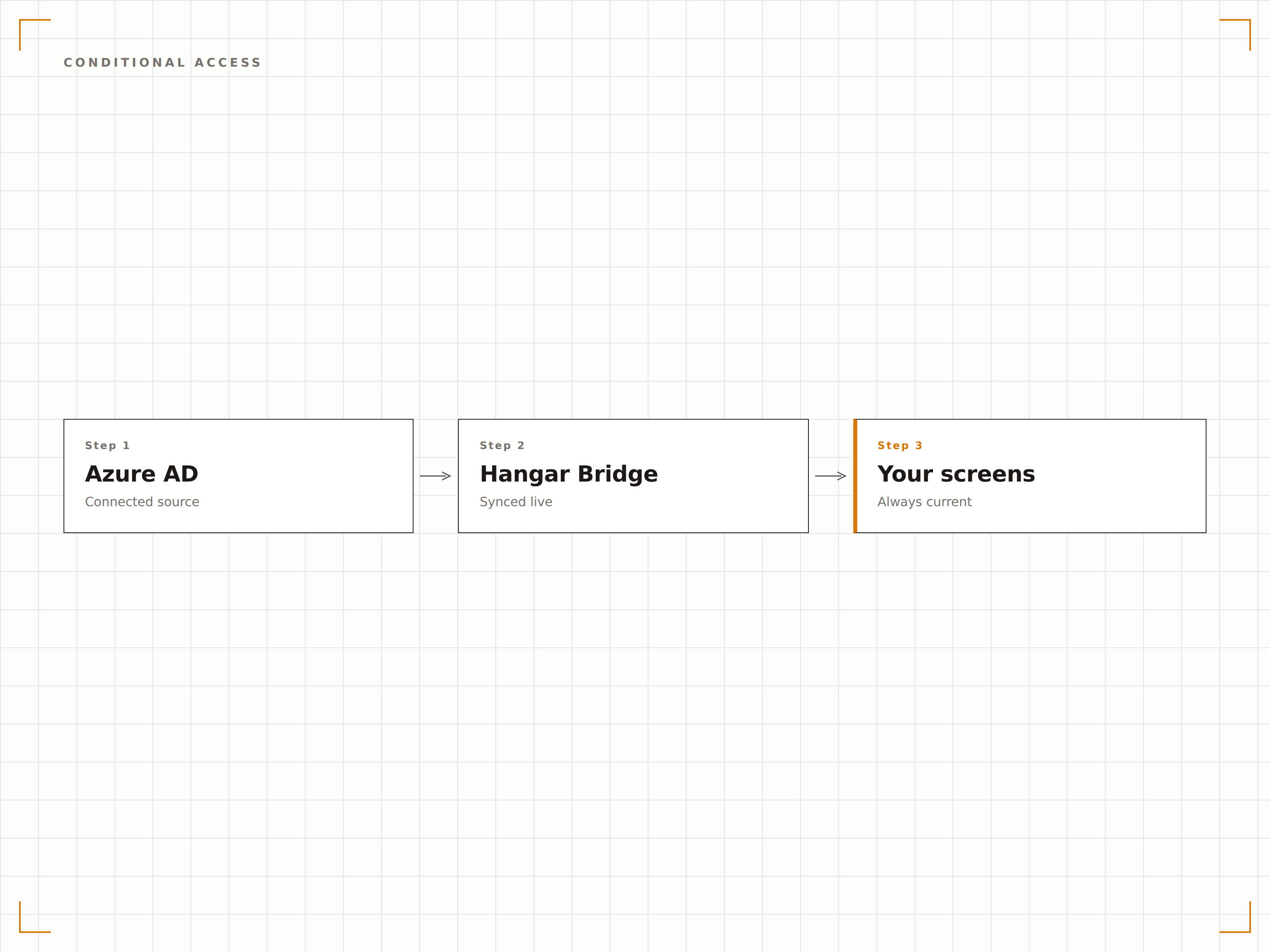
I gruppi Azure AD governano i permessi in Hangar.Media
Mappa i gruppi di sicurezza Azure AD sui ruoli di Hangar.Media. Quando un utente viene aggiunto a un gruppo in Azure AD, riceve automaticamente i permessi corrispondenti in Hangar.Media. Spostalo in un gruppo diverso e i suoi permessi cambiano. Rimuovilo del tutto e il suo accesso viene revocato.
Gestisci i permessi in Azure AD. Hangar.Media rimane sempre sincronizzato.
Mappatura da gruppo di sicurezza a ruolo
Supporto per gruppi annidati per strutture organizzative complesse
Sincronizzazione in tempo reale tramite webhook Microsoft Graph API
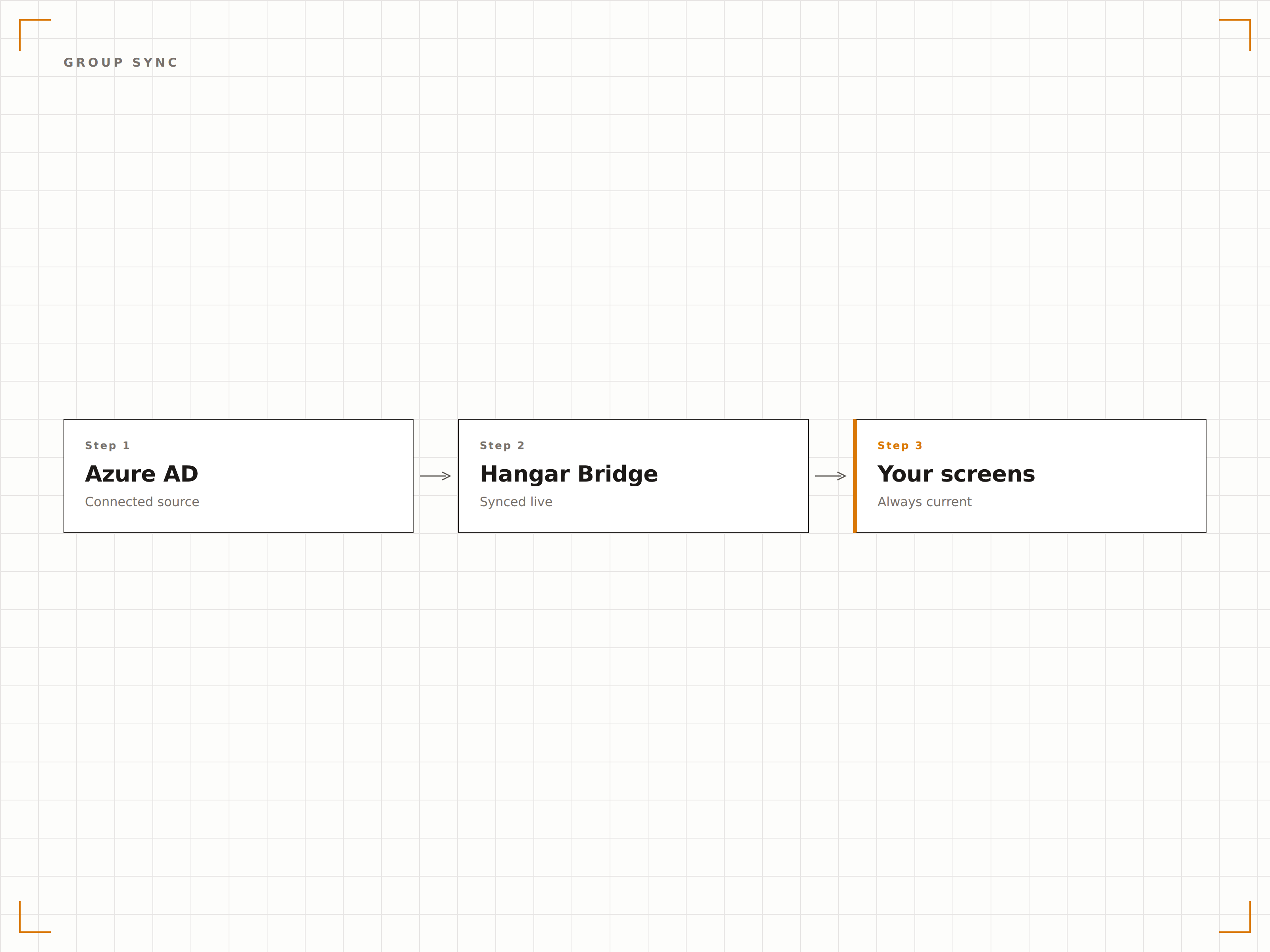
Quattro passaggi verso schermi connessi.
Dalla configurazione ai contenuti live in minuti, non giorni.
Registra Hangar.Media in Azure AD
Aggiungi Hangar.Media come applicazione enterprise nel tuo tenant Azure AD. Utilizza l'app preconfigurata dalla galleria oppure esegui la configurazione manuale con i metadati SAML forniti.
Configura il protocollo SSO
Scegli SAML 2.0 o OpenID Connect come protocollo SSO e scambia i metadati tra Azure AD e Hangar.Media. Testa la connessione SSO con un utente pilota.
Configura il provisioning utenti
Abilita il provisioning automatico tramite Microsoft Graph API. Definisci quali gruppi Azure AD sincronizzare con Hangar.Media e mappa l'appartenenza ai gruppi sui ruoli della piattaforma.
Applica i criteri di accesso condizionale
Aggiungi l'app enterprise Hangar.Media ai criteri di accesso condizionale di Azure AD. Definisci regole di MFA, conformità dei dispositivi e accesso basato sulla posizione.
Costruito per ogni settore.
Scopri come diversi settori utilizzano questa integrazione per ottenere risultati concreti.
Aziende native Microsoft
Estendi il tuo investimento nell'identità Microsoft 365 alla gestione della segnaletica digitale, per le organizzazioni che adottano Microsoft come standard su tutte le applicazioni enterprise.
EducationIntegrazione Microsoft 365 per le scuole
Consenti a insegnanti e amministratori di gestire la segnaletica digitale del campus utilizzando i propri account Microsoft 365 scolastici con accesso basato sui ruoli.
HealthcareControllo degli accessi per reti ospedaliere
Applica criteri di accesso condizionale per il personale clinico che accede alla gestione della segnaletica digitale da reti ospedaliere e dispositivi personali.
FinancialAccesso da dispositivi conformi
Limita la gestione della segnaletica digitale ai soli dispositivi conformi ad Azure AD, garantendo che il personale delle filiali possa gestire gli schermi esclusivamente da postazioni di lavoro approvate.
Domande frequenti. Risposte dirette risposte.
L'integrazione funziona con Azure AD B2C
L'integrazione è progettata per Azure AD (ora Microsoft Entra ID) per le identità della forza lavoro. Azure AD B2C per le identità dei clienti non è supportato per SSO. Per l'accesso di utenti esterni, utilizza la gestione utenti nativa di Hangar.Media o l'accesso guest Azure AD B2B.
Posso usare sia SAML che OpenID Connect
Puoi scegliere un solo protocollo per connessione al tenant Azure AD. Sia SAML 2.0 che OpenID Connect sono completamente supportati. OpenID Connect è consigliato per le nuove configurazioni, in quanto offre un processo di setup più semplice e supporta flussi di autenticazione più moderni.
Con quale rapidità le modifiche in Azure AD vengono riflesse in Hangar.Media
Le modifiche all'appartenenza ai gruppi e agli attributi utente vengono sincronizzate tramite Microsoft Graph API. I cicli di sincronizzazione standard vengono eseguiti ogni 40 minuti. Per aggiornamenti immediati, è possibile avviare una sincronizzazione manuale dalla dashboard di Hangar.Media. La disattivazione di un utente in Azure AD revoca l'accesso a Hangar.Media alla sincronizzazione successiva.
Microsoft Entra ID è supportato
Sì. Microsoft Entra ID è il nuovo nome di Azure Active Directory. L'integrazione di Hangar.Media funziona con Microsoft Entra ID esattamente come con Azure AD. Non sono necessarie modifiche alla configurazione se il tuo tenant è stato rinominato con la denominazione Entra ID.
Un prezzo. L'intera piattaforma.
Così pensiamo che la segnaletica digitale dovrebbe funzionare. Editor di contenuti, gestione degli schermi e oltre 200 integrazioni di app — tutto incluso fin dal primo giorno.
14 giorni gratis, fino a 3 schermi — senza carta.