Schermi che rispondono al mondo reale. il mondo reale.
Collega sensori IoT alla tua segnaletica digitale e lascia che i dati del mondo reale guidino i contenuti sullo schermo. Temperatura, occupazione, qualità dell'aria, livelli di rumore e altro ancora possono attivare cambiamenti automatici dei contenuti.
Contenuti data-driven dal mondo fisico
L'integrazione IoT Sensors connette la tua segnaletica digitale all'ambiente fisico. Invia dati da sonde di temperatura, contatori di occupazione, monitor per la qualità dell'aria, sensori di luce e altri dispositivi IoT a Hangar.Media. Definisci regole che modificano i contenuti sullo schermo in base alle letture dei sensori: mostra annunci di prodotti rinfrescanti quando la temperatura sale, visualizza avvisi di capienza quando vengono raggiunte le soglie di occupazione, oppure cambia i contenuti in base ai livelli di luce ambientale.
Cosa puoi fare con il mondo reale.
Tre funzionalità che rendono questa integrazione indispensabile per la tua rete di segnaletica digitale.
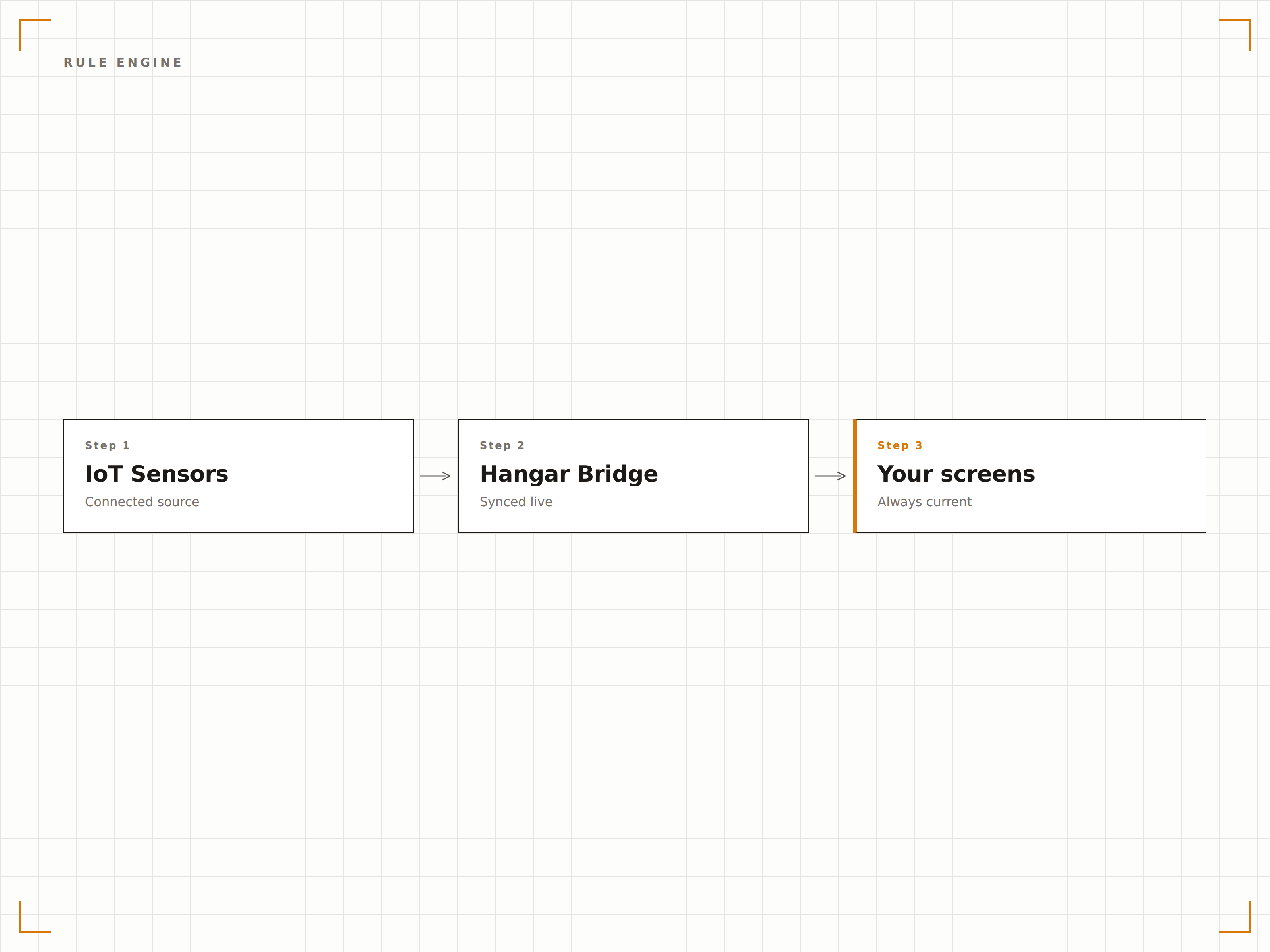
Se questo, mostra quello
Definisci regole che collegano le condizioni dei sensori alle azioni sui contenuti. Quando la temperatura supera i 30 gradi, mostra promozioni di bevande fredde. Quando l'occupazione della stanza scende sotto il 50 percento, passa a un messaggio di recruiting. Le regole possono combinare più input di sensori con logica AND e OR per attivazioni sofisticate.
Quando la sala d'attesa si riempie, i nostri schermi passano automaticamente ai messaggi con il tempo di attesa stimato.
Regole basate su soglie con condizioni maggiore di, minore di e intervallo
Logica multi-sensore con condizioni AND e OR combinate
Finestre di attivazione delle regole pianificate per contesti temporali
Visualizza le letture dei sensori sullo schermo
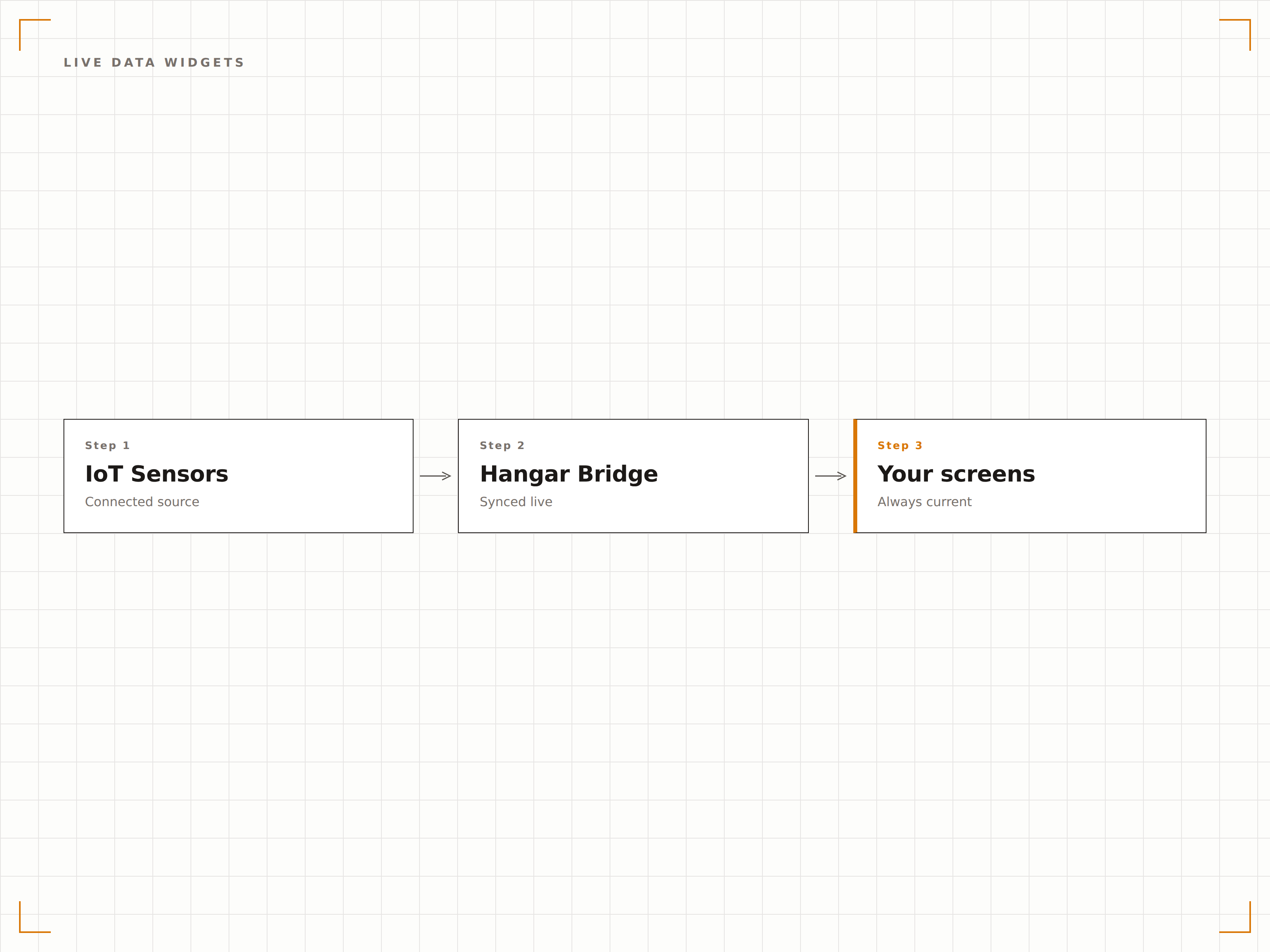
Mostra i dati dei sensori in tempo reale direttamente sui tuoi schermi tramite widget a gauge, grafici e display numerici. Ideale per creare dashboard, display di monitoraggio ambientale e pannelli di stato operativo dove gli utenti devono vedere le letture correnti a colpo d'occhio.
Il nostro schermo nella lobby mostra qualità dell'aria, temperatura e dati di occupazione in tempo reale in un formato dashboard pulito.
Widget a gauge, grafico a linee, grafico a barre e numero grande
Visualizzazione delle tendenze storiche con finestre temporali regolabili
Soglie con codice colore per stati normale, attenzione e critico
Collega qualsiasi hardware di sensori
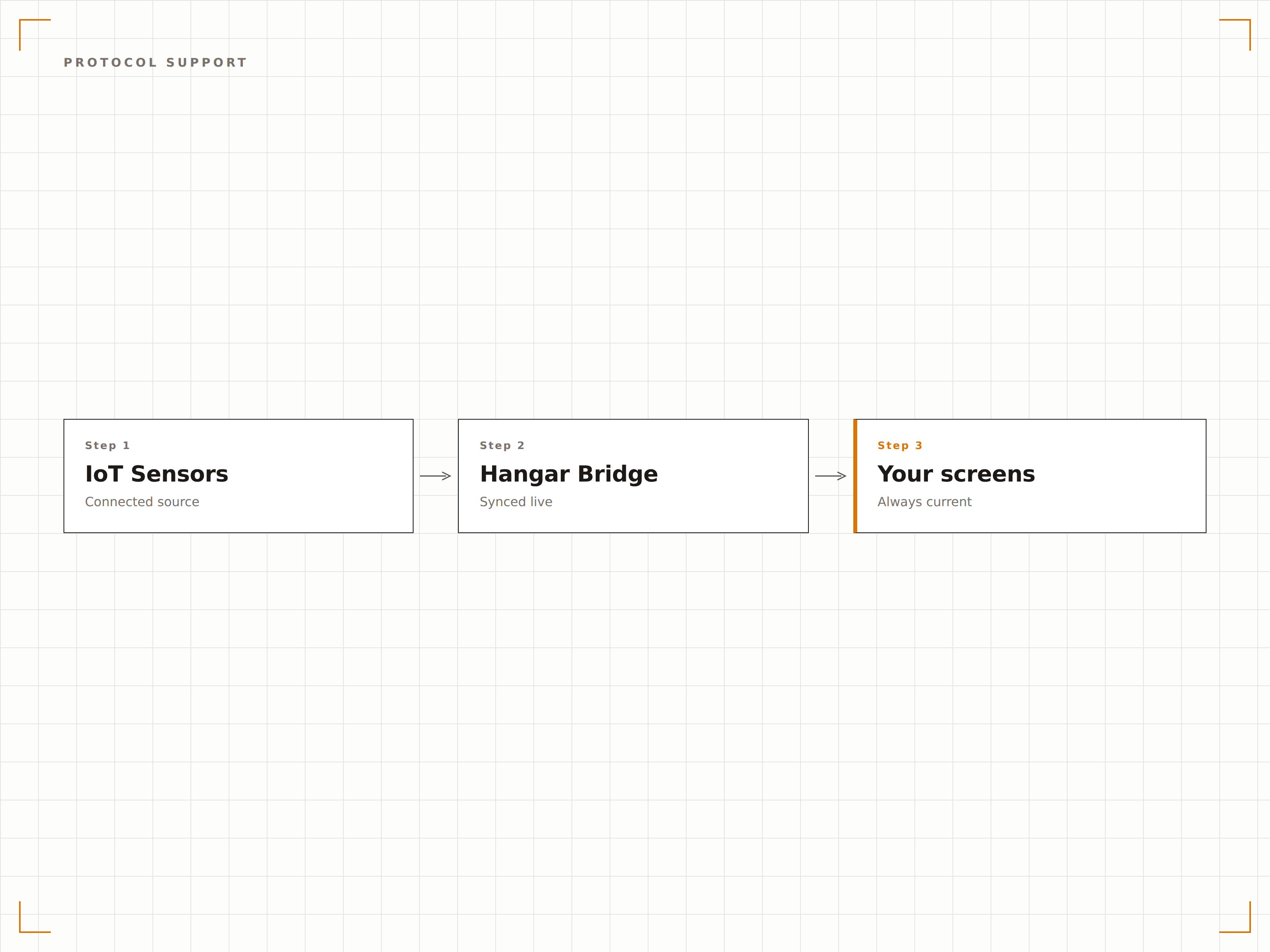
Hangar.Media parla il linguaggio dell'IoT. Collega i sensori tramite broker MQTT, callback webhook HTTP, polling REST API o connessioni USB e seriali dirette. Che i tuoi sensori comunichino attraverso un gateway o direttamente al player, esiste un metodo di connessione adatto alle tue esigenze.
Abbiamo collegato la nostra rete di sensori MQTT esistente in meno di un'ora senza alcuna modifica hardware.
Sottoscrizione MQTT con routing basato su topic
Opzioni webhook HTTP e polling REST API
USB e seriale per sensori collegati direttamente
Quattro passaggi verso schermi connessi.
Dalla configurazione ai contenuti live in minuti, non giorni.
Collega i tuoi sensori
Configura la connessione ai tuoi sensori IoT tramite broker MQTT, endpoint webhook o connessione seriale diretta nella dashboard di Hangar.Media.
Definisci le sorgenti dati
Associa ogni feed del sensore a una sorgente dati con nome, unità di misura, intervallo atteso e impostazioni di visualizzazione.
Crea regole di attivazione
Definisci regole che stabiliscono quali contenuti cambiano quando i valori dei sensori superano soglie specifiche o soddisfano condizioni predefinite.
Aggiungi widget di dati
Facoltativamente, inserisci widget con dati live dei sensori nei layout degli schermi per mostrare letture in tempo reale accanto agli altri contenuti.
Costruito per ogni settore.
Scopri come diversi settori utilizzano questa integrazione per ottenere risultati concreti.
Display ambientali per edifici intelligenti
Gli edifici per uffici mostrano temperatura, umidità, livelli di CO2 e dati di occupazione in tempo reale sugli schermi dei piani, per tenere i dipendenti informati sulle condizioni dell'edificio e sulla disponibilità delle sale riunioni.
RetailPromozioni adattive alle condizioni meteo
I negozi collegano sensori di temperatura esterna per attivare automaticamente promozioni stagionali. Il caldo attiva annunci di bevande fredde, mentre le ondate di freddo promuovono abbigliamento invernale e accessori.
HealthcareMonitoraggio ambientale ospedaliero
Gli ospedali visualizzano le letture di temperatura e umidità per aree sensibili come farmacie, sale server e magazzini su schermi dedicati al personale, con indicatori di conformità con codice colore.
PublicGestione della folla nelle stazioni di transito
Le stazioni ferroviarie utilizzano sensori di occupazione per mostrare i livelli di affollamento delle banchine sugli schermi informativi per i passeggeri, guidandoli verso le aree meno congestionate.
Domande frequenti. Risposte dirette risposte.
Quali protocolli IoT supporta Hangar.Media
La piattaforma supporta MQTT con routing dei messaggi basato su topic, webhook HTTP per dati sensor push-based, polling REST API per dati pull-based e connessioni USB e seriali dirette per sensori collegati localmente.
Posso utilizzare sensori di qualsiasi produttore
Sì. Purché il sensore possa trasmettere dati tramite uno dei protocolli supportati, funziona con Hangar.Media. L'integrazione è basata sul protocollo, non sul marchio. Piattaforme popolari come Arduino, Raspberry Pi e PLC industriali sono tutte compatibili.
Con quale rapidità gli schermi reagiscono alle variazioni dei sensori
Per le connessioni MQTT e webhook, il contenuto dello schermo cambia entro uno o due secondi dalla ricezione della lettura del sensore. Per le connessioni con polling, il tempo di reazione dipende dall'intervallo di polling scelto.
Posso combinare i dati di più sensori in un'unica regola
Sì. Il motore di regole supporta condizioni multi-sensore con logica AND e OR. Ad esempio, puoi attivare un contenuto quando la temperatura supera i 25 gradi E l'occupazione è superiore all'80 percento.
Un prezzo. L'intera piattaforma.
Così pensiamo che la segnaletica digitale dovrebbe funzionare. Editor di contenuti, gestione degli schermi e oltre 200 integrazioni di app — tutto incluso fin dal primo giorno.
14 giorni gratis, fino a 3 schermi — senza carta.