Telas que respondem a o mundo real.
Conecte sensores IoT à sua sinalização digital e deixe que dados do mundo real determinem o conteúdo das telas. Temperatura, ocupação, qualidade do ar, níveis de ruído e muito mais podem acionar mudanças automáticas de conteúdo.
Conteúdo orientado por dados do mundo físico
A integração de Sensores IoT conecta sua sinalização digital ao ambiente físico. Alimente dados de sondas de temperatura, contadores de ocupação, monitores de qualidade do ar, sensores de luz e outros dispositivos IoT no Hangar.Media. Defina regras que alteram o conteúdo das telas com base nas leituras dos sensores: exiba anúncios de produtos refrescantes quando a temperatura subir, mostre avisos de capacidade quando os limites de ocupação forem atingidos ou alterne o conteúdo de acordo com os níveis de luz ambiente.
O que você pode fazer com o mundo real.
Três capacidades que tornam esta integração essencial para a sua rede de sinalização digital.
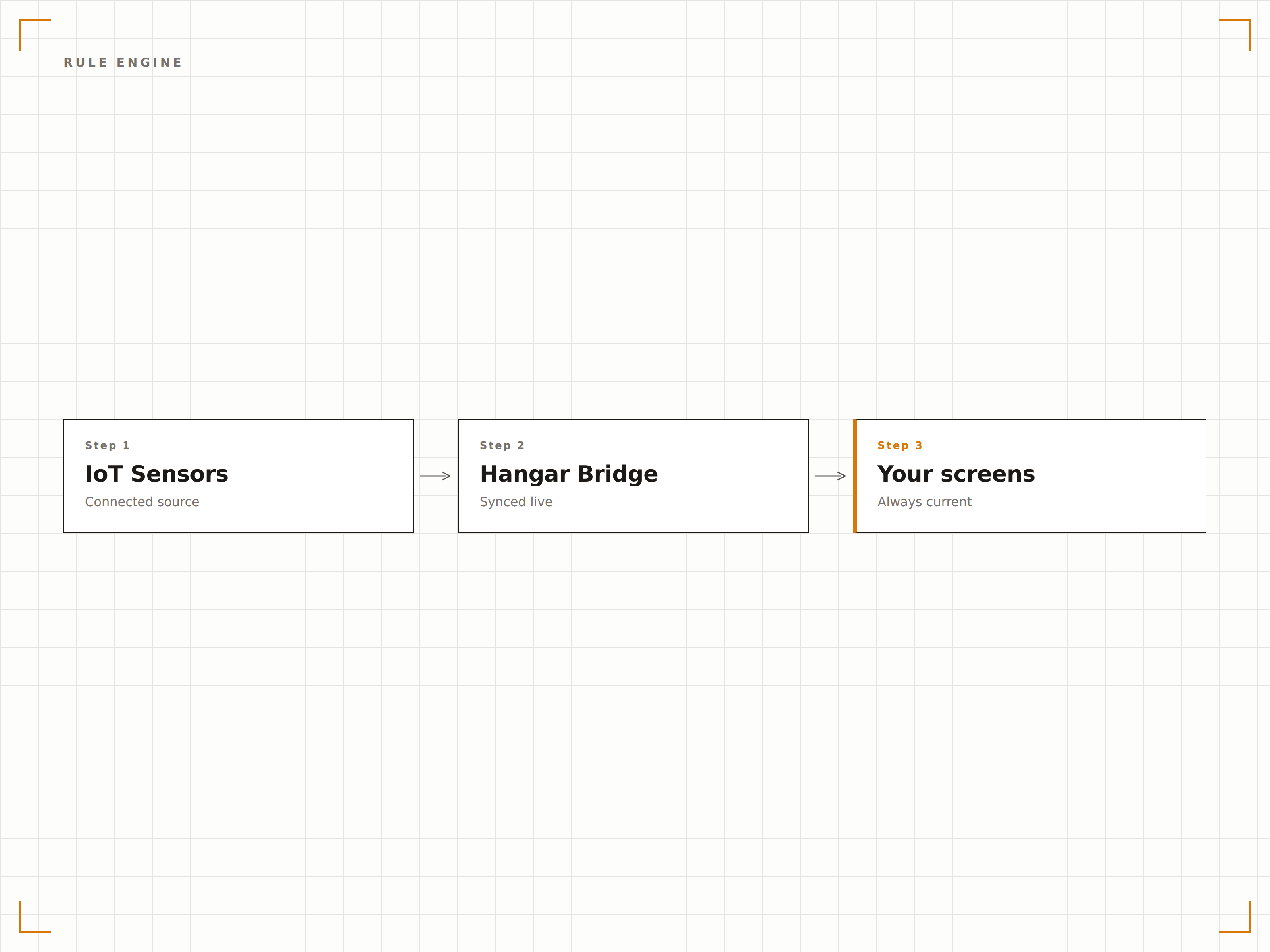
Se isso, mostre aquilo
Defina regras que vinculam condições de sensores a ações de conteúdo. Quando a temperatura ultrapassar 30 graus, exiba promoções de bebidas geladas. Quando a ocupação da sala cair abaixo de 50 por cento, mude para uma mensagem de recrutamento. As regras podem combinar múltiplas entradas de sensores com lógica AND e OR para acionamentos sofisticados.
Quando a sala de espera fica cheia, nossas telas mudam automaticamente para mensagens com o tempo estimado de espera.
Regras baseadas em limites com condições de maior que, menor que e intervalo
Lógica multissensor combinando condições AND e OR
Janelas de ativação de regras agendadas para contextos baseados em horário
Exiba leituras de sensores na tela
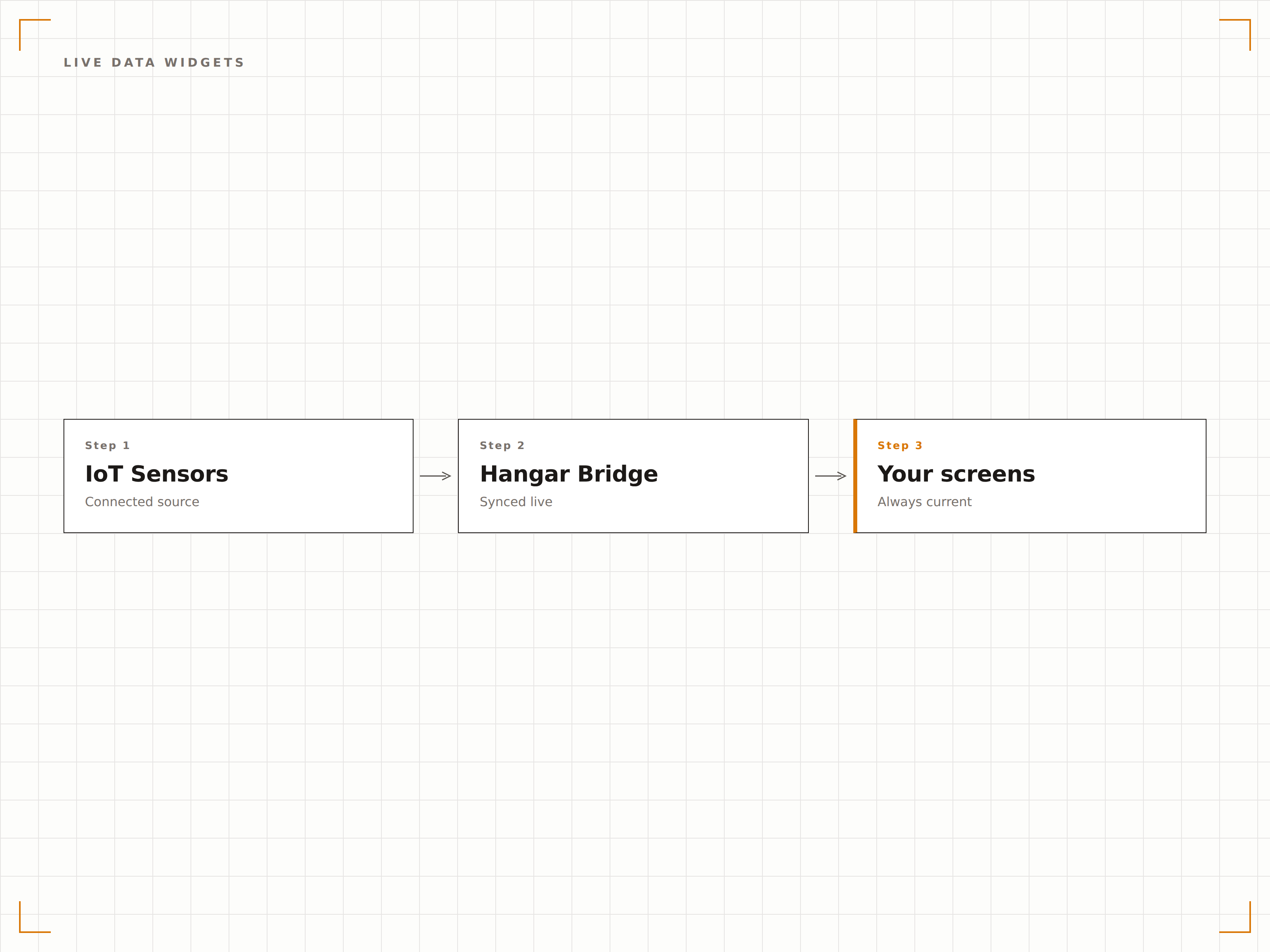
Exiba dados de sensores em tempo real diretamente nas suas telas usando widgets de medidor, gráfico e exibição numérica. Ideal para criar dashboards, painéis de monitoramento ambiental e quadros de status operacional onde os espectadores precisam visualizar as leituras atuais de forma imediata.
Nossa tela do lobby exibe dados de qualidade do ar, temperatura e ocupação em tempo real em um formato de dashboard limpo e organizado.
Widgets de medidor, gráfico de linha, gráfico de barras e número em destaque
Exibição de tendências históricas com janelas de tempo ajustáveis
Limites com código de cores para faixas normal, de atenção e crítica
Conecte qualquer hardware de sensor
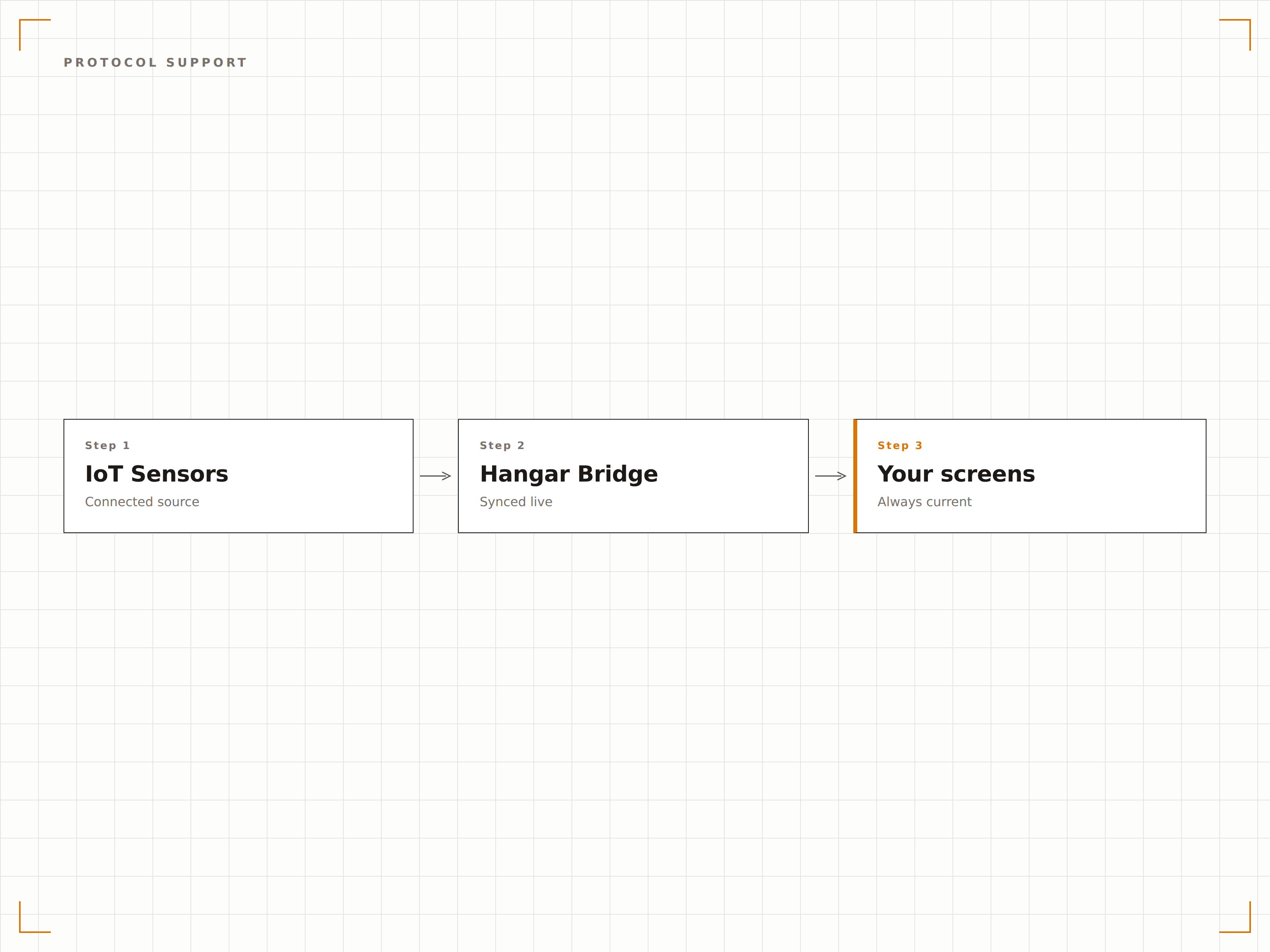
O Hangar.Media fala as linguagens da IoT. Conecte sensores via brokers MQTT, callbacks de webhook HTTP, polling via REST API ou conexões USB e seriais diretas. Seja por gateway ou diretamente ao player, há um método de conexão que se adapta à sua realidade.
Conectamos nossa rede de sensores MQTT existente em menos de uma hora, sem nenhuma alteração de hardware.
Assinatura MQTT com roteamento baseado em tópico
Opções de webhook HTTP e polling via REST API
USB e serial para sensores conectados diretamente
Quatro etapas para telas conectadas.
Da configuração ao conteúdo ao vivo em minutos, não dias.
Conecte seus sensores
Configure a conexão com seus sensores IoT via broker MQTT, endpoint de webhook ou conexão serial direta no painel do Hangar.Media.
Defina fontes de dados
Mapeie cada feed de sensor para uma fonte de dados nomeada com unidades, faixa esperada e configurações de exibição.
Crie regras de acionamento
Crie regras que definem quais mudanças de conteúdo ocorrem quando os valores dos sensores ultrapassam limites específicos ou correspondem a condições definidas.
Adicione widgets de dados
Opcionalmente, insira widgets de dados de sensores ao vivo nos layouts das suas telas para exibir leituras em tempo real junto com outros conteúdos.
Feito para cada setor.
Veja como diferentes segmentos utilizam esta integração para gerar resultados.
Displays ambientais para edifícios inteligentes
Edifícios comerciais exibem dados em tempo real de temperatura, umidade, níveis de CO2 e ocupação nas telas dos andares, mantendo os colaboradores informados sobre as condições do edifício e a disponibilidade de salas de reunião.
VarejoPromoções responsivas ao clima
Lojas conectam sensores de temperatura externa para acionar promoções sazonais automaticamente. Tempo quente aciona anúncios de bebidas geladas, enquanto ondas de frio promovem roupas e acessórios para o inverno.
SaúdeMonitoramento ambiental hospitalar
Hospitais exibem leituras de temperatura e umidade de áreas sensíveis, como farmácias, salas de servidores e depósitos, em telas voltadas para a equipe com indicadores de conformidade codificados por cores.
PúblicoGestão de fluxo em estações de transporte
Estações de trem utilizam sensores de ocupação para exibir os níveis de lotação das plataformas nas telas de informação aos passageiros, orientando os viajantes para as áreas menos congestionadas.
Perguntas frequentes. Respostas diretas respostas.
Quais protocolos IoT o Hangar.Media suporta
A plataforma suporta MQTT com roteamento de mensagens por tópico, webhooks HTTP para dados de sensores baseados em push, polling via REST API para dados baseados em pull, e conexões USB e seriais diretas para sensores conectados localmente.
Posso usar sensores de qualquer fabricante
Sim. Desde que o sensor consiga transmitir dados por um dos protocolos suportados, ele funciona com o Hangar.Media. A integração é baseada em protocolo, não em marca específica. Plataformas populares como Arduino, Raspberry Pi e CLPs industriais são totalmente compatíveis.
Com que rapidez as telas reagem às mudanças dos sensores
Para conexões MQTT e webhook, o conteúdo das telas muda em um a dois segundos após o recebimento da leitura do sensor. Para conexões por polling, o tempo de resposta depende do intervalo de polling configurado.
Posso combinar dados de múltiplos sensores em uma única regra
Sim. O motor de regras suporta condições com múltiplos sensores usando lógica AND e OR. Por exemplo, você pode acionar um conteúdo quando a temperatura estiver acima de 25 graus E a ocupação estiver acima de 80 por cento.
Um preço. A plataforma completa.
É assim que acreditamos que a sinalização digital deve funcionar. Editor de conteúdo, gerenciamento de telas e mais de 200 integrações de aplicativos — tudo incluído desde o primeiro dia.
14 dias grátis, até 3 telas — sem cartão.