Parabola shapes the data. Screens tell the story.
Parabola turns messy operational data — e-commerce exports, spreadsheets, APIs — into clean, scheduled data flows. An API export step pushes any flow's result table to your Hangar.Media screens.
From messy data to a clean standing display
Parabola flows pull from Shopify, spreadsheets, email attachments and APIs, transform with visual steps, and can end with an API export that POSTs the result to your Hangar.Media inbound webhook. Each scheduled run refreshes the screen — a table of today's exceptions, a KPI set, a card board.
What you can do with Screens tell the story.
Three capabilities that make this integration essential for your digital signage network.
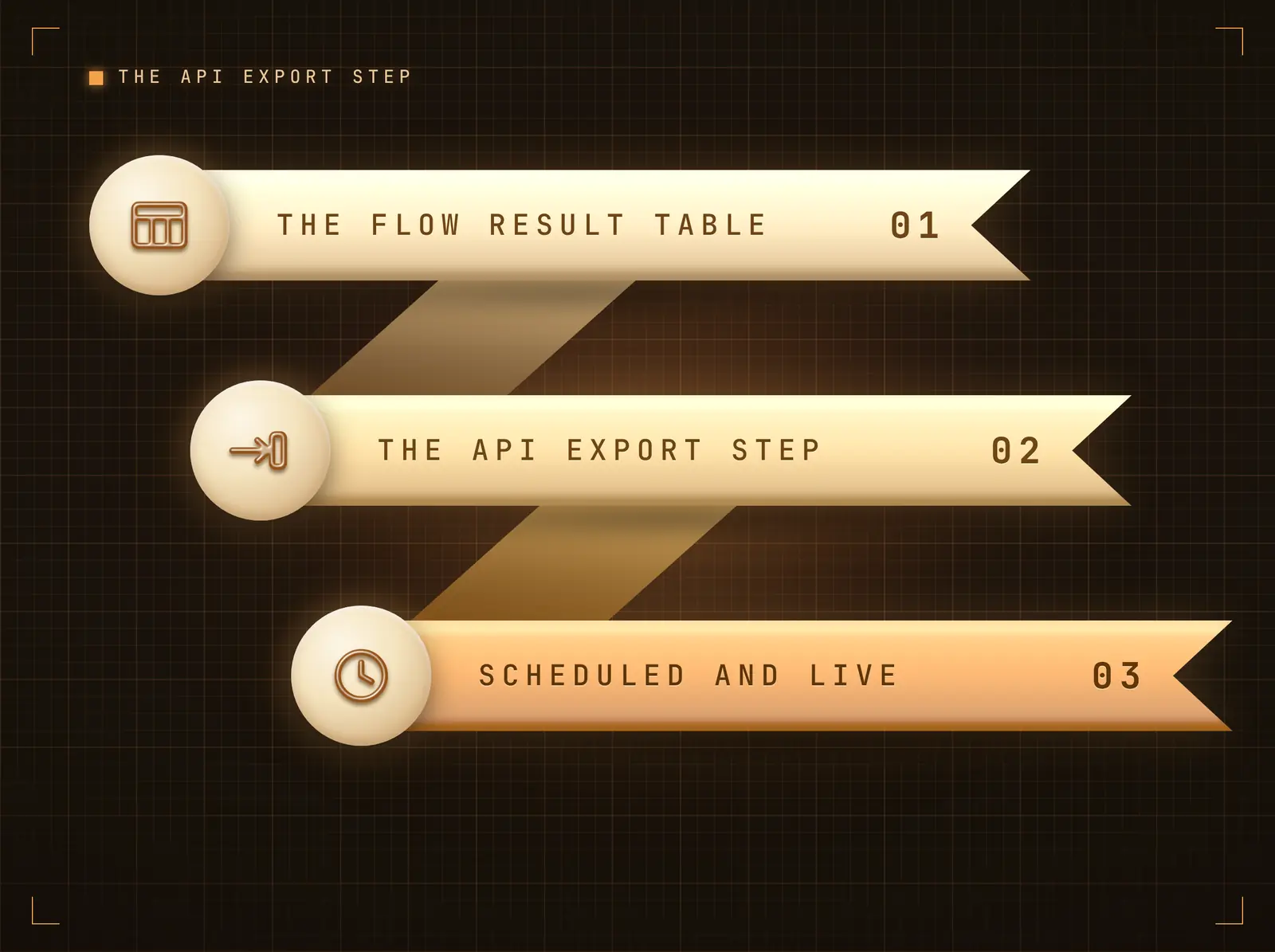
The API export step is the bridge
End your flow with the API export step: method POST, your inbound webhook URL, JSON body from the flow's result table. Scheduled runs keep the display current without anyone touching it.
The ops spreadsheet, finally on the wall and always fresh.
Rows export as JSON records — one row or card each
JSON payloads of any shape — single records or lists
Screens update within seconds of the push arriving
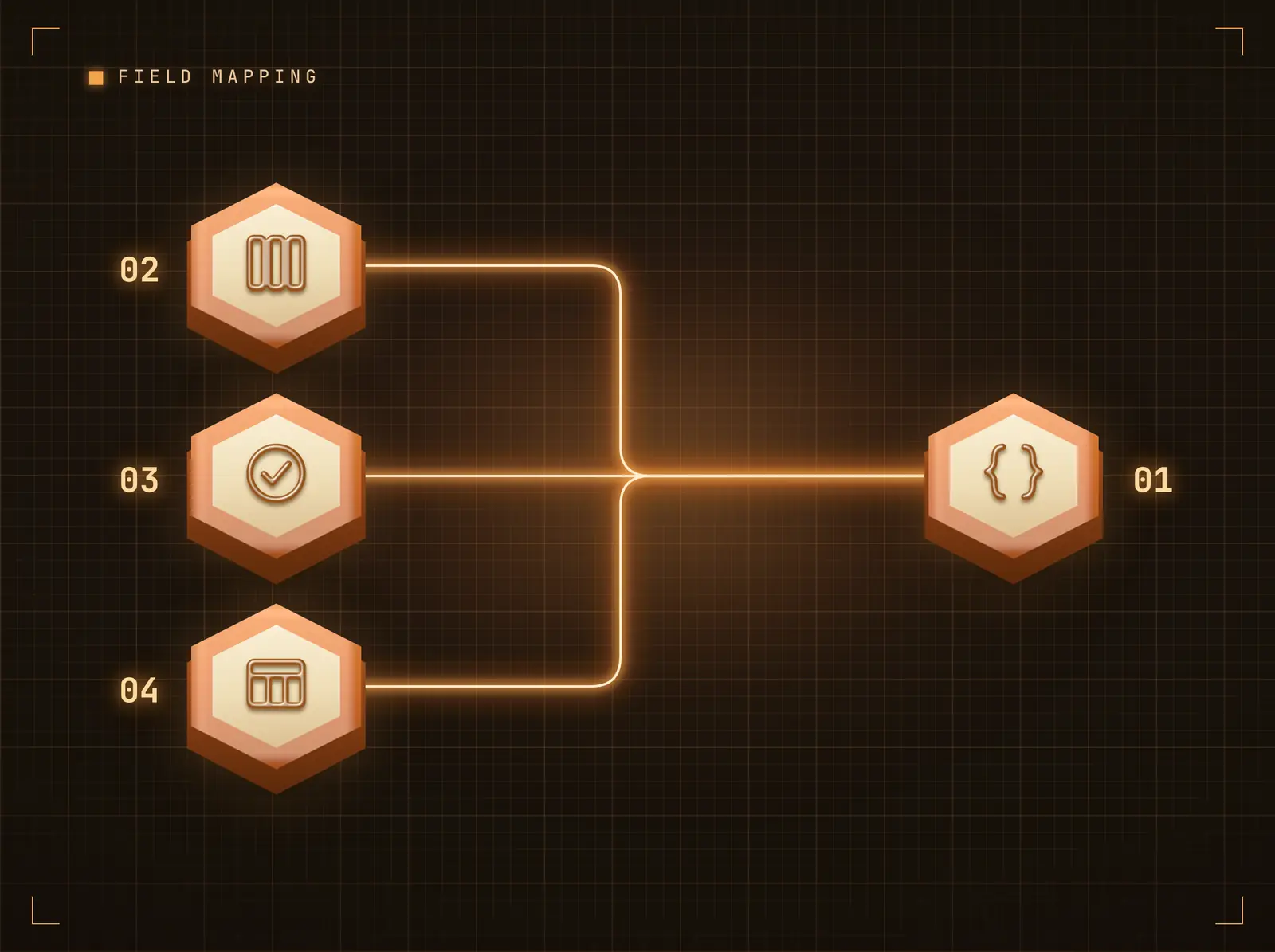
Shape the payload into screen content
Point display columns at payload fields with dot-notation paths, set defaults for missing fields, and apply per-column transforms — uppercase, lowercase, truncate, prefix, suffix. The same mapping engine powers every automation platform integration, so a recipe built once is portable across tools.
Your automation sends data; the mapping decides how it reads on screen.
Dot-notation paths reach nested payload fields
Defaults fill gaps so screens never show blanks
Transforms tidy values without touching the automation
Token-verified delivery
The export step sends your integration secret in the X-Webhook-Token header; Hangar.Media compares it in constant time, fail-closed, and rejects anything else with a 401.
Every push is authenticated before a pixel changes.
Constant-time secret comparison, fail-closed
One-click secret rotation
Unknown senders receive 401 and publish nothing

Four steps to connected screens.
From setup to live content in minutes, not days.
Connect the integration
Add the Parabola integration in Hangar.Media. Your unique inbound webhook URL and secret are generated instantly.
Add an API export step in Parabola
At the end of your flow, add the API export step: method POST, your inbound webhook URL, JSON body from the result table, and a header X-Webhook-Token with your integration secret.
Map fields to the display
Choose Data Table or Content Cards, then map payload fields to display columns with the field mapper. Defaults and transforms are optional.
Push and publish
Run the automation. The payload renders in the bound widget on your screens within seconds — enable Accumulate for a rolling board of recent pushes.
Built for every sector.
See how different industries use this integration to drive results.
E-commerce exception tables
Flows reconciling Shopify orders against fulfilment push the day's exceptions to the ops screen as a live table.
CorporateWeekly KPI refresh
Scheduled flows aggregate spreadsheet reports into KPI metrics on the leadership screen every Monday morning.
HospitalityInventory countdown boards
Flows tracking stock levels push low-stock cards to kitchen-office screens before service.
EducationEnrolment data displays
Flows cleaning admissions exports keep an enrolment summary live on the office screen through clearing.
Common questions. Straight answers.
How is the webhook secured
The API export step includes your integration secret in the X-Webhook-Token header; Hangar.Media compares it in constant time and rejects non-matching requests with a 401 — fail-closed, with no anonymous path.
What payload shape does Hangar.Media expect
Any JSON. A single object becomes one row or card; an array of objects becomes one row or card per record. With a field mapping configured, only the mapped fields are displayed; without one, the raw fields are shown as a key-value table.
Can one push update several screens
Yes. The push lands in the integration's data feed; every design widget bound to that feed updates, wherever those designs are scheduled — one push can update one screen or the whole estate.
How big can the exported table be
Payloads up to 1MB are accepted — thousands of rows. For screens, less is more: use Parabola's filter and limit steps to export the rows worth showing, and the field mapper to pick the columns.
One price. The whole platform.
That's how we think signage should work. Content editor, screen management, and 200+ app integrations — all included from day one.
14 days free, up to 3 screens — no card needed.