Eight thousand apps in. Every screen out.
A "Webhooks by Zapier" action posts any Zap's data to your Hangar.Media inbound webhook — mapped to display columns and rendered as a live table, announcement cards, or KPI metrics. And it works both ways: screen events can trigger your Zaps.
Any Zap becomes screen content — and screens trigger Zaps
Whatever the Zap carries — CRM deals, form entries, orders, support tickets — the webhook action posts it here; field mapping, defaults and per-column transforms shape it on arrival. Choose the display target per integration: a live data table, announcement cards (with optional rolling accumulation of recent pushes), or KPI metrics for single-number pushes. Outbound events close the loop: screen offline/online, sync errors and emergency alerts can POST a signed envelope to a Zapier Catch Hook.
What you can do with Every screen out.
Three capabilities that make this integration essential for your digital signage network.
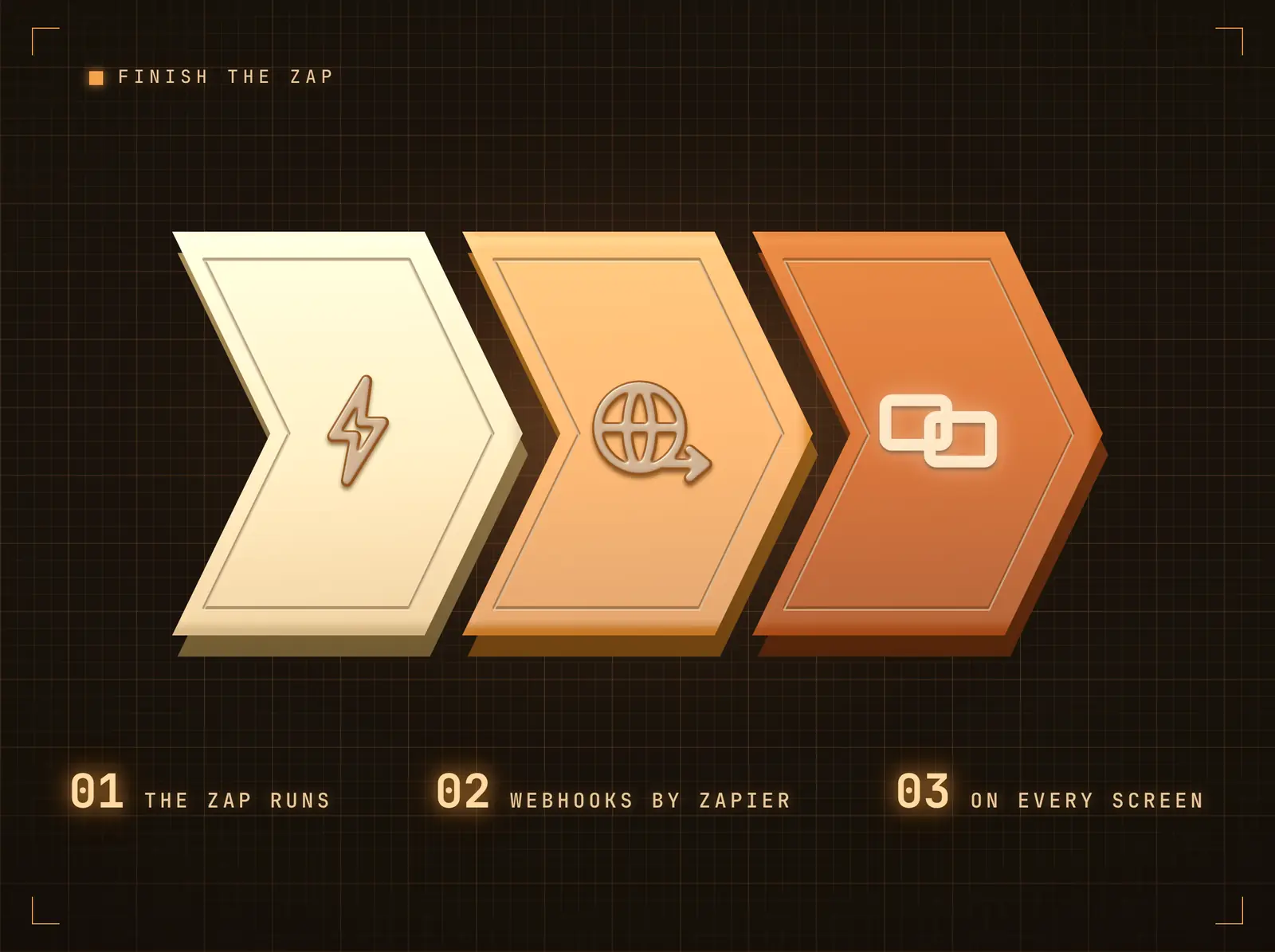
The webhook action completes the Zap
Add "Webhooks by Zapier" as the Zap's final action: method POST, your inbound webhook URL, a JSON payload built from any earlier step. The data lands on every bound widget within seconds — one push can update one screen or the whole estate.
The Zap's last step is the room's first glance.
JSON payloads of any shape — single records or lists
A Send Test Push button on the integration page proves the pipeline in one click
Duplicate-push dedup absorbs Zapier retries
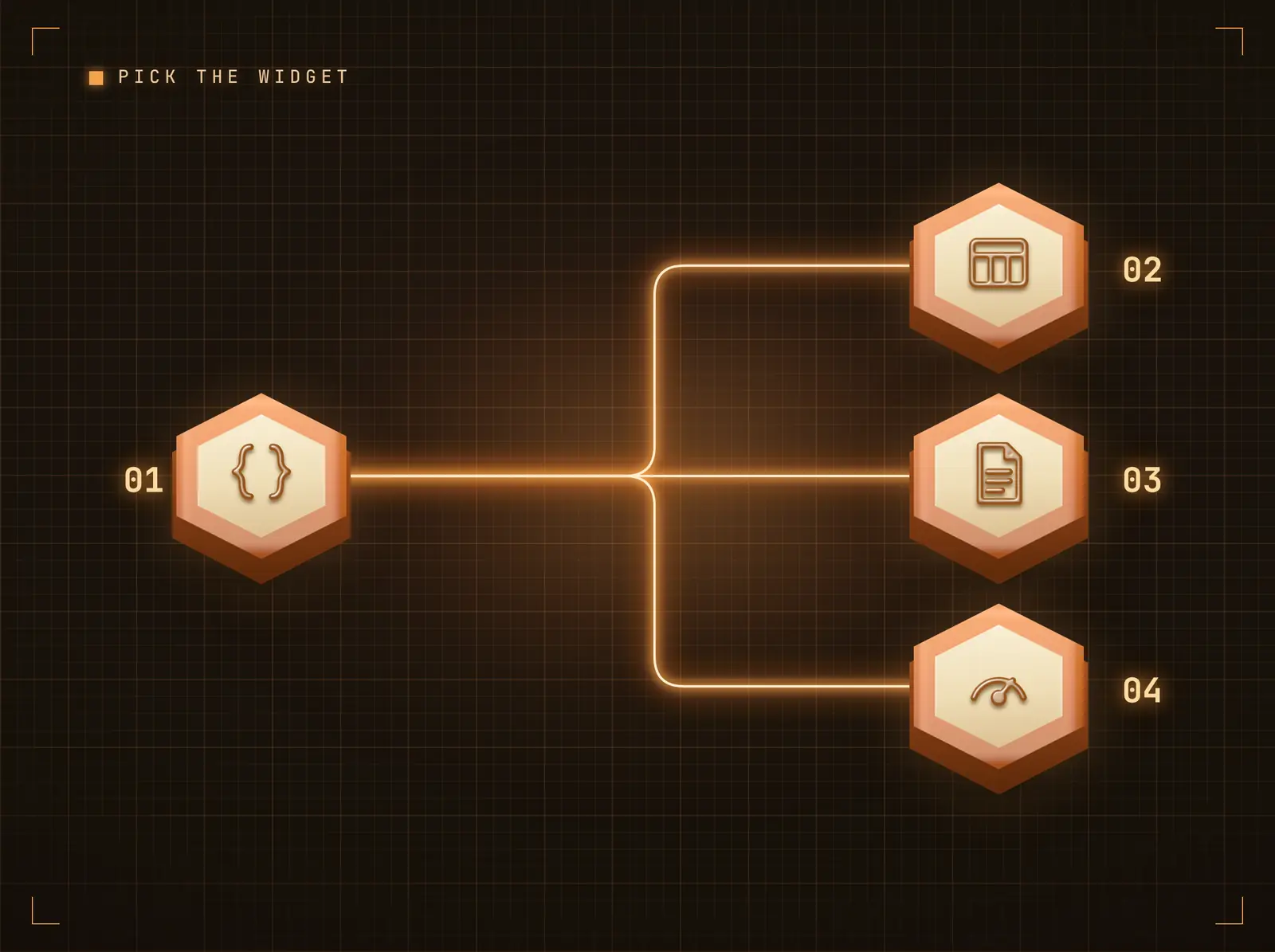
Tables, cards, or big numbers — your choice
Tabular pushes render in the Live Data Table widget. Announcements render as Content Cards — enable Accumulate for a rolling board of the most recent pushes (deal-won celebrations, form streams). Single-number pushes map Label / Value / Unit / Change onto KPI Metrics.
The same Zap can feed a table today and a KPI wall tomorrow.
Field mapping with defaults and transforms (uppercase, truncate, prefix…)
Accumulate mode keeps the last N pushes on screen
KPI target renders currency, percent, and duration formats
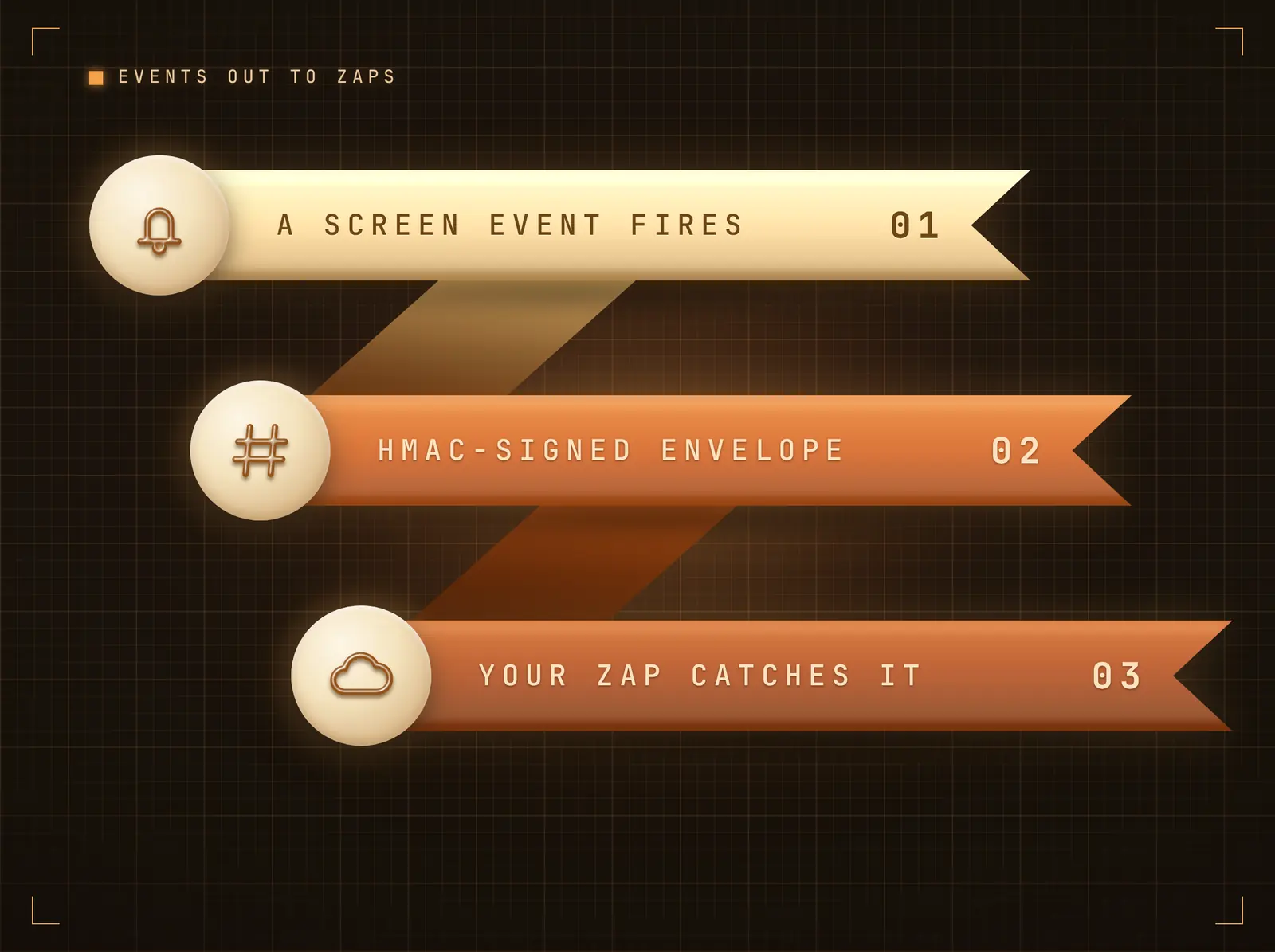
Screen events trigger your Zaps
Enable outbound events and choose which signage events matter: screen went offline, screen back online, an integration sync failed, an emergency alert activated. Each POSTs a JSON envelope to your Zapier Catch Hook, HMAC-signed with the integration secret so the Zap can verify it came from Hangar.Media.
A screen going dark can open a ticket before anyone notices.
Four event types, individually selectable
Signed envelope (X-Hangar-Signature, HMAC-SHA256)
Delivered from a dedicated queue within seconds
Four steps to connected screens.
From setup to live content in minutes, not days.
Connect the integration
Add the Zapier integration in Hangar.Media. Your unique inbound webhook URL and signing secret are generated instantly.
Add the webhook action in Zapier
In your Zap, add "Webhooks by Zapier" → POST: your inbound webhook URL, JSON payload from earlier steps, signed via a Code step or with the secret in the X-Webhook-Token header.
Map fields to the display
Choose Data Table, Content Cards, or KPI Metrics, then map payload fields to display columns. Send a Test Push to see it land.
Optionally wire events back
Enable Outbound Events with your Zapier Catch Hook URL and pick the signage events that should trigger Zaps.
Built for every sector.
See how different industries use this integration to drive results.
Deal-won celebrations
CRM Zaps push celebration cards to office screens the moment deals close — with Accumulate keeping the day's wins on a rolling board.
RetailSales KPI wall
A scheduled Zap aggregates the day's sales and pushes a single number to the KPI widget on the back-office screen.
EducationForm-fed notice boards
Form Zaps flow submissions onto staff screens as announcement cards within seconds.
HealthcareScreen-down ticketing
Outbound screen-offline events trigger a Zap that opens a helpdesk ticket automatically.
Common questions. Straight answers.
How is the webhook secured
Recommended setup signs every push: a Zapier Code step computes an HMAC-SHA256 of the body with your integration secret and Hangar.Media verifies it in constant time, with optional Stripe-style replay protection. A simpler secret-header mode (X-Webhook-Token) needs no code. Either way, duplicate pushes are deduped and a per-integration rate limit caps runaway Zaps.
What payload shape does Hangar.Media expect
Any JSON. A single object becomes one row, card, or metric set; an array of objects becomes one row or card per record. With a field mapping configured, only the mapped fields display; without one, the raw fields show as a key-value table.
Can screens really trigger Zaps
Yes — enable Outbound Events, paste a Zapier Catch Hook URL, and choose the events: screen offline, screen online, integration sync failed, emergency alert activated. Each delivery is HMAC-signed so your Zap can verify the source.
Can one push update several screens
Yes. The push lands in the integration's data feed; every design widget bound to that feed updates, wherever those designs are scheduled.
One price. The whole platform.
That's how we think signage should work. Content editor, screen management, and 200+ app integrations — all included from day one.
14 days free, up to 3 screens — no card needed.