Seu catálogo Square exibido em todos os lugares.
Conecte sua conta do Square ao Hangar.Media e deixe seu catálogo de produtos, preços e dados de estoque gerenciar painéis de menu digital, displays de produtos e sinalização promocional em todas as suas unidades.
Dados do Square impulsionando suas telas
A integração com o Square conecta-se às APIs de Catálogo e Inventário do Square para importar nomes de produtos, descrições, preços, imagens e níveis de estoque diretamente para sua sinalização digital. Seja em um restaurante com painéis de menu digital ou em uma loja de varejo com displays de produtos, suas telas sempre refletem o estado atual da sua conta Square sem necessidade de atualizações manuais.
O que você pode fazer com exibido em todos os lugares.
Três capacidades que tornam esta integração essencial para a sua rede de sinalização digital.
Produtos fluem do Square para as telas
Todo o seu catálogo Square sincroniza com o Hangar.Media, incluindo nomes de itens, descrições, preços, variações, conjuntos de modificadores e imagens de produtos. Quando você adiciona um novo item ou atualiza um preço no painel do Square, a alteração é propagada para suas telas no próximo ciclo de sincronização.
Adicionar um novo item de cardápio no Square faz com que ele apareça automaticamente nos nossos painéis. Zero trabalho extra.
Sincronização completa de itens, variações e modificadores
Importação de imagens de produtos do catálogo Square
Organização por categorias correspondente à estrutura do Square
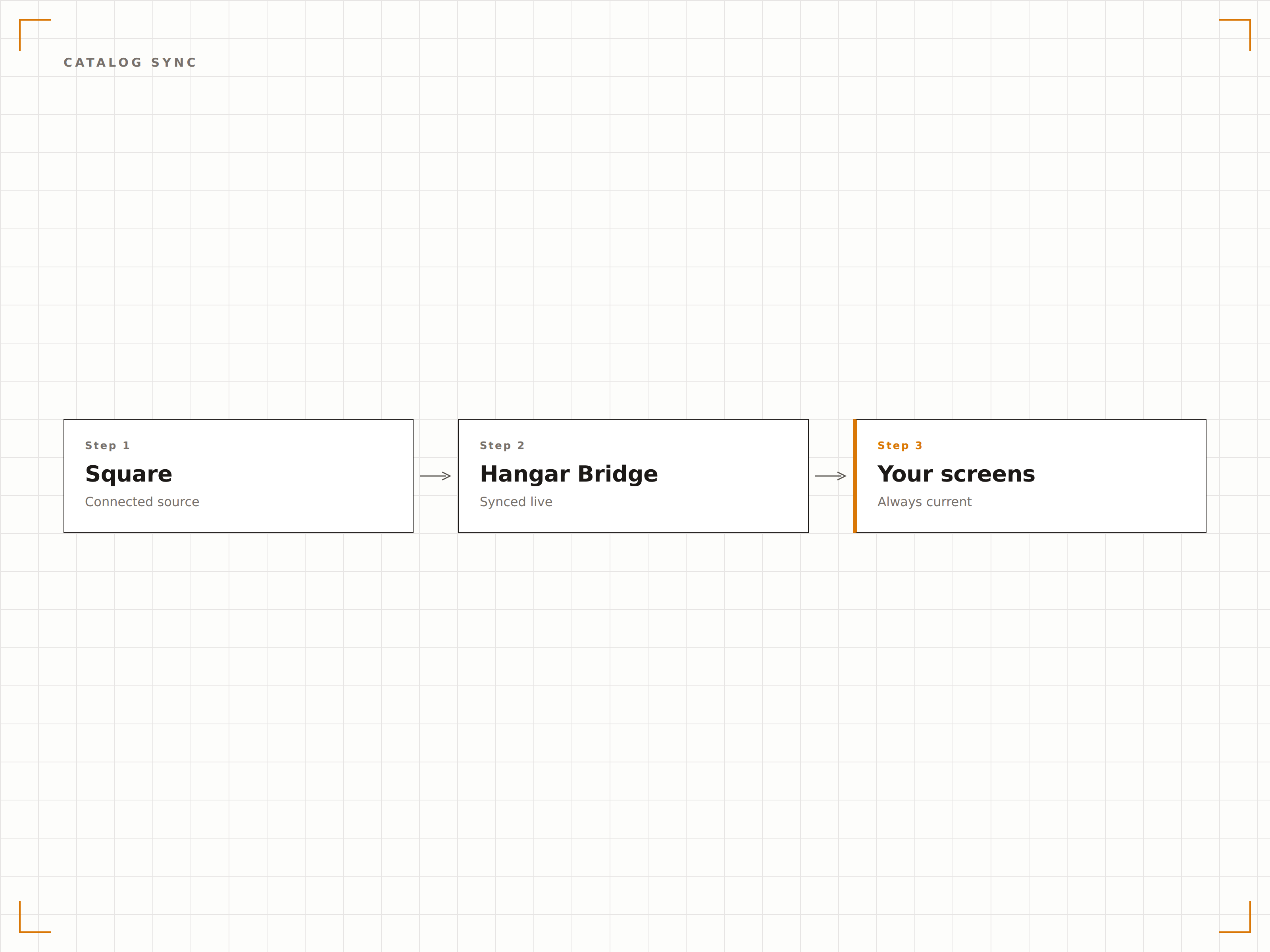
Lógica de exibição orientada por estoque
Conecte os dados de estoque do Square para controlar o que aparece na tela. Itens com estoque zero são ocultados ou exibidos em cinza. Itens com baixo estoque podem acionar displays de preços promocionais. Quando o estoque é reposto, os itens reaparecem automaticamente nas suas telas.
Produtos esgotados somem dos displays e retornam no momento em que recebemos novo estoque.
Ocultação ou esmaecimento automático de itens fora de estoque
Gatilhos de limite de baixo estoque para displays de liquidação
Exibição de contagem de estoque em tempo real para telas voltadas à equipe
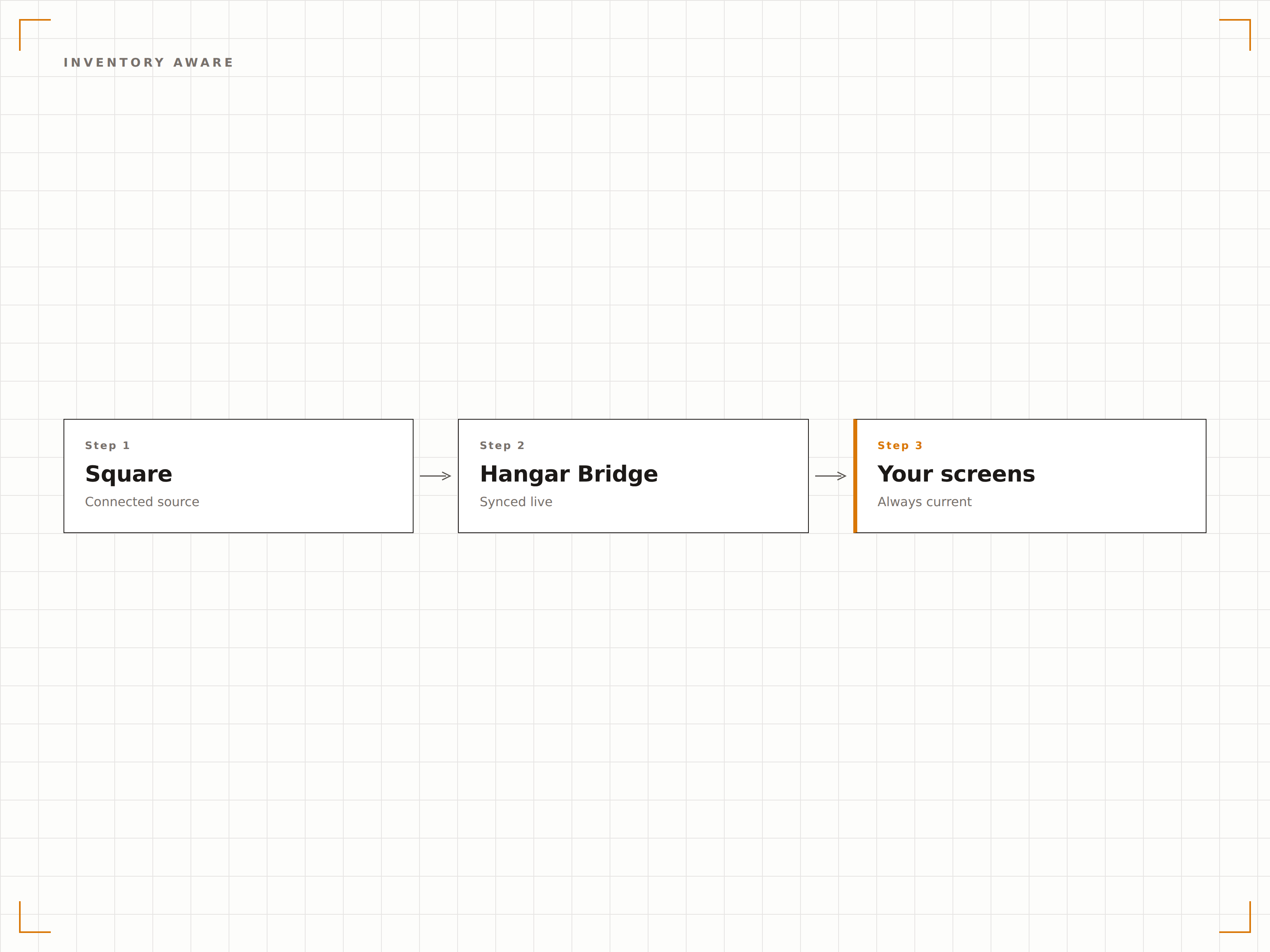
Preços e disponibilidade por unidade
O Square suporta preços e estoque específicos por localização. A integração com o Hangar.Media respeita essas substituições por unidade, garantindo que cada loja exiba os preços corretos e os itens disponíveis para sua localização específica, mesmo quando operando a partir de um catálogo compartilhado.
Nossa unidade do centro tem preços diferentes dos da periferia, e as telas de cada loja refletem isso com exatidão.
Suporte a substituição de preços por unidade
Estoque e disponibilidade específicos por localização
Gestão centralizada de catálogo com personalização local
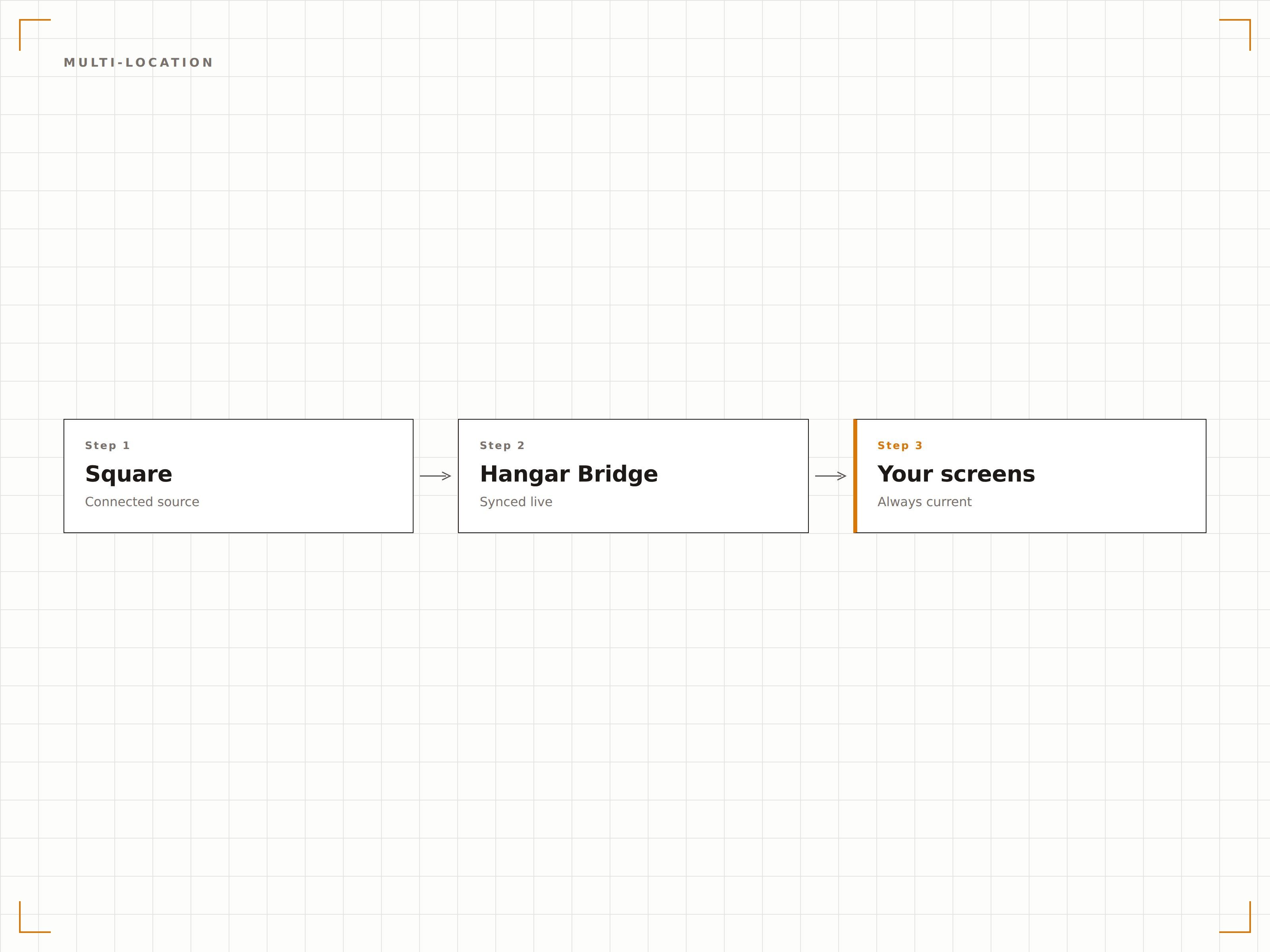
Quatro etapas para telas conectadas.
Da configuração ao conteúdo ao vivo em minutos, não dias.
Autorizar acesso ao Square
Conecte sua conta Square ao Hangar.Media por meio do fluxo seguro de autorização OAuth. Selecione quais locais e escopos de dados deseja compartilhar.
Configurar mapeamento de catálogo
Mapeie as categorias do Square para as seções do layout de tela. Escolha quais itens, variações e modificadores exibir e como eles são organizados visualmente.
Crie seu layout
Selecione um template de cardápio ou vitrine de produtos e personalize o layout, as cores, as fontes e as imagens para refletir a identidade da sua marca.
Ativar sincronização automática
Ative o agendamento de sincronização e suas telas passarão a refletir seu catálogo do Square em tempo real. Todas as alterações futuras no Square são propagadas automaticamente para as telas.
Feito para cada setor.
Veja como diferentes segmentos utilizam esta integração para gerar resultados.
Cardápios digitais para cafés e padarias
Cafés e padarias que usam o Square sincronizam suas ofertas diárias, seleções de doces e cardápio de cafés em painéis digitais que se atualizam quando os preços mudam ou os itens se esgotam.
VarejoDisplays de produtos para boutiques
Varejistas independentes que usam o Square exibem produtos em destaque com preços e disponibilidade em telas dentro da loja, ocultando automaticamente os itens esgotados do visual merchandising.
BelezaCardápios de serviços e produtos para salões
Salões de beleza e spas que usam o Square exibem seu cardápio de serviços com preços atualizados e complementos disponíveis em telas no lobby, mantendo os clientes informados enquanto aguardam.
EntretenimentoCardápios digitais para food trucks e pop-ups
Food trucks e lojas pop-up que usam o Square exibem cardápios digitais compactos em telas portáteis que sincronizam com o catálogo Square para preços atualizados e itens disponíveis.
Perguntas frequentes. Respostas diretas respostas.
Quais planos do Square são compatíveis
O Hangar.Media funciona com todos os planos do Square, incluindo Free, Plus e Premium. Qualquer conta Square com itens de catálogo e acesso à API habilitado pode ser conectada.
O sistema suporta variações de itens do Square
Sim. Variações de itens, como precificação por tamanho ou configuração, são totalmente suportadas. Os layouts de tela podem exibir todas as variações ou filtrar para mostrar apenas as específicas por contexto de exibição.
Posso usar imagens de produtos do Square nas minhas telas
Sim. As imagens de produtos armazenadas no catálogo do Square são importadas durante a sincronização e podem ser exibidas ao lado dos nomes e preços dos itens nos layouts de cardápio ou vitrine de produtos.
Como gerencio itens que devem aparecer nas telas, mas não no Square
Você pode adicionar itens complementares diretamente na biblioteca de conteúdo do Hangar.Media que não vêm do Square. Esses itens manuais aparecem junto com os itens sincronizados do Square nas suas telas.
Um preço. A plataforma completa.
É assim que acreditamos que a sinalização digital deve funcionar. Editor de conteúdo, gerenciamento de telas e mais de 200 integrações de aplicativos — tudo incluído desde o primeiro dia.
14 dias grátis, até 3 telas — sem cartão.