Splunk-Intelligenz – für alle sichtbar.
Streamen Sie Splunk-Dashboards, Zusammenfassungen von Sicherheitsereignissen und operative Intelligence-Daten auf Digital Signage Bildschirme in Ihrem SOC und Betriebszentrum.
Sicherheits- und Betriebsintelligenz auf dem Bildschirm
Splunk verarbeitet enorme Mengen an Maschinendaten und liefert Erkenntnisse zu Sicherheit, IT-Betrieb und Business Intelligence. Mit Hangar.Media gelangen diese Erkenntnisse von den Bildschirmen einzelner Analysten auf gemeinsam genutzte SOC-Wände und Displays in Betriebszentren. Zeigen Sie Bedrohungsübersichten, Systemzustands-Dashboards und Log-Analysen dort, wo das gesamte Team sie im Blick hat.
Was Sie mit für alle sichtbar. tun können
Drei Funktionen, die diese Integration für Ihr Digital Signage-Netzwerk unverzichtbar machen.
Security Operations Centre-Anzeigen
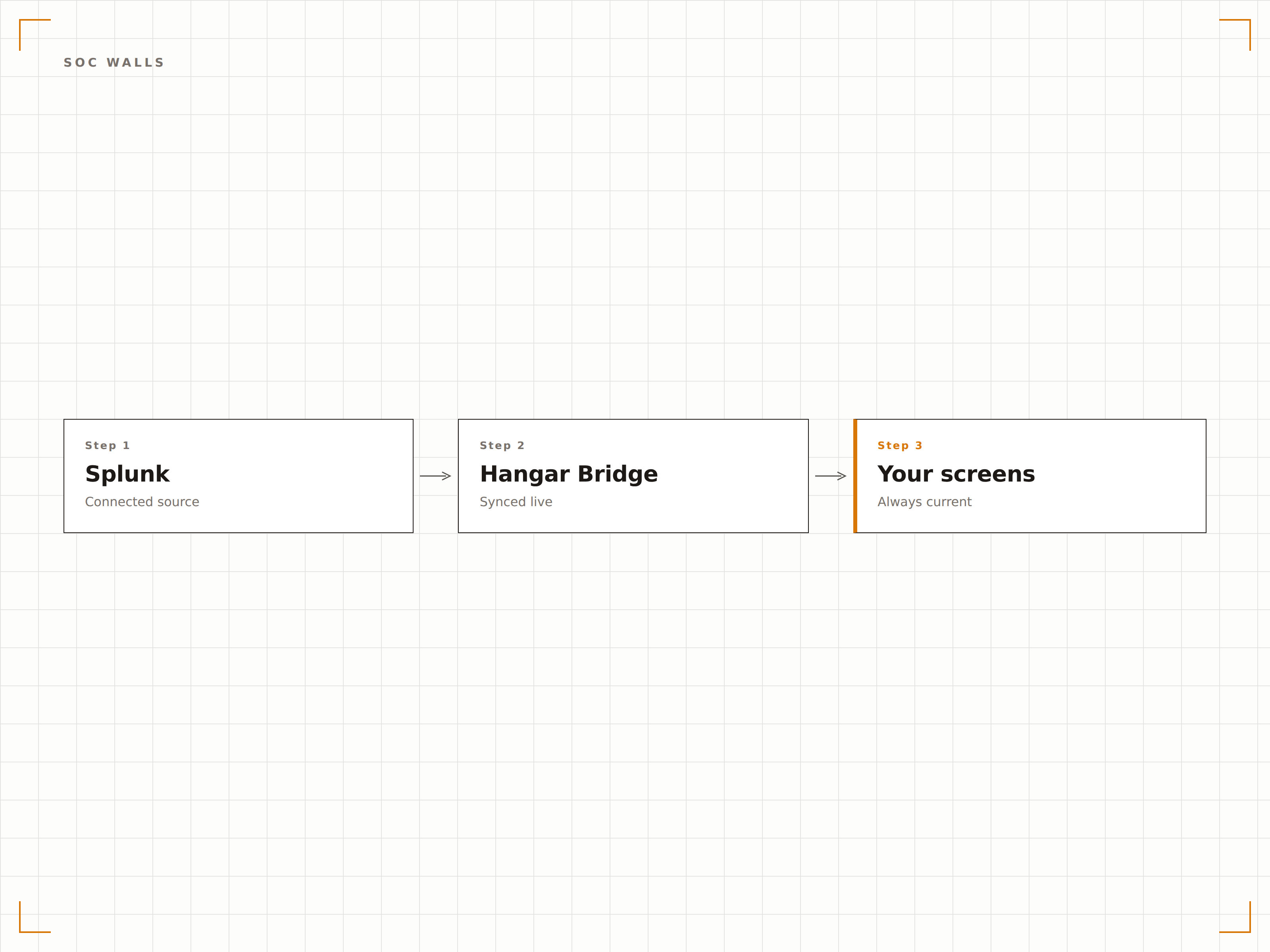
Erstellen Sie eine Mehrbildschirm-SOC-Wand, die von Splunk-Dashboards betrieben wird. Jeder Bildschirm zeigt eine andere Sicherheitsdomäne – Netzwerkbedrohungen, Endpoint-Warnungen, Authentifizierungsanomalien und Compliance-Status – alles verwaltet über das Hangar.Media-Steuerungspanel.
Ihre SOC-Wand – betrieben von Splunk, verwaltet von Hangar.Media.
Mehrbildschirm-SOC-Wandkonfiguration
Sicherheitsdomänenzuweisung pro Bildschirm
Zentralisierte Verwaltung aller SOC-Anzeigen
Echtzeit-Bedrohungsüberwachung
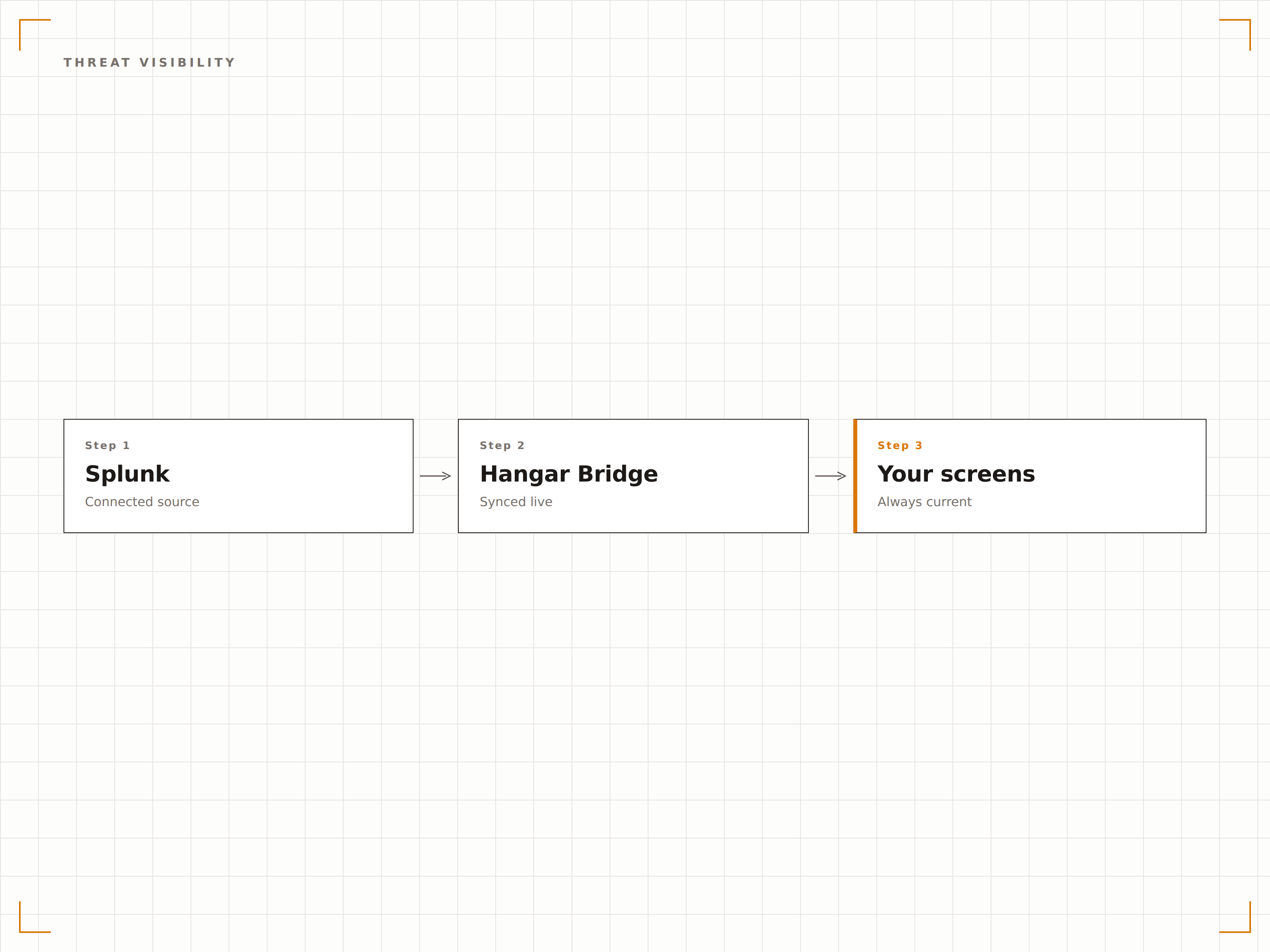
Zeigen Sie Splunk-Bedrohungsintelligenz-Dashboards mit aktiven Warnungen, geografischen Angriffskarten und Schweregradaufschlüsselungen auf Grossformat-Bildschirmen an. Analysten erhalten ein kontinuierliches Lagebewusstsein über die Bedrohungslandschaft, ohne den Kontext ihrer Untersuchungen wechseln zu müssen.
Bedrohungsbewusstsein auf einen Blick – von überall im SOC.
Anzeige geografischer Bedrohungskarten
Panels zur Aufschlüsselung der Warnungsschwere
Anzahl und Status aktiver Untersuchungen
Sicherer Dashboard-Zugang
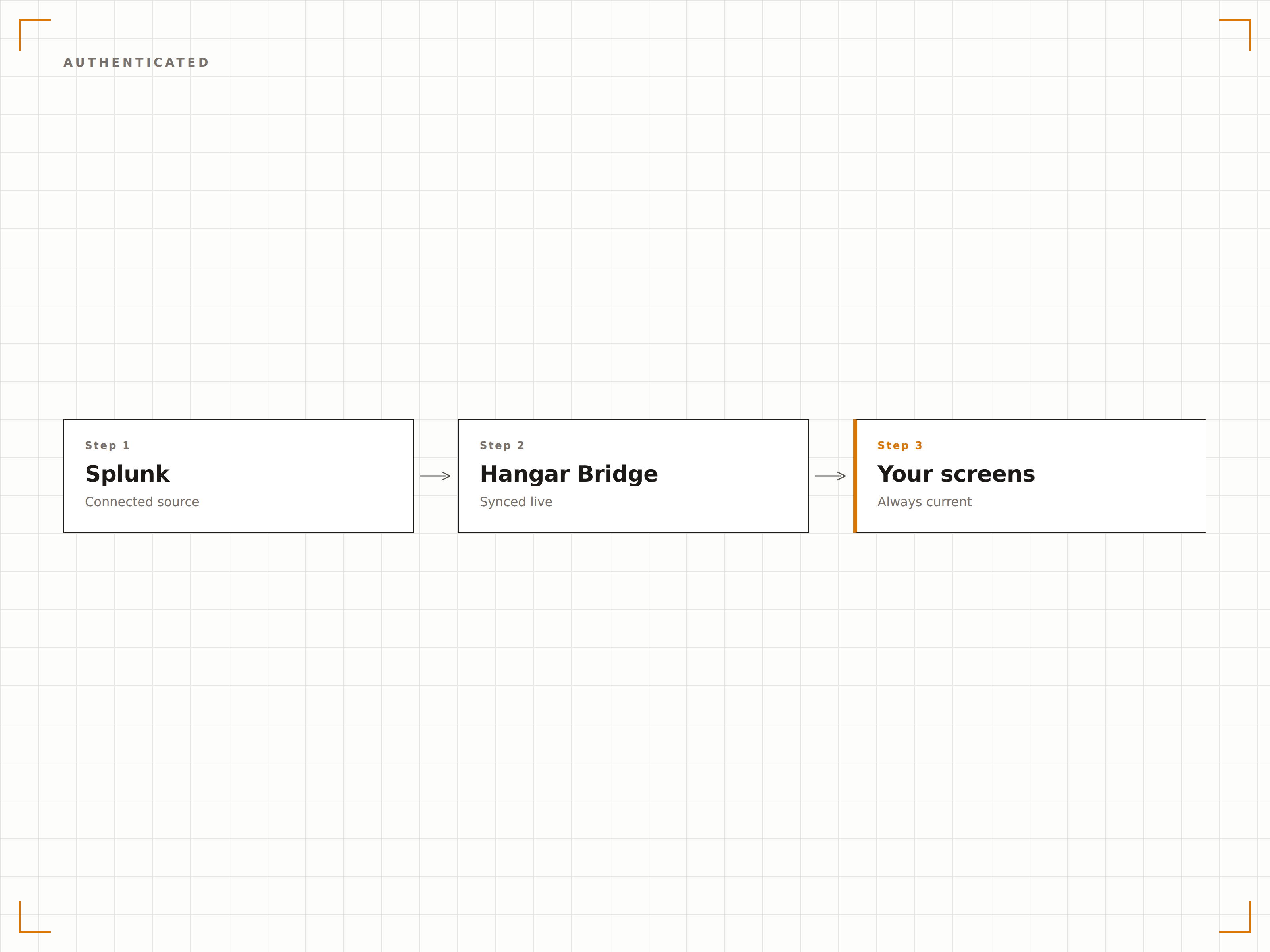
Hangar.Media verwendet Splunk-Sitzungstoken oder die Funktion «Authenticated Dashboards», um private Splunk-Dashboards sicher auf Signage-Playern darzustellen. Ihre Sicherheitsdaten werden niemals über externe Server übertragen.
Sicherheits-Dashboards verdienen Zugangskontrolle auf Sicherheitsniveau.
Splunk-Sitzungstoken-Authentifizierung
Lokale Darstellung auf Player-Geräten
Kein Datentransit über Server von Drittanbietern
Vier Schritte zu verbundene Bildschirme.
Von der Einrichtung bis zu Live-Inhalten in Minuten, nicht Tagen.
Zugang einrichten
Richten Sie einen dedizierten Splunk-Benutzer oder ein Token für Hangar.Media mit Lesezugriff auf Ihre Ziel-Dashboards ein.
Dashboards hinzufügen
Geben Sie Ihre Splunk-Dashboard-URLs mit Authentifizierungsdaten in den Hangar.Media-Content-Manager ein.
Anzeigeregeln festlegen
Legen Sie Aktualisierungsintervalle, Bildschirmzuweisungen und Rotationspläne für Ihre SOC- oder Betriebsanzeigen fest.
Live gehen
Veröffentlichen Sie Ihre Splunk-Dashboards auf SOC-Wandbildschirmen, Betriebszentren oder Anzeigebereichen für das Management.
Entwickelt für jeden Branche.
Erfahren Sie, wie verschiedene Branchen diese Integration nutzen, um Ergebnisse zu erzielen.
SOC-Wandanzeige
Zeigen Sie Zusammenfassungen von Sicherheitsereignissen, aktive Warnungen und Bedrohungsintelligenz-Feeds auf einer Mehrbildschirm-SOC-Wand für ein Echtzeit-Lagebewusstsein an.
FinanzwesenBetrugserkennungs-Monitoring
Streamen Sie Betrugserkennungs-Dashboards mit verdächtigen Transaktionsmustern, Warnungsvolumen und Untersuchungswarteschlangen auf Bildschirmen im Betrugsoperationszentrum.
GesundheitswesenCompliance-Monitoring
Zeigen Sie den HIPAA-Compliance-Status, Zusammenfassungen von Zugriffsaudits und die Anzahl von Sicherheitsvorfällen auf Bildschirmen im IT-Sicherheitsbereich des Gesundheitswesens an.
Öffentlicher SektorBehördliche Sicherheitsoperationen
Zeigen Sie den Netzwerksicherheitsstatus, Einbruchserkennungswarnungen und System-Verfügbarkeits-Dashboards auf Bildschirmen in den Sicherheitsoperationszentren von Behörden an.
Häufige Fragen. Direkte Antworten.
Welche Splunk-Produkte werden unterstützt?
Hangar.Media unterstützt Dashboards von Splunk Enterprise, Splunk Cloud und Splunk Enterprise Security. Jedes Dashboard, das über einen Webbrowser zugänglich ist, kann auf Ihren Signage-Bildschirmen angezeigt werden.
Kann ich Splunk-Dashboards anzeigen, ohne sensible Sicherheitsdaten öffentlich preiszugeben?
Ja. Hangar.Media verwendet authentifizierte Sitzungen, um Splunk-Dashboards lokal auf den Player-Geräten darzustellen. Ihre Sicherheitsdaten werden weder öffentlich zugänglich gemacht noch über Server von Drittanbietern übertragen.
Wie häufig können Splunk-Dashboards auf dem Bildschirm aktualisiert werden?
Hangar.Media lädt Splunk-Dashboards in dem von Ihnen gewählten Intervall neu – bis zu alle 15 Sekunden. Die Aktualität der Dashboard-Daten hängt von Ihrem Splunk-Suchplan und der Datenerfassungspipeline ab.
Kann ich Splunk zusammen mit anderen Sicherheits-Tools auf demselben Bildschirm anzeigen?
Ja. Sie können Hangar.Media-Bildschirmzonen verwenden, um Splunk in einem Bereich des Bildschirms und andere Inhalte in einem anderen Bereich anzuzeigen. Sie können auch zwischen Splunk, Datadog und anderen Monitoring-Tools in einer Playlist wechseln.
Ein Preis. Die gesamte Plattform.
So stellen wir uns Digital Signage vor. Inhaltseditor, Bildschirmverwaltung und 200+ App-Integrationen – alles von Anfang an inklusive.
14 Tage kostenlos, bis zu 3 Bildschirme – keine Kreditkarte erforderlich.