L'intelligence di Splunk visibile a tutti.
Trasmetti dashboard Splunk, riepiloghi di eventi di sicurezza e dati di intelligence operativa su schermi di segnaletica digitale nel tuo SOC e centro operativo.
Sicurezza e Intelligence Operativa su Schermo
Splunk elabora volumi enormi di dati macchina per fornire insight su sicurezza, operazioni IT e business intelligence. Con Hangar.Media, questi insight passano dagli schermi dei singoli analisti alle pareti condivise del SOC e ai display del centro operativo. Mostra riepiloghi delle minacce, dashboard sullo stato del sistema e analisi dei log dove l'intero team può vederli.
Cosa puoi fare con visibile a tutti.
Tre funzionalità che rendono questa integrazione indispensabile per la tua rete di segnaletica digitale.
Display per Security Operations Centre
Crea una parete SOC multi-schermo alimentata dalle dashboard Splunk. Ogni schermo visualizza un diverso dominio di sicurezza — minacce di rete, avvisi endpoint, anomalie di autenticazione e stato di conformità — il tutto gestito dal pannello di controllo di Hangar.Media.
La tua parete SOC, alimentata da Splunk, gestita da Hangar.Media.
Configurazione di pareti SOC multi-schermo
Assegnazione del dominio di sicurezza per schermo
Gestione centralizzata di tutti i display SOC
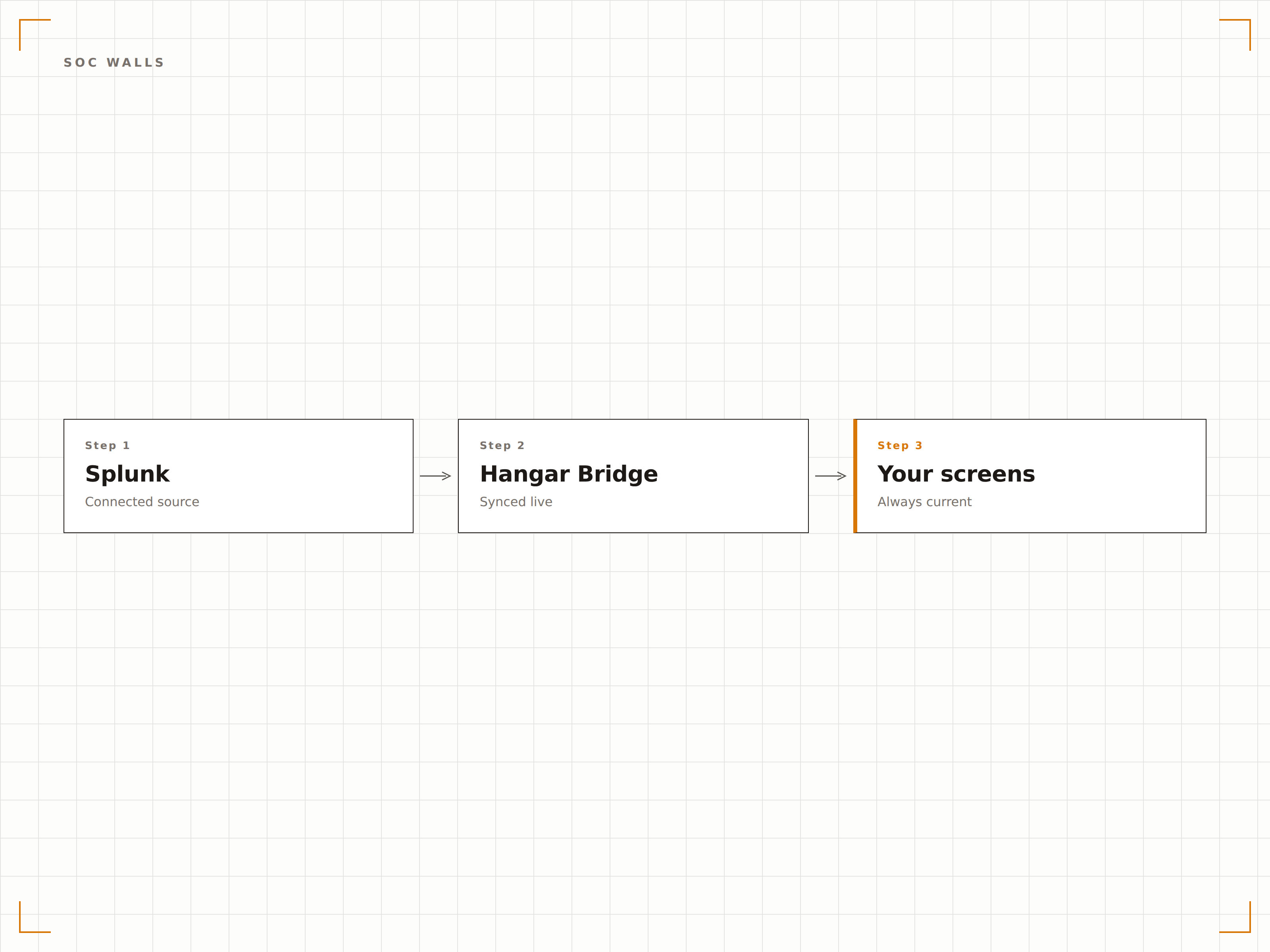
Monitoraggio delle Minacce in Tempo Reale
Visualizza le dashboard di threat intelligence di Splunk con avvisi attivi, mappe degli attacchi geografici e analisi della gravità su schermi di grande formato. Gli analisti mantengono una consapevolezza ambientale del panorama delle minacce senza dover cambiare contesto rispetto alle proprie indagini.
Consapevolezza delle minacce a colpo d'occhio, da qualsiasi punto del SOC.
Visualizzazione della mappa geografica delle minacce
Pannelli di analisi della gravità degli avvisi
Conteggio e stato delle indagini attive
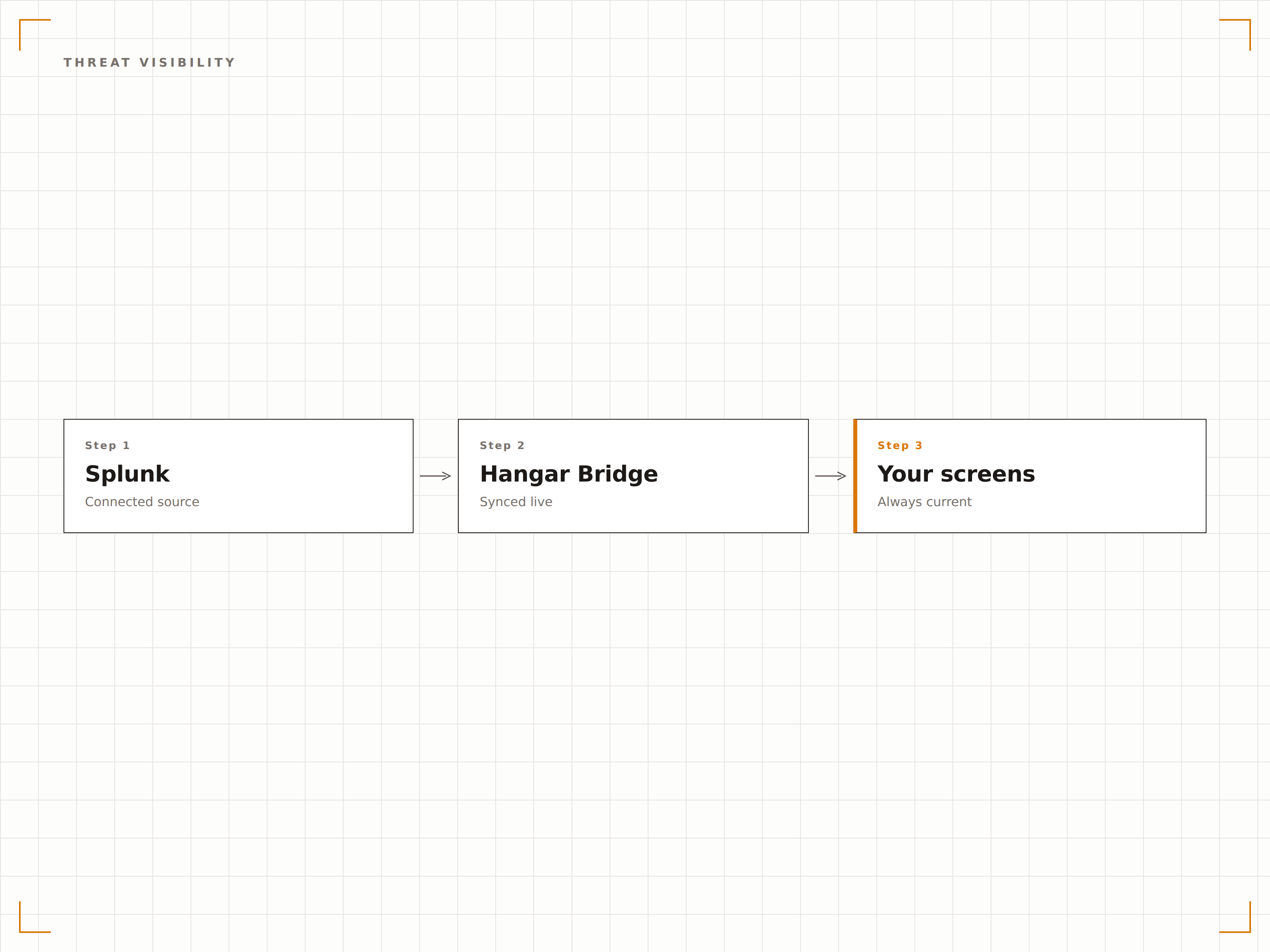
Accesso Sicuro alle Dashboard
Hangar.Media utilizza i token di sessione Splunk o la funzionalità Authenticated Dashboards per eseguire il rendering sicuro delle dashboard Splunk private sui player di segnaletica. I tuoi dati di sicurezza non transitano mai attraverso server esterni.
Le dashboard di sicurezza meritano un controllo degli accessi di livello enterprise.
Autenticazione tramite token di sessione Splunk
Rendering locale sui dispositivi player
Nessun transito dei dati attraverso server di terze parti
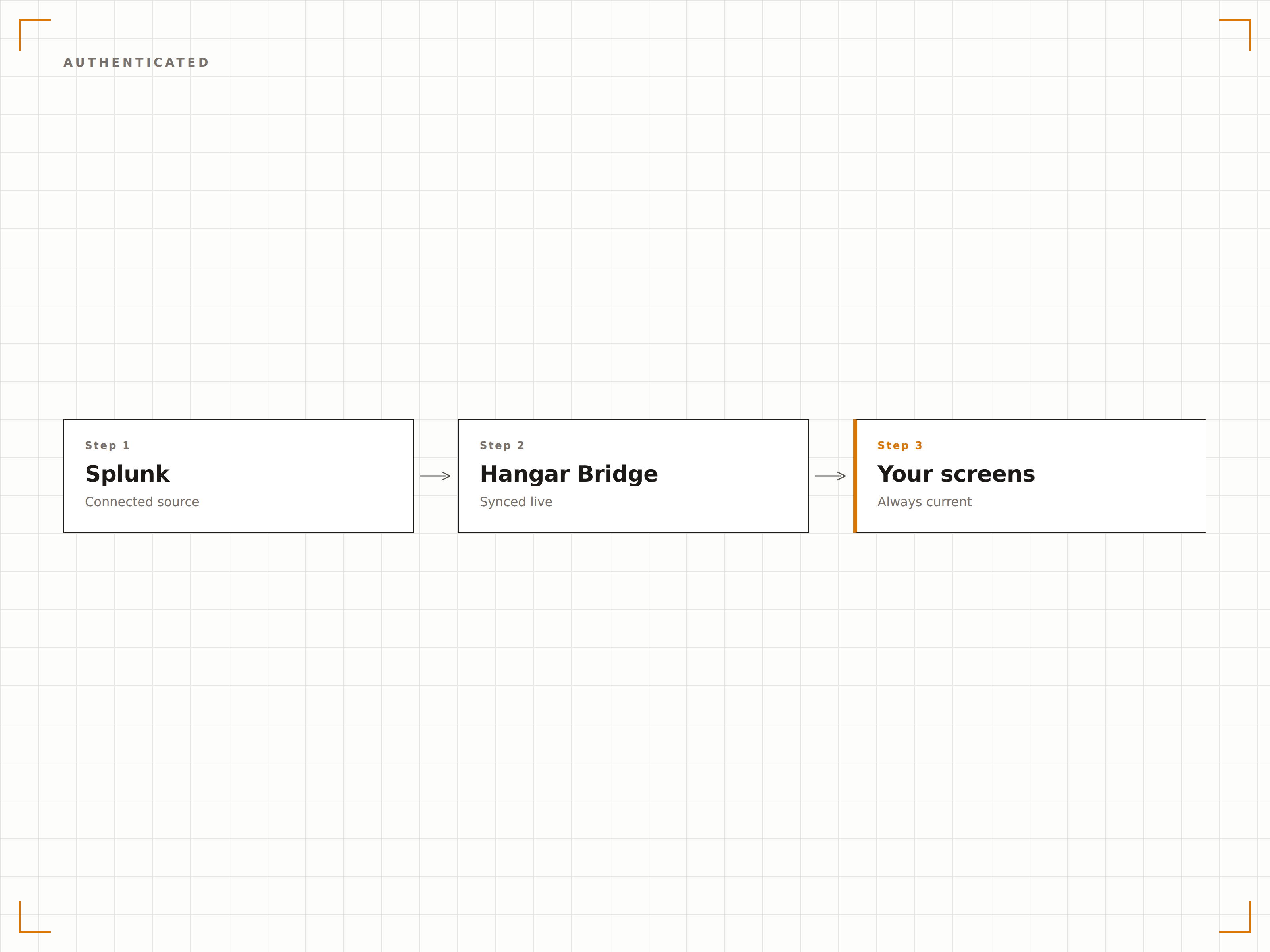
Quattro passaggi verso schermi connessi.
Dalla configurazione ai contenuti live in minuti, non giorni.
Configura l'Accesso
Crea un utente o token Splunk dedicato per Hangar.Media con accesso in sola lettura alle dashboard di destinazione.
Aggiungi le Dashboard
Inserisci gli URL delle dashboard Splunk nel content manager di Hangar.Media con le credenziali di autenticazione.
Imposta le Regole di Visualizzazione
Configura gli intervalli di aggiornamento, le assegnazioni degli schermi e i programmi di rotazione per i tuoi display SOC o operativi.
Vai in diretta
Pubblica le tue dashboard Splunk sugli schermi a parete del SOC, nei centri operativi o nei display delle aree di gestione.
Costruito per ogni settore.
Scopri come diversi settori utilizzano questa integrazione per ottenere risultati concreti.
Display Parete SOC
Visualizza riepiloghi di eventi di sicurezza, avvisi attivi e feed di threat intelligence su una parete SOC multi-schermo per una situational awareness in tempo reale.
FinanziarioMonitoraggio del Rilevamento Frodi
Trasmetti dashboard di rilevamento frodi con pattern di transazioni sospette, volumi di avvisi e code di indagine sugli schermi del centro operativo antifrode.
SanitarioMonitoraggio della Conformità
Visualizza lo stato di conformità HIPAA, i riepiloghi degli audit degli accessi e il conteggio degli incidenti di sicurezza sugli schermi dell'area operativa di sicurezza IT sanitaria.
PubblicoOperazioni di Sicurezza Governative
Mostra lo stato della sicurezza di rete, gli avvisi di rilevamento delle intrusioni e le dashboard di disponibilità dei sistemi sugli schermi dei centri operativi di sicurezza delle agenzie governative.
Domande frequenti. Risposte dirette risposte.
Quali prodotti Splunk sono supportati?
Hangar.Media supporta le dashboard di Splunk Enterprise, Splunk Cloud e Splunk Enterprise Security. Qualsiasi dashboard accessibile tramite browser web può essere visualizzata sugli schermi della tua segnaletica.
Posso visualizzare le dashboard Splunk senza esporre pubblicamente dati di sicurezza sensibili?
Sì. Hangar.Media utilizza sessioni autenticate per eseguire il rendering delle dashboard Splunk sui dispositivi player in locale. I tuoi dati di sicurezza non vengono mai esposti pubblicamente né trasmessi attraverso server di terze parti.
Con quale frequenza possono aggiornarsi le dashboard Splunk sullo schermo?
Hangar.Media ricarica le dashboard Splunk all'intervallo da te scelto, con una frequenza fino a ogni 15 secondi. L'aggiornamento dei dati della dashboard dipende dalla pianificazione delle ricerche Splunk e dalla pipeline di acquisizione dei dati.
Posso mostrare Splunk insieme ad altri strumenti di sicurezza sullo stesso schermo?
Sì. Puoi utilizzare le zone schermo di Hangar.Media per visualizzare Splunk in una parte dello schermo e altri contenuti in un'altra. Puoi anche alternare tra Splunk, Datadog e altri strumenti di monitoraggio in una playlist.
Un prezzo. L'intera piattaforma.
Così pensiamo che la segnaletica digitale dovrebbe funzionare. Editor di contenuti, gestione degli schermi e oltre 200 integrazioni di app — tutto incluso fin dal primo giorno.
14 giorni gratis, fino a 3 schermi — senza carta.