Inteligencia de Splunk visible para todos.
Transmite dashboards de Splunk, resúmenes de eventos de seguridad e inteligencia operativa a pantallas de señalización digital en tu SOC y centro de operaciones.
Inteligencia de Seguridad y Operaciones en Pantalla
Splunk procesa volúmenes masivos de datos de máquinas para ofrecer información sobre seguridad, operaciones de TI e inteligencia de negocio. Con Hangar.Media, esos insights pasan de las pantallas individuales de los analistas a las paredes compartidas del SOC y las pantallas del centro de operaciones. Muestra resúmenes de amenazas, dashboards de salud del sistema y análisis de registros donde todo el equipo pueda verlos.
Lo que puedes hacer con visible para todos.
Tres capacidades que hacen esencial esta integración para tu red de señalización digital.
Pantallas para Centros de Operaciones de Seguridad
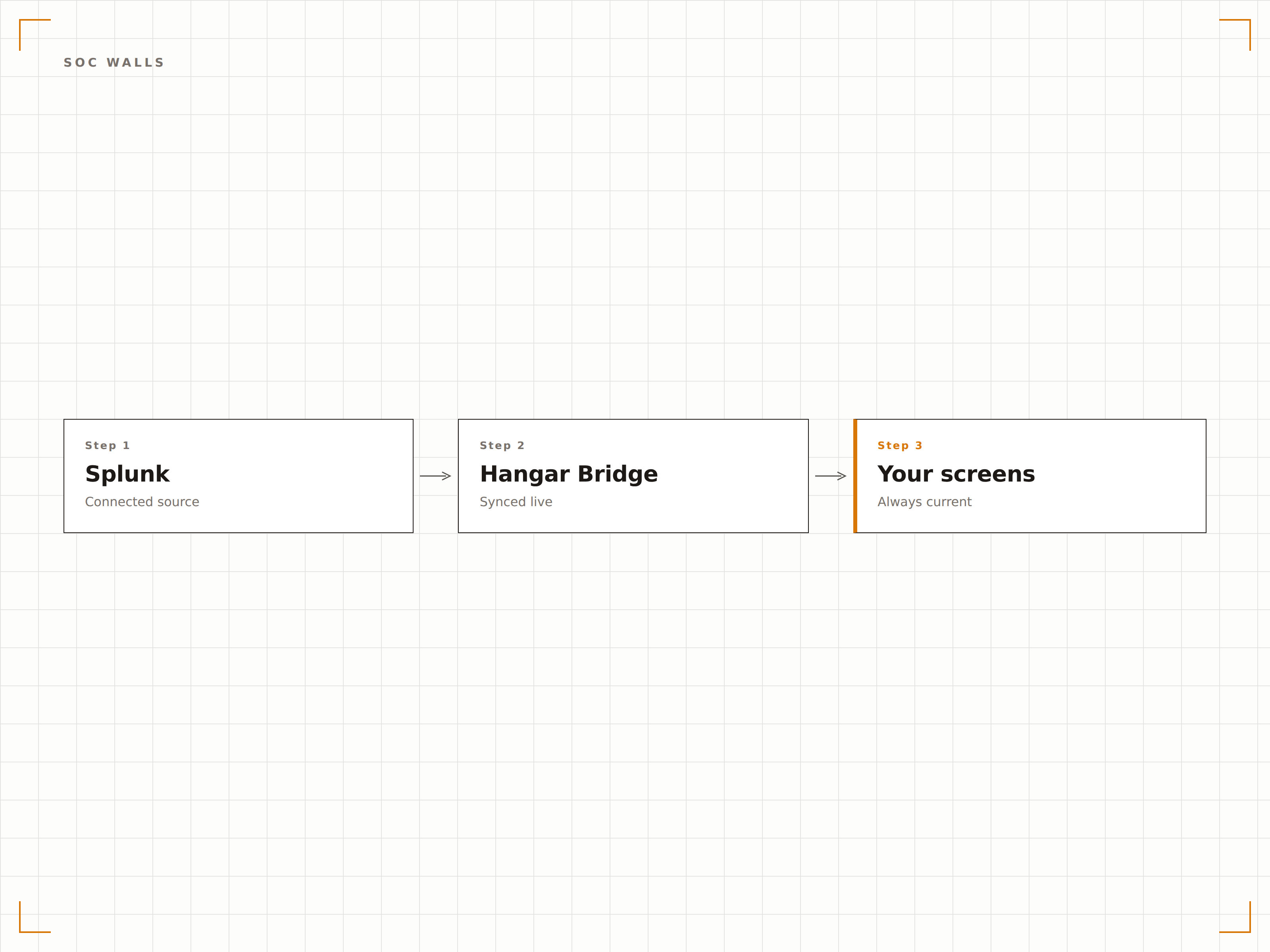
Crea un muro SOC multipantalla impulsado por dashboards de Splunk. Cada pantalla muestra un dominio de seguridad diferente — amenazas de red, alertas de endpoints, anomalías de autenticación y estado de cumplimiento — todo gestionado desde el panel de control de Hangar.Media.
Tu muro SOC, impulsado por Splunk, gestionado por Hangar.Media.
Configuración de muro SOC con múltiples pantallas
Asignación de dominio de seguridad por pantalla
Gestión centralizada de todas las pantallas del SOC
Monitoreo de Amenazas en Tiempo Real
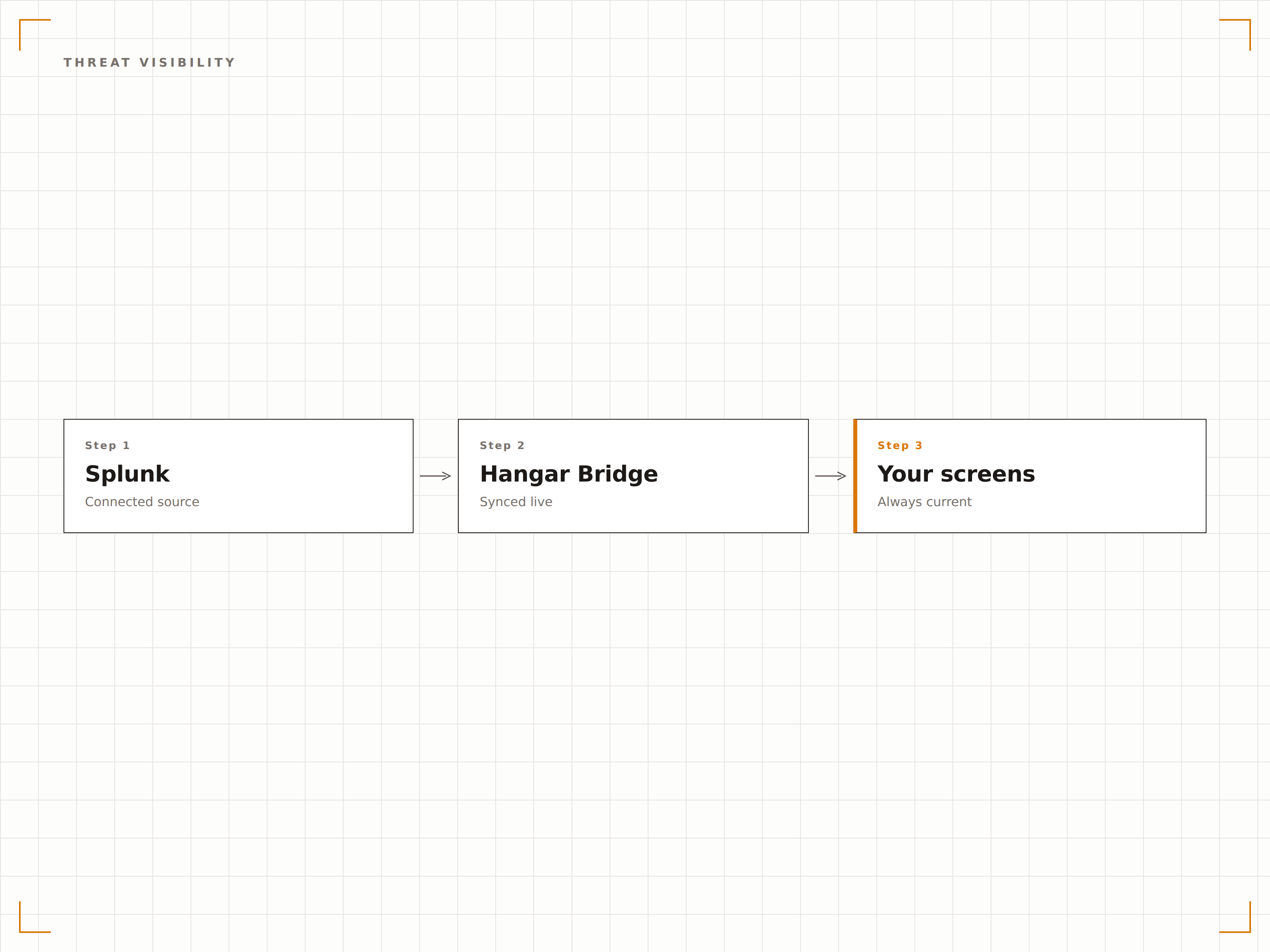
Muestra dashboards de inteligencia de amenazas de Splunk con alertas activas, mapas de ataques geográficos y desgloses por severidad en pantallas de gran formato. Los analistas obtienen conciencia situacional del panorama de amenazas sin perder el contexto de sus investigaciones.
Conciencia situacional de amenazas de un vistazo, desde cualquier punto del SOC.
Visualización de mapa geográfico de amenazas
Paneles de desglose por severidad de alertas
Recuento y estado de investigaciones activas
Acceso Seguro a Dashboards
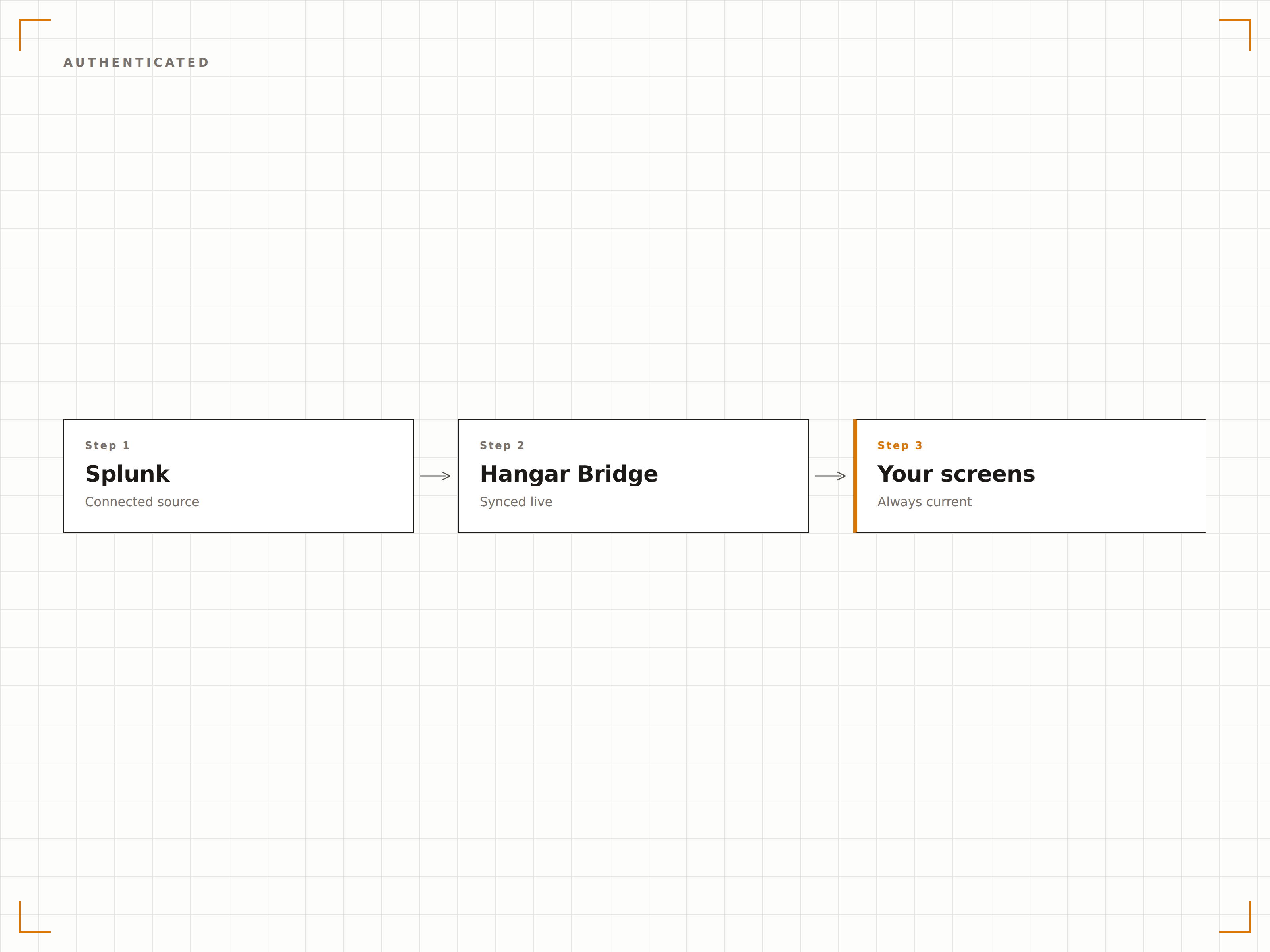
Hangar.Media utiliza tokens de sesión de Splunk o la función de Dashboards Autenticados para renderizar de forma segura dashboards privados de Splunk en los reproductores de señalización. Tus datos de seguridad nunca pasan por servidores externos.
Los dashboards de seguridad merecen un control de acceso a la altura.
Autenticación mediante token de sesión de Splunk
Renderizado local en los dispositivos reproductores
Sin tránsito de datos a través de servidores de terceros
Cuatro pasos hacia pantallas conectadas.
Desde la configuración hasta contenido en vivo en minutos, no en días.
Configurar el acceso
Crea un usuario o token de Splunk dedicado para Hangar.Media con acceso de solo lectura a los dashboards que necesitas.
Agregar dashboards
Introduce las URLs de tus dashboards de Splunk en el gestor de contenido de Hangar.Media junto con las credenciales de autenticación.
Definir reglas de visualización
Configura los intervalos de actualización, las asignaciones de pantalla y los calendarios de rotación para tus pantallas del SOC o de operaciones.
Publicar
Publica tus dashboards de Splunk en las pantallas murales del SOC, centros de operaciones o pantallas de áreas de gestión.
Diseñado para cada sector.
Descubre cómo distintas industrias utilizan esta integración para obtener resultados.
Visualización en Muro SOC
Muestra resúmenes de eventos de seguridad, alertas activas y feeds de inteligencia de amenazas en un muro SOC multipantalla para una conciencia situacional en tiempo real.
FinancieroMonitoreo de Detección de Fraude
Transmite dashboards de detección de fraude con patrones de transacciones sospechosas, volúmenes de alertas y colas de investigación en las pantallas del centro de operaciones antifraude.
SaludMonitoreo de Cumplimiento
Muestra el estado de cumplimiento HIPAA, resúmenes de auditorías de acceso y recuentos de incidentes de seguridad en las pantallas del área de operaciones de seguridad TI en el sector salud.
PúblicoOperaciones de Seguridad Gubernamental
Muestra el estado de seguridad de red, alertas de detección de intrusiones y dashboards de disponibilidad de sistemas en las pantallas de los centros de operaciones de seguridad de organismos gubernamentales.
Preguntas frecuentes. Respuestas directas: respuestas.
¿Qué productos de Splunk son compatibles?
Hangar.Media es compatible con dashboards de Splunk Enterprise, Splunk Cloud y Splunk Enterprise Security. Cualquier dashboard accesible desde un navegador web puede mostrarse en tus pantallas de señalización.
¿Puedo mostrar dashboards de Splunk sin exponer públicamente datos de seguridad sensibles?
Sí. Hangar.Media utiliza sesiones autenticadas para renderizar los dashboards de Splunk localmente en los dispositivos reproductores. Tus datos de seguridad nunca quedan expuestos públicamente ni se transmiten a través de servidores de terceros.
¿Con qué frecuencia pueden actualizarse los dashboards de Splunk en pantalla?
Hangar.Media recarga los dashboards de Splunk en el intervalo que elijas, con una frecuencia de hasta cada 15 segundos. La actualidad de los datos del dashboard depende de tu programación de búsquedas en Splunk y de tu pipeline de ingesta de datos.
¿Puedo mostrar Splunk junto a otras herramientas de seguridad en la misma pantalla?
Sí. Puedes usar las zonas de pantalla de Hangar.Media para mostrar Splunk en una sección de la pantalla y otro contenido en otra. También puedes alternar entre Splunk, Datadog y otras herramientas de monitoreo en una lista de reproducción.
Un precio. La plataforma completa.
Así es como creemos que debe funcionar la señalización digital. Editor de contenido, gestión de pantallas y más de 200 integraciones de aplicaciones — todo incluido desde el primer día.
14 días gratis, hasta 3 pantallas — sin tarjeta.