Contenido de Google Drive, en tus pantallas.
Transmite imágenes, videos y documentos desde carpetas compartidas de Google Drive directamente a pantallas de señalización digital con sincronización automática.
Tu Contenido de Drive en Cada Pantalla
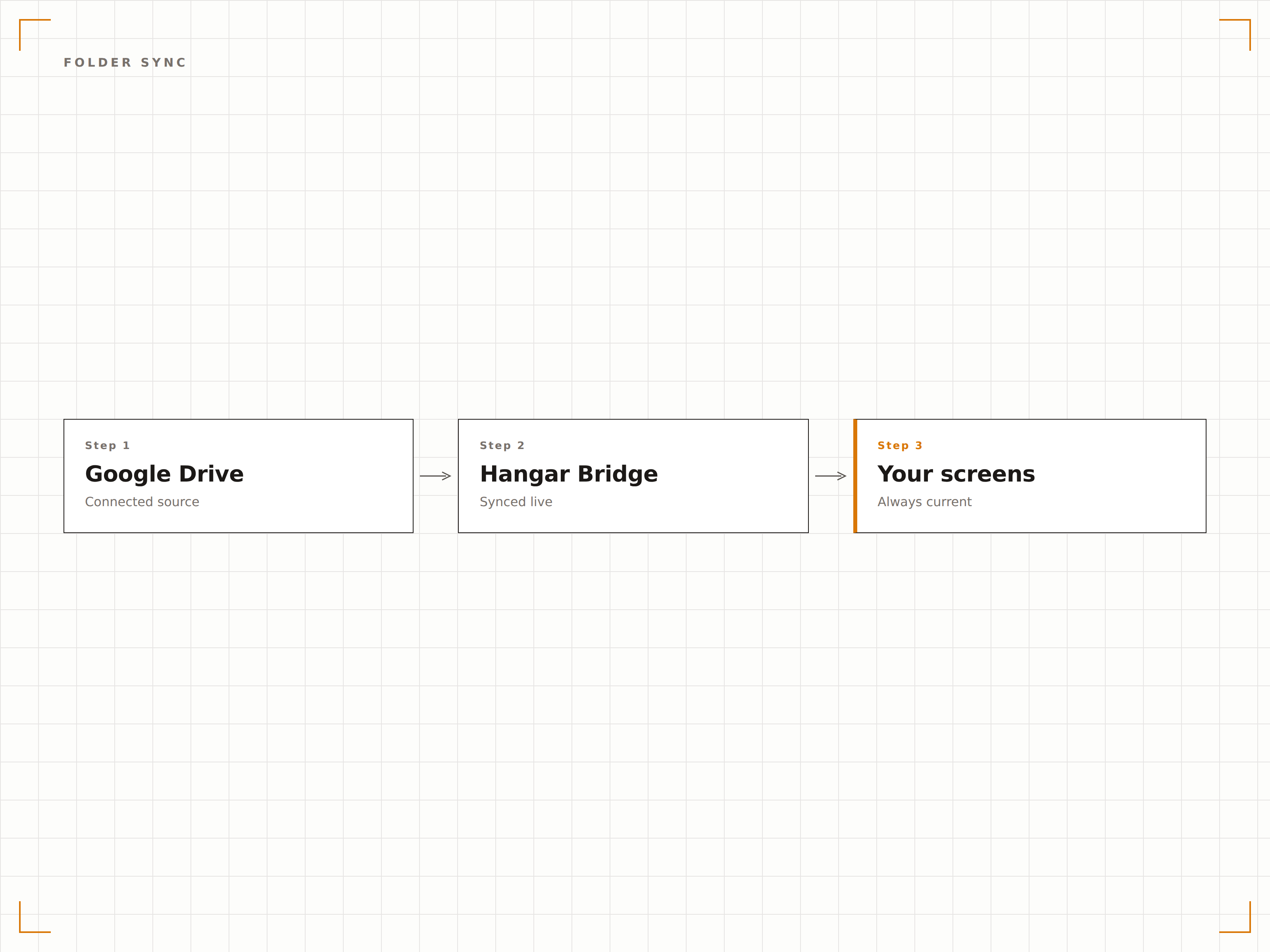
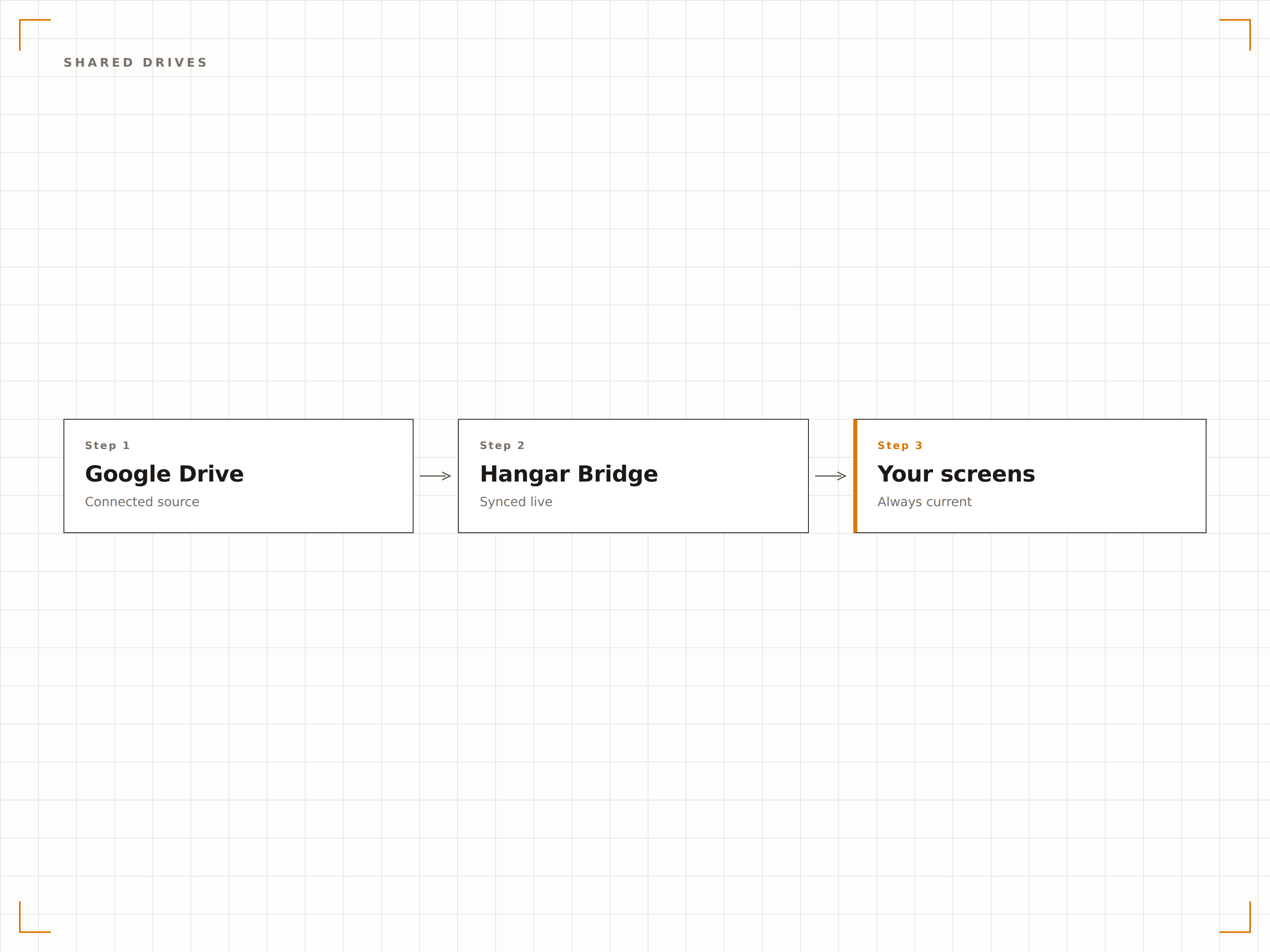
Google Drive es donde los equipos almacenan y comparten archivos. Hangar.Media se conecta a carpetas de Google Drive y muestra su contenido en pantallas de señalización como presentaciones de imágenes, listas de reproducción de video o carruseles de documentos. Añade archivos a la carpeta desde cualquier dispositivo y aparecerán en pantalla automáticamente. La carpeta de Google Drive se convierte en tu sistema de gestión de contenido para señalización.
Lo que puedes hacer con tus pantallas.
Tres capacidades que hacen esencial esta integración para tu red de señalización digital.
Contenido automático desde carpetas
Vincula una carpeta de Google Drive a una pantalla de señalización digital. Los archivos añadidos a la carpeta aparecen en pantalla automáticamente. Los archivos eliminados de la carpeta desaparecen de la pantalla. La carpeta es la única fuente de verdad para tu contenido de señalización digital.
Sube archivos a Drive y vélos en pantalla.
Detección automática de archivos nuevos
Eliminación de archivos reflejada en pantalla
Compatible con unidades compartidas y de equipo
Presentación de fotos desde Drive
Muestra imágenes de una carpeta de Google Drive como una presentación fotográfica con transiciones suaves. Sube fotos de eventos, recursos de marketing o imágenes del equipo desde cualquier dispositivo, y la pantalla de señalización digital actualiza su presentación automáticamente.
Una galería fotográfica que cualquiera puede actualizar.
Transiciones suaves de fundido cruzado
Reproducción secuencial o aleatoria
Duración de visualización por imagen
Compatibilidad con unidades de equipo de Drive
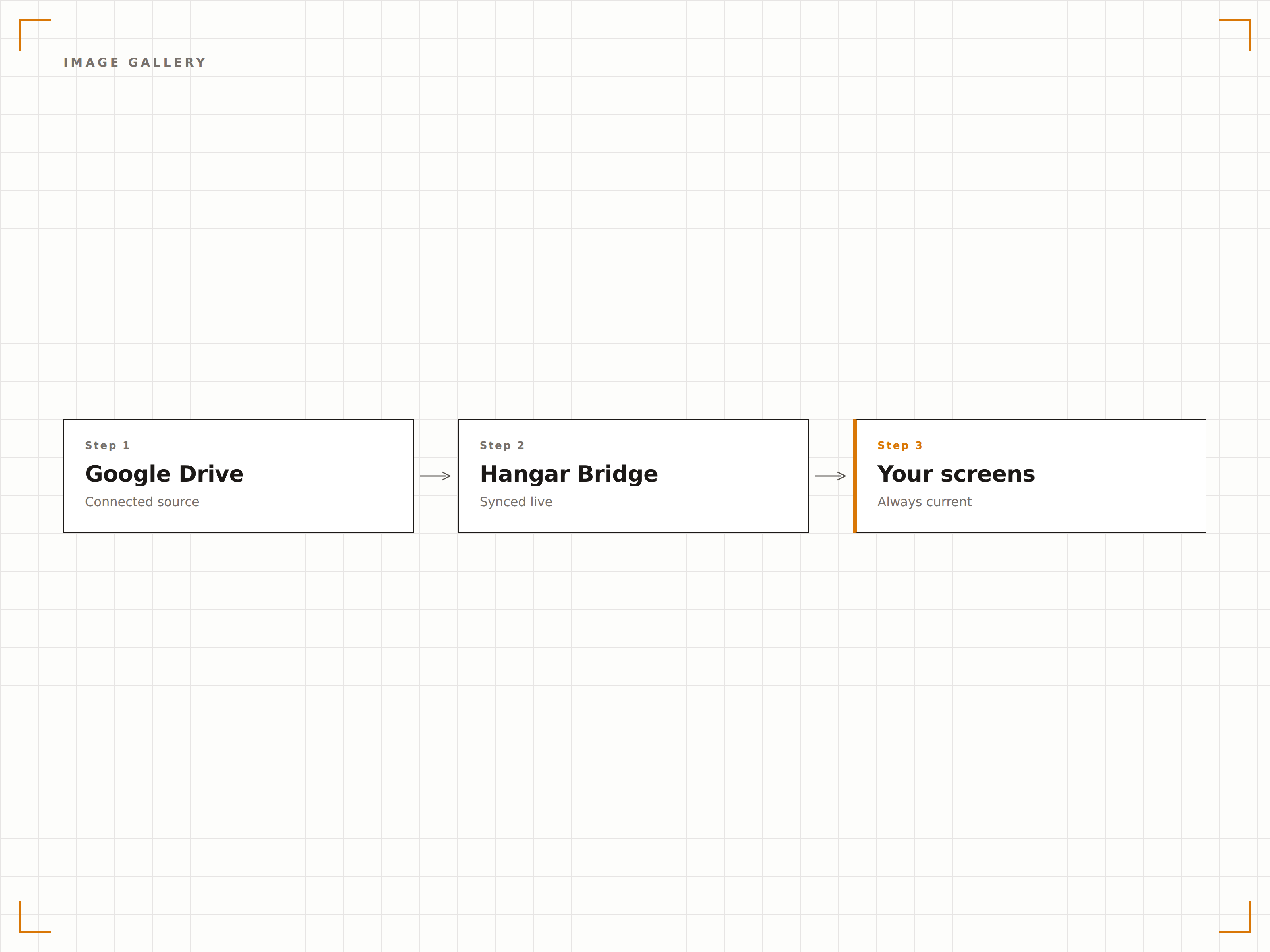
Conéctate a las unidades compartidas de Google Workspace (unidades de equipo) para gestionar contenido a nivel organizacional. Varios miembros del equipo pueden añadir y organizar contenido en la unidad compartida, y la pantalla de señalización digital refleja el contenido actual de la carpeta.
Contenido gestionado por el equipo, visualización en toda la organización.
Compatibilidad con unidades compartidas de Google Workspace
Gestión de contenido multiusuario
Control de contenido a nivel organizacional
Cuatro pasos hacia pantallas conectadas.
Desde la configuración hasta contenido en vivo en minutos, no en días.
Conectar Google Drive
Autentícate con Google y otorga a Hangar.Media acceso de lectura a tu cuenta de Drive o unidades compartidas.
Seleccionar carpetas
Elige qué carpetas de Google Drive usarás como fuentes de contenido para tus pantallas de señalización digital.
Configurar la visualización
Define las transiciones de la presentación, los ajustes de reproducción de video y la frecuencia de sincronización para tus pantallas.
Publicar
Asigna el contenido de la carpeta de Drive a las pantallas de destino y el contenido comenzará a reproducirse.
Diseñado para cada sector.
Descubre cómo distintas industrias utilizan esta integración para obtener resultados.
Visualización de fotos del equipo
Crea una carpeta compartida de Google Drive para fotos del equipo y celebraciones. La pantalla de señalización digital muestra automáticamente las nuevas fotos a medida que se añaden.
EducaciónGalería de trabajos de estudiantes
Muestra obras de arte, fotos de proyectos y certificados de logros de estudiantes desde una carpeta de Google Drive en las pantallas del área de galería del centro educativo.
RetailContenido promocional
Sube imágenes promocionales y recursos de marketing a una carpeta de Google Drive y muéstralos en las pantallas de señalización digital de todas tus tiendas.
EntretenimientoVisualización de contenido de eventos
Sube fotos de eventos, imágenes de artistas y contenido promocional a una carpeta de Google Drive para mostrarlos en las pantallas del recinto durante los eventos.
Preguntas frecuentes. Respuestas directas: respuestas.
¿Puedo usar Google Drive personal o solo Google Workspace?
Ambas son compatibles. Las cuentas personales de Google Drive se conectan mediante autenticación de cuenta de Google. Las cuentas de Google Workspace se conectan a través del consentimiento de administrador de Google Workspace y admiten unidades compartidas.
¿Qué tipos de archivos son compatibles?
Se admiten imágenes (JPG, PNG, GIF, BMP, WebP), videos (MP4, MOV, AVI) y documentos (PDF, Google Docs, Google Slides). Los usos más comunes son las presentaciones de imágenes y la reproducción de video.
¿Con qué rapidez aparecen los archivos nuevos en la pantalla de señalización?
Hangar.Media supervisa la carpeta de Google Drive vinculada en el intervalo que elijas, generalmente cada 5 a 15 minutos. Los archivos nuevos aparecen en pantalla en el siguiente ciclo de sincronización.
¿Puedo vincular carpetas de varias cuentas de Google?
Sí. Puedes conectar varias cuentas de Google a Hangar.Media y vincular carpetas de diferentes cuentas a distintas pantallas de señalización digital o combinarlas en listas de reproducción de contenido.
Un precio. La plataforma completa.
Así es como creemos que debe funcionar la señalización digital. Editor de contenido, gestión de pantallas y más de 200 integraciones de aplicaciones — todo incluido desde el primer día.
14 días gratis, hasta 3 pantallas — sin tarjeta.