Vos médias Google Drive, sur vos écrans.
Streamez images, vidéos et documents depuis des dossiers partagés Google Drive directement vers vos écrans d'affichage dynamique, avec synchronisation automatique.
Diffusez votre contenu Drive sur chaque écran
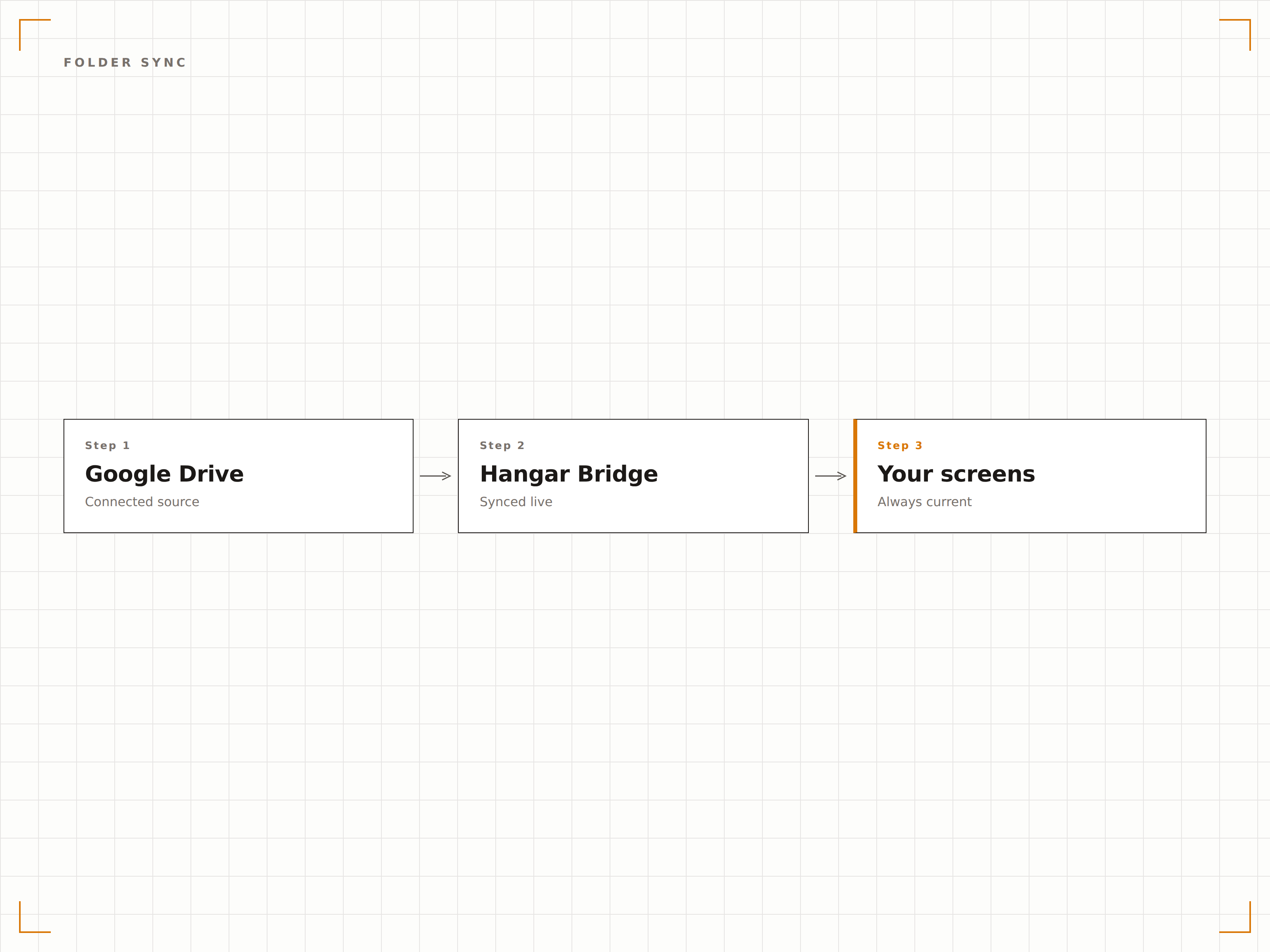
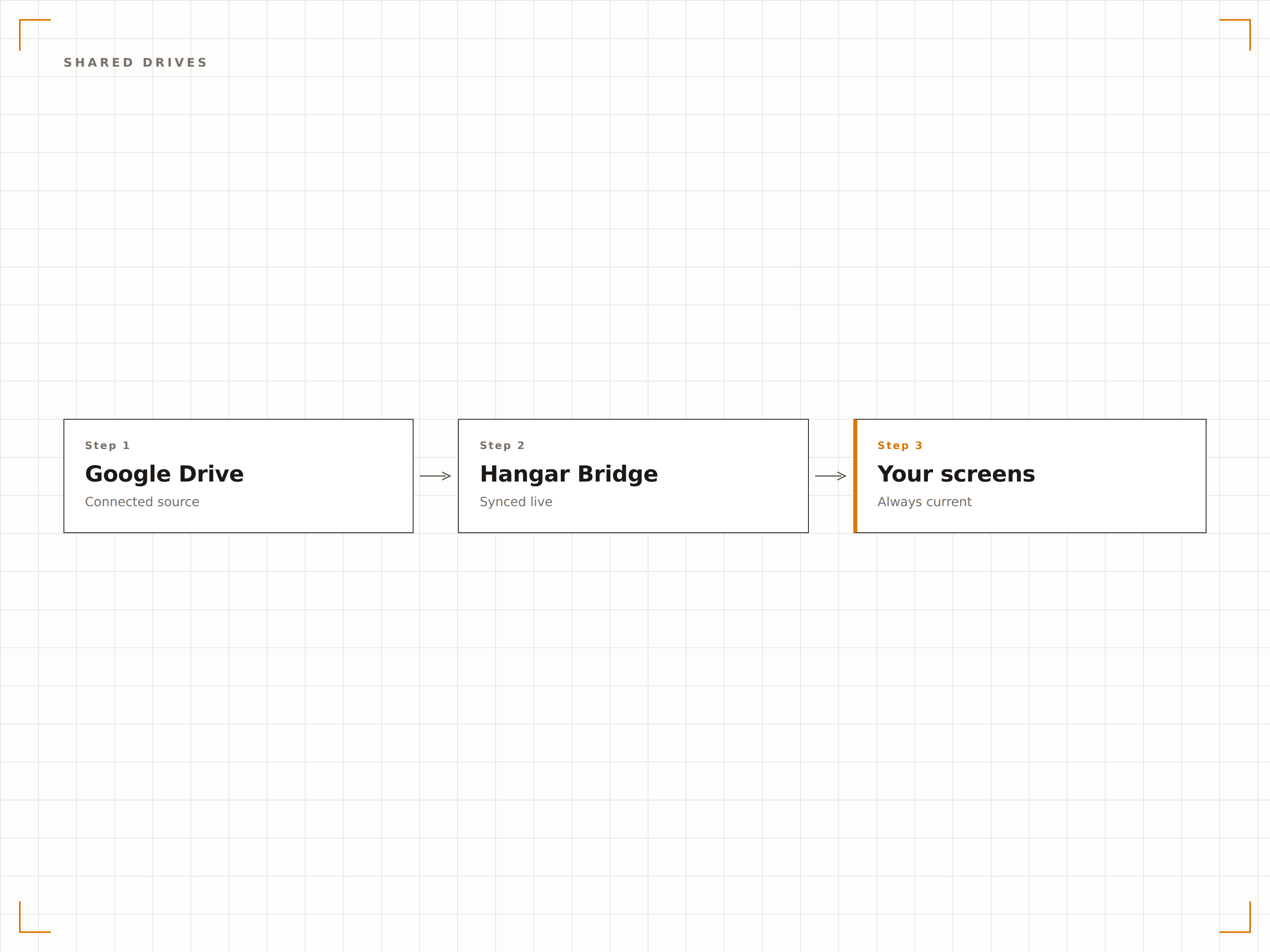
Google Drive est l'endroit où les équipes stockent et partagent leurs fichiers. Hangar.Media se connecte à vos dossiers Google Drive et affiche leur contenu sur vos écrans de signage sous forme de diaporamas d'images, de playlists vidéo ou de carrousels de documents. Ajoutez des fichiers au dossier depuis n'importe quel appareil et ils apparaissent automatiquement à l'écran. Le dossier Google Drive devient votre système de gestion de contenu pour votre affichage dynamique.
Ce que vous pouvez faire avec vos écrans.
Trois fonctionnalités qui rendent cette intégration indispensable pour votre réseau d'affichage dynamique.
Contenu automatique depuis les dossiers
Associez un dossier Google Drive à un écran d'affichage dynamique. Les fichiers ajoutés au dossier apparaissent automatiquement à l'écran. Les fichiers supprimés du dossier disparaissent de l'affichage. Le dossier constitue l'unique source de vérité pour votre contenu d'affichage dynamique.
Déposez des fichiers dans Drive, voyez-les apparaître à l'écran.
Détection automatique des nouveaux fichiers
Suppression de fichiers répercutée à l'écran
Prise en charge des lecteurs partagés et d'équipe
Diaporama photo depuis Drive
Affichez les images d'un dossier Google Drive sous forme de diaporama photo avec des transitions fluides. Importez des photos d'événements, des ressources marketing ou des photos d'équipe depuis n'importe quel appareil, et l'écran d'affichage dynamique met automatiquement à jour son diaporama.
Une galerie photo que tout le monde peut mettre à jour.
Transitions en fondu enchaîné fluides
Lecture séquentielle ou aléatoire
Durée d'affichage par image
Prise en charge des lecteurs d'équipe
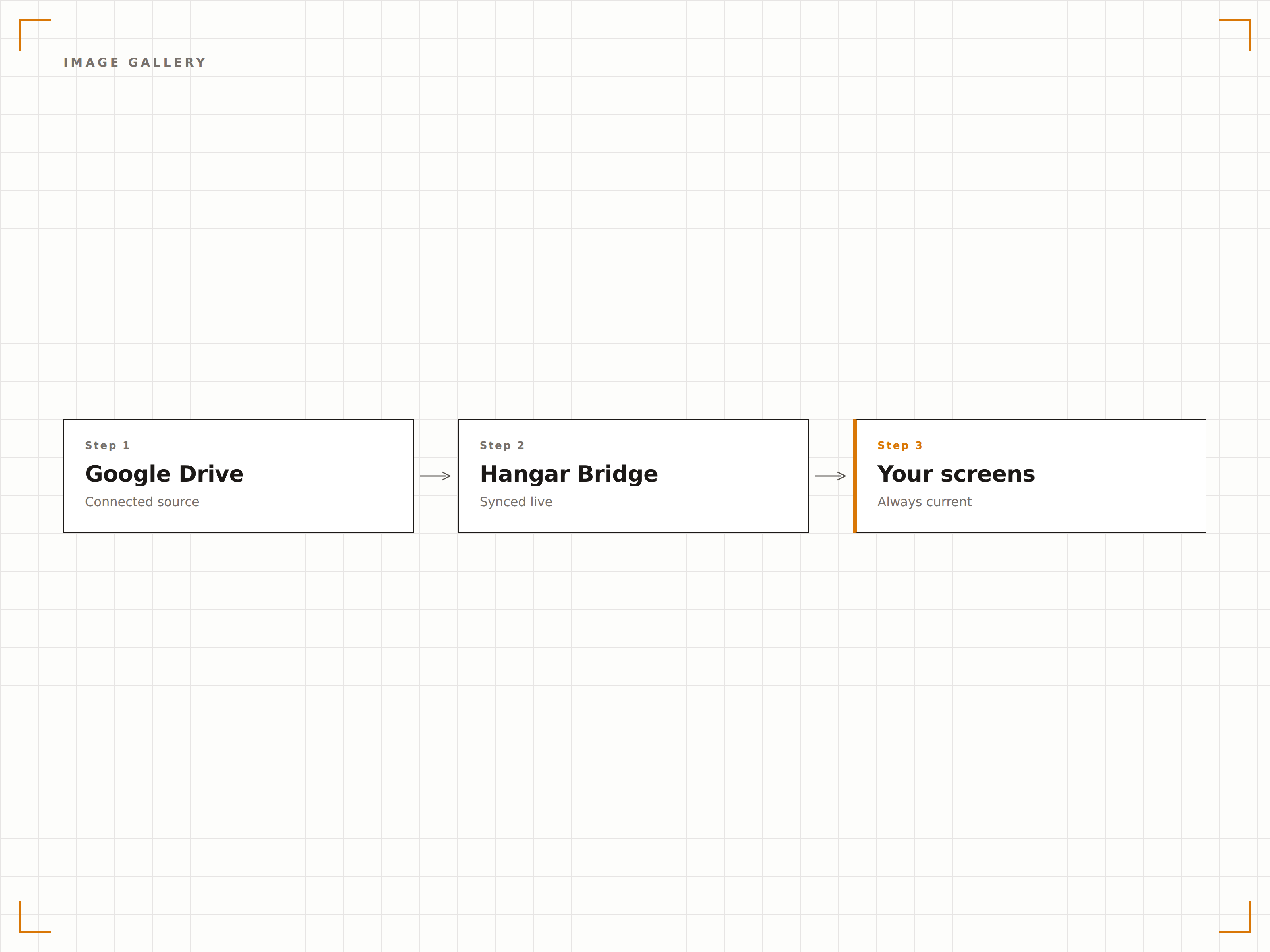
Connectez-vous aux lecteurs partagés Google Workspace (lecteurs d'équipe) pour un contenu géré à l'échelle de l'organisation. Plusieurs membres de l'équipe peuvent ajouter et organiser du contenu dans le lecteur partagé, et l'écran d'affichage dynamique reflète le contenu actuel du dossier.
Un contenu géré en équipe, affiché à l'échelle de l'organisation.
Prise en charge des lecteurs partagés Google Workspace
Gestion du contenu multi-utilisateurs
Contrôle du contenu à l'échelle de l'organisation
Quatre étapes vers écrans connectés.
De la configuration au contenu en direct en quelques minutes, pas en jours.
Connecter Google Drive
Authentifiez-vous avec Google et accordez à Hangar.Media un accès en lecture à votre compte Drive ou à vos lecteurs partagés.
Sélectionner les dossiers
Choisissez les dossiers Google Drive à utiliser comme sources de contenu pour vos écrans d'affichage dynamique.
Configurer l'affichage
Définissez les transitions du diaporama, les paramètres de lecture vidéo et la fréquence de synchronisation pour vos affichages.
Publier
Assignez le contenu du dossier Drive à vos écrans cibles et la diffusion du média commence.
Conçu pour chaque secteur.
Découvrez comment différents secteurs utilisent cette intégration pour obtenir des résultats.
Affichage de photos d'équipe
Créez un dossier Google Drive partagé pour les photos d'équipe et les célébrations. L'écran d'affichage dynamique affiche automatiquement les nouvelles photos au fur et à mesure de leur ajout.
ÉducationGalerie de travaux d'élèves
Affichez des œuvres d'élèves, des photos de projets et des certificats de réussite depuis un dossier Google Drive sur les écrans de l'espace galerie de l'établissement.
CommerceContenu promotionnel
Déposez des visuels promotionnels et des ressources marketing dans un dossier Google Drive et diffusez-les sur les écrans d'affichage dynamique en magasin dans tous vos points de vente.
DivertissementDiffusion de médias événementiels
Importez des photos d'événements, des visuels d'artistes et des médias promotionnels dans un dossier Google Drive pour les afficher sur les écrans de la salle lors des événements.
Questions fréquentes. Réponses directes : réponses.
Puis-je utiliser un Google Drive personnel ou uniquement Google Workspace ?
Les deux sont pris en charge. Les comptes Google Drive personnels se connectent via l'authentification Google. Les comptes Google Workspace se connectent via le consentement administrateur Google Workspace et prennent en charge les lecteurs partagés.
Quels types de fichiers sont pris en charge ?
Les images (JPG, PNG, GIF, BMP, WebP), les vidéos (MP4, MOV, AVI) et les documents (PDF, Google Docs, Google Slides) sont pris en charge. Les usages les plus courants sont les diaporamas d'images et la lecture vidéo.
À quelle vitesse les nouveaux fichiers apparaissent-ils sur l'écran d'affichage dynamique ?
Hangar.Media surveille le dossier Google Drive associé à l'intervalle de votre choix, généralement toutes les 5 à 15 minutes. Les nouveaux fichiers apparaissent à l'écran au prochain cycle de synchronisation.
Puis-je associer des dossiers provenant de plusieurs comptes Google ?
Oui. Vous pouvez connecter plusieurs comptes Google à Hangar.Media et associer des dossiers de différents comptes à différents écrans d'affichage dynamique, ou les combiner dans des playlists de contenu.
Un seul tarif. La plateforme complète.
C'est ainsi que nous pensons que l'affichage dynamique devrait fonctionner. Éditeur de contenu, gestion des écrans et plus de 200 intégrations d'applications — tout inclus dès le premier jour.
14 jours gratuits, jusqu'à 3 écrans — sans carte bancaire.