Mídia do Google Drive, nas suas telas.
Transmita imagens, vídeos e documentos de pastas compartilhadas do Google Drive diretamente para telas de sinalização digital com sincronização automática.
Seu Conteúdo do Drive em Cada Tela
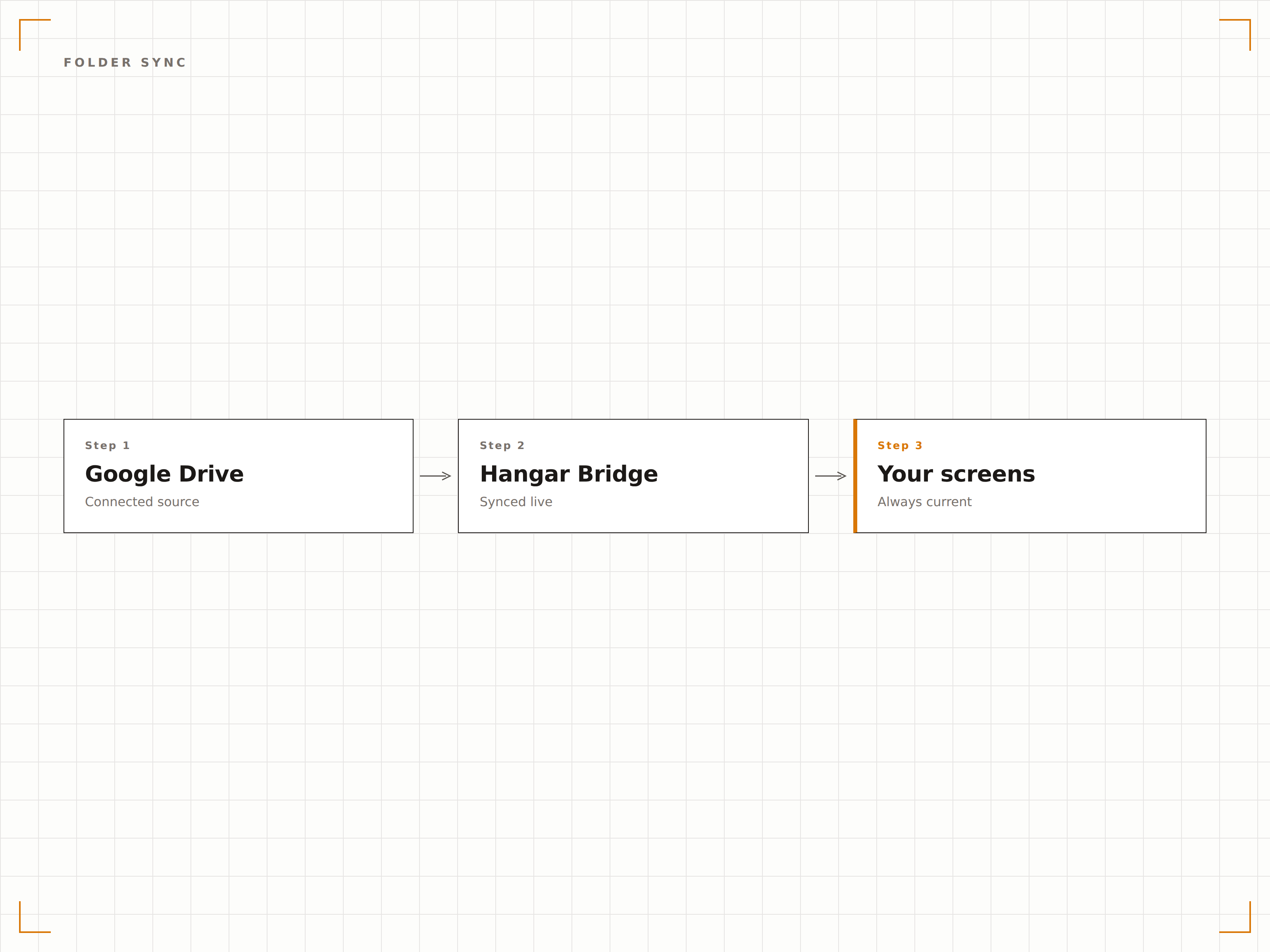
O Google Drive é onde as equipes armazenam e compartilham arquivos. O Hangar.Media se conecta a pastas do Google Drive e exibe seus conteúdos em telas de sinalização digital como slideshows de imagens, playlists de vídeos ou carrosséis de documentos. Adicione arquivos à pasta de qualquer dispositivo e eles aparecem na tela automaticamente. A pasta do Google Drive se torna o seu sistema de gerenciamento de conteúdo de sinalização.
O que você pode fazer com suas telas.
Três capacidades que tornam esta integração essencial para a sua rede de sinalização digital.
Conteúdo Automático a partir de Pastas
Vincule uma pasta do Google Drive a uma tela de sinalização digital. Arquivos adicionados à pasta aparecem na tela automaticamente. Arquivos removidos da pasta desaparecem do display. A pasta é a única fonte de verdade para o seu conteúdo de sinalização digital.
Adicione arquivos no Drive, veja-os na tela.
Detecção automática de novos arquivos
Remoção de arquivos refletida na tela
Compatível com drives compartilhados e de equipe
Slideshow de Fotos via Drive
Exiba imagens de uma pasta do Google Drive como um slideshow de fotos com transições suaves. Faça upload de fotos de eventos, materiais de marketing ou fotos da equipe de qualquer dispositivo e a tela de sinalização digital atualiza o slideshow automaticamente.
Uma galeria de fotos que qualquer pessoa pode atualizar.
Transições suaves de crossfade
Reprodução sequencial ou aleatória
Duração de exibição por imagem
Suporte a Drive de Equipe
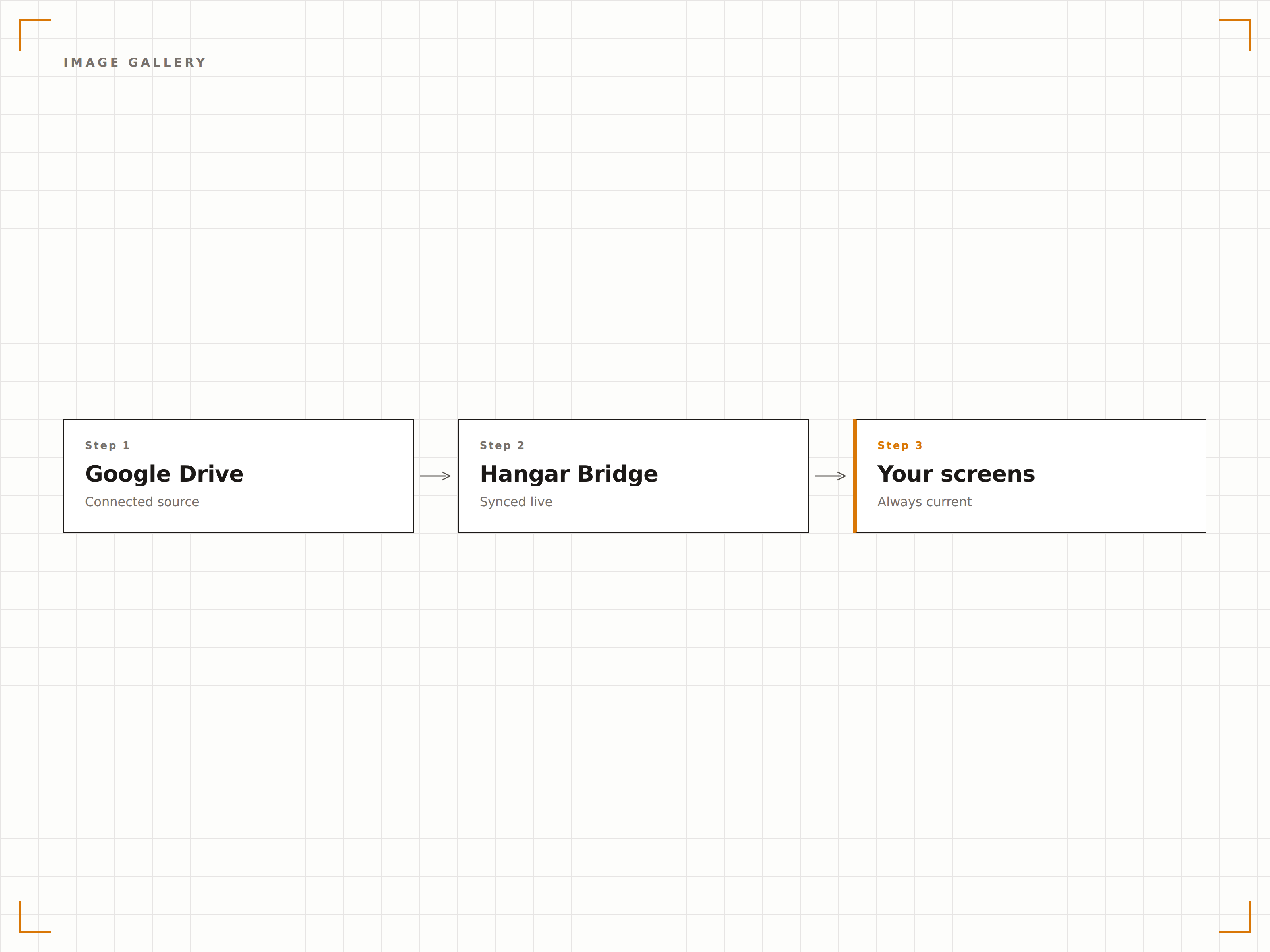
Conecte-se aos drives compartilhados do Google Workspace (drives de equipe) para conteúdo gerenciado pela organização. Vários membros da equipe podem adicionar e organizar conteúdo no drive compartilhado, e a tela de sinalização digital reflete o conteúdo atual da pasta.
Conteúdo gerenciado pela equipe, exibição em toda a organização.
Suporte a drives compartilhados do Google Workspace
Gestão de conteúdo multiusuário
Controle de conteúdo em nível organizacional
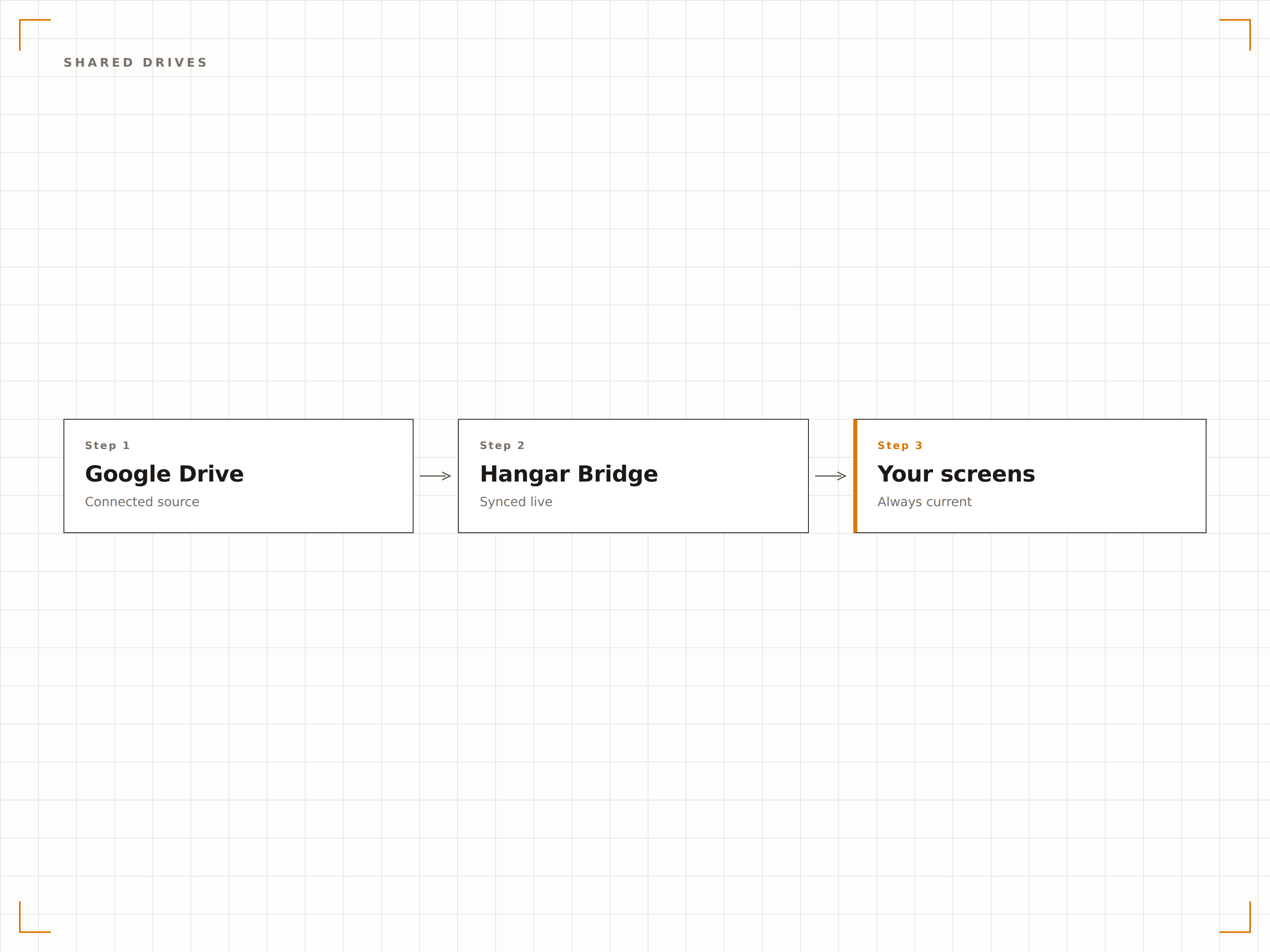
Quatro etapas para telas conectadas.
Da configuração ao conteúdo ao vivo em minutos, não dias.
Conectar o Google Drive
Autentique-se com o Google e conceda ao Hangar.Media acesso de leitura à sua conta do Drive ou drives compartilhados.
Selecionar Pastas
Escolha quais pastas do Google Drive serão usadas como fontes de conteúdo para suas telas de sinalização digital.
Configurar Exibição
Defina as transições do slideshow, as configurações de reprodução de vídeo e a frequência de sincronização para seus displays.
Publicar
Atribua o conteúdo da pasta do Drive às telas de destino e a mídia começa a ser reproduzida.
Feito para cada setor.
Veja como diferentes segmentos utilizam esta integração para gerar resultados.
Exibição de Fotos da Equipe
Crie uma pasta compartilhada no Google Drive para fotos e celebrações da equipe. A tela de sinalização digital exibe automaticamente as novas fotos conforme são adicionadas.
EducaçãoGaleria de Trabalhos de Alunos
Exiba trabalhos artísticos, fotos de projetos e certificados de conquistas dos alunos a partir de uma pasta do Google Drive em telas na área de galeria da escola.
VarejoConteúdo Promocional
Adicione imagens promocionais e materiais de marketing a uma pasta do Google Drive e faça com que sejam exibidos nas telas de sinalização digital das lojas em todas as unidades.
EntretenimentoExibição de Mídia de Eventos
Faça upload de fotos de eventos, imagens de artistas e mídias promocionais para uma pasta do Google Drive para exibição nas telas do local durante os eventos.
Perguntas frequentes. Respostas diretas respostas.
Posso usar o Google Drive pessoal ou apenas o Google Workspace?
Ambos são compatíveis. Contas pessoais do Google Drive se conectam por autenticação de Conta Google. Contas do Google Workspace se conectam por consentimento do administrador do Google Workspace e oferecem suporte a drives compartilhados.
Quais tipos de arquivo são compatíveis?
Imagens (JPG, PNG, GIF, BMP, WebP), vídeos (MP4, MOV, AVI) e documentos (PDF, Google Docs, Google Slides) são compatíveis. Os usos mais comuns são slideshows de imagens e reprodução de vídeos.
Com que rapidez os novos arquivos aparecem na tela de sinalização digital?
O Hangar.Media monitora a pasta do Google Drive vinculada no intervalo escolhido por você, normalmente a cada 5 a 15 minutos. Novos arquivos aparecem na tela no próximo ciclo de sincronização.
Posso vincular pastas de várias contas do Google?
Sim. Você pode conectar várias contas do Google ao Hangar.Media e vincular pastas de diferentes contas a diferentes telas de sinalização digital ou combiná-las em playlists de conteúdo.
Um preço. A plataforma completa.
É assim que acreditamos que a sinalização digital deve funcionar. Editor de conteúdo, gerenciamento de telas e mais de 200 integrações de aplicativos — tudo incluído desde o primeiro dia.
14 dias grátis, até 3 telas — sem cartão.