Los menús de Clover, en pantalla de forma automática. automáticamente en pantalla.
Sincroniza tu inventario y datos de menú de Clover POS directamente con tu señalización digital. Los menús digitales, las pantallas de productos y las pantallas promocionales se mantienen actualizados sin ninguna actualización manual.
Datos de Clover alimentando tus pantallas
La integración con Clover se conecta a tu cuenta de comerciante de Clover a través de la API REST de Clover y extrae tu inventario completo, categorías de artículos, grupos de modificadores y precios. Estos datos se incorporan a tus menús digitales y pantallas de productos. Cuando actualizas Clover, tus pantallas lo reflejan al instante. El personal deja de perder tiempo actualizando precios manualmente o retirando artículos agotados de las pantallas.
Lo que puedes hacer con automáticamente en pantalla.
Tres capacidades que hacen esencial esta integración para tu red de señalización digital.
El inventario de Clover impulsa tus pantallas
Tu biblioteca de artículos de Clover es la única fuente de verdad. Los artículos del menú, precios, descripciones y asignaciones de categorías fluyen desde Clover hacia tus menús digitales en Hangar.Media. Los grupos de modificadores y conjuntos de opciones son compatibles, permitiendo que los clientes vean las personalizaciones disponibles en pantalla.
Gestionamos todo en Clover y los menús digitales simplemente funcionan. Sin duplicación de datos.
Sincronización completa de artículos, modificadores y categorías
Actualizaciones de precios reflejadas en pantallas en minutos
Compatibilidad con la exclusión de artículos ocultos y artículos exclusivos del POS
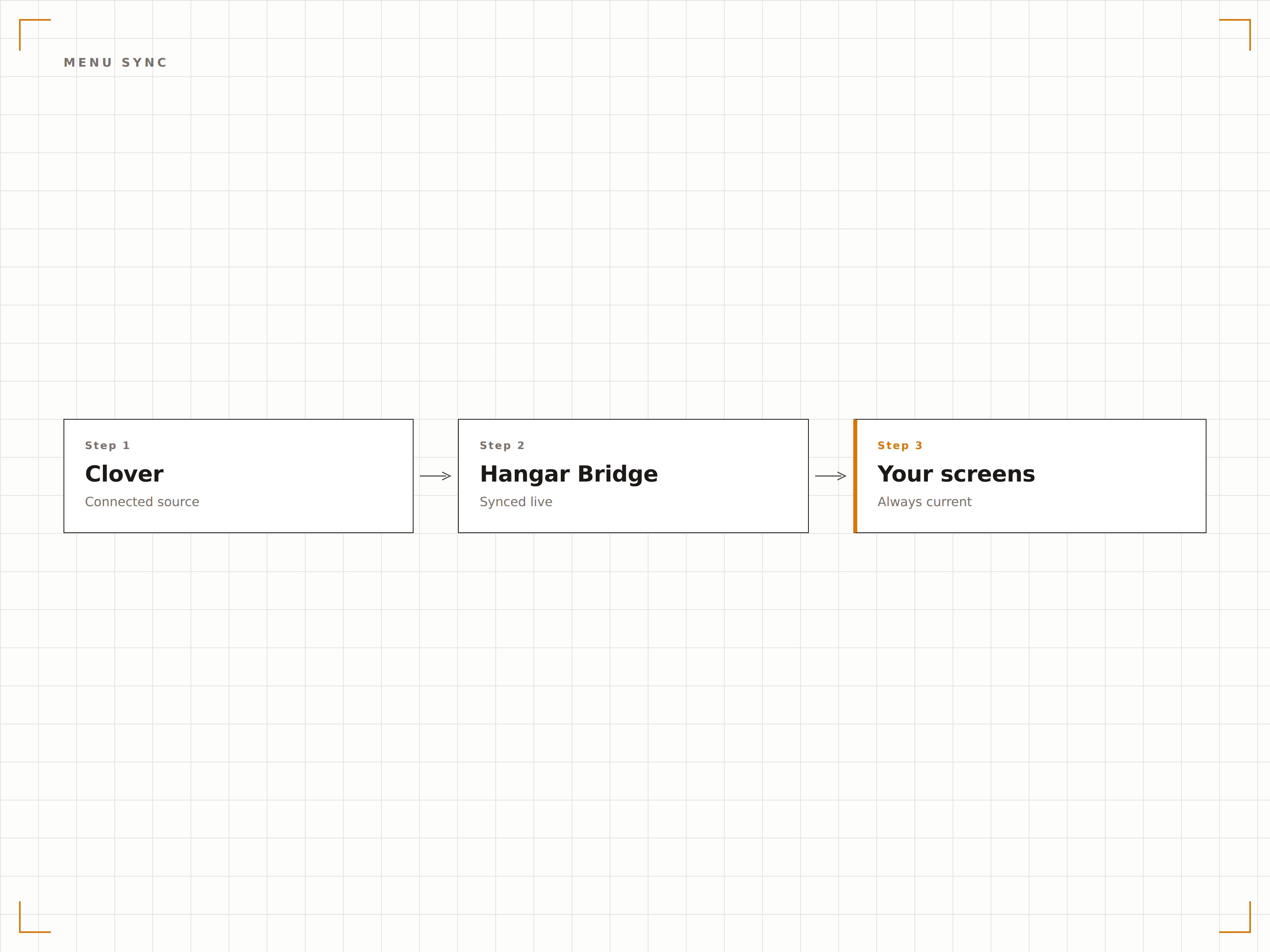
Promociona desde el POS
Etiqueta artículos como especiales del día en Clover y aparecerán automáticamente en una sección destacada de tus menús digitales. Cambia el especial cada día en Clover y la pantalla se actualiza sin pasos adicionales. Ideal para especiales rotativos, artículos de happy hour y ofertas por tiempo limitado.
El chef etiqueta el especial del día en Clover cada mañana y el menú digital lo promociona automáticamente.
Destacado de artículos especiales basado en etiquetas
Zona dedicada a especiales en los diseños de menú
Rotación automática basada en etiquetas de artículos de Clover
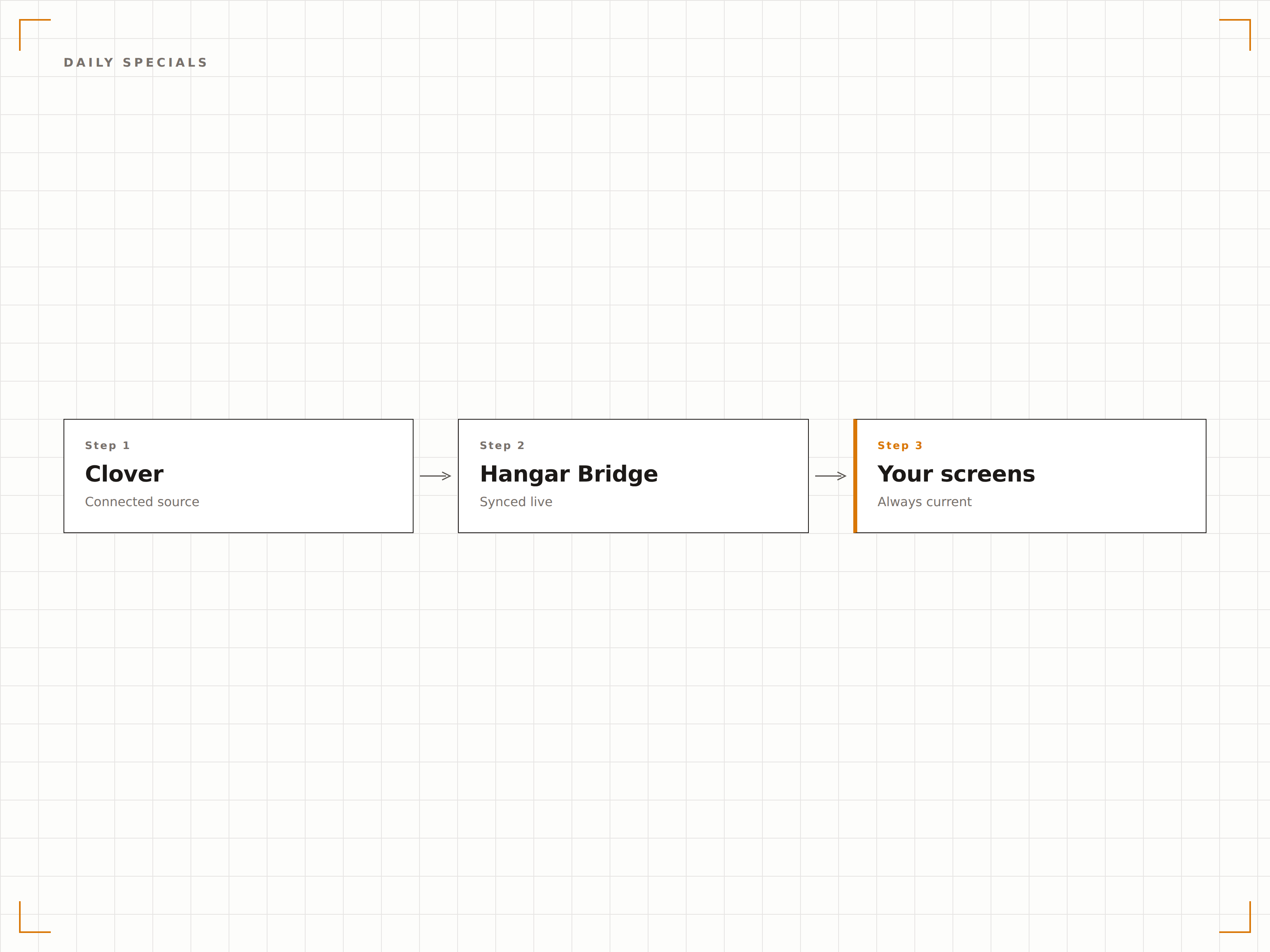
Diferentes menús para diferentes canales
Clover admite diferentes tipos de pedido con precios y artículos disponibles variables. La integración te permite mostrar el menú de servicio en sala en las pantallas del restaurante, el menú de para llevar en los mostradores y el menú de entrega a domicilio en las pantallas orientadas al exterior, todo desde la misma cuenta de Clover.
Nuestras pantallas de servicio en mesa muestran los precios de atención en sala, mientras que el mostrador de para llevar muestra el menú de recogida.
Filtrado de menú por tipo de pedido
Visualización de precios diferenciada por tipo de pedido
Asignación de pantallas por canal
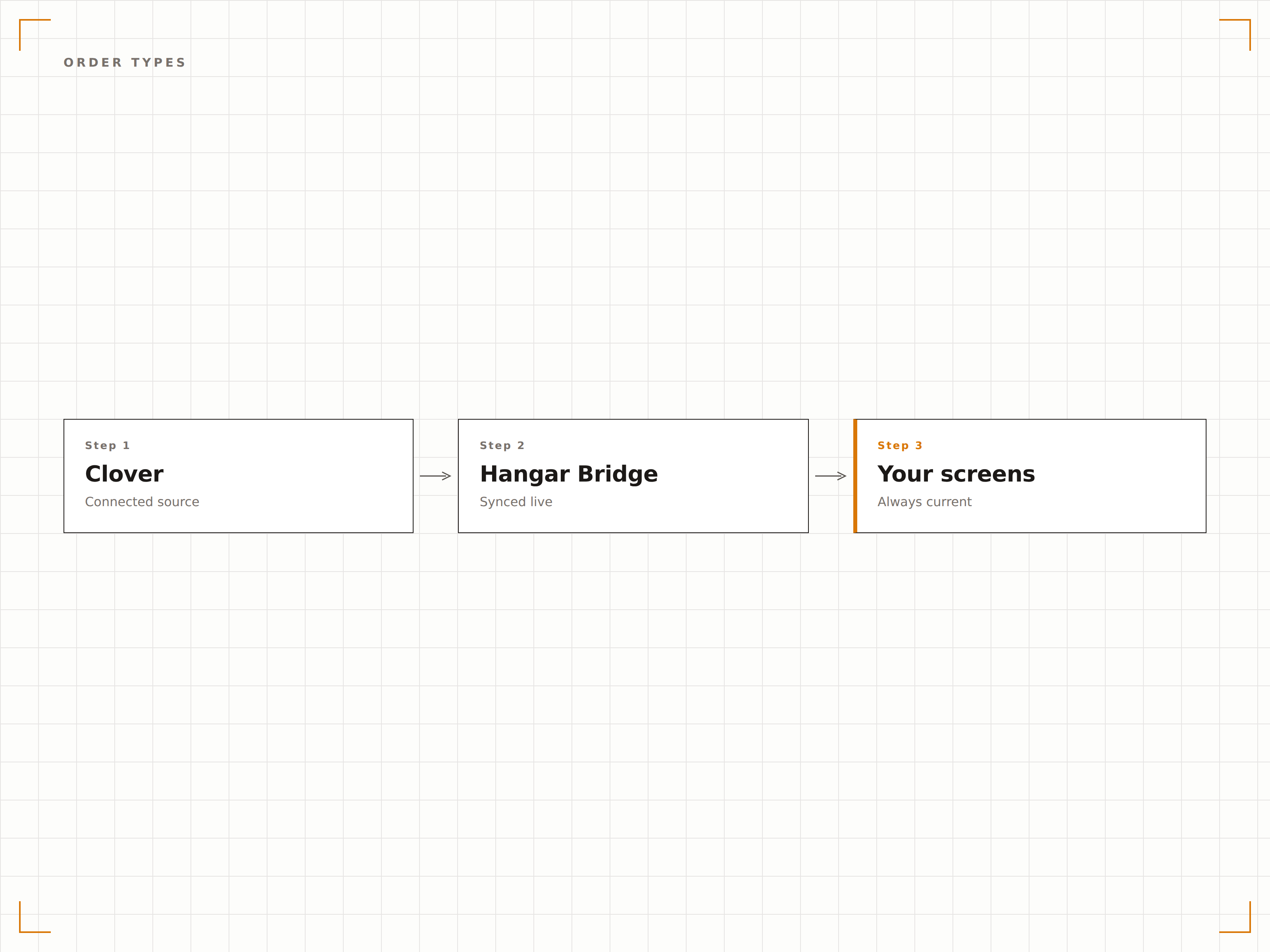
Cuatro pasos hacia pantallas conectadas.
Desde la configuración hasta contenido en vivo en minutos, no en días.
Conecta tu cuenta de Clover
Autoriza Hangar.Media a través del Clover App Market o mediante conexión directa por API. Selecciona las ubicaciones de comerciante que deseas sincronizar.
Asigna categorías a zonas de pantalla
Asigna las categorías de artículos de Clover a las zonas de diseño en tus plantillas de menú. Configura el orden de visualización y el formato.
Configura reglas para artículos especiales
Define qué etiquetas o labels de Clover activan la ubicación destacada en tus menús para especiales del día y promociones.
Activa la sincronización
Habilita la conexión en vivo y tus pantallas comenzarán a mostrar los datos de Clover. Todos los cambios futuros en el POS se propagan automáticamente a las pantallas.
Diseñado para cada sector.
Descubre cómo distintas industrias utilizan esta integración para obtener resultados.
Pantallas para restaurantes de servicio rápido
Las cadenas de comida rápida que usan Clover sincronizan su menú con pantallas digitales suspendidas que muestran precios en tiempo real, combos y disponibilidad, garantizando que los clientes siempre vean las opciones actuales.
RetailExhibición de productos para pequeños negocios
Los comercios independientes que usan Clover muestran productos destacados y precios en pantallas dentro de la tienda, que se actualizan automáticamente cuando el inventario o los precios cambian en el sistema POS.
EntretenimientoMenús de bebidas para bares y pubs
Los bares que usan Clover muestran selecciones rotativas de cervezas artesanales, cócteles especiales y precios de happy hour en pantallas detrás de la barra, actualizándose a medida que se cambian los barriles o rotan los especiales.
EducaciónMenú diario para cafeterías escolares
Las cafeterías escolares que utilizan Clover muestran el menú del almuerzo del día con precios e información nutricional en las pantallas de la cafetería, cambiando automáticamente cada día.
Preguntas frecuentes. Respuestas directas: respuestas.
Qué dispositivos Clover son compatibles
La integración se conecta a la plataforma en la nube de Clover, no a hardware específico. Cualquier cuenta de Clover con acceso a la API es compatible, independientemente de si utilizas dispositivos Clover Station, Mini, Flex o Go.
¿Puedo excluir ciertos artículos de las pantallas?
Sí. Puedes excluir artículos por categoría, etiqueta o selección individual. Los artículos marcados como ocultos en Clover se excluyen automáticamente de la visualización en pantalla.
¿La integración admite grupos de modificadores de Clover?
Sí. Los grupos de modificadores y conjuntos de opciones se sincronizan desde Clover y pueden mostrarse en menús interactivos de pantalla táctil o como listados de texto en pantallas de menú pasivas.
¿Pueden varios comerciantes de Clover conectarse a una cuenta de Hangar.Media?
Sí. Las empresas con múltiples ubicaciones pueden conectar varias cuentas de comerciante de Clover, cada una enviando datos a su propio conjunto de pantallas. Todas las ubicaciones se gestionan desde un único panel de Hangar.Media.
Un precio. La plataforma completa.
Así es como creemos que debe funcionar la señalización digital. Editor de contenido, gestión de pantallas y más de 200 integraciones de aplicaciones — todo incluido desde el primer día.
14 días gratis, hasta 3 pantallas — sin tarjeta.