I menu Clover, sempre in bella mostra. visualizzato automaticamente.
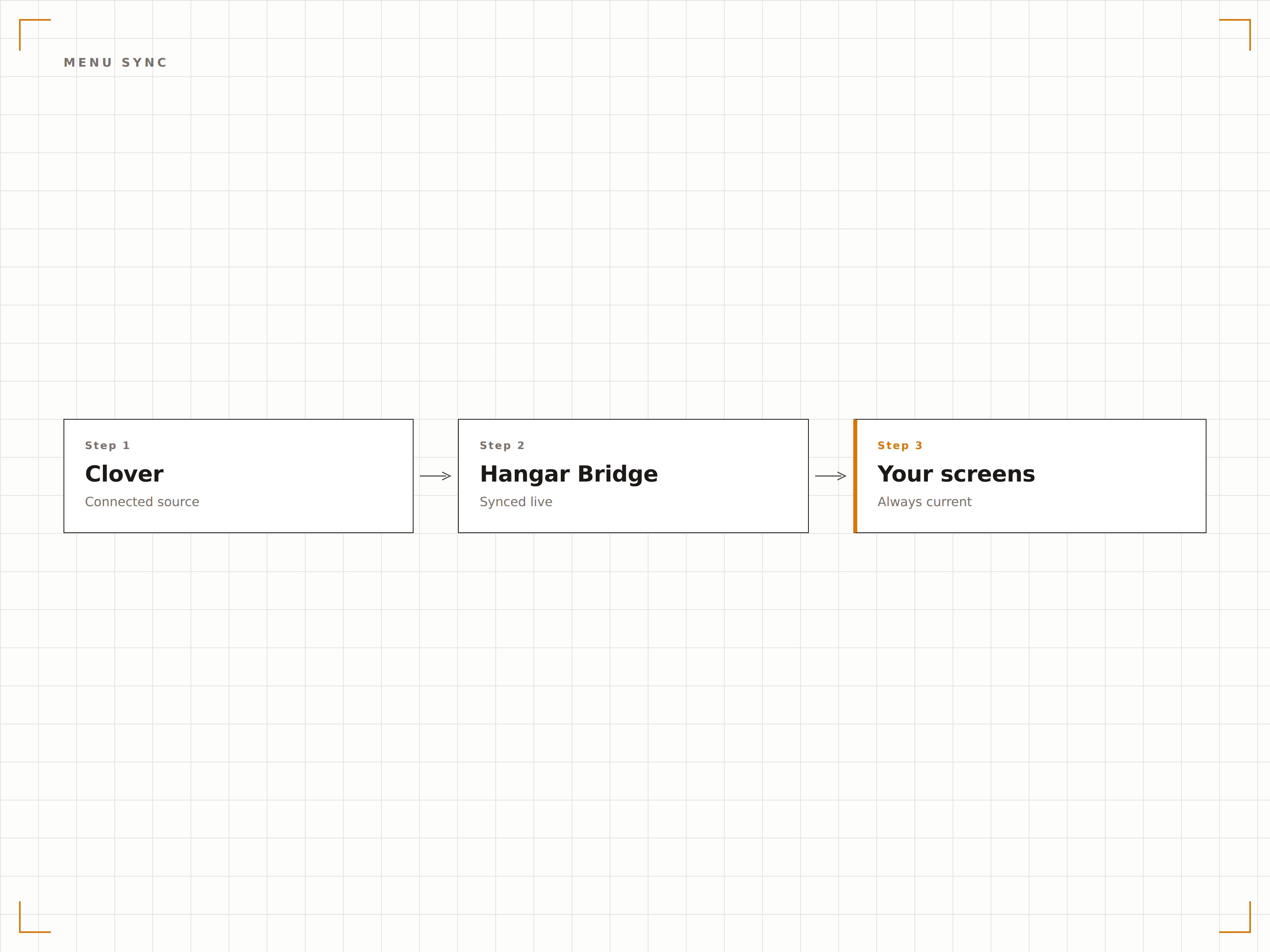
Sincronizza l'inventario e i dati del menu del tuo POS Clover direttamente con la tua segnaletica digitale. Menu board, espositori prodotti e schermi promozionali rimangono sempre aggiornati, senza alcun intervento manuale.
I dati Clover alimentano i tuoi schermi
L'integrazione Clover si connette al tuo account merchant Clover tramite le Clover REST API e importa l'intero inventario, le categorie di articoli, i gruppi di modificatori e i prezzi. Questi dati alimentano i tuoi menu board digitali e gli espositori prodotti. Quando aggiorni Clover, i tuoi schermi si aggiornano di conseguenza. Il personale non perde più tempo ad aggiornare manualmente i prezzi o a rimuovere gli articoli esauriti dai pannelli espositivi.
Cosa puoi fare con visualizzato automaticamente.
Tre funzionalità che rendono questa integrazione indispensabile per la tua rete di segnaletica digitale.
L'inventario Clover alimenta i tuoi board
La tua libreria articoli Clover è l'unica fonte di verità. Articoli del menu, prezzi, descrizioni e assegnazioni di categoria fluiscono da Clover ai tuoi menu board Hangar.Media. I gruppi di modificatori e i set di opzioni sono supportati, consentendo ai clienti di vedere le personalizzazioni disponibili sullo schermo.
Gestiamo tutto in Clover e i menu board funzionano e basta. Nessuna doppia immissione di dati.
Sincronizzazione completa di articoli, modificatori e categorie
Aggiornamenti dei prezzi riflessi sugli schermi in pochi minuti
Supporto per l'esclusione di articoli nascosti e articoli solo POS
Promuovi dal POS
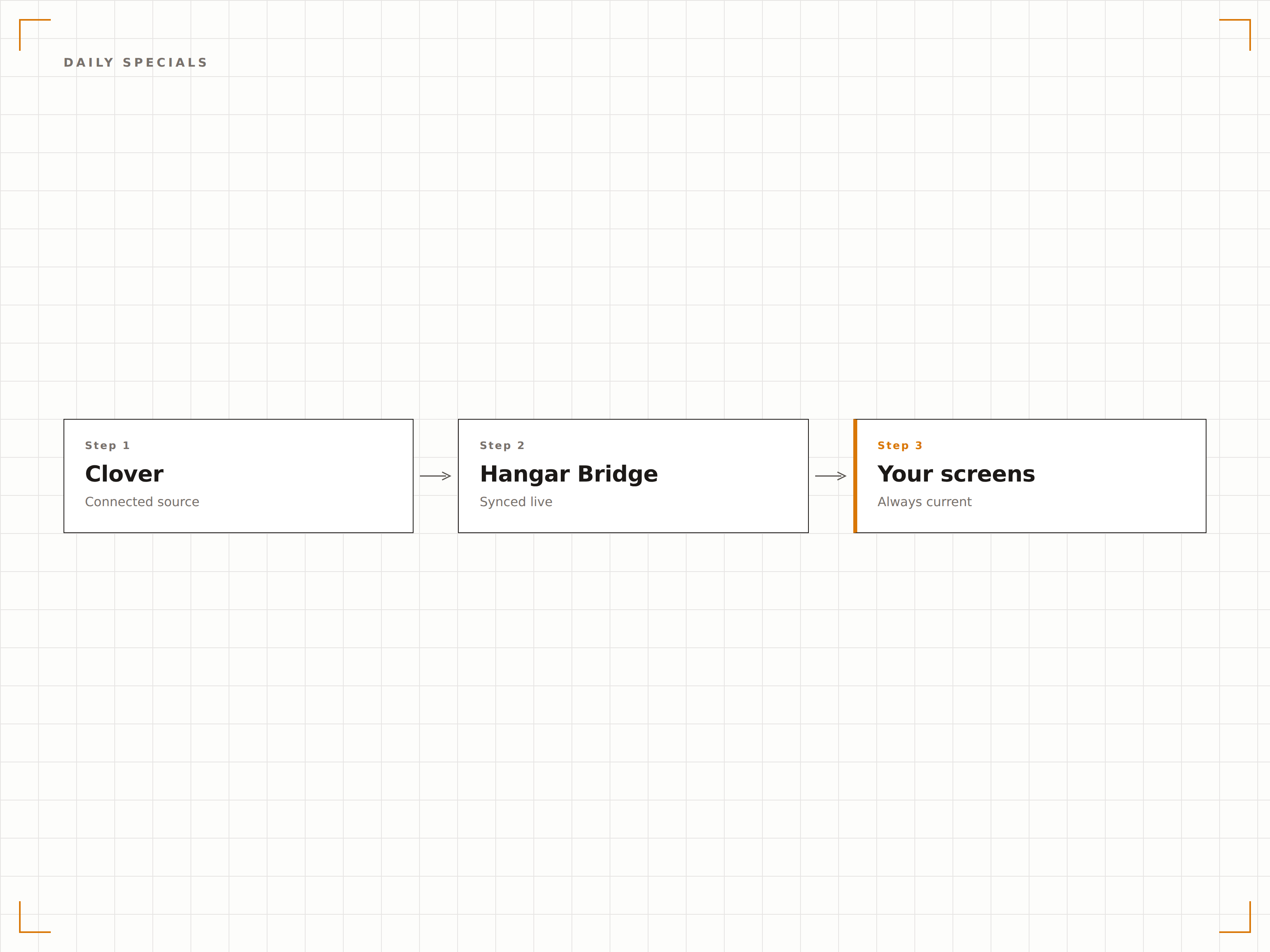
Contrassegna gli articoli come offerte del giorno in Clover e appariranno automaticamente in una sezione in evidenza sui tuoi menu board digitali. Cambia l'offerta ogni giorno in Clover e lo schermo si aggiorna senza ulteriori passaggi. Perfetto per offerte a rotazione, articoli dell'happy hour e promozioni a tempo limitato.
Lo chef contrassegna l'offerta del giorno in Clover ogni mattina e il menu board la promuove automaticamente.
Evidenziazione degli articoli speciali basata su tag
Zona dedicata alle offerte speciali nei layout dei menu board
Rotazione automatica basata sui tag degli articoli Clover
Menu diversi per canali diversi
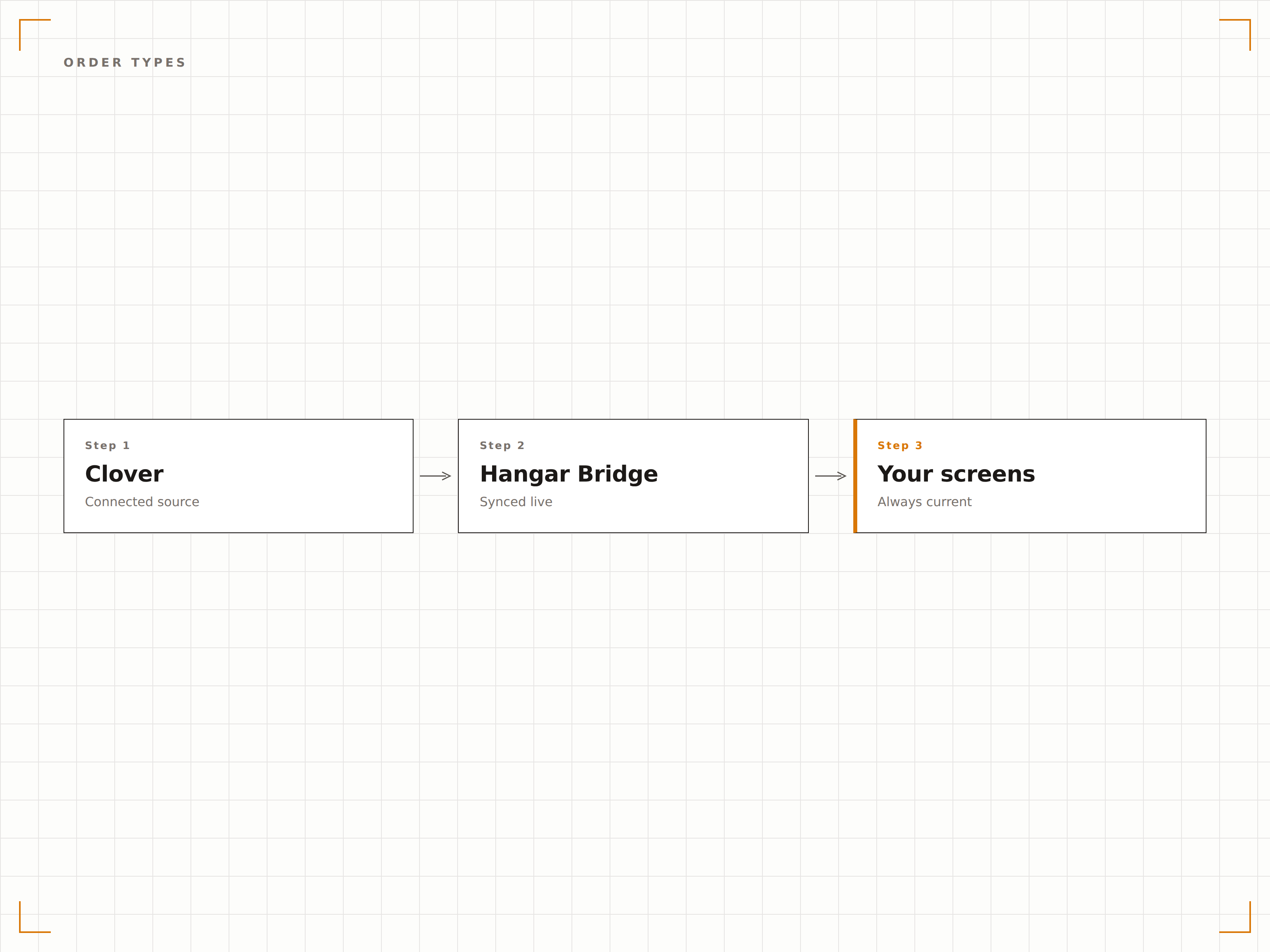
Clover supporta diversi tipi di ordine con prezzi e articoli disponibili variabili. L'integrazione ti consente di mostrare il menu per il servizio al tavolo sugli schermi del ristorante, il menu da asporto sui display del bancone e il menu per la consegna sugli schermi rivolti verso la vetrina, tutto dallo stesso account Clover.
I nostri schermi per il servizio al tavolo mostrano i prezzi del ristorante, mentre il bancone da asporto mostra il menu per il ritiro.
Filtraggio del menu per tipo di ordine
Visualizzazione del prezzo differenziata per tipo di ordine
Assegnazione degli schermi per canale specifico
Quattro passaggi verso schermi connessi.
Dalla configurazione ai contenuti live in minuti, non giorni.
Collega il tuo account Clover
Autorizza Hangar.Media tramite il Clover App Market o una connessione API diretta. Seleziona le sedi merchant da sincronizzare.
Mappa le categorie nelle zone dello schermo
Assegna le categorie di articoli Clover alle zone di layout nei tuoi template di menu board. Imposta l'ordine di visualizzazione e la formattazione.
Configura le regole per gli articoli speciali
Definisci quali tag o etichette Clover attivano il posizionamento in evidenza sui tuoi menu board per le offerte del giorno e le promozioni.
Attiva la sincronizzazione
Abilita la connessione in tempo reale e i tuoi schermi inizieranno a visualizzare i dati Clover. Tutte le future modifiche al POS si propagano automaticamente agli schermi.
Costruito per ogni settore.
Scopri come diversi settori utilizzano questa integrazione per ottenere risultati concreti.
Pannelli per ristoranti fast food
Le catene QSR che utilizzano Clover sincronizzano il loro menu su pannelli digitali a soffitto con prezzi in tempo reale, menu combinati e disponibilità, garantendo che i clienti vedano sempre le opzioni aggiornate.
RetailDisplay di prodotti per piccole imprese
I retailer indipendenti che utilizzano Clover mostrano prodotti in evidenza e prezzi su schermi in-store che si aggiornano automaticamente quando l'inventario o i prezzi cambiano nel sistema POS.
IntrattenimentoMenu di bevande per bar e pub
I bar che utilizzano Clover mostrano selezioni di birre artigianali a rotazione, cocktail speciali e prezzi dell'happy hour sugli schermi dietro il bancone, aggiornandosi man mano che cambiano le spine o ruotano le offerte.
IstruzioneMenu giornaliero per mense scolastiche
Le mense scolastiche che utilizzano Clover mostrano il menu del pranzo giornaliero con prezzi e informazioni nutrizionali sugli schermi della mensa, aggiornandosi automaticamente ogni giorno.
Domande frequenti. Risposte dirette risposte.
Quali dispositivi Clover sono compatibili
L'integrazione si connette alla piattaforma cloud di Clover, non all'hardware specifico. Qualsiasi account Clover con accesso API è compatibile, indipendentemente dal fatto che tu utilizzi dispositivi Clover Station, Mini, Flex o Go.
Posso escludere determinati articoli dalla visualizzazione sugli schermi
Sì. Puoi escludere articoli per categoria, tag o selezione individuale. Gli articoli contrassegnati come nascosti in Clover vengono automaticamente esclusi dalla visualizzazione sugli schermi.
L'integrazione supporta i gruppi di modificatori di Clover
Sì. I gruppi di modificatori e i set di opzioni si sincronizzano da Clover e possono essere visualizzati su menu interattivi touchscreen o come elenchi testuali su display passivi per menu board.
È possibile collegare più merchant Clover a un unico account Hangar.Media
Sì. Le aziende con più sedi possono collegare più account merchant Clover, ciascuno dei quali alimenta il proprio set di schermi. Tutte le sedi vengono gestite da un unico dashboard Hangar.Media.
Un prezzo. L'intera piattaforma.
Così pensiamo che la segnaletica digitale dovrebbe funzionare. Editor di contenuti, gestione degli schermi e oltre 200 integrazioni di app — tutto incluso fin dal primo giorno.
14 giorni gratis, fino a 3 schermi — senza carta.