Les menus Clover, affichés automatiquement. affiché automatiquement.
Synchronisez vos données d'inventaire et de menu Clover POS directement avec votre affichage dynamique. Les tableaux de menu, les présentoirs de produits et les écrans promotionnels restent à jour sans aucune mise à jour manuelle.
Les données Clover alimentent vos écrans
L'intégration Clover se connecte à votre compte marchand Clover via l'API REST Clover et récupère l'intégralité de votre inventaire, vos catégories d'articles, vos groupes de modificateurs et vos tarifs. Ces données alimentent vos tableaux de menu numériques et vos présentoirs de produits. Lorsque vous mettez à jour Clover, vos écrans suivent. Votre personnel ne perd plus de temps à mettre à jour manuellement les prix ou à retirer les articles en rupture de stock des tableaux d'affichage.
Ce que vous pouvez faire avec affiché automatiquement.
Trois fonctionnalités qui rendent cette intégration indispensable pour votre réseau d'affichage dynamique.
L'inventaire Clover pilote vos affichages
Votre bibliothèque d'articles Clover est l'unique source de vérité. Les articles du menu, les prix, les descriptions et les affectations de catégories transitent de Clover vers vos menu boards Hangar.Media. Les groupes de modificateurs et les ensembles d'options sont pris en charge, permettant aux clients de voir les personnalisations disponibles sur l'écran.
Nous gérons tout dans Clover et les menu boards fonctionnent tout seuls. Aucune double saisie de données.
Synchronisation complète des articles, modificateurs et catégories
Les mises à jour de prix sont reflétées sur les écrans en quelques minutes
Prise en charge de l'exclusion des articles masqués et des articles POS uniquement
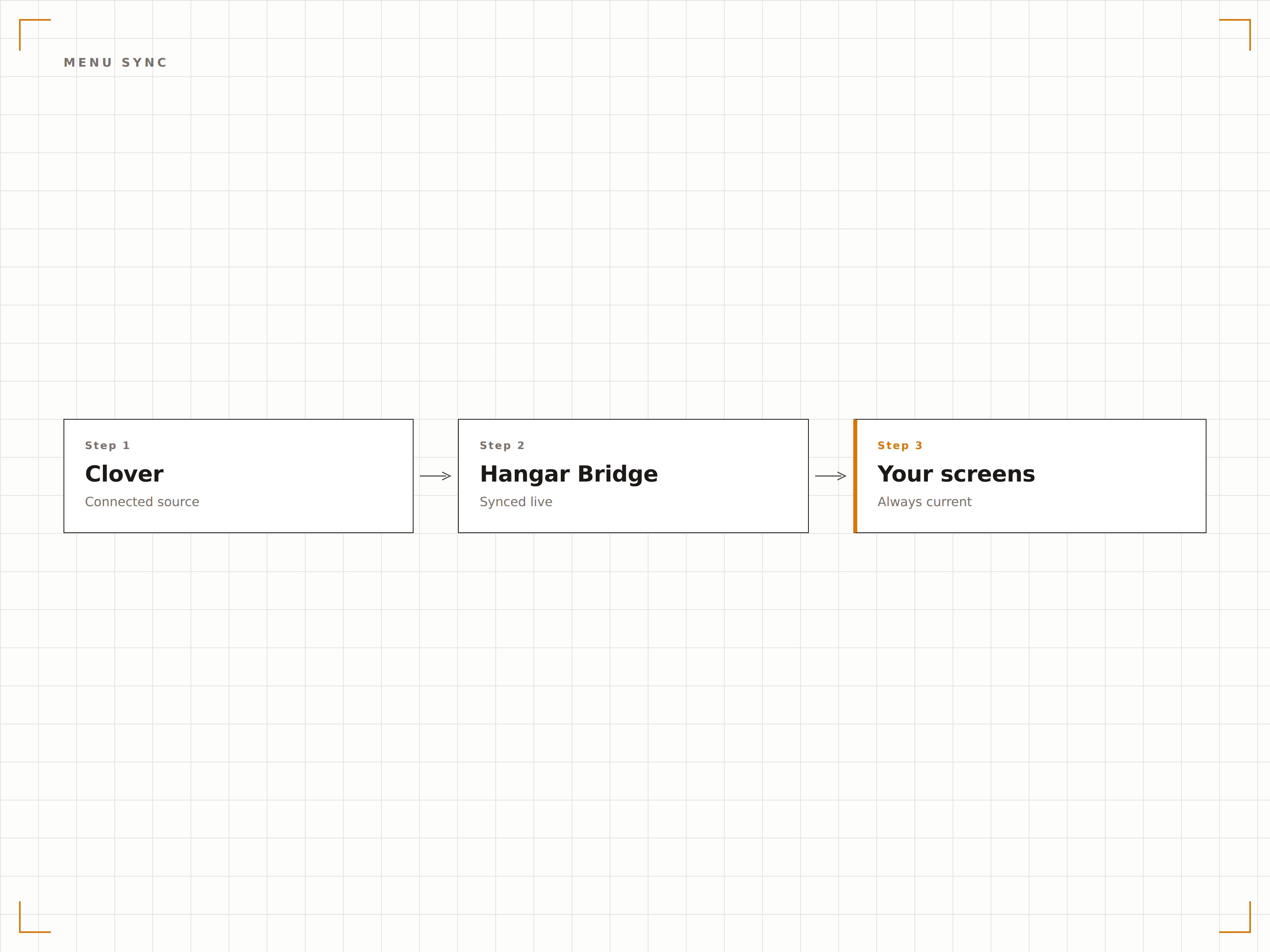
Valorisez depuis le POS
Taguez des articles comme suggestions du jour dans Clover et ils apparaissent automatiquement dans une section mise en avant sur vos menus digitaux. Changez la suggestion chaque jour dans Clover et l'écran se met à jour sans aucune étape supplémentaire. Idéal pour les suggestions tournantes, les articles happy hour et les offres à durée limitée.
Le chef tague la suggestion du jour dans Clover chaque matin, et le menu board la met en avant automatiquement.
Mise en avant des articles spéciaux par tag
Zone dédiée aux suggestions dans les mises en page de menu board
Rotation automatique basée sur les tags d'articles Clover
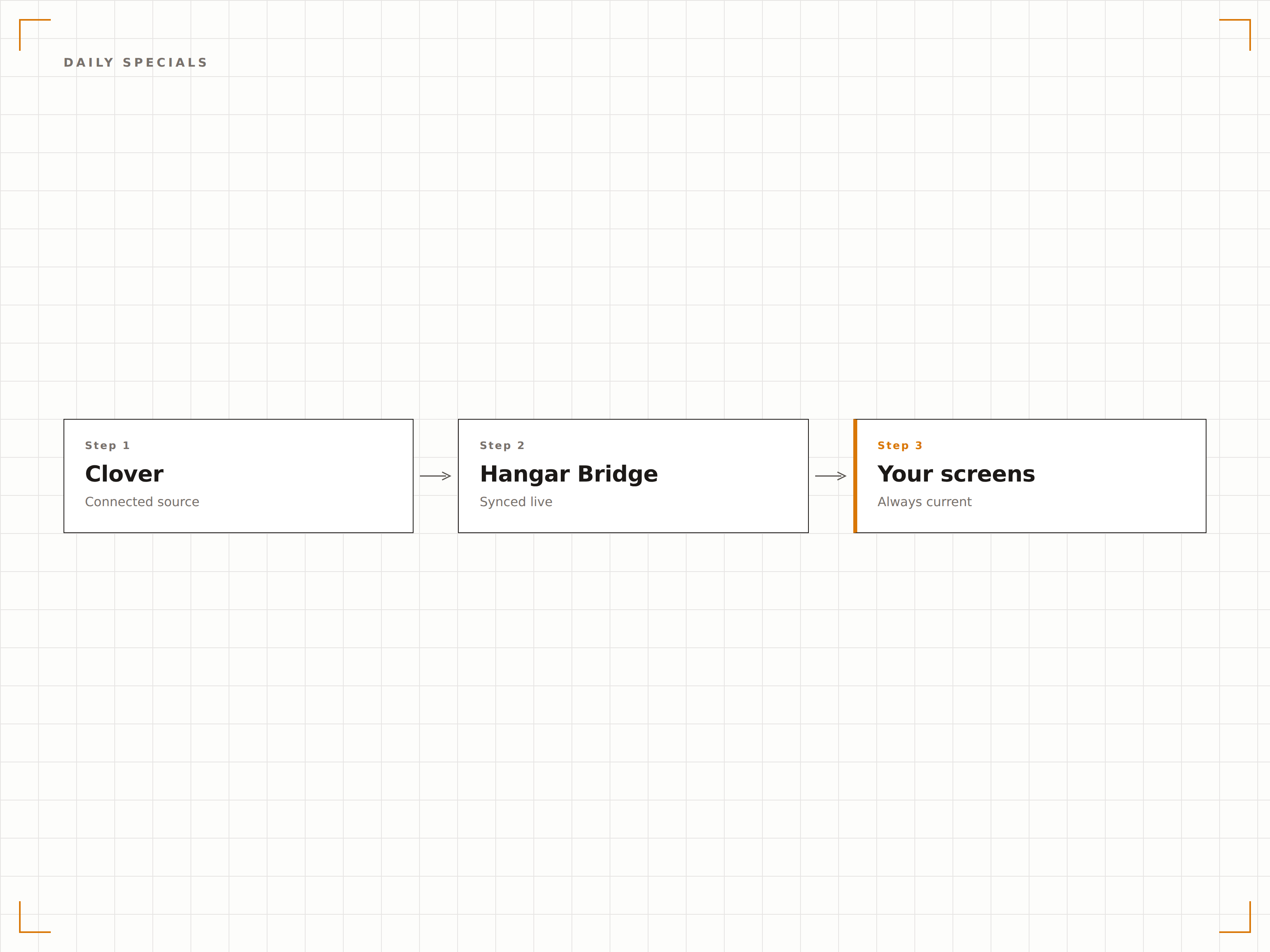
Des menus différents pour chaque canal
Clover prend en charge différents types de commande avec des prix et des articles disponibles variables. L'intégration vous permet d'afficher le menu salle sur les écrans du restaurant, le menu à emporter sur les affichages du comptoir, et le menu livraison sur les écrans orientés vers la vitrine, le tout depuis le même compte Clover.
Nos écrans en salle affichent les prix du service à table, tandis que le comptoir à emporter affiche le menu takeaway.
Filtrage du menu par type de commande
Affichage de prix différencié par type de commande
Affectation des écrans par canal
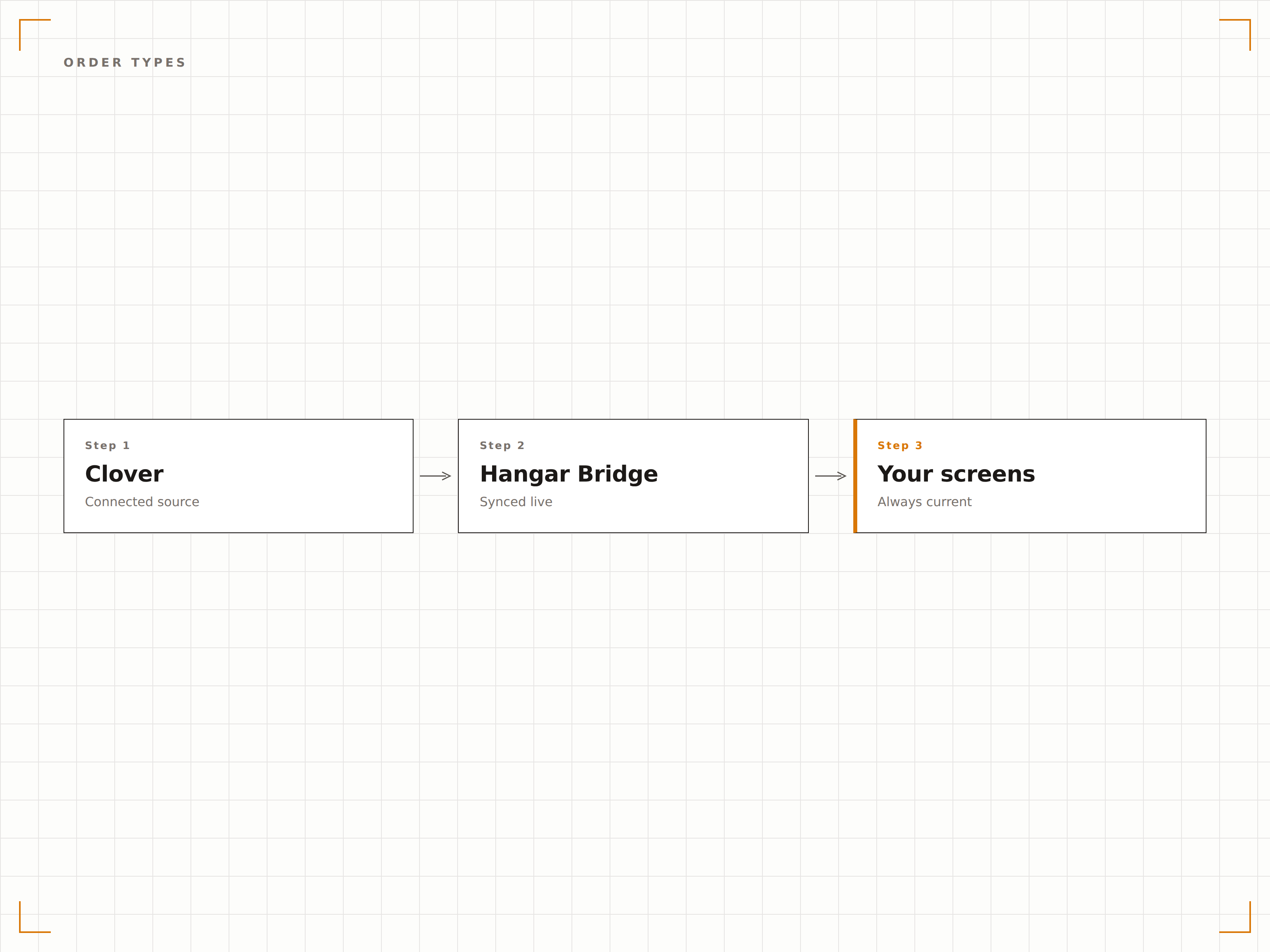
Quatre étapes vers écrans connectés.
De la configuration au contenu en direct en quelques minutes, pas en jours.
Connectez votre compte Clover
Autorisez Hangar.Media via le Clover App Market ou une connexion API directe. Sélectionnez les sites marchands à synchroniser.
Associez les catégories aux zones d'écran
Attribuez les catégories d'articles Clover aux zones de mise en page de vos modèles de menu board. Définissez l'ordre d'affichage et la mise en forme.
Configurez les règles pour les articles spéciaux
Définissez quels tags ou libellés Clover déclenchent une mise en avant sur vos menu boards pour les suggestions du jour et les promotions.
Activez la synchronisation
Activez la connexion en direct et vos écrans commencent à afficher les données Clover. Toutes les modifications futures du POS se propagent automatiquement sur les écrans.
Conçu pour chaque secteur.
Découvrez comment différents secteurs utilisent cette intégration pour obtenir des résultats.
Affichages pour restaurants en service rapide
Les chaînes QSR utilisant Clover synchronisent leur menu sur des affichages dynamiques en hauteur avec des prix en temps réel, des menus combinés et la disponibilité des articles, garantissant que les clients voient toujours les options actuelles.
Commerce de DétailAffichages de produits pour commerces de proximité
Les commerçants indépendants utilisant Clover affichent les produits mis en avant et leurs prix sur des écrans en magasin qui se mettent à jour automatiquement lorsque l'inventaire ou les prix changent dans le système POS.
DivertissementMenus de boissons pour bars et pubs
Les bars utilisant Clover affichent une sélection tournante de bières artisanales, des cocktails spéciaux et les tarifs happy hour sur des écrans derrière le bar, se mettant à jour au fil des changements de fûts ou de la rotation des offres.
ÉducationMenu journalier pour cafétérias scolaires
Les cafétérias scolaires utilisant Clover affichent le menu du déjeuner du jour avec les prix et les informations nutritionnelles sur les écrans de la cafétéria, changeant automatiquement chaque jour.
Questions fréquentes. Réponses directes : réponses.
Quels appareils Clover sont compatibles
L'intégration se connecte à la plateforme cloud Clover, et non à un matériel spécifique. Tout compte Clover disposant d'un accès API est compatible, que vous utilisiez des appareils Clover Station, Mini, Flex ou Go.
Puis-je exclure certains articles de l'affichage sur les écrans
Oui. Vous pouvez exclure des articles par catégorie, par tag ou par sélection individuelle. Les articles masqués dans Clover sont automatiquement exclus de l'affichage sur les écrans.
L'intégration prend-elle en charge les groupes de modificateurs Clover
Oui. Les groupes de modificateurs et les ensembles d'options se synchronisent depuis Clover et peuvent être affichés sur des menus interactifs à écran tactile ou présentés sous forme de listes textuelles sur des affichages de menu passifs.
Plusieurs marchands Clover peuvent-ils se connecter à un seul compte Hangar.Media
Oui. Les entreprises multi-sites peuvent connecter plusieurs comptes marchands Clover, chacun alimentant son propre ensemble d'écrans. Tous les sites sont gérés depuis un seul tableau de bord Hangar.Media.
Un seul tarif. La plateforme complète.
C'est ainsi que nous pensons que l'affichage dynamique devrait fonctionner. Éditeur de contenu, gestion des écrans et plus de 200 intégrations d'applications — tout inclus dès le premier jour.
14 jours gratuits, jusqu'à 3 écrans — sans carte bancaire.