Google Slides sur chaque écran.
Diffusez vos présentations Google Slides sur vos écrans d'affichage dynamique avec défilement automatique des diapositives, synchronisation cloud et rendu visuel parfait.
Des présentations qui se mettent à jour d'elles-mêmes
Google Slides est l'outil de présentation collaboratif utilisé par des millions d'équipes. Hangar.Media affiche les présentations Slides sur des écrans d'affichage dynamique avec transitions automatiques et synchronisation en direct. Modifiez la présentation depuis n'importe quel appareil et l'écran d'affichage dynamique prend en compte les modifications en quelques minutes. Plusieurs membres de l'équipe peuvent mettre à jour le contenu simultanément, et l'écran reflète chaque changement.
Ce que vous pouvez faire avec chaque écran.
Trois fonctionnalités qui rendent cette intégration indispensable pour votre réseau d'affichage dynamique.
Modifiez partout, affichez sur tous vos écrans
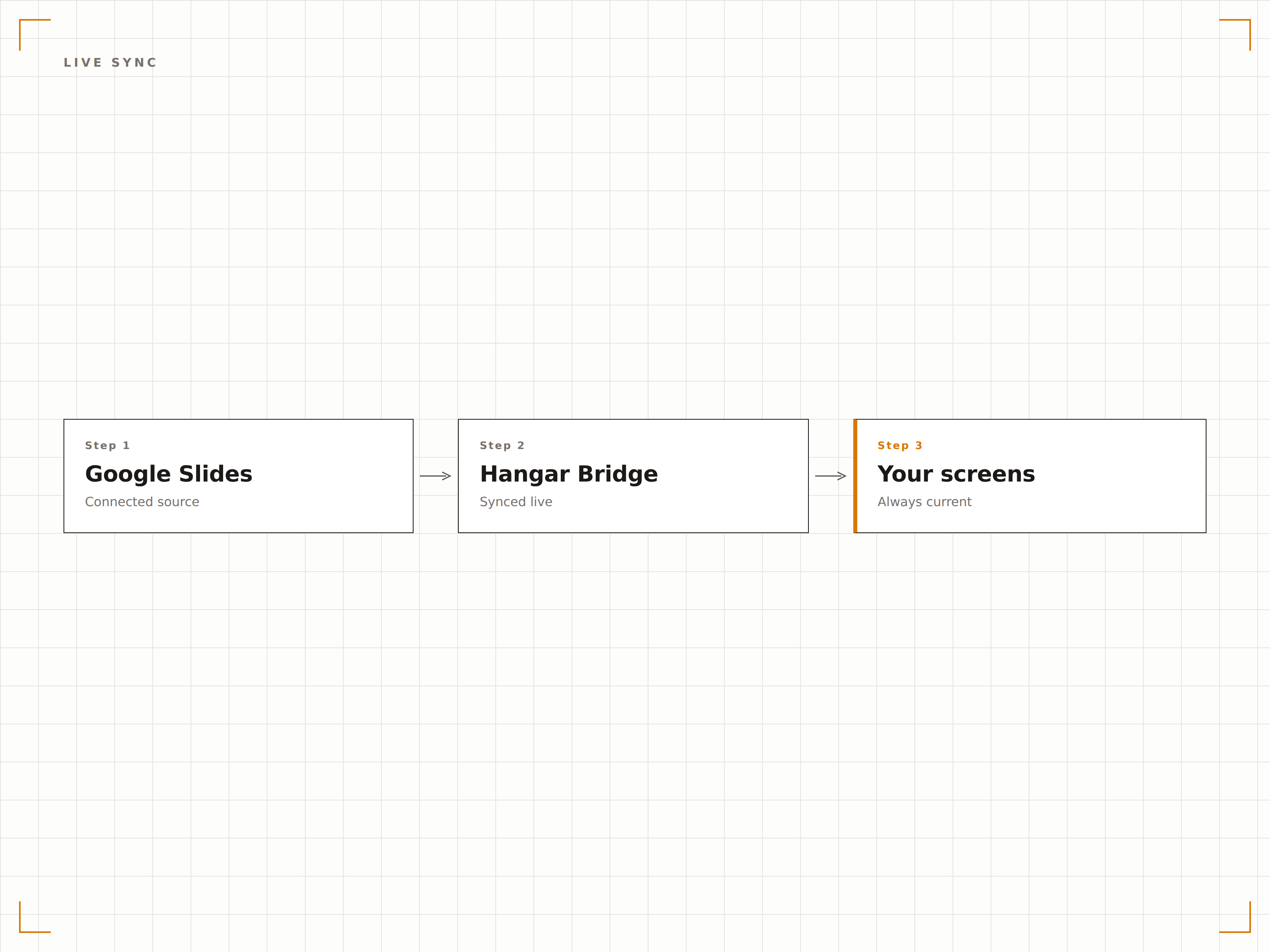
Google Slides est conçu pour la collaboration. Plusieurs éditeurs peuvent mettre à jour la présentation depuis leur navigateur ou leur téléphone, et l'écran d'affichage dynamique synchronise automatiquement la dernière version. Aucun téléchargement de fichier, aucune actualisation manuelle.
Modifiez depuis votre téléphone, voyez le résultat sur l'écran mural.
Édition collaborative reflétée à l'écran
Aucun téléchargement ou rafraîchissement manuel requis
Les modifications se synchronisent en quelques minutes
Transitions automatiques entre diapositives
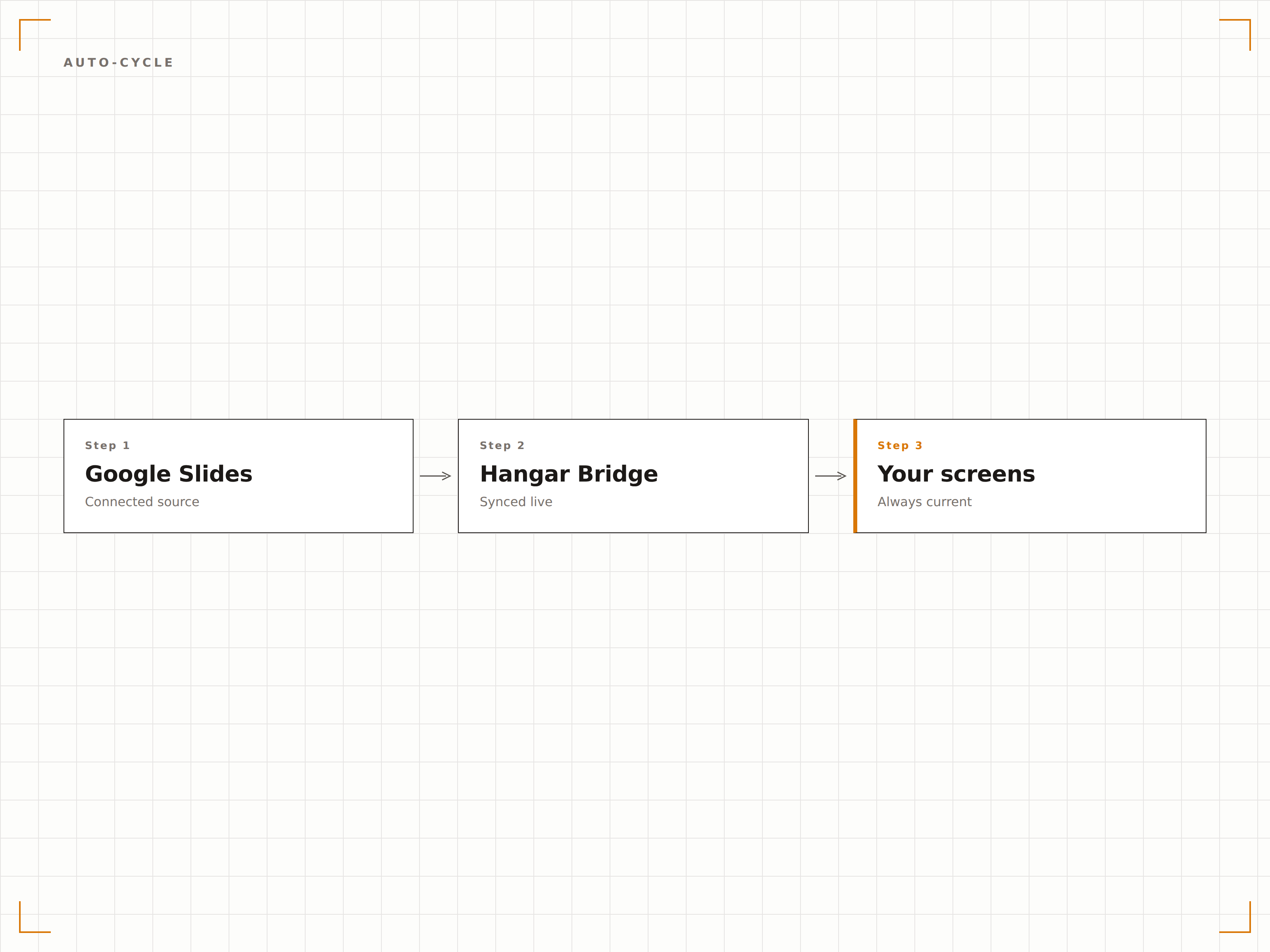
Les présentations défilent automatiquement à l'intervalle de votre choix. Optez pour 10 secondes pour une rotation rapide ou 60 secondes pour des diapositives détaillées. Les transitions sont fluides et la présentation tourne en boucle en continu.
Des diapositives qui se présentent d'elles-mêmes, toute la journée, tous les jours.
Durée d'affichage ajustable par diapositive
Effets de transition fluides
Lecture en boucle continue
Configuration simple par lien de partage
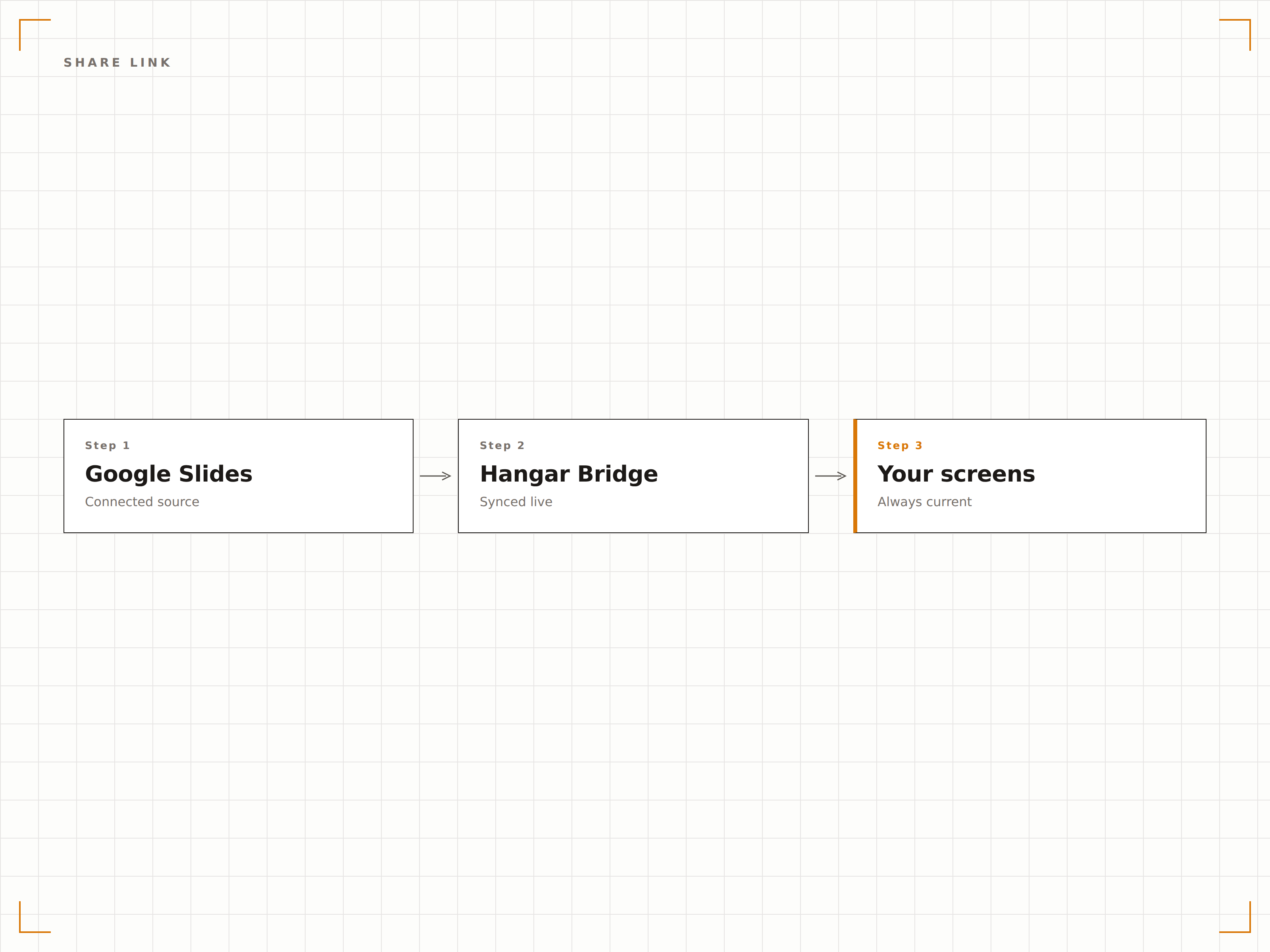
Copiez le lien de partage depuis Google Slides et collez-le dans Hangar.Media. Si la présentation est partagée en accès « toute personne disposant du lien peut consulter », aucune configuration d'API n'est nécessaire. La présentation s'affiche à l'écran en moins d'une minute.
Copiez le lien, collez-le, affichez. C'est tout.
Intégration par lien de partage
Aucune configuration d'API Google requise
En ligne en moins de 60 secondes
Quatre étapes vers écrans connectés.
De la configuration au contenu en direct en quelques minutes, pas en jours.
Partager la présentation
Dans Google Slides, configurez le partage en accès « toute personne disposant du lien peut consulter » et copiez l'URL de partage.
Ajouter à Hangar.Media
Collez l'URL Google Slides dans le gestionnaire de contenu Hangar.Media.
Configurer la lecture
Définissez les intervalles de transition entre diapositives, les paramètres de boucle et la mise à l'échelle de l'affichage pour vos écrans cibles.
Publier
Assignez à vos écrans et la présentation Google Slides commence à jouer automatiquement.
Conçu pour chaque secteur.
Découvrez comment différents secteurs utilisent cette intégration pour obtenir des résultats.
Diaporama d'accueil en lobby
Affichez une présentation institutionnelle dans le hall d'accueil, mettant en avant l'aperçu de l'entreprise, ses réalisations et les informations sur les équipes, à destination des visiteurs et des invités.
ÉducationDiapositives d'information étudiante
Diffusez des présentations d'information étudiante sur les écrans des espaces communs, avec les événements du campus, les échéances et les annonces que le personnel peut mettre à jour de manière collaborative.
CommerceFormation et intégration
Affichez des diapositives de formation produit et des présentations d'intégration sur les écrans en arrière-boutique pour la formation continue et la consultation du personnel.
SantéDiapositives d'éducation des patients
Diffusez des présentations d'éducation à la santé dans les salles d'attente, avec des informations que le personnel clinique peut mettre à jour de manière collaborative via Google Slides.
Questions fréquentes. Réponses directes : réponses.
Ai-je besoin d'un compte Google Workspace ?
Non. Google Slides est gratuit avec n'importe quel compte Google. Configurez votre présentation en accès « toute personne disposant du lien peut consulter », puis collez le lien dans Hangar.Media. Les comptes Google Workspace sont également compatibles, avec des options de partage avancées.
Plusieurs personnes peuvent-elles modifier la présentation et voir les changements à l'écran ?
Oui. Google Slides prend en charge l'édition collaborative en temps réel. Toutes les modifications apportées par n'importe quel éditeur sont synchronisées sur l'écran d'affichage dynamique au prochain cycle d'actualisation, généralement en 5 à 15 minutes.
Qu'en est-il des vidéos intégrées dans les diapositives ?
Les vidéos YouTube intégrées et les médias liés dans Google Slides sont pris en charge. Les vidéos se lancent automatiquement lorsque leur diapositive apparaît à l'écran, si la lecture automatique est activée dans les paramètres d'affichage.
Puis-je utiliser Google Slides avec d'autres contenus ?
Oui. Les présentations Google Slides peuvent être ajoutées à n'importe quelle playlist Hangar.Media aux côtés de vidéos, de tableaux de bord, de flux de réseaux sociaux et d'autres types de contenus en rotation.
Un seul tarif. La plateforme complète.
C'est ainsi que nous pensons que l'affichage dynamique devrait fonctionner. Éditeur de contenu, gestion des écrans et plus de 200 intégrations d'applications — tout inclus dès le premier jour.
14 jours gratuits, jusqu'à 3 écrans — sans carte bancaire.