Google Slides su ogni schermo.
Trasmetti presentazioni Google Slides su schermi di segnaletica digitale con scorrimento automatico delle diapositive, sincronizzazione cloud e fedeltà visiva totale.
Presentazioni che si aggiornano da sole
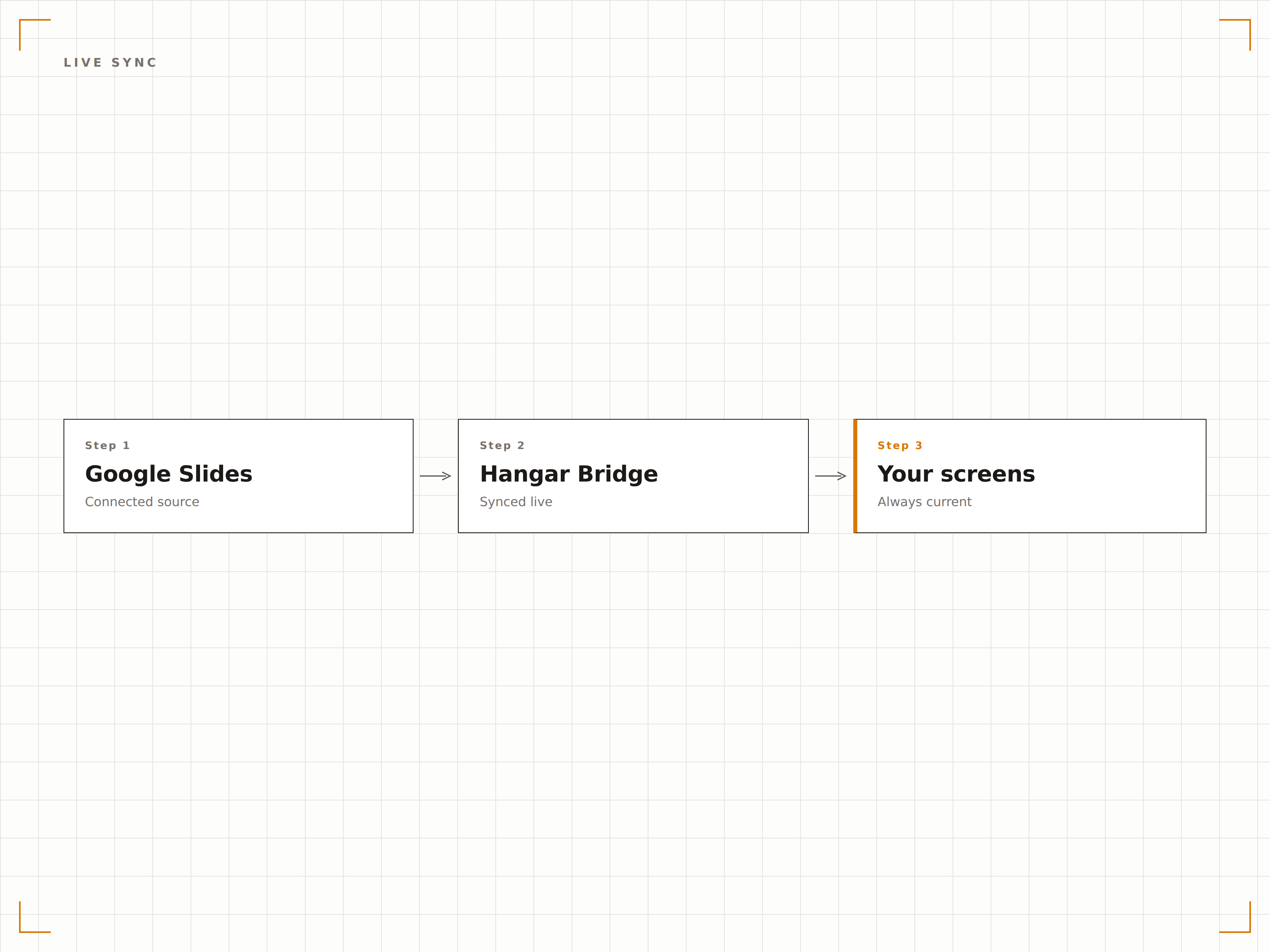
Google Slides è lo strumento di presentazione collaborativo utilizzato da milioni di team. Hangar.Media visualizza le presentazioni Slides su schermi di segnaletica digitale con transizioni automatiche e sincronizzazione live. Modifica la presentazione da qualsiasi dispositivo e lo schermo di segnaletica recepisce le modifiche in pochi minuti. Più membri del team possono aggiornare il documento contemporaneamente e lo schermo riflette ogni cambiamento.
Cosa puoi fare con ogni schermo.
Tre funzionalità che rendono questa integrazione indispensabile per la tua rete di segnaletica digitale.
Modifica ovunque, visualizza dappertutto
Google Slides è collaborativo per natura. Più editor possono aggiornare la presentazione dai loro browser o telefoni, e lo schermo della segnaletica sincronizza automaticamente l'ultima versione. Nessun caricamento di file, nessun aggiornamento manuale.
Modifica dal telefono, visualizza sulla parete.
Modifiche collaborative riflesse sullo schermo
Nessun caricamento manuale di file o aggiornamento necessario
Le modifiche si sincronizzano in pochi minuti
Transizioni automatiche tra diapositive
Le presentazioni scorrono le diapositive automaticamente all'intervallo scelto. Imposta 10 secondi per una rotazione rapida o 60 secondi per diapositive più dettagliate. Le transizioni sono fluide e la presentazione scorre in loop continuo.
Diapositive che si presentano da sole, tutto il giorno, ogni giorno.
Tempo di visualizzazione regolabile per diapositiva
Effetti di transizione fluidi
Riproduzione in loop continuo
Configurazione semplice tramite link
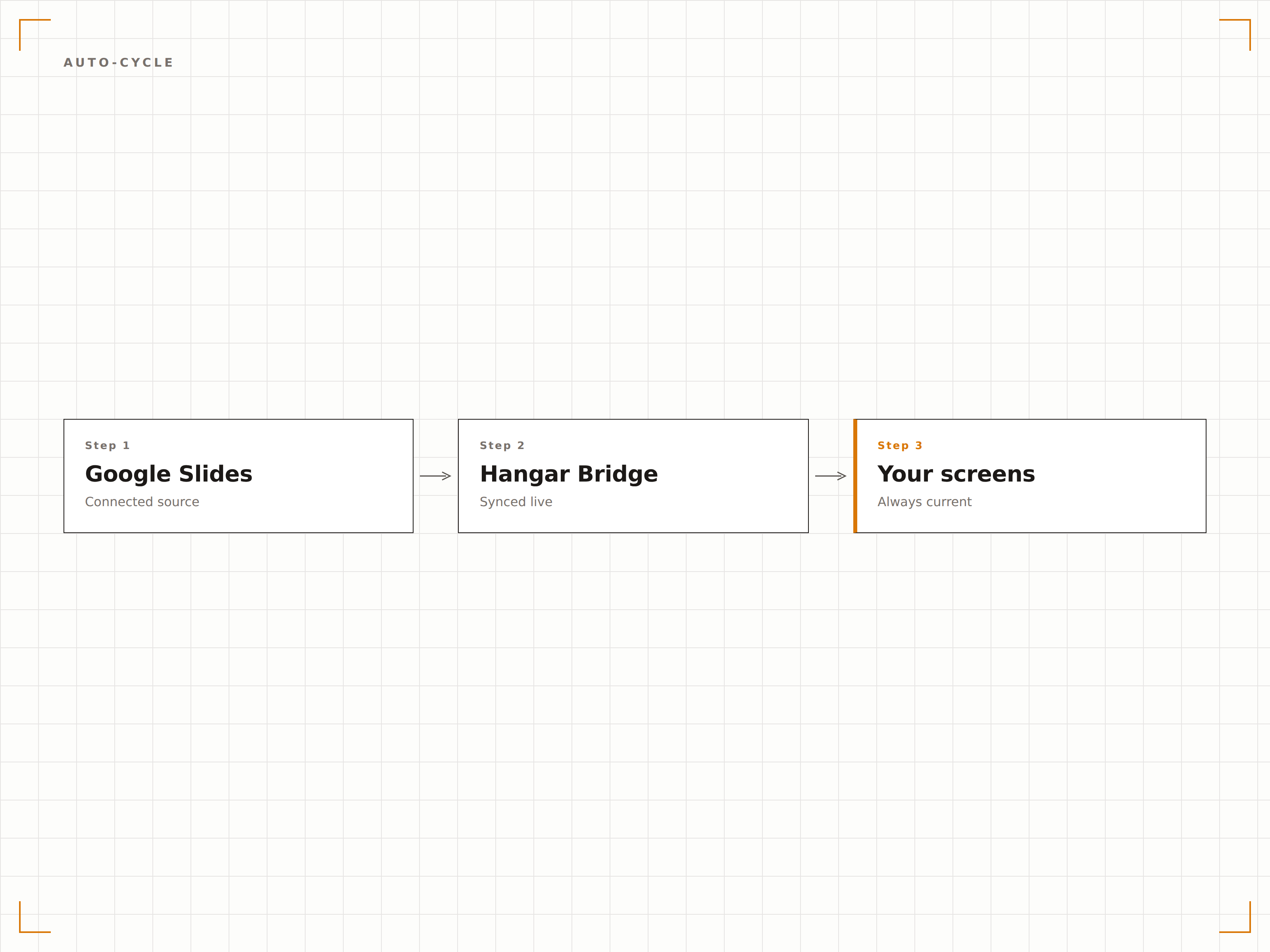
Copia il link di condivisione da Google Slides e incollalo in Hangar.Media. Se la presentazione è condivisa come "chiunque abbia il link può visualizzare", non è necessaria alcuna configurazione API. La presentazione è sullo schermo in meno di un minuto.
Copia il link, incollalo, visualizzalo. Fatto.
Integrazione tramite link di condivisione
Nessuna configurazione Google API richiesta
Operativo in meno di 60 secondi
Quattro passaggi verso schermi connessi.
Dalla configurazione ai contenuti live in minuti, non giorni.
Condividi la presentazione
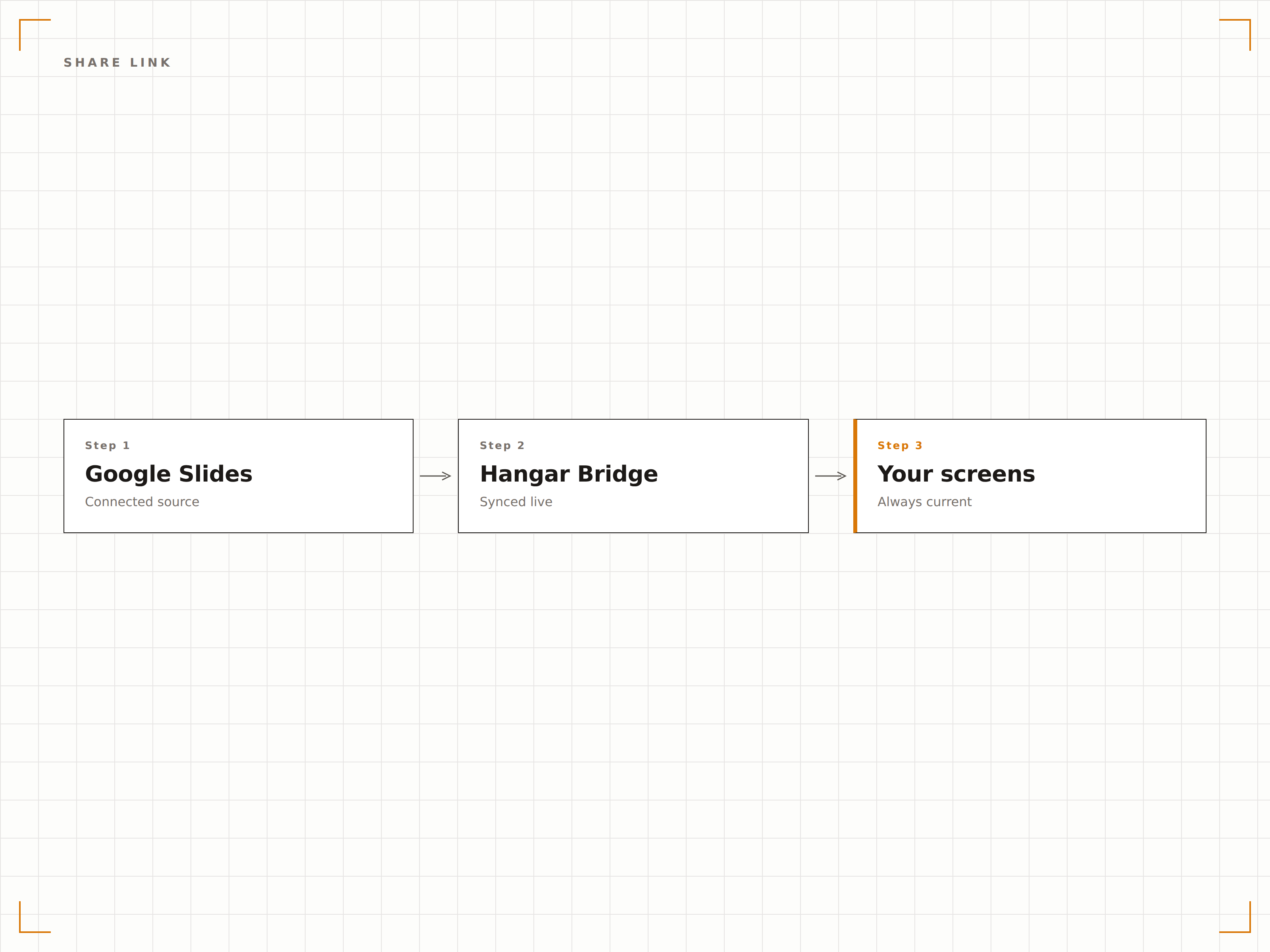
In Google Slides, imposta la condivisione su "chiunque abbia il link può visualizzare" e copia l'URL di condivisione.
Aggiungi a Hangar.Media
Incolla l'URL di Google Slides nel content manager di Hangar.Media.
Configura la riproduzione
Imposta gli intervalli di transizione tra le diapositive, le impostazioni di loop e il ridimensionamento del display per gli schermi di destinazione.
Pubblica
Assegna agli schermi e la presentazione Google Slides inizia a essere riprodotta automaticamente.
Costruito per ogni settore.
Scopri come diversi settori utilizzano questa integrazione per ottenere risultati concreti.
Deck di benvenuto in reception
Mostra una presentazione aziendale brandizzata nella reception con panoramica dell'azienda, traguardi raggiunti e informazioni sul team per visitatori e ospiti.
IstruzioneDiapositive informative per studenti
Mostra presentazioni informative sugli schermi nelle aree comuni con eventi del campus, scadenze e comunicazioni che il personale può aggiornare in modo collaborativo.
RetailFormazione e onboarding
Mostra diapositive di formazione sui prodotti e presentazioni di onboarding sugli schermi nelle aree di servizio per la formazione continua e la consultazione del personale.
SanitàDiapositive per l'educazione dei pazienti
Mostra presentazioni di educazione sanitaria nelle sale d'attesa con informazioni che il personale clinico può aggiornare in modo collaborativo tramite Google Slides.
Domande frequenti. Risposte dirette risposte.
Ho bisogno di un account Google Workspace?
No. Google Slides è gratuito con qualsiasi account Google. Imposta la presentazione su "chiunque abbia il link può visualizzare" e incolla il link in Hangar.Media. Anche gli account Google Workspace funzionano, con controlli di condivisione aggiuntivi.
Più persone possono modificare la presentazione e vedere le modifiche sullo schermo?
Sì. Google Slides supporta la modifica collaborativa in tempo reale. Tutte le modifiche apportate da qualsiasi editor vengono sincronizzate sullo schermo della segnaletica al successivo ciclo di aggiornamento, in genere entro 5-15 minuti.
E i video incorporati nelle diapositive?
I video YouTube incorporati e i contenuti multimediali collegati in Google Slides sono supportati. I video vengono riprodotti automaticamente quando la diapositiva corrispondente appare sullo schermo, se la riproduzione automatica è abilitata nelle impostazioni del display.
Posso usare Google Slides insieme ad altri contenuti?
Sì. Le presentazioni Google Slides possono essere aggiunte a qualsiasi playlist di Hangar.Media insieme a video, dashboard, feed di social media e altri tipi di contenuto in rotazione.
Un prezzo. L'intera piattaforma.
Così pensiamo che la segnaletica digitale dovrebbe funzionare. Editor di contenuti, gestione degli schermi e oltre 200 integrazioni di app — tutto incluso fin dal primo giorno.
14 giorni gratis, fino a 3 schermi — senza carta.